Buttons
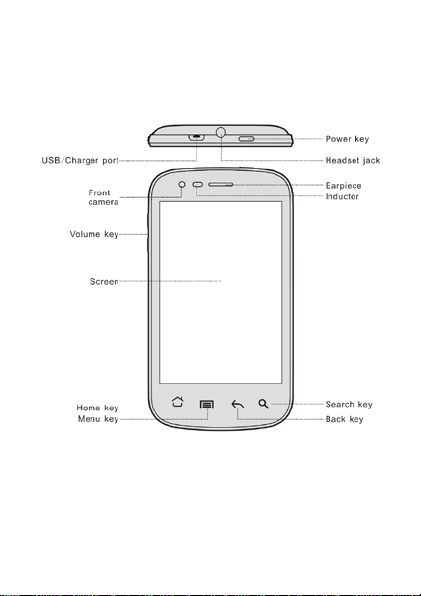
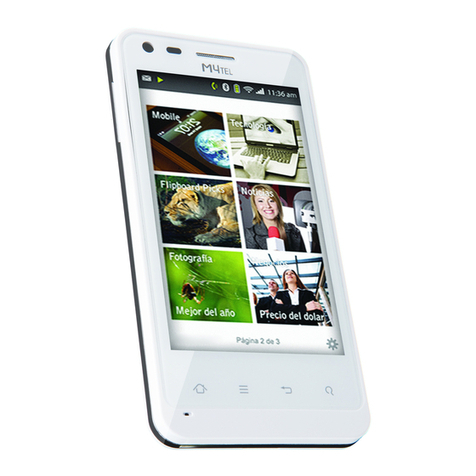
Power key: To power off M4tel SS770, press and hold
power key for a few seconds, then tap the options to
confirm. When M4tel SS770 is on, press the power key
once to activate or deactivate the screen.
Home key ( ): Touch the key to returnto the home
screen. In idle screen, touch and hold the key to view
recently accessed features.
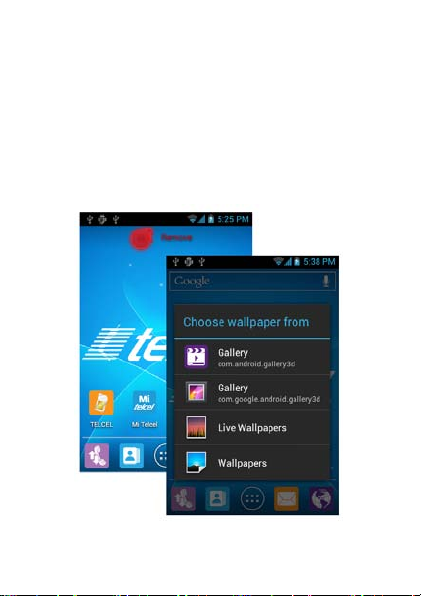
Menu key ( ): In standby mode, touch the key to
set wallpaper, manage apps, have system settings.
Touch it to view menu options.
Back key ( ): Touch to go back to the previous
menu.
Search key ( ): In standby mode, tap to open
Google search to search your phone and the web. In
many applications, it activates a search box to search
within the application.