manuals.online logo
Brands
  1. Home
  2. •
  3. Brands
  4. •
  5. MA
  6. •
  7. Music Mixer
  8. •
  9. MA grandMA2 User manual

MA grandMA2 User manual

Other manuals for grandMA2

3

Other MA Music Mixer manuals

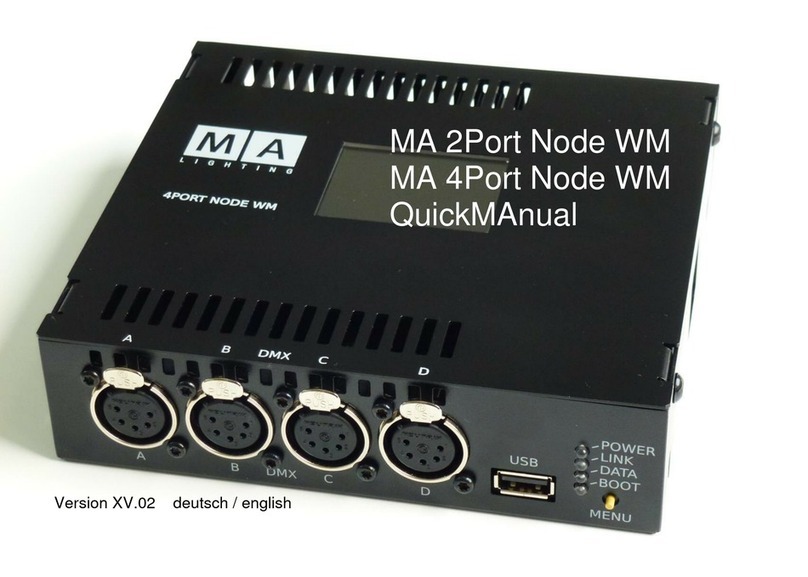
MA 2Port Node WM Installation guide

MA

MA 2Port Node WM Installation guide

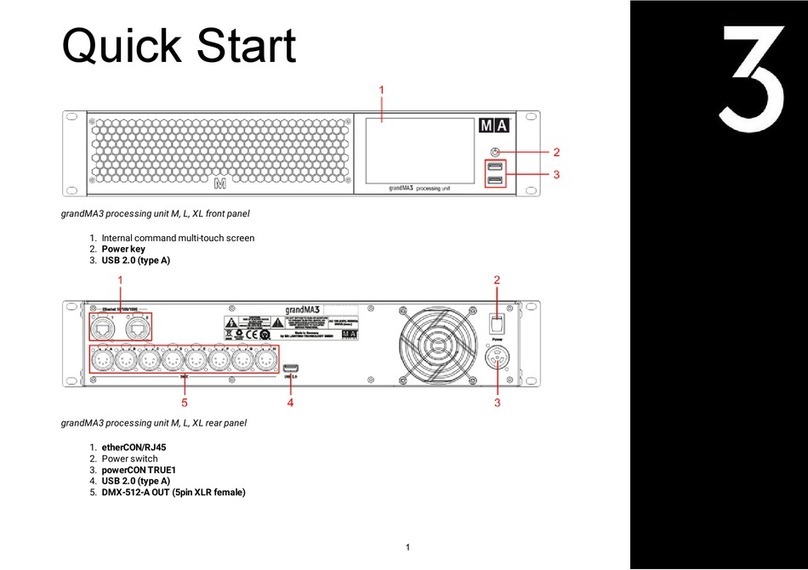
MA grandMA3 Installation guide

MA

MA grandMA3 Installation guide

MA grandMA3 User manual

MA

MA grandMA3 User manual

MA grandMA3 User manual

MA

MA grandMA3 User manual

MA grandMA3 User manual

MA

MA grandMA3 User manual

MA grandMA3 Installation guide

MA

MA grandMA3 Installation guide

MA grandMA3 User manual

MA

MA grandMA3 User manual

MA grandMA3 User manual

MA

MA grandMA3 User manual

MA grandMA3 User manual

MA

MA grandMA3 User manual

MA grandMA3 User manual

MA

MA grandMA3 User manual

Popular Music Mixer manuals by other brands

Denon DN-HC5000 - Serato ITCH Hardware/Software... Service manual

Denon

Denon DN-HC5000 - Serato ITCH Hardware/Software... Service manual

Yamaha WC42260 owner's manual

Yamaha

Yamaha WC42260 owner's manual

Vertiv KMMLED156 Quick installation guide

Vertiv

Vertiv KMMLED156 Quick installation guide

Yamaha EMX3000 user manual

Yamaha

Yamaha EMX3000 user manual

Mackie Onyx Analogue Mixer brochure

Mackie

Mackie Onyx Analogue Mixer brochure

Peavey S-32 Sanctuary Series Operation guide

Peavey

Peavey S-32 Sanctuary Series Operation guide

Rane MP 4 Operator's manual

Rane

Rane MP 4 Operator's manual

True T9 Touchscreen Console owner's manual

True

True T9 Touchscreen Console owner's manual

Studiomaster Air Pro 24 instruction manual

Studiomaster

Studiomaster Air Pro 24 instruction manual

Yamaha MV802 owner's manual

Yamaha

Yamaha MV802 owner's manual

Roland SoundCanvas SC-8820 owner's manual

Roland

Roland SoundCanvas SC-8820 owner's manual

Roland M-160 owner's manual

Roland

Roland M-160 owner's manual

Yamaha MR1642 Operation manual

Yamaha

Yamaha MR1642 Operation manual

Pioneer DJM 909 - Battle Mixer W/Effects operating instructions

Pioneer

Pioneer DJM 909 - Battle Mixer W/Effects operating instructions

Veeder-Root TLS-350 Series System setup manual

Veeder-Root

Veeder-Root TLS-350 Series System setup manual

Alto APM80.QUAD user manual

Alto

Alto APM80.QUAD user manual

Omnitronic PM-211 user manual

Omnitronic

Omnitronic PM-211 user manual

SoundCraft B400 user guide

SoundCraft

SoundCraft B400 user guide

manuals.online logo
manuals.online logoBrands
  • About & Mission
  • Contact us
  • Privacy Policy
  • Terms and Conditions

Copyright 2025 Manuals.Online. All Rights Reserved.

1
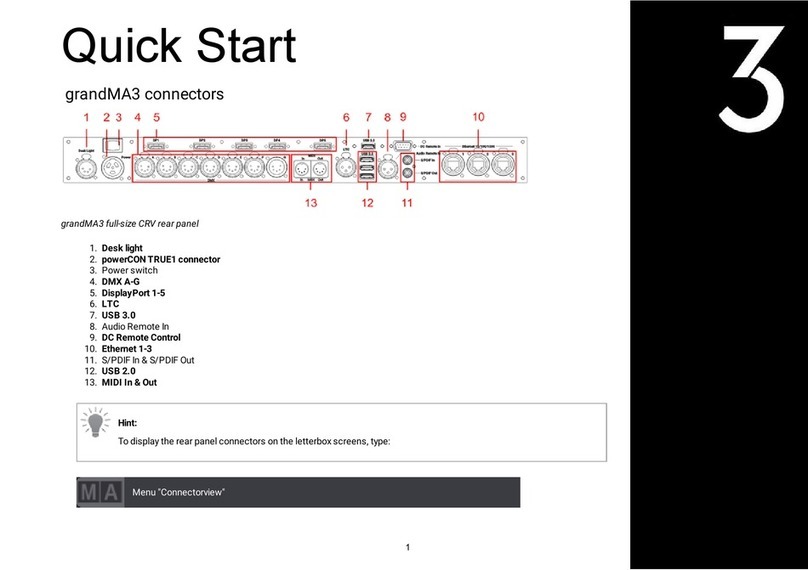
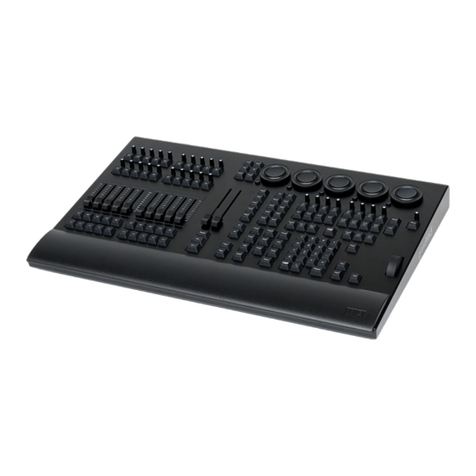
grandMA2 onPC command wing
1. Attribute encoders
2. Grand master
3. Dimmer wheel
4. Command area
5. 100 mm faders
6. Page buttons
1
Quick Start
1
grandMA2 onPC fader wing
1. 45 x fader executor buttons
2. 15 x fader executors
3. 15 x button executors
2
1
Connect and Power Up the Device
1. Unpack the device.
2. Remove the packaging and cushioning material.
3. Place the device indoors on a stable surface.
4. Download the grandMA2 onPC software on www.malighting.com
5. Install the software on your PC or laptop. For minimum requirements see System Requirements grandMA2 in the grandMA2
user manual.
6. Connect the grandMA2 onPC command wing or the grandMA2 onPC fader wing with your PC or laptop using a USB cable.
7. Start the grandMA2 console or grandMA2 onPC.
8. Switch on the grandMA2 onPC command wing or the grandMA2 onPC fader wing:
-Insert IEC connector into the corresponding jack.
-Connect the main power plug.
-Turn on the power switch:
-Set it to position I.
-The power switch lights up in red.
To turn off the grandMA2 onPC command wing set the power switch to position O.
Important:
Show data is only saved in the grandMA2 onPC software.
Important:
You can disconnect the grandMA2 onPC command wing using the grandMA2 onPC software. The DMX output will
then be immediately interrupted.

3
1
Different Possibilities of Combination
Important:
Independent of the devices connected to the grandMA2 onPC command wing, the number of parameters can only
reach a maximum of 4,096.
grandMA2 onPC command wing Connected To Parameters
onPC command wing + PC/laptop 2,048
onPC command wing + PC/laptop + grandMA2 8Port Node 4,096
onPC command wing + PC/laptop + grandMA2 4Port Node 4,096
onPC command wing + PC/laptop + grandMA2 2Port Node 2,560
onPC command wing + PC/laptop + grandMA2 2Port Pro Node 3,072
onPC command wing +
PC/laptop + grandMA2 RPU
PC/laptop + grandMA NSP
PC/laptop + grandMA NPU
4,096
grandMA2 onPC fader wing Connected To Parameters
onPC fader wing + PC/laptop 2,048
onPC fader wing + PC/laptop + grandMA2 onPC command wing 3,072
4
1
Hint:
The combination grandMA2 onPC fader wing and grandMA2 onPC command wing can be connected as follows:
-Connect the grandMA2 onPC fader wing to a grandMA onPC command wing and connect the grandMA2 onPC fader
wing to a PC or laptop;
-Connect the grandMA2 fader wing to a PC or laptop and connect a grandMA2 command wing to the same PC or
laptop.
5