2
Contents
1. Introduction ...................................................................................................................................3
2. Feature Overview .......................................................................................................................4
Controls and Indicators............................................................................................................4
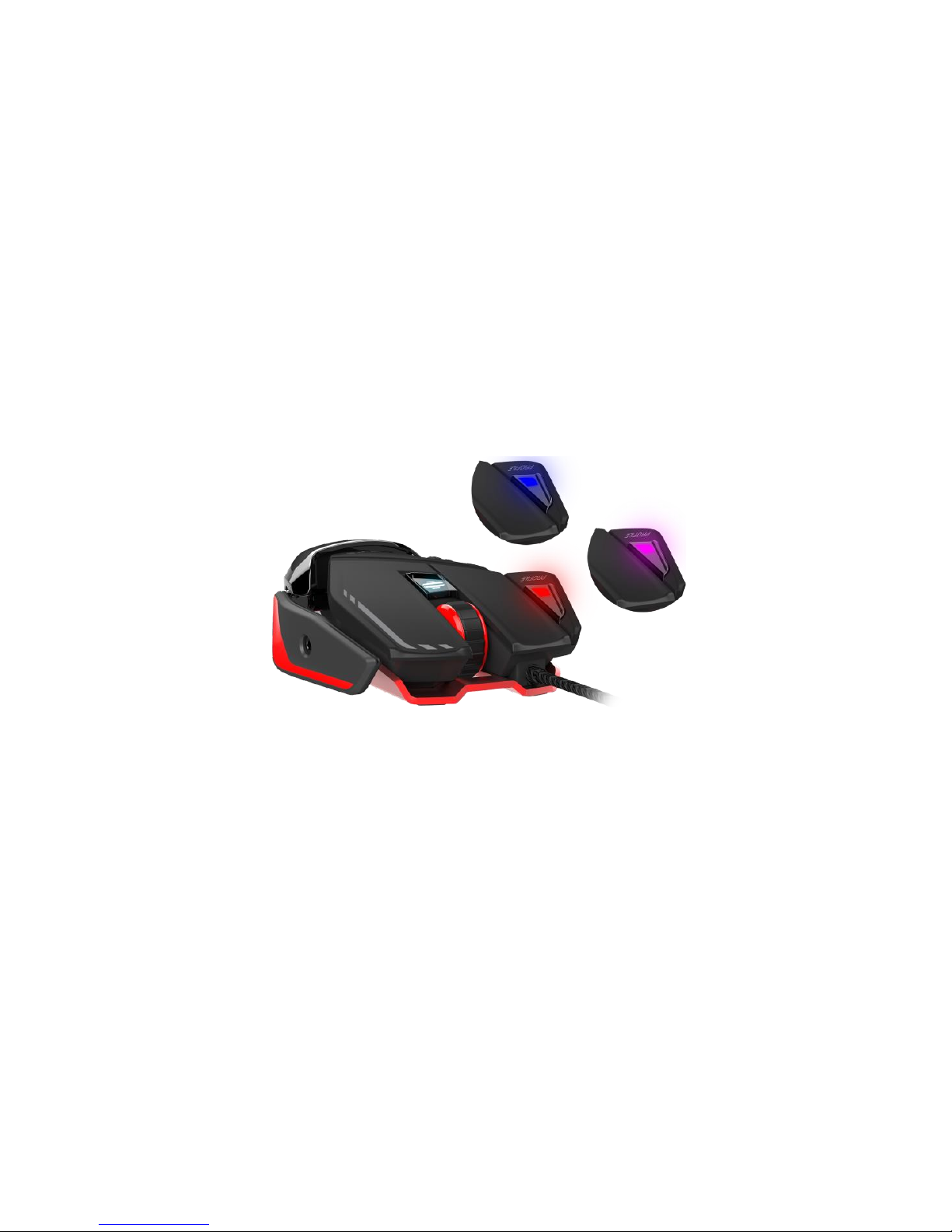
What is a profile, and how does the on-board memory work? ..........................5
Precision Aim ..................................................................................................................................6
How does D.P.I. Adjustment work? ..................................................................................6
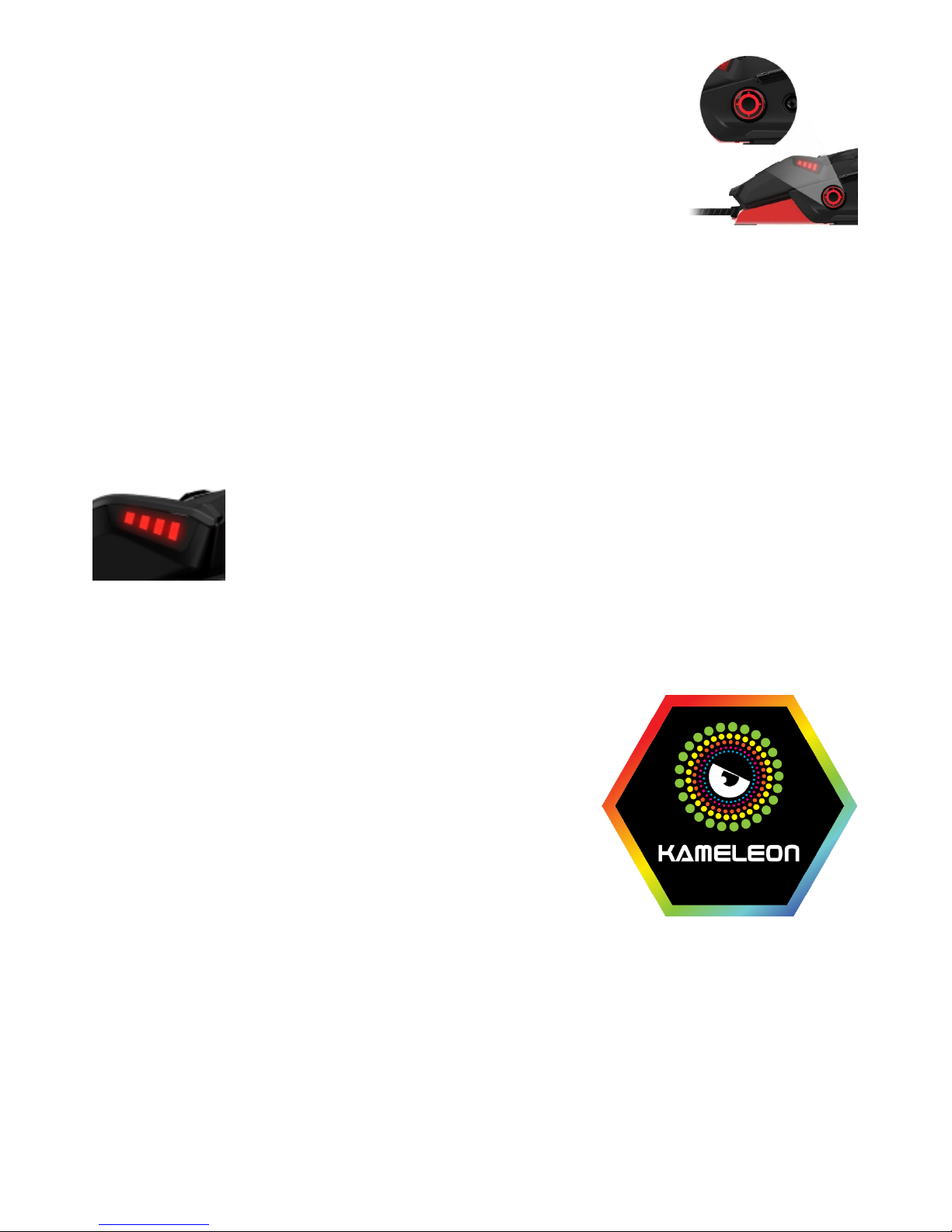
Kameleon RGB Lighting............................................................................................................6
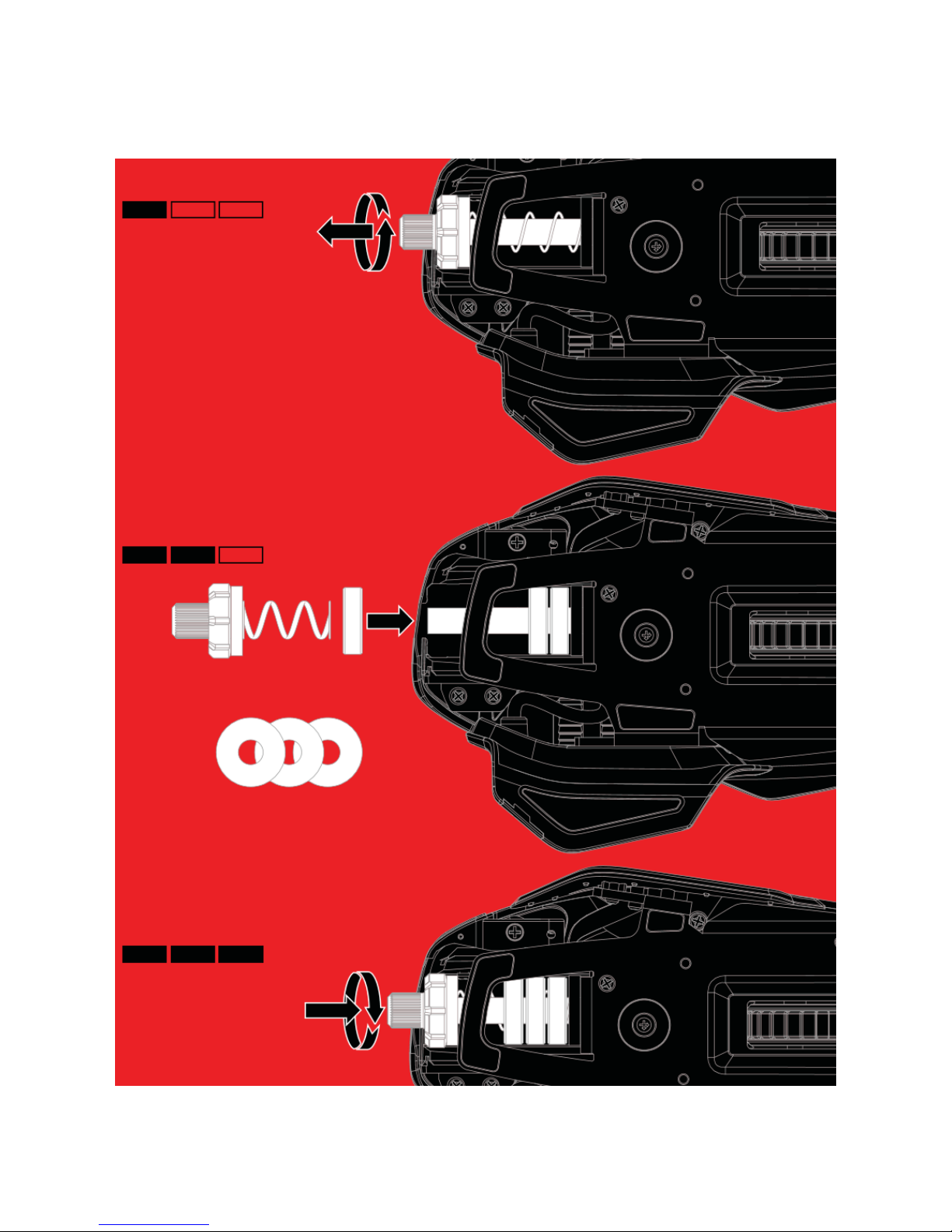
Dynamic Ergonomics.................................................................................................................7
3. First-Time Setup and Software Installation ................................................................9
Connecting the RAT and configuring Windows..........................................................9
Driver and Software Installation..........................................................................................9
4. Mad Catz RAT6FLUXTM Software for Windows.....................................................10
FLUX Programming Overview............................................................................................12
Quick Programming of the Mad Catz Default Profile ...........................................13
Profile Management.................................................................................................................16
Create your own Profile..........................................................................................................17
Custom Command Creation...............................................................................................21
Create a Simple Custom Command ..............................................................................23
Create a Complex Custom Command ..........................................................................24
Using the System Tray Icon .................................................................................................26
FLUX Settings Overview........................................................................................................27
D.P.I. Response ..........................................................................................................................28
D.P.I. Switch..................................................................................................................................29
D.P.I. Multiplier ............................................................................................................................30
Precision Aim ................................................................................................................................31
Poll Rate...........................................................................................................................................32
Angle Snap......................................................................................................................................33
Lift-Off Height................................................................................................................................34
Indicator Brightness ................................................................................................................35
FLUX Kameleon Overview.....................................................................................................36
Configuring the Kameleon Lighting Zones ..................................................................37
Cloud Storage Backup............................................................................................................38
5. Product Questions..................................................................................................................40