EnglishDeutsch
 logo
Brands
  1. Home
  2. •
  3. Brands
  4. •
  5. MAHLE
  6. •
  7. Industrial Equipment
  8. •
  9. MAHLE ArcticPro 200yf Installation guide

MAHLE ArcticPro 200yf Installation guide

Other MAHLE Industrial Equipment manuals

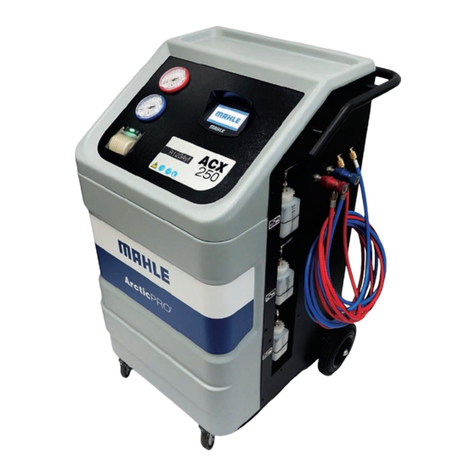
MAHLE ACX150 User manual

MAHLE

MAHLE ACX150 User manual

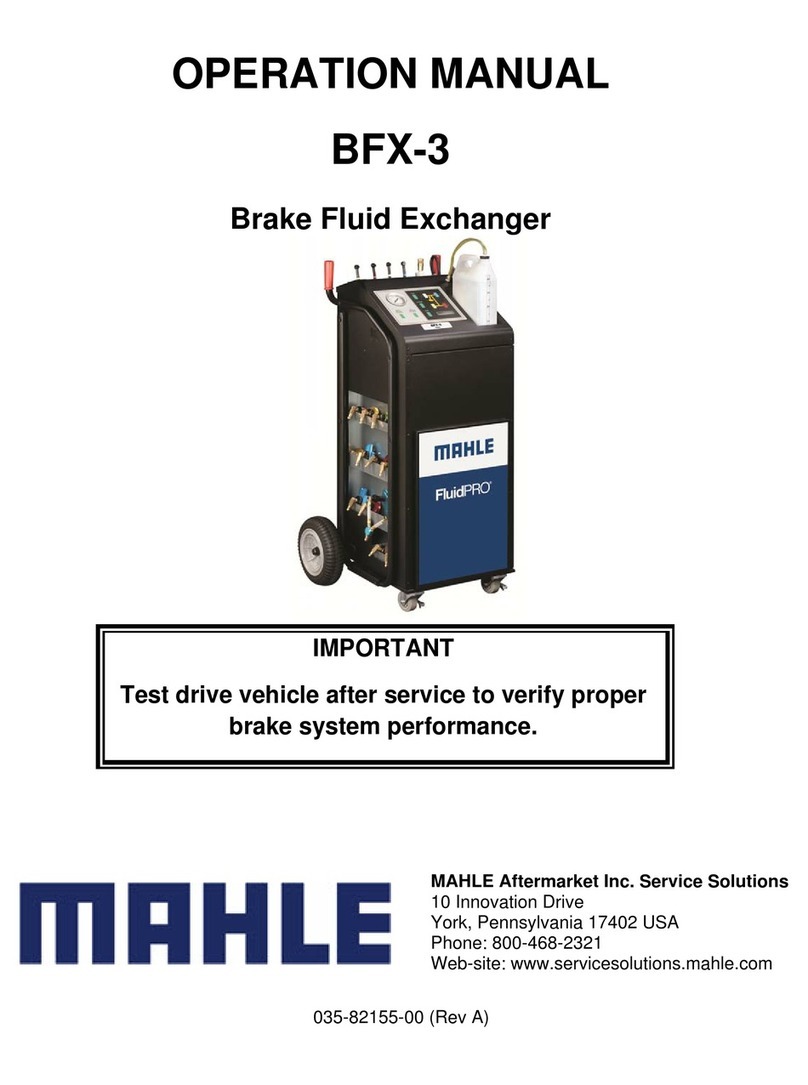
MAHLE BFX-3 User manual

MAHLE

MAHLE BFX-3 User manual

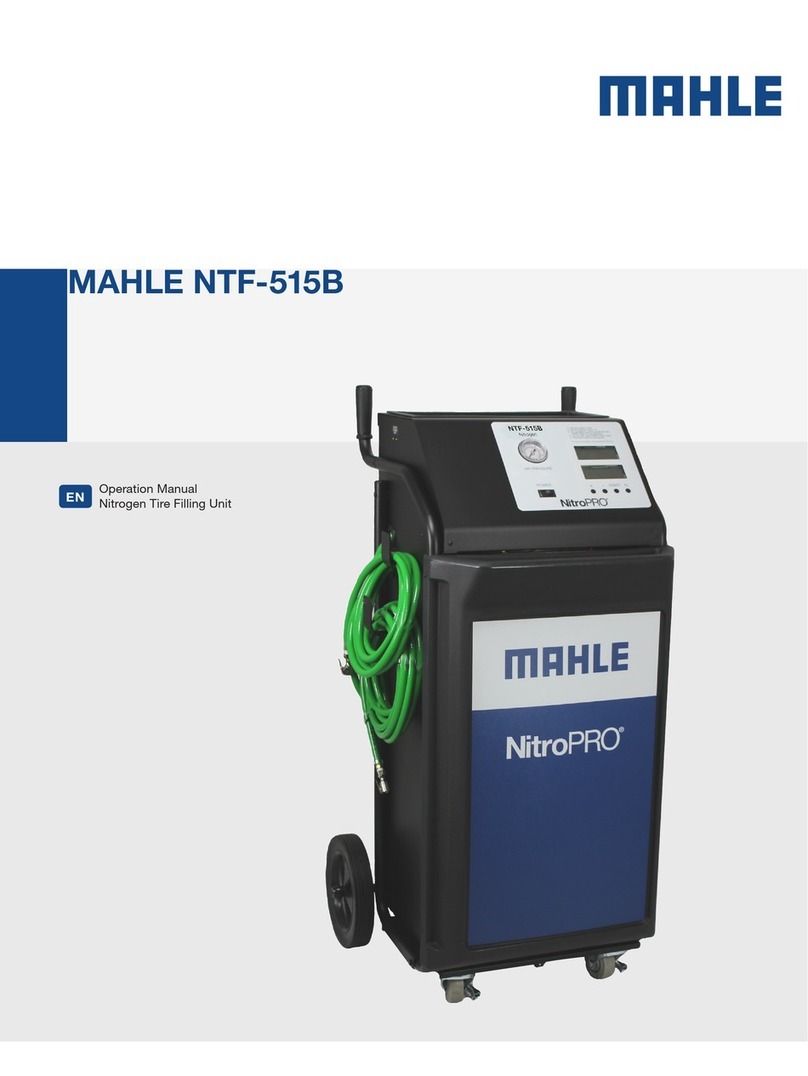
MAHLE NitroPRO NTF-515B User manual

MAHLE

MAHLE NitroPRO NTF-515B User manual

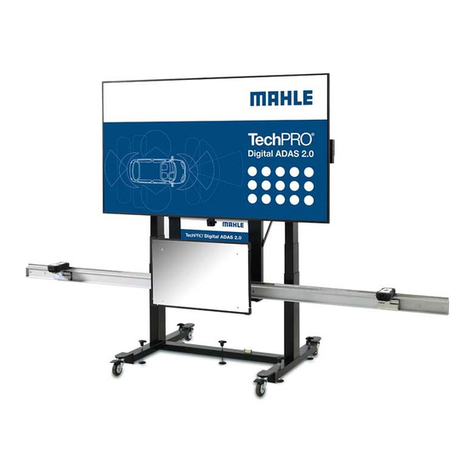
MAHLE Digital ADAS 2.0 User manual

MAHLE

MAHLE Digital ADAS 2.0 User manual

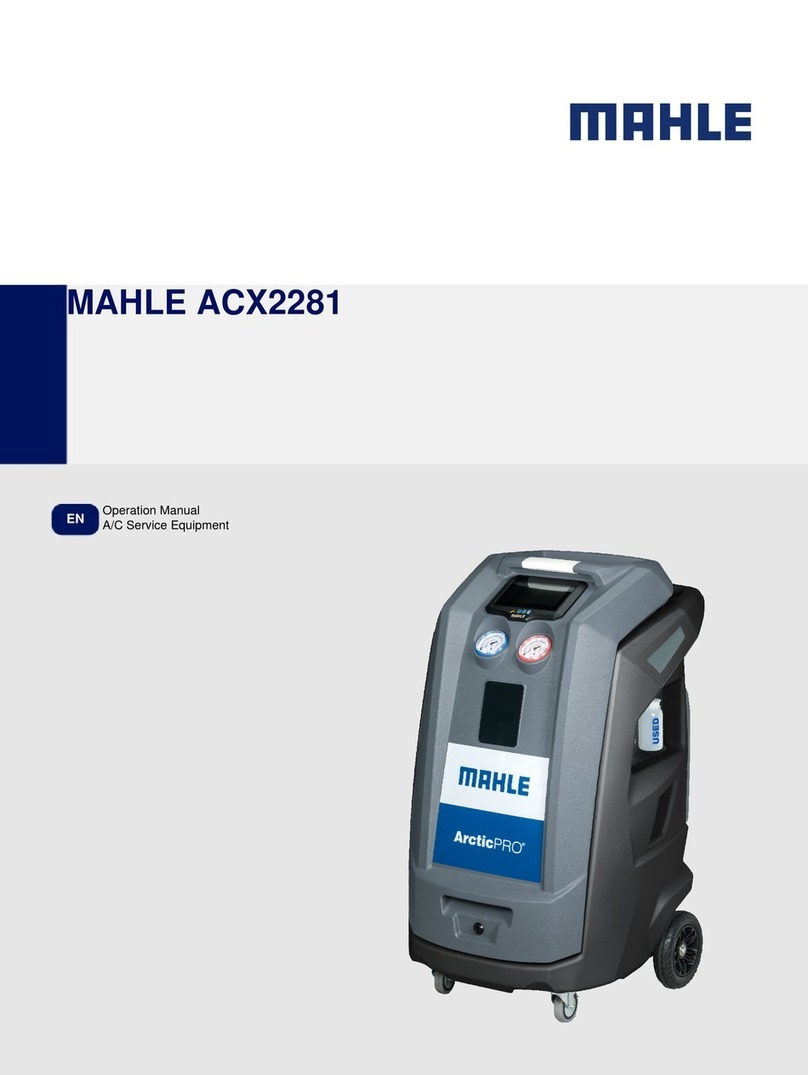
MAHLE ACX2281 User manual

MAHLE

MAHLE ACX2281 User manual

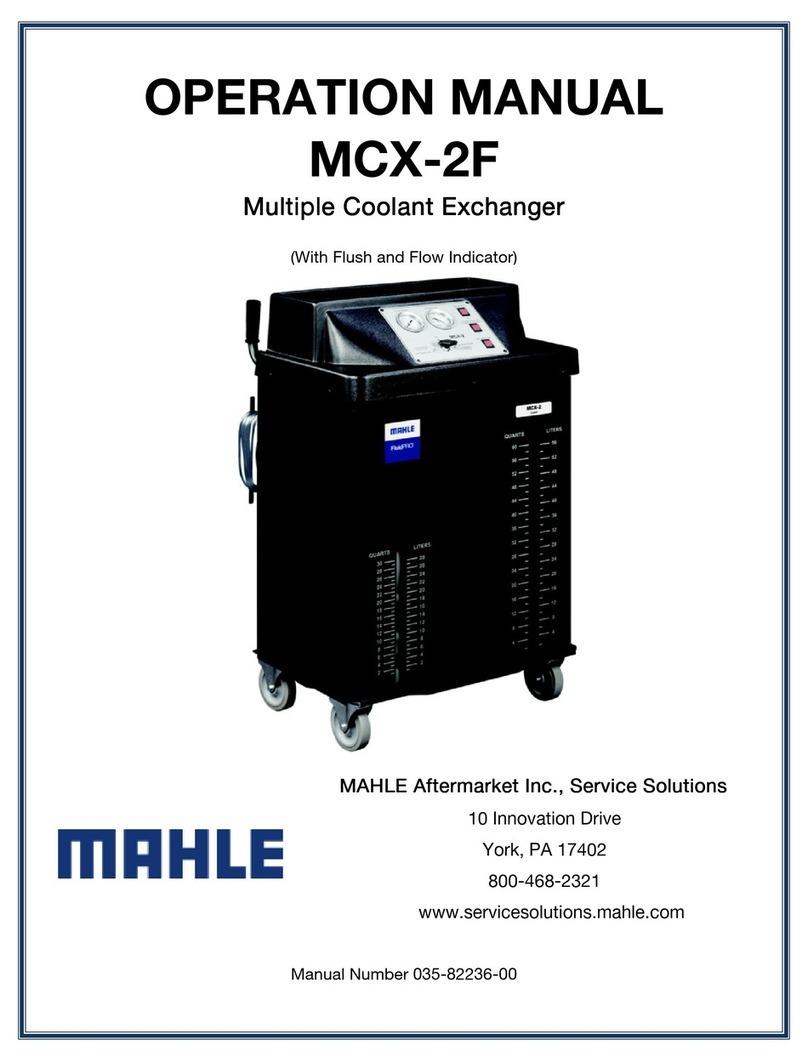
MAHLE MCX-2 User manual

MAHLE

MAHLE MCX-2 User manual

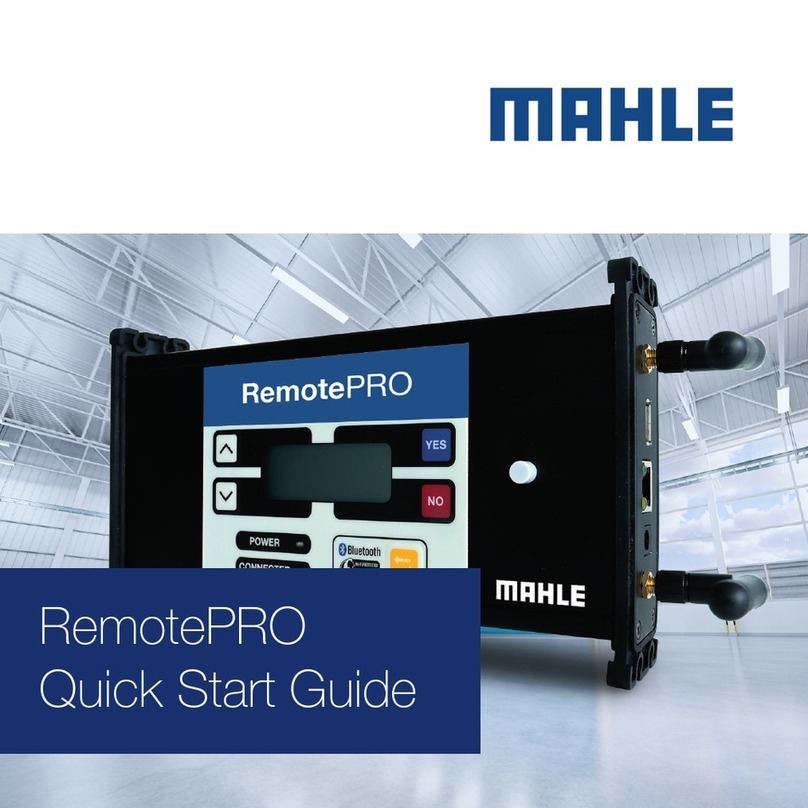
MAHLE RemotePRO User manual

MAHLE

MAHLE RemotePRO User manual

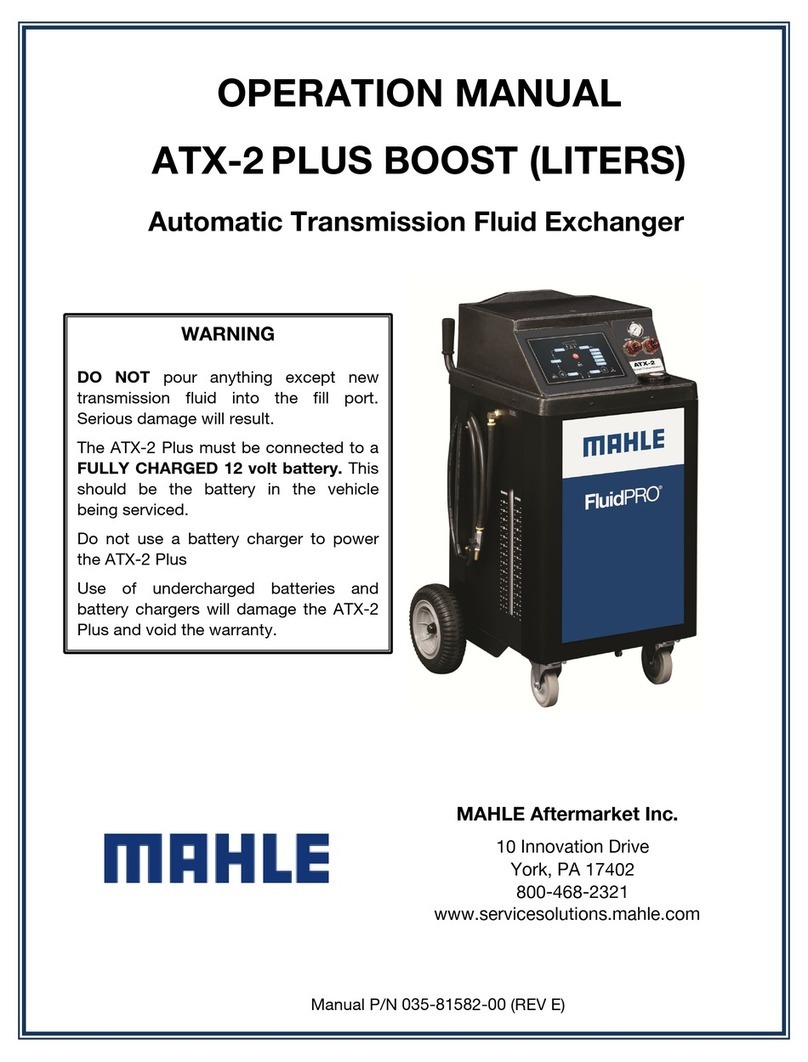
MAHLE ATX-2 PLUS BOOST User manual

MAHLE

MAHLE ATX-2 PLUS BOOST User manual

Popular Industrial Equipment manuals by other brands

ABB Unifix AD Instruction handbook

ABB

ABB Unifix AD Instruction handbook

Mark 7 Evolution user manual

Mark 7

Mark 7 Evolution user manual

Husky HyPET Original instructions

Husky

Husky HyPET Original instructions

bora PM-1800 user manual

bora

bora PM-1800 user manual

Grizzly T32428 owner's manual

Grizzly

Grizzly T32428 owner's manual

Siemens 8MF1 Series operating instructions

Siemens

Siemens 8MF1 Series operating instructions

ABB HT610965 Operation manual

ABB

ABB HT610965 Operation manual

ABB SafeLink Installation and operating instructions

ABB

ABB SafeLink Installation and operating instructions

Phoenix PHX-150 user guide

Phoenix

Phoenix PHX-150 user guide

ABB A165-L32 Operation manual

ABB

ABB A165-L32 Operation manual

ABB HT842936 Operation manual

ABB

ABB HT842936 Operation manual

Hermetica 10 Series user manual

Hermetica

Hermetica 10 Series user manual

HORNER OEE Solution manual

HORNER

HORNER OEE Solution manual

Hammerhead HG375 parts manual

Hammerhead

Hammerhead HG375 parts manual

SCHUNK VERO-S NSE-A3 138 Assembly and operating manual

SCHUNK

SCHUNK VERO-S NSE-A3 138 Assembly and operating manual

ABB HT566657 Operation manual

ABB

ABB HT566657 Operation manual

Webasto GSE CAN installation guide

Webasto

Webasto GSE CAN installation guide

ABB HT614003 Operation manual

ABB

ABB HT614003 Operation manual

https://manuals.online logo
https://manuals.online logoBrands
  • About & Mission
  • Contact us
  • Privacy Policy
  • Terms and Conditions

Copyright 2026 Manuals.Online. All Rights Reserved.

ArcticPro 200yf
en Quick manual
DBefore connecting service hoses proceed as follows:
1. Verify that the oil system type matches between the actual vehicle A/C system and current configuration of the ACS unit
(PAG or POE). If required change oil type in “Settings >> A/C Service Parameters” (see operating instructions chapter 4.4).
2. Perform refrigerant identification (see operating instructions chapter 6.3).
DUse of a refrigerant identifier reduces the risk of contamination of ArcticPro 200yf. If the service hoses are connected to the vehicle
before refrigerant identification there is the risk for contamination of the refrigerant system of ArcticPro 200yf. The contamination in
the ArcticPro 200yf can only be removed by a service provider at additional cost.
1. Menu overview
Menu level 1 Menu level 2 Menu level 3 Menu level 4
Vehicle A/C Service Automatic A/C Service Direct parameter input
From vehicle database
From last 10 vehicles
Manual A/C Service Recovery
Vacuum creation
Recharge oil
Recharge UV dye
Recharge R1234yf
A/C system flushing Short flushing
Extended Flushing
Refrigerant Identification
Maintenance Internal bottle fill
Hose Drain
System leak test
Service report Last 3 system service reports
Self test report
R1234yf report
Error report
Statistics Operating hour meter
Filter drier life
Vacuum pump oil life
Maintenance Self test
Calibration Scale calibration
Tare Reset
R1234yf calibration check
Firmware update
Settings General settings Languages
Date and Time
Workshop Data
System settings Printer
Workshop details on printout
Buzzer
Operator list
Maximum service data records
A/C Service Parameters PAG oil
POE oil
My database
Reset factory settings
ArcticPro 200yf
en Quick manual
MAHLE Aftermarket GmbH
Pragstr. 26–46
D–70376 Stuttgart
www.mahle-aftermarket.com
000007737.03/13
2. Selection and function keys
Keys Name Function
OOK Confirm and store
Function depends on current menu
Back
Cancel
Back one menu level or cancel
or Up or down control
or Right or left control
Enter Confirm and store
CDelete Deletes character to left of cursor
iInformation Show current data
Switching between number and
letter input. Current mode is shown
at bottom right of screen.
3. Refrigerant identification unit
DBefore connecting service hoses proceed as follows:
1. Verify that the oil system type matches between the actual
vehicle A/C system and current configuration of the ACS
unit (PAG or POE). If required change oil type in “Settings
>> A/C Service Parameter” (see operating instructions
chapter 4.4).
2. Perform refrigerant identification (see operating instructions
chapter 6.3).
DUse of a refrigerant identifier reduces the risk of contamina-
tion of ArcticPro 200yf. If the service hoses are connected to
the vehicle before refrigerant identification there is the risk for
contamination the refrigerant system of ArcticPro 200yf.
MThe contamination in the ArcticPro 200yf can only be removed
by a service provider at additional cost.
DThe type of oil (PAG or POE) is always to be checked prior to
A/C service and altered to suit the type of vehicle.
3.1 Refrigerant analysis
MBefore first operation with refrigerant identifier please read
chapter 3.4 in Original instructions of ArcticPro 200yf.
1. Switch on the ArcticPro 200yf.
2. Select vehicle A/C service.
3. Switch on the refrigerant identification unit.
4. Follow the menu prompting of ArcticPro 200yf.
MGetting message “Sample not OK”, check for contamina-
tion of the test hose, then repeat the procedure up to 2 times.
MGetting message “Sample not OK” for three times, a
refrigerant verification must be performed.
3.2 Refrigerant verification
MConnect refrigerant identification unit to an external R1234yf
bottle with 100 % R1234yf.
1. Connect refrigerant identification unit to the power supply.
2. Switch on the refrigerant identification unit.
MDo not connect USB connecting cable with ArcticPro 200yf.
3. Follow the menu prompting of refrigerant identification unit.
MContact customer service after not passed analysis for 3 times.