manuals.online logo
Brands
  1. Home
  2. •
  3. Brands
  4. •
  5. Maidesite
  6. •
  7. Indoor Furnishing
  8. •
  9. Maidesite Standing Desk User manual

Maidesite Standing Desk User manual

Other Maidesite Indoor Furnishing manuals

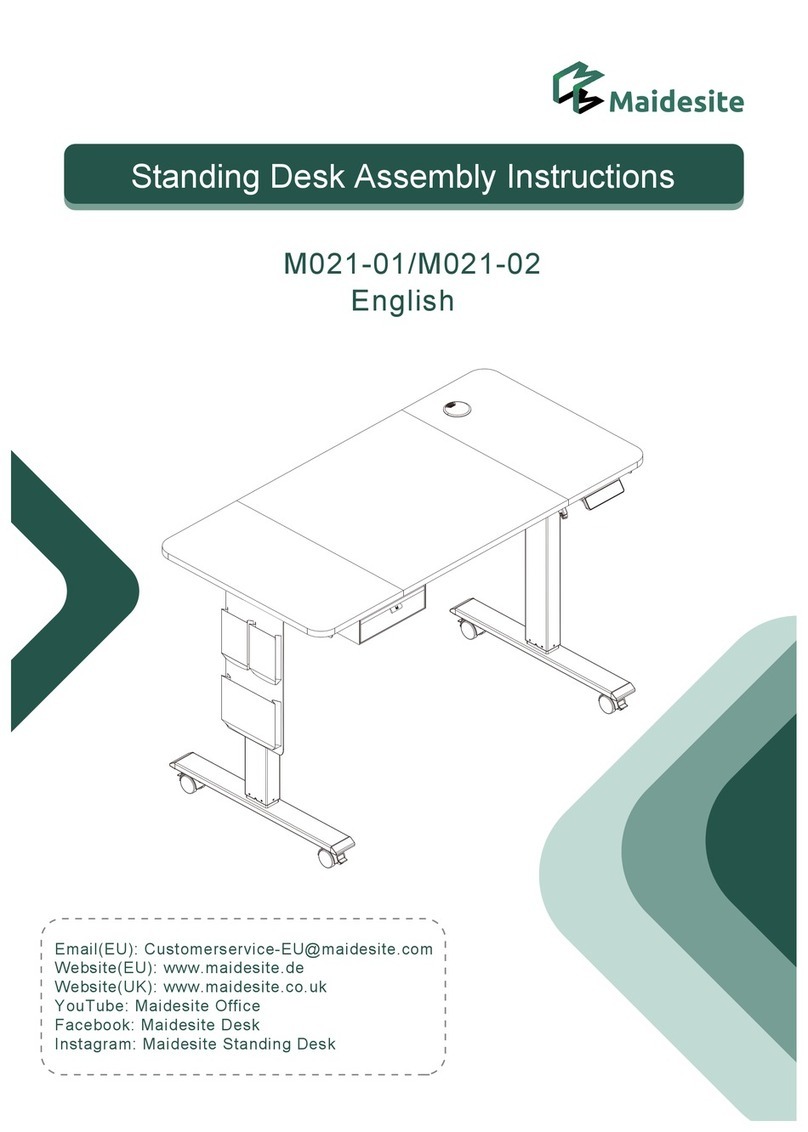
Maidesite M021-01 User manual

Maidesite

Maidesite M021-01 User manual

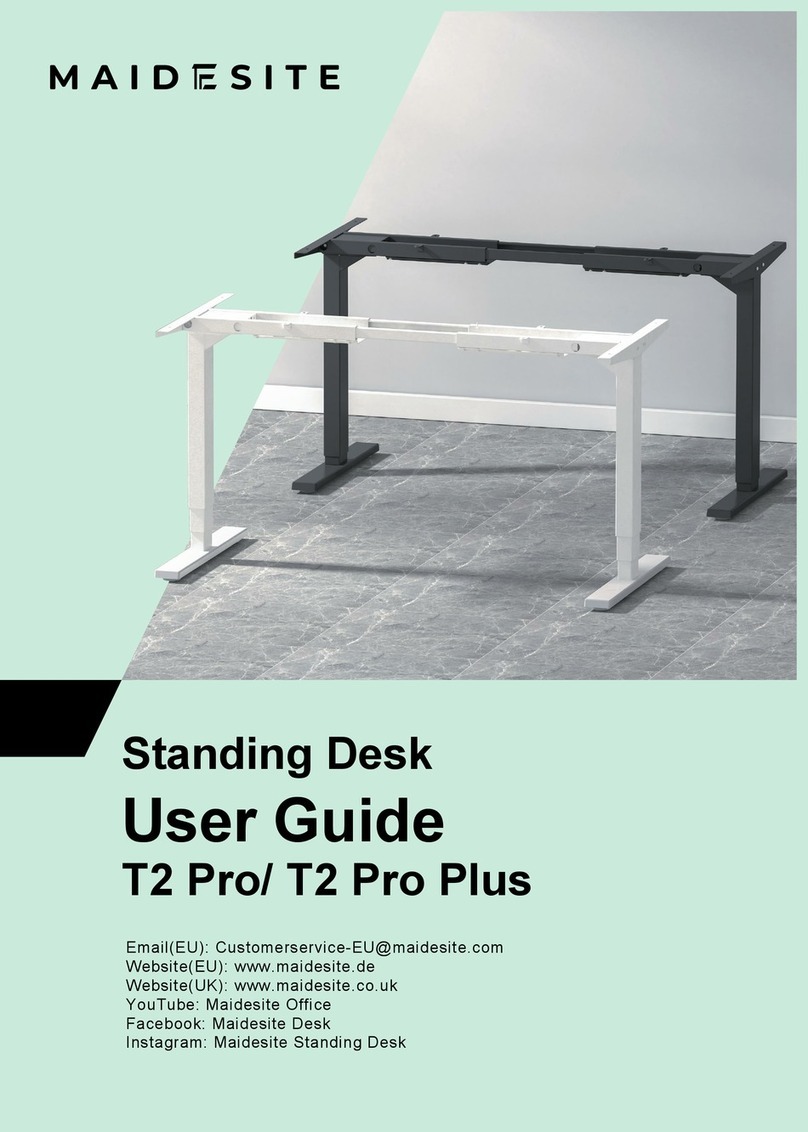
Maidesite T2 Pro User manual

Maidesite

Maidesite T2 Pro User manual

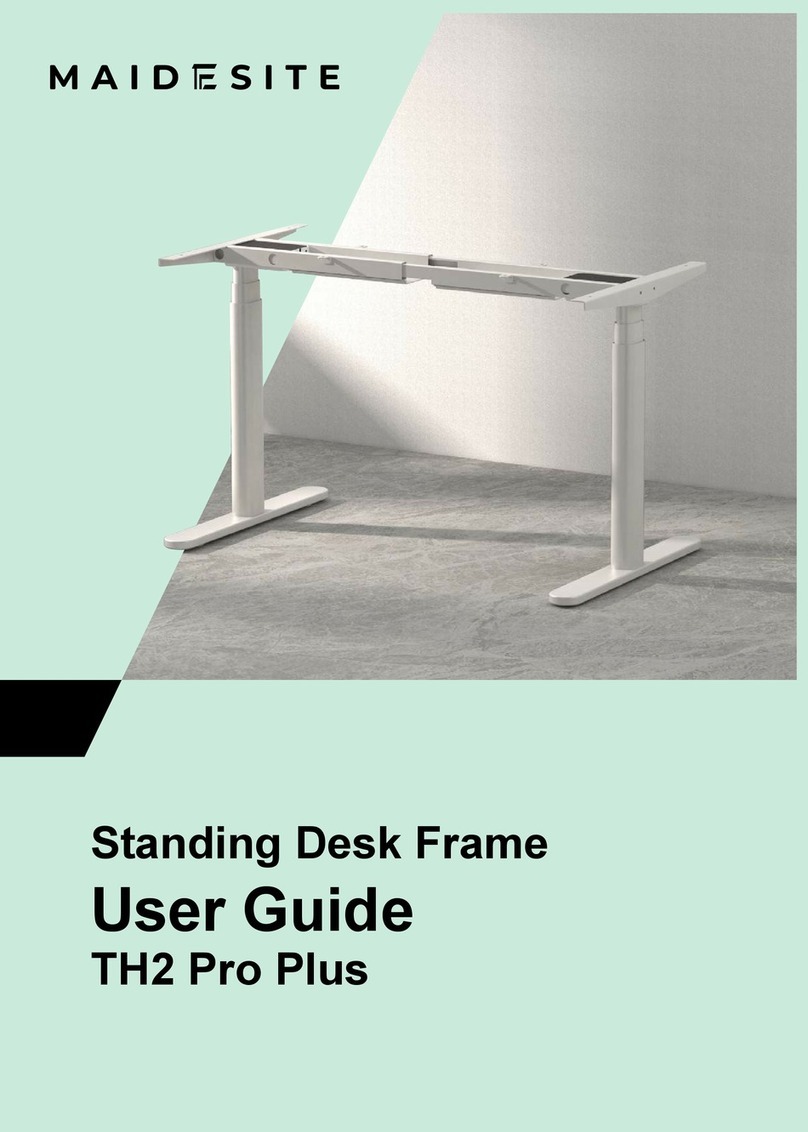
Maidesite TH2 Pro Plus User manual

Maidesite

Maidesite TH2 Pro Plus User manual

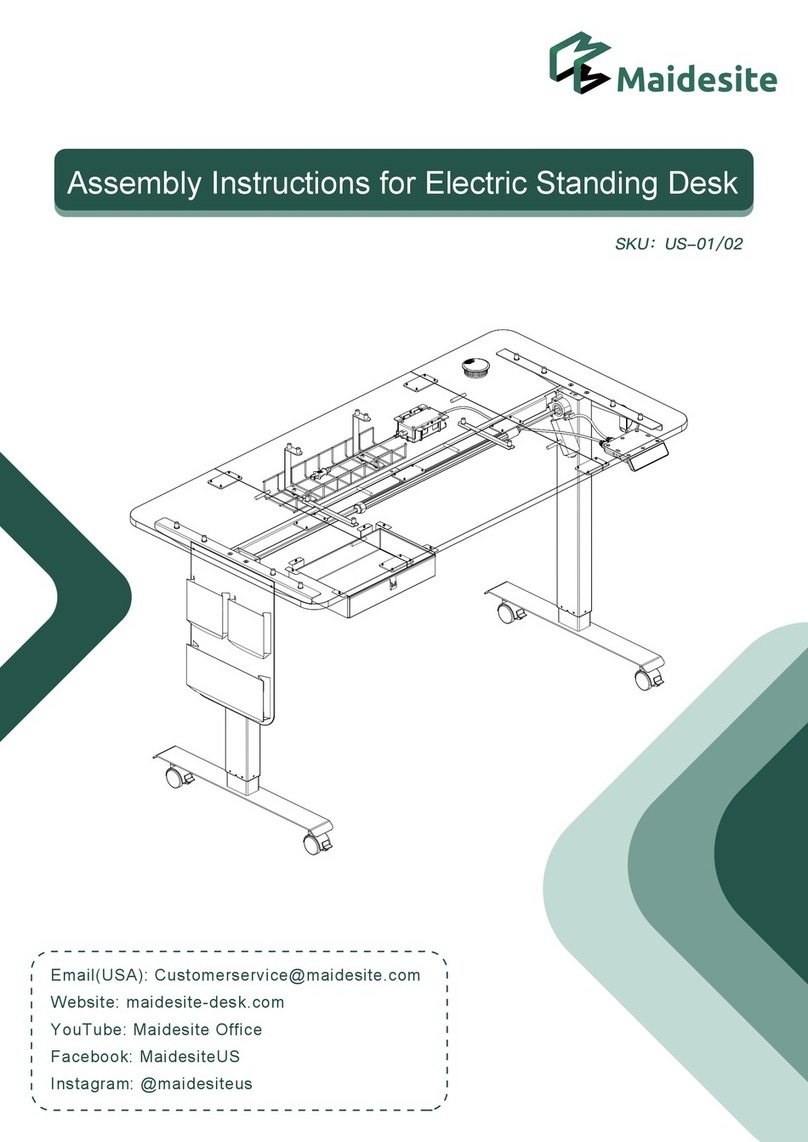
Maidesite US-01 User manual

Maidesite

Maidesite US-01 User manual

Popular Indoor Furnishing manuals by other brands

Regency LWMS3015 Assembly instructions

Regency

Regency LWMS3015 Assembly instructions

Furniture of America CM7751C Assembly instructions

Furniture of America

Furniture of America CM7751C Assembly instructions

Safavieh Furniture Estella CNS5731 manual

Safavieh Furniture

Safavieh Furniture Estella CNS5731 manual

PLACES OF STYLE Ovalfuss Assembly instruction

PLACES OF STYLE

PLACES OF STYLE Ovalfuss Assembly instruction

Trasman 1138 Bo1 Assembly manual

Trasman

Trasman 1138 Bo1 Assembly manual

Costway JV10856 manual

Costway

Costway JV10856 manual

moss DESIGN Caisson Credenza Assembly instructions

moss DESIGN

moss DESIGN Caisson Credenza Assembly instructions

Aquaglide FULL DECK 15.0 owner's manual

Aquaglide

Aquaglide FULL DECK 15.0 owner's manual

AREBOS AR-HE-SW30 user manual

AREBOS

AREBOS AR-HE-SW30 user manual

Till-Hilft Fulda 87005.330 Assembly instructions

Till-Hilft

Till-Hilft Fulda 87005.330 Assembly instructions

Twoey Outside 2010 quick start guide

Twoey Outside

Twoey Outside 2010 quick start guide

Hettich Easys 200 operating instructions

Hettich

Hettich Easys 200 operating instructions

The bedboss RELAX 404 Series owner's manual

The bedboss

The bedboss RELAX 404 Series owner's manual

Oeseder Möbelindustrie Bern 991 720 Assembly instructions

Oeseder Möbelindustrie

Oeseder Möbelindustrie Bern 991 720 Assembly instructions

Costway HW68469 user manual

Costway

Costway HW68469 user manual

Next ALIX A27743 Assembly instructions

Next

Next ALIX A27743 Assembly instructions

BROSA Hans Assembly guide

BROSA

BROSA Hans Assembly guide

Prodigg MINIKA PBA015T-FUR installation manual

Prodigg

Prodigg MINIKA PBA015T-FUR installation manual

manuals.online logo
manuals.online logoBrands
  • About & Mission
  • Contact us
  • Privacy Policy
  • Terms and Conditions

Copyright 2025 Manuals.Online. All Rights Reserved.

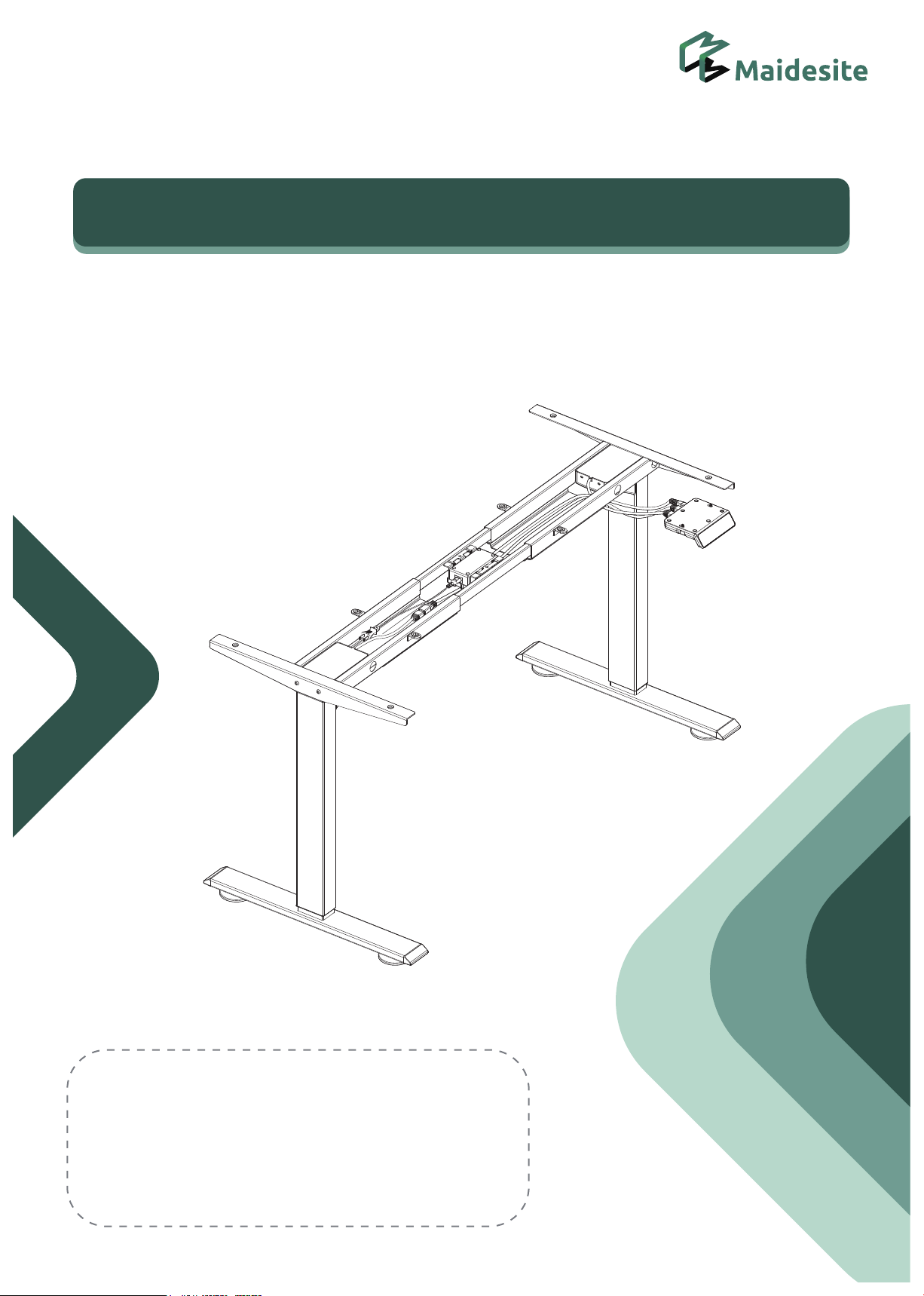
Standing Desk Assembly Instructions
Email(EU):[email protected]
Website:www.maidesite.co.uk
YouTube:Maidesite Office
Facebook:Maidesite Desk
Instagram:Maidesite Standing Desk
English
P
roduct manua
l
TABLE OF CONTENTS
1.Safety & Warnings
2.Parts List
3.Standing Desk Assembly
4.Install the Accessories
5.Instructions of Handset
6.Q&A
P1
P2-P3
P4-P10
P11
P12-P15
P16
Make sure no obstacles are in the desk's path.
Make sure the desktop is not touching any walls.
Make sure all cords are appropriate length to
accommodate the change in height.
WARNING
Pinch Point
Keep hands
and fingers
clear.
Keep children away from electric height-adjustable desks,
control units and handsets. There is a risk of injury and electric shock.
Keep all electrical components away from liquids.
Do not sit or stand on the desk frame. Do not crawl or lie under the desk frame.
Do not open any of the components -the Legs, Control Box, or Switch.
There is a danger of electric shock.
Do not place any objects taller than 20" underneath the desk.
This product is designed with a duty cycle of 10% (2 min. on, 18 min. off).
In the event of a power outage or if the power cord is unplugged,
a manual reset may be necessary - see USE section.
This height adjustable desk has electric motors and is designed for use in dry work areas only.
The desk height is adjustable so that it can be positioned at the most ergonomically suitable height.
Any other use is at user's risk.
Under no circumstances does the manufacturer accept warranty claims or liability claims for damages
caused from improper use or handling of the desk frame.
USE/ LIABILITY
Warm prompt
Safety & Warnings
P1

P2
30
min
Self provided tools
A.
C.
D2.
B.
L.
F.
H.
I.
G.
E.
D1.
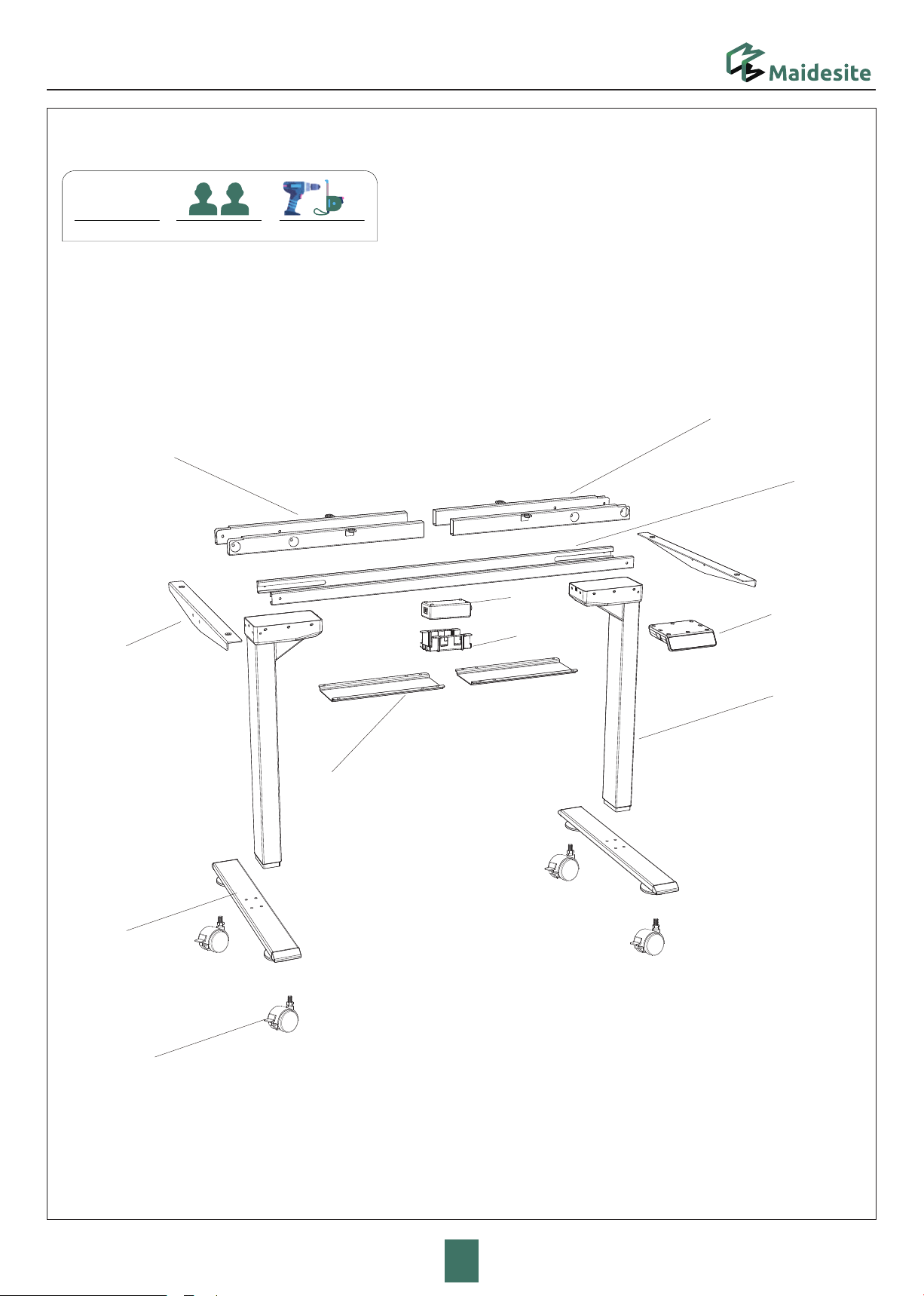
Parts List
Assembly Time Persons Needed
Parts List
P3
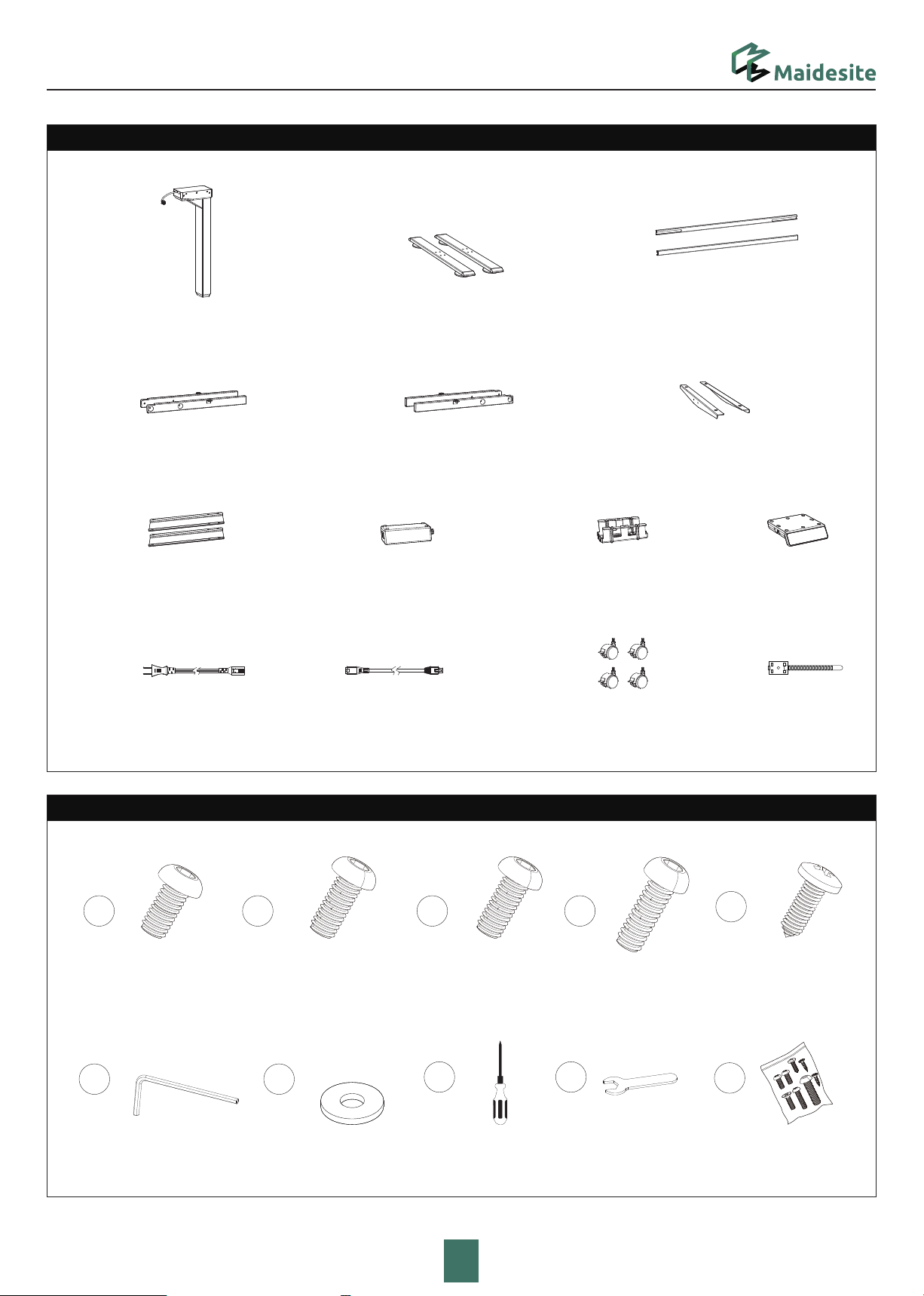
Hardware List
Lifting Column ×2
1
M6*8 Machine
Screw × 16
6
M4 Allen Wrench
5
ST5*0.8*16
Tapping Screw × 12
2
M6*12
Machine Screw× 8
3
M6*14
Machine Screw× 8
4
M6*30
Machine Screw× 8
Central Rail ×2
Left Crossbar End
Right Crossbar End
Adapter Fixture
Foot×2
Cable Management Cover×2
Side Bracket ×2
A. B. C.
D1. D2.
F.
Power Adapter
G.
E.
H. I.
J.
Extension Cable×2
K. L. M.
Power Cable
Control Panel
7
Washers× 8
10
8
Philips screwdriver
Cable Clip x4
Caster x 4
9
M14 Open End
Wrench
Back-up Screws
Parts List
Tighten the
4 screws
Tighten the
4 screws
Please put the frame on
soft surface like a carpet
or soft foam
Hardware List
1
M6*8 Machine
Screw
×8
6
M4 Allen Wrench
×1
STEP 1: Assemble the lifting Columns
P4
A.
A.
D1.
D2.
Standing Desk Assembly
STEP 2: Install the Side Bracket
P5
Hardware List
1×4
6×1
M4 Allen Wrench
E. E.
M6*8 Machine
Screw
Tighten the
2 screws
Tighten the
2 screws
The notch facing inward
and the narrow edge facing
up
6×1
M4 Allen Wrench
4
M6*30
Machine Screw
×8
STEP 4: Assemble the Feet
STEP 3: Assemble the Frame and Center Rails
P6
C.
B.
B.
×8
7
Hardware List
Tighten the
4 screws Tighten the
4 screws
Washers
·If the desktop is from MAIDESITE, please
put the frame on the desktop, adjust the
distance between crossbar ends and align
them with the holes.
·If the desktop is from other brand, put the
frame on the axis on the desktop and
adjust both lifting columns to proper
positions.(It’s recommended that the
distance between the side bracket and the
edge of the desk be 5cm.)
·For the desktop from MAIDESITE, please
secure the frame and desktop with 8
M6*14 Machine Screw socket head cap
screws
·For the desktop from other brand, please
secure the frame and desktop with 8
ST5*0.8*16 tapping screws
STEP 5: Assemble the Frame and the Desktop
P7
3
M6*14 Machine Screw
×85
ST5*0.8*16
Tapping Screw
×
8
6
M4 Allen Wrench
×1
OR
Philips screwdriver
8×1
Hardware List Hardware List
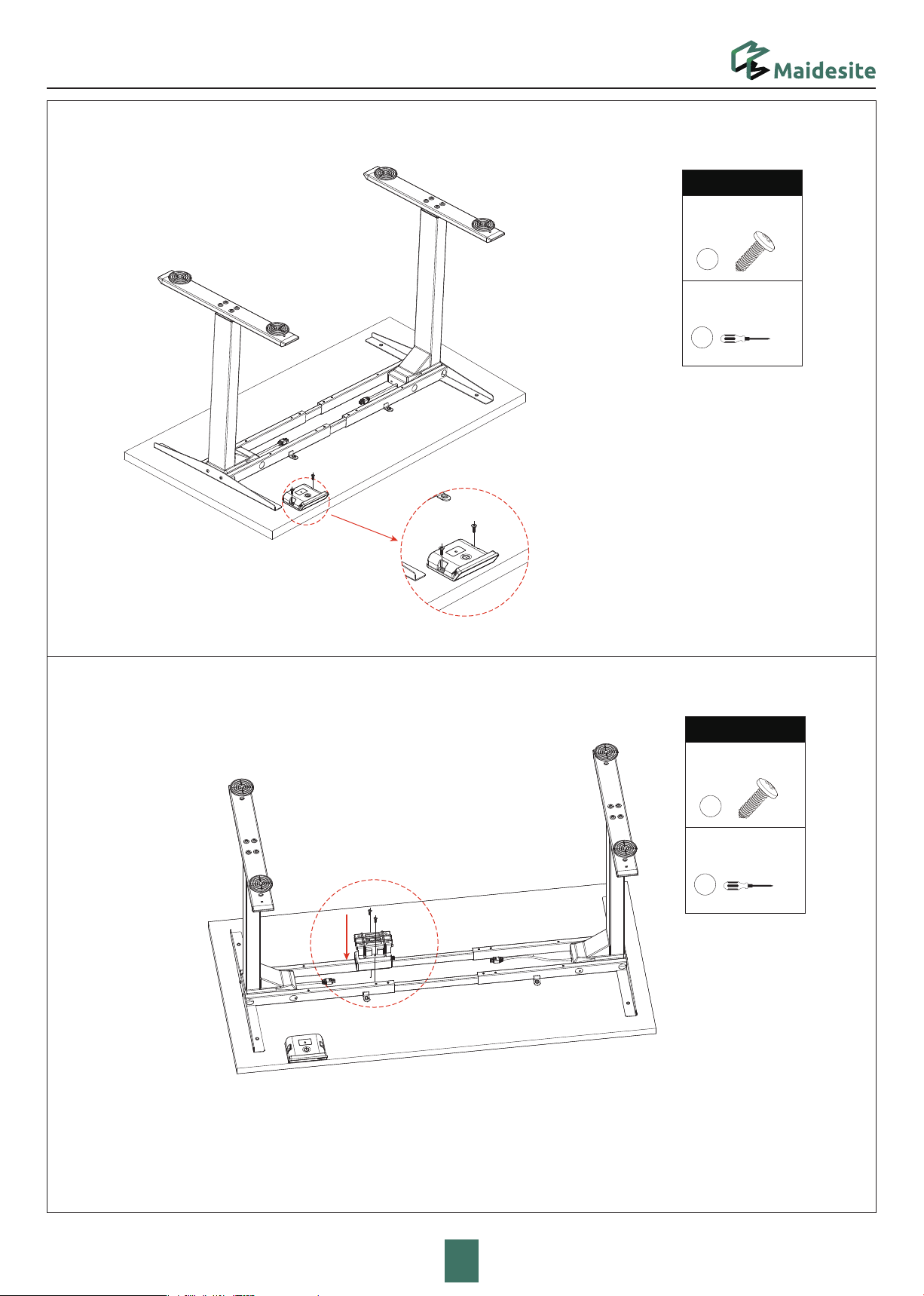
Tighten the Adapter and fixture to the table top with ST5*0.8*16 screws
(installation position), as shown in the picture
STEP 7: Install the Adapter and Fixture
STEP 6: Install the Control Panel
P8
H.
G.
5
ST5*0.8*16
Tapping Screw
×
2
Philips screwdriver
8×1
Hardware List
5
ST5*0.8*16
Tapping Screw
×
2
Philips screwdriver
8×1
Hardware List
Tighten the
2 screws