manuals.online logo
Brands
  1. Home
  2. •
  3. Brands
  4. •
  5. Malekko
  6. •
  7. Synthesizer
  8. •
  9. Malekko Manther GRowl User manual

Malekko Manther GRowl User manual

Other manuals for Manther GRowl

1

This manual suits for next models

1

Other Malekko Synthesizer manuals

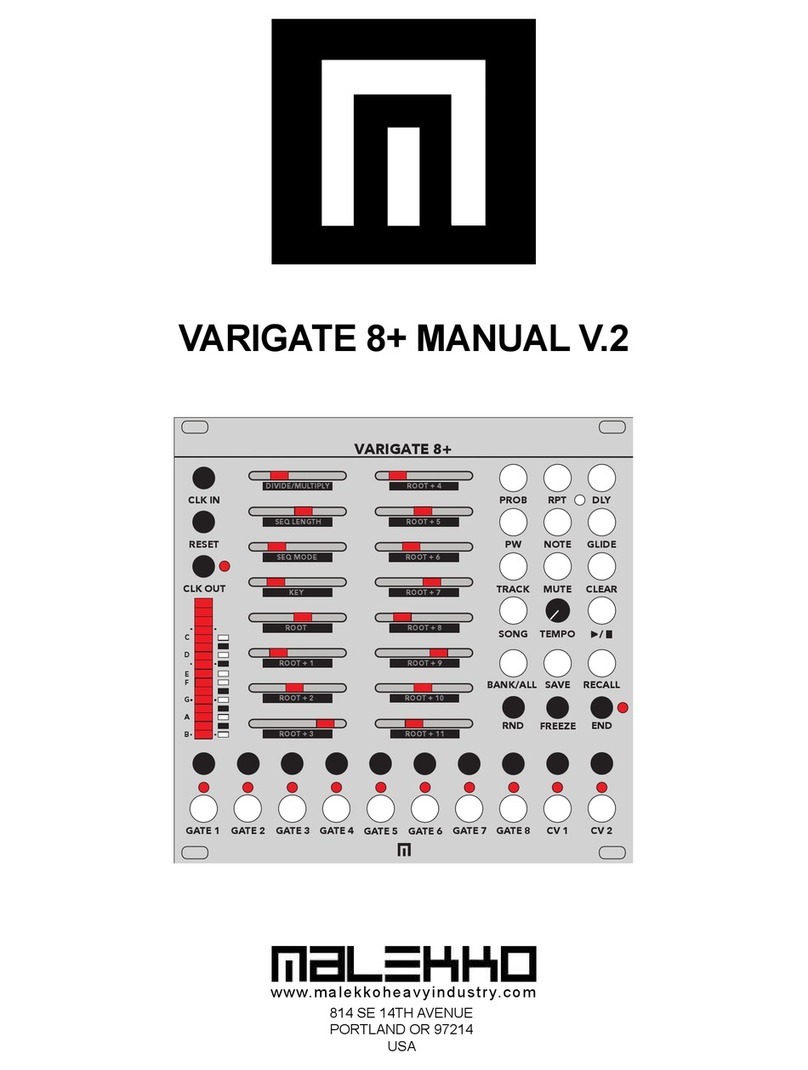
Malekko VARIGATE 8+ User manual

Malekko

Malekko VARIGATE 8+ User manual

Malekko MANTHER User manual

Malekko

Malekko MANTHER User manual

Malekko MANTHER User manual

Malekko

Malekko MANTHER User manual

Popular Synthesizer manuals by other brands

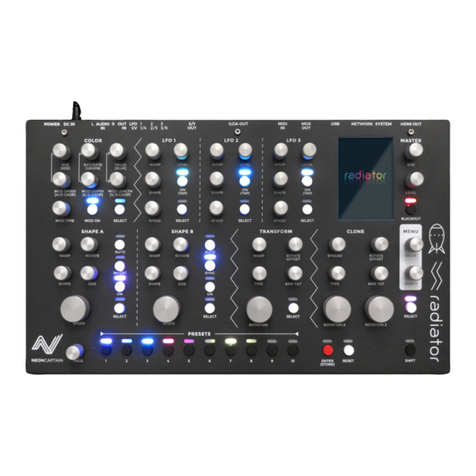
NEON CAPTAIN Radioator user manual

NEON CAPTAIN

NEON CAPTAIN Radioator user manual

Roland JD-800 owner's manual

Roland

Roland JD-800 owner's manual

Joranalogue Contour 1 user manual

Joranalogue

Joranalogue Contour 1 user manual

Full Bucket Music Mono/Fury manual

Full Bucket Music

Full Bucket Music Mono/Fury manual

IK Multimedia UNO Synth PRO X user manual

IK Multimedia

IK Multimedia UNO Synth PRO X user manual

Kawai MP7 Software update

Kawai

Kawai MP7 Software update

Roland Gaia SH-01 Quick guidebook

Roland

Roland Gaia SH-01 Quick guidebook

Behringer DEEPMIND 12 quick start guide

Behringer

Behringer DEEPMIND 12 quick start guide

Yamaha S90 ES owner's manual

Yamaha

Yamaha S90 ES owner's manual

Roland GR-30 manual

Roland

Roland GR-30 manual

Moog Minitmoog 300A Owner's service manual

Moog

Moog Minitmoog 300A Owner's service manual

Gotharman Gotharman's anAmoNo-box user manual

Gotharman

Gotharman Gotharman's anAmoNo-box user manual

QuStream HDFS-550 Technical manual

QuStream

QuStream HDFS-550 Technical manual

Yamaha V50 Authorized product manual

Yamaha

Yamaha V50 Authorized product manual

Akai AX80 Operator's manual

Akai

Akai AX80 Operator's manual

Roland GS-500 instructions

Roland

Roland GS-500 instructions

Octave Cat SRM Service manual

Octave

Octave Cat SRM Service manual

Dreadbox Murmux Initiate manual

Dreadbox

Dreadbox Murmux Initiate manual

manuals.online logo
manuals.online logoBrands
  • About & Mission
  • Contact us
  • Privacy Policy
  • Terms and Conditions

Copyright 2025 Manuals.Online. All Rights Reserved.

MANTHER GROWL QUICKSTART GUIDE
LFO ASSIGNMENT
CONTROLS:
Assign LFO amount to VCO
Pitch, VCO Pulsewidth and VCF
Cutoff.
VCO OCTAVE RANGE SWITCH
VCO FINE TUNE CONTROL
VCO 1V/OCT INPUT:
Insert 1V/oct from an external
source.
LFO SPEED:
Control the LFO speed.
LFO WAVEFORM SWITCHES:
Switch from Saw/Ramp, Sine,
Square and Random LFO.
LFO OUTPUT
VCO PULSE WIDTH
MODULATION CV INPUT
VCO PULSE WIDTH
MODULATION CONTROL
INDIVIDUAL OSCILLATOR
INPUTS AND OUTPUTS AND
LEVEL CONTROLS:
Square, Saw, Tri-Shape level
controls, each with their own
outputs and CV inputs
(controlling levels).
WAVEFOLD SHAPE CV
INPUT:
CV input controls wavefolding
amount.
WAVEFOLD SHAPE
CONTROL.
Manual shape control.
ASSIGN WAVEFOLDING
SHAPE TO TRI OR ALL:
Switch wavefolding from
Triangle only to ALL (fold
signal post-filter).
MANTHER GROWL is a full featured, Eurorack monophonic synth voice with an analog signal path, and like the Manther Tabletop, it includes a
coveted CEM3340 VCO IC chip. The analog filter is based on an SSM2044 chip. Square, Saw and Triangle waveforms have their own individual level
controls (manual control as well as CV jack inputs), as well as their own individual outputs. Wavefold control can be set to Tri or ALL (folds all
waveforms and external input post-filter). Dial the independent LFO level controls to modulate pitch, pulsewidth and filter cutoff. Also includes
manual controls over both VCA and filter ADSR and both the VCA and filter have individual gate inputs.
Visit malekkoheavyindustry.com to read the full manual and register your product for warranty!
LFO & OSCILLATOR
CONNECT POWER CABLE WITH
RED STRIPE TO WHITE LINE
Your serial number:
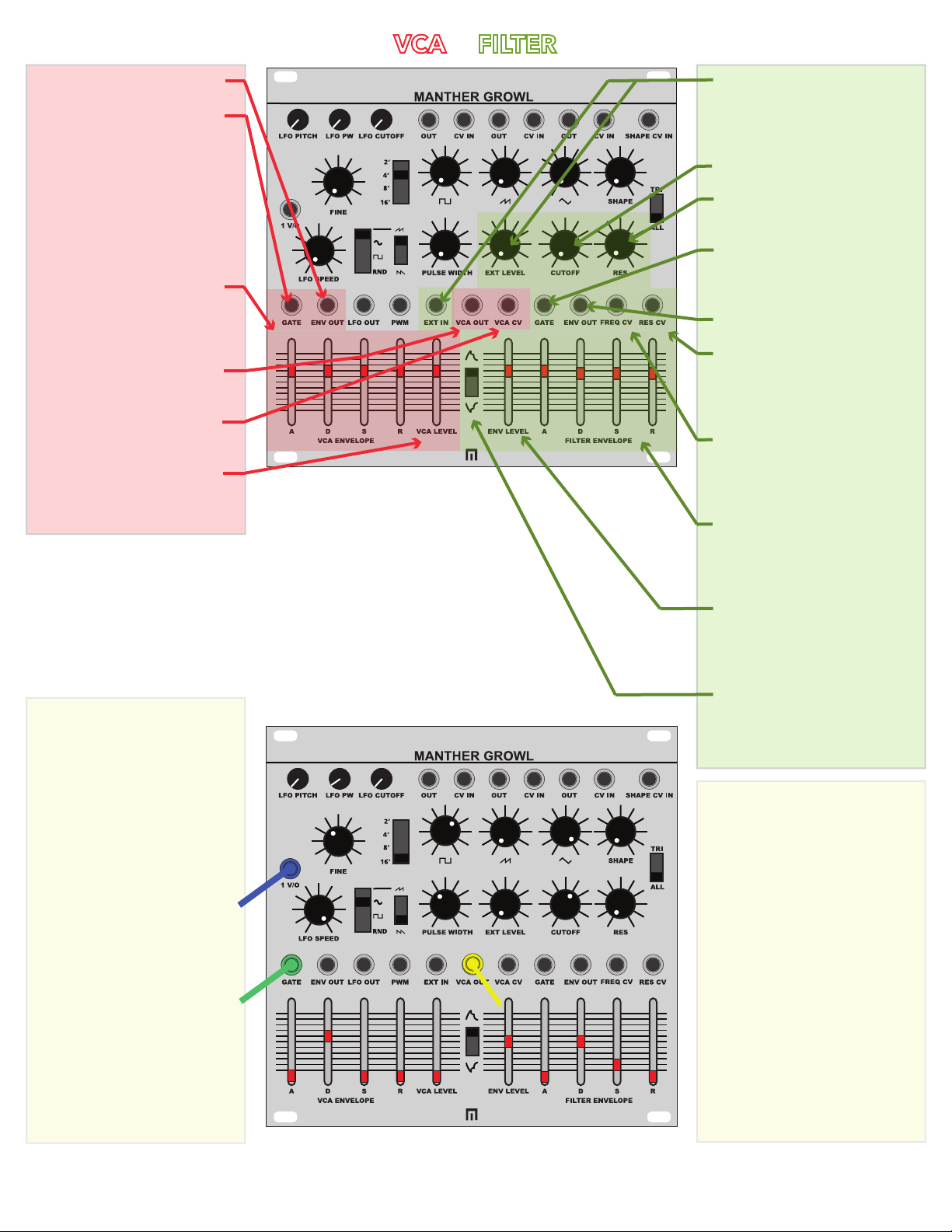
VCA ENVELOPE OUTPUT
VCA GATE INPUT:
Insert any gate over 1.6V to
start VCA envelope. If there is
no gate input on the Filter
Envelope, the VCA envelope
gate input will be normalled to
the Filter (both start at the
same time based on VCA
envelope gate input).
VCA ADSR CONTROL:
Controls for Attack, Decay,
Sustain and Release of VCA
Envelope.
VCA OUTPUT:
POST VCA AUDIO OUTPUT
VCA CV INPUT:
CV input controls VCA level.
VCA LEVEL CONTROL:
Manual control the level of the
main VCA output.
Patch from a 1V/oct source and
adust the VCO FINE control
accordingly.
Adjust the VCO OCTAVE
RANGE SWITCH per the
diagram.
Adjust the VCO SQUARE
WAVE, SAW, TRI-SHAPE,
WAVEFOLD SHAPE and
PULSEWIDTH controls per the
diagram.
Assign VCO WAVEFOLDING
SHAPE SWITCH to ALL.
Adjust LFO SPEED fully to the
right.
Adjust/assign the LFO
PULSEWIDTH control per the
diagram.
Patch a short gate into the VCA
FILTER EXTERNAL INPUT &
LEVEL CONTROL:
Audio input routes to filter and
knob controls incoming level.
FILTER CUTOFF CONTROL
FILTER RESONANCE
CONTROL
FILTER GATE INPUT:
Insert gate to start the Filter
Envelope.
FILTER ENVELOPE OUTPUT
FILTER RESONANCE CV
INPUT:
Modulate the resonance of the
filter.
FILTER FREQUENCY CV
INPUT:
Modulate the frequency of the
filter.
ADSR FILTER CONTROL:
Controls for Attack, Decay,
Sustain and Release of the Filter
Envelope.
FILTER ENVELOPE LEVEL
CONTROL:
Control the amount of envelope
sent to the filter cutoff.
FILTER ENVELOPE INVERT
SWITCH
Switch to invert the Filter
Envelope.
YOUR FIRST PATCH
VCA & FILTER
Adjust the VCA ENVELOPE
ATTACK, DECAY, SUSTAIN,
RELEASE and VCA LEVEL
controls per the diagram.
Set the FILTER ENVELOPE
INVERT SWITCH to the up
position.
Adjust FILTER ENVELOPE
LEVEL, ATTACK, DECAY,
SUSTAIN AND RELEASE
controls per the diagram.
Adjust FILTER EXT LEVEL,
CUTOFF and RESONANCE
controls per the diagram.
Patch out from the VCA OUT to
main mixer.