manuals.online logo
Brands
  1. Home
  2. •
  3. Brands
  4. •
  5. Massoth
  6. •
  7. Switch
  8. •
  9. Massoth eMOTION 8242020 User manual

Massoth eMOTION 8242020 User manual

Other Massoth Switch manuals

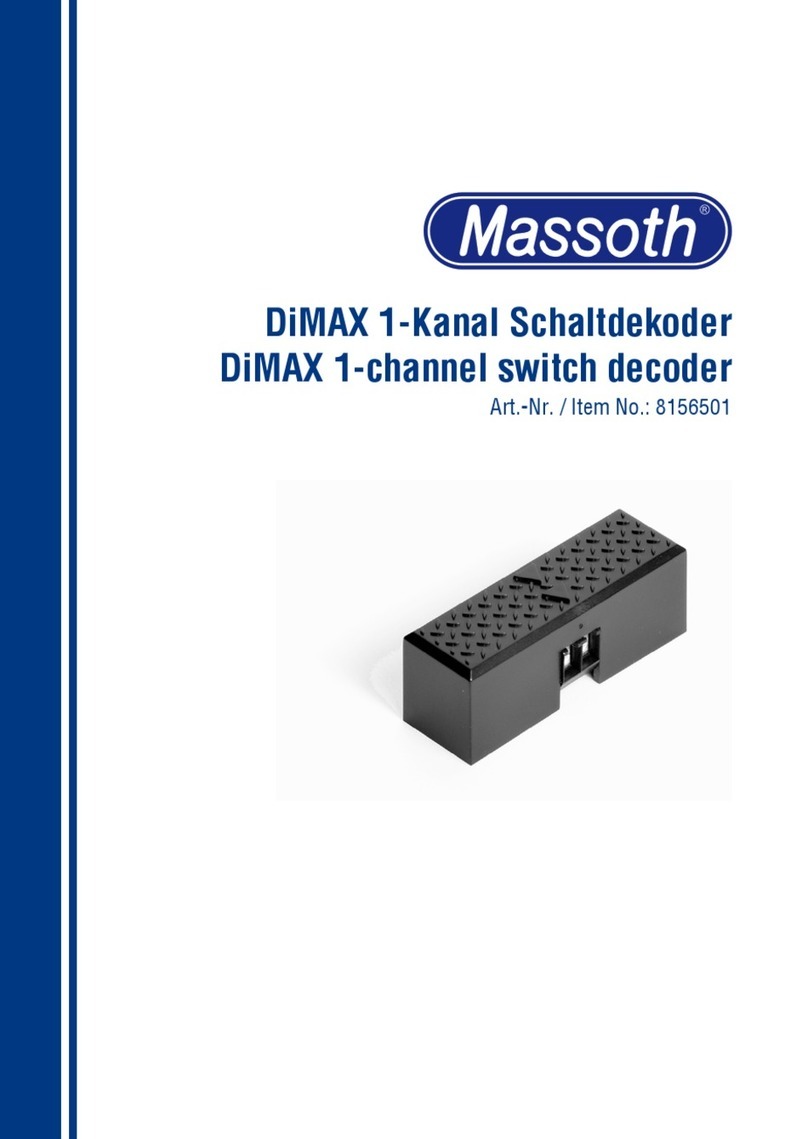
Massoth DiMAX User manual

Massoth

Massoth DiMAX User manual

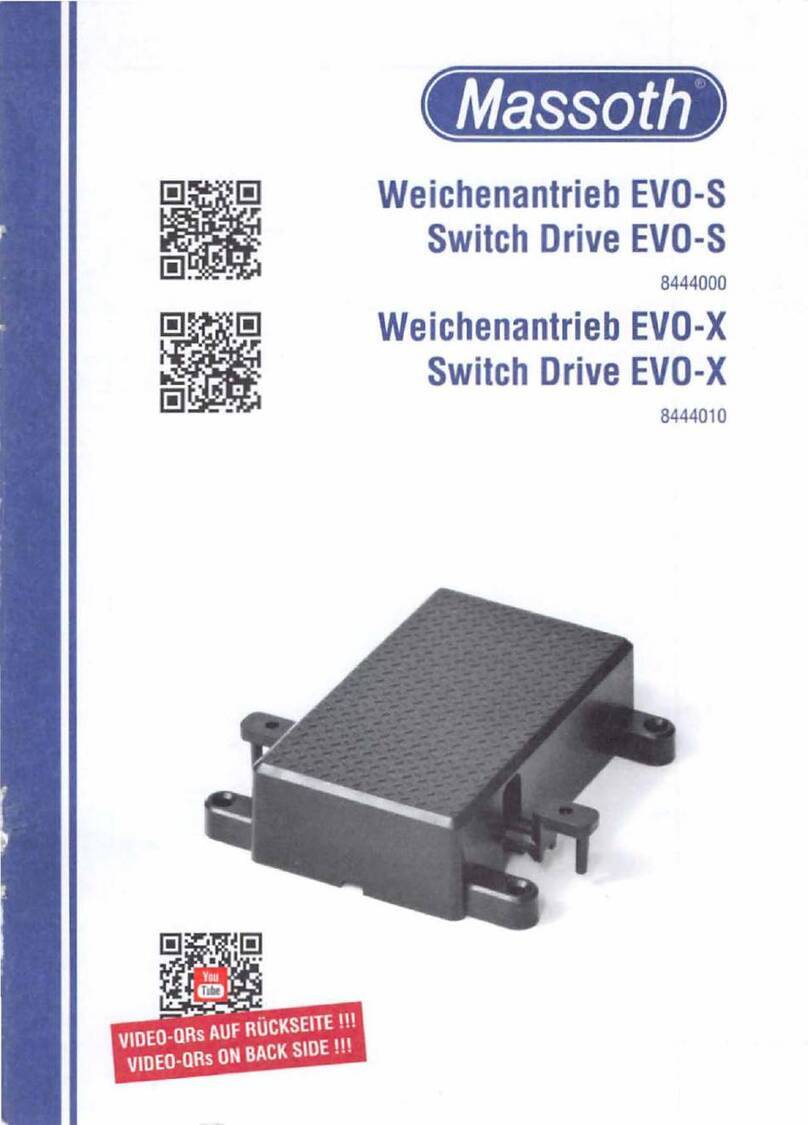
Massoth EVO-S User manual

Massoth

Massoth EVO-S User manual

Popular Switch manuals by other brands

SMC Networks SMC6224M Technical specifications

SMC Networks

SMC Networks SMC6224M Technical specifications

Aeotec ZWA003-S operating manual

Aeotec

Aeotec ZWA003-S operating manual

TRENDnet TK-209i Quick installation guide

TRENDnet

TRENDnet TK-209i Quick installation guide

Planet FGSW-2022VHP user manual

Planet

Planet FGSW-2022VHP user manual

Avocent AutoView 2000  AV2000BC AV2000BC Installer/user guide

Avocent

Avocent AutoView 2000 AV2000BC AV2000BC Installer/user guide

Moxa Technologies PT-7728 Series user manual

Moxa Technologies

Moxa Technologies PT-7728 Series user manual

Intos Electronic inLine 35392I operating instructions

Intos Electronic

Intos Electronic inLine 35392I operating instructions

Cisco Catalyst 3560-X-24T Technical specifications

Cisco

Cisco Catalyst 3560-X-24T Technical specifications

Asante IntraCore IC3648 Specifications

Asante

Asante IntraCore IC3648 Specifications

Siemens SIRIUS 3SE7310-1AE Series Original operating instructions

Siemens

Siemens SIRIUS 3SE7310-1AE Series Original operating instructions

Edge-Core DCS520 quick start guide

Edge-Core

Edge-Core DCS520 quick start guide

RGBLE S00203 user manual

RGBLE

RGBLE S00203 user manual

Thrustmaster FLIGHT SIMULATOR X quick guide

Thrustmaster

Thrustmaster FLIGHT SIMULATOR X quick guide

Southwire SURGE GUARD 41390 RVC troubleshooting guide

Southwire

Southwire SURGE GUARD 41390 RVC troubleshooting guide

Buhler Nivotemp NT 61 Brief instructions

Buhler

Buhler Nivotemp NT 61 Brief instructions

Kramer VS-41HDCP user manual

Kramer

Kramer VS-41HDCP user manual

Techly IDATA AU-270 user manual

Techly

Techly IDATA AU-270 user manual

Belkin F1U109 user manual

Belkin

Belkin F1U109 user manual

manuals.online logo
manuals.online logoBrands
  • About & Mission
  • Contact us
  • Privacy Policy
  • Terms and Conditions

Copyright 2025 Manuals.Online. All Rights Reserved.

eMOTION Reedkontaktplatine
eMOTION Reed Switch Board
8242020
2
1. Einleitende Information
Die Reedkontaktplatine dient zur
automatischen Auslösung von
Geräuschen bei Sounddecodern.
Mittels Magneten (8420202) in den
Gleisen können damit 2 verschie-
dene Sounds aktiviert werden. Durch
seine spezielle Formgebung passt er
universell in sehr viele verschiedene
LGB-Antriebsblöcke.
1.1 Lieferumfang
•Reedkontaktplatine mit Kabelan-
schluss
•Bedienungsanleitung
1.2 Wichtige Informationen zur
Inbetriebnahme
•Bauen Sie die Elektronik sorgfältig
nach den Anschlußplänen ein. Wer-
den beim Einbau Kabel vertauscht
oder Kabel kurzgeschlossen, kann
dies zur Zerstörung der Elektronik
führen.
•Die verwendeten Glasrohrkontakte
sindsehrbruchempndlich.Ach-
tung, bei Bruch der Reedkontakte
besteht Verletzungsgefahr! Achten
Sie bei der Handhabung und der
Montage auf einen ausreichenden
mechanischen Schutz. Besonders
dann, wenn Sie den Kontakt nicht
in das Motorgehäuse sondern
unterhalb der Lok offen montieren,
1. General Information
The eMOTION reed switch board
is an accessory to LS and XLS
sound decoders to trigger 2 sounds
externally with track magnets like
8420202. The board is designed
totintomostoftheLGBmotor
blocks.
1.1 Scope of Supply
•Reed switch board with cable
•Manual
1.2 Important information for the
installation
•Install the eMOTION reed switch
board according to the wiring
diagram. A connection error or short
circuit may lead to serious damage
to the board.
•The glass tubes are very fragile.
Caution: broken glass tubes may
cause serious injury! Make sure to
protect yourself when handling the
eMOTION reed switch board. In case
you mount the board outside the
motor block make sure to secure
and protect the glass tubes properly.
•The eMOTION reed switch board
may only be used for the functions
described in the manual. Any other
3
müssen die Kontakte mechanisch
geschützt werden.
•Das Modul darf nur für die in der
Anleitung genannten Funktionen
genutzt werden. Ein anderweitige
Verwendung, kann zur Zerstörung
führen.
•Dieses Modul ist kein Spielzeug !
•Bei unsachgemäßem Anschluss
erlischt der Garantieanspruch.
•Für Schäden durch unsachgemäßen
Anschluss sind wir nicht haftbar
2. Anschluss
Das Kabel kann direkt an einen
Decoder der „eMotion LS“ Serie
eingesteckt werden.
Zum Anschluss an einen Decoder
der „eMotion XLS“ Serie muss der
Stecker am Kabel entfernt werden.
Das braune Kabel wird am Decoder
in die Klemme „GND“ geschraubt,
die beiden schwarzen Kabel an die
use may cause damage to the board.
•This module is not a toy! Keep out
of reach of children under the age
of 14!
•Warranty is void in case of in proper
installation.
•The manufacturer cannot be re-
sponsible for damages caused by in
proper handling.
2. Hook Up
The cable may be connected directly
to the eMOTION LS sound decoder.
The XLS sound decoder does not
provide a connector. Please clip
the connector of the eMOTION reed
switch board and connect the brown
cable to the GND terminal and the
black cables connect to the termi-
Abbildung 1: Anschluss an Reedkontaktbuchse des LS-Decoders
Illustration: 1 Hook-up to the LS sound decoder
4
Klemmen „Reed1“ und „Reed2“.
2.1 Einbau
Die Platine kann in die meisten LGB-
Antriebsblöcke ohne Änderung an
der Stelle montiert werden, wo auch
LGB die original Reedkontakte pla-
ziert(SieheAuistungimAnhang).
Dadurch ist der optimale Gleisab-
stand gegeben und die Kontakte
sind mechanisch geschützt. Achten
Sie beim Zuschrauben des Antriebs
auf die korrekte Lage der Platine,
damit die Kontakte nicht schief
eingeklemmt werden und dadurch
brechen.
Sollten Sie den Gleiskontakt an
einer anderen Stelle montieren, so
dürfen die Reedkontakte maximal
10mm Abstand zur Magnetober-
kante (= Gleisoberkante) haben. Bei
nals „Reed1“ und „Reed2“.
2.1 Installation
The eMOTION reed switch board
may be installed into most of the
LGB motor blocks without any al-
teration. You may select the original
position in the LGB motor blocks
(see summary in the attachment).
This provides the optimum distance
to the track paired with a maximum
of protection of the glass tubes.
Make sure to position the board cor-
rectly; the board must not be bent
or squeezed when the motor block
is closed.
If you choose a different position,
make sure that the distance between
the magnet and the eMOTION reed
switch board does not exceed 10mm
(0.4 inch). Larger distances may
Abbildung 2: Anschluss an Reedkontaktklemmen des XLS-Decoders
Illustration 2: Hook-up to the XLS sound decoder
5
größeren Abständen ist eine sichere
Auslösung nicht mehr gewährleistet.
Die Reedkontakte müssen auch mit
Abstand von anderen Magneten
(Lokmotor oder Magnetplatte)
montiert werden.
3. Anhang
Hier sehen Sie, wie die Reedkontakt-
platinen in die unterschiedlichen An-
triebsblöcke montiert werden. Diese
AuistungerhebtkeinenAnspruch
auf Richtigkeit + Vollständigkeit.
Durch unterschiedliche Revisionen
der einzelnen Getriebearten kann es
zu Abweichungen kommen.
not guarantee an optimal operation.
The eMOTION reed switch board
must be mounted away from other
magnetic components (motors and
loco magnets).
3. Attachment
Pleasendexamplesofinstallations
in the following summary cover-
ing the most common LGB motor
blocks. Due to various versions of
LGB motor blocks, slight alterations
to the eMOTION reed switch board
may be necessary.
Abbildung 3: B-Getriebe Standard:
Illustration 3: 2-axle motor block standard:
(2x15x, 2x21x, 2x25x, 2x30x, 2x33x, 2x35x, 2x39x, 2x40x, 2x50x, 2x51x, 2x52x,
2x60x, 2x67x, 2x68x, 2x76x, 2x84x, 2x90x, 2x95x, 2x97x, 70600)
6
Abbildung 4: B-Getriebe Lang:
Illustration 4: 2-axle motor block long:
(2x42x, 2x43x, 2x57x, 2x58x)
Abbildung 5: C-Getriebe Standard:
Illustration 5: 3-axle motor block standard:
(2x26x, 2x59x, 2x62x, 2x63x, 2x70x, 2x74x, 2x78x, 2x79x, 2x80x)
7
Abbildung 6: C-Getriebe Lang:
llustration 6: 3-axle motor block long:
(2x55x, 2x56x, 2x85x, 2x88x, 2x89x)
Abbildung 7: D-Getriebe Standard:
Illustration 7: 4-axle motor block standard:
(for 2800x)
8
4. Technische Daten
•Spannungsfestigkeit: max. 10V
(über Schutzwiderstände)
•max. Schaltstrom: 20mA
•Schaltart: Masse geschaltet
4. Technical Data
•Operating voltage: max. 10Volt
(with protecting resistors)
•max. amperage: 20mAmp
•Switching method: switches to GND
9
10
5. Gewährleistung & Kundendienst
MASSOTH gewährt die Fehlerfreiheit
dieses Produkts im Rahmen der
gesetzlichen Vorgaben, mindestens
jedoch für 1 Jahr ab Kaufdatum. Um
Reparatur- oder Serviceleistungen in
Anspruch zu nehmen, übergeben Sie
das Produkt bitte Ihrem Fachhändler
oder senden es direkt an den Her-
steller. Unfreie Sendungen werden
nicht angenommen. Eine Kopie des
Kaufbelegs sowie ein einwandfreies
Prüfetikett auf dem Produkt werden
vorausgesetzt. Für Schäden durch
unsachgemäße Behandlung oder
Fremdeingriff oder Veränderung des
Produkts besteht kein Gewährleis-
tungsanspruch. Der Anspruch auf
Serviceleistungen erlischt unwider-
ruich.Verschleißteilesindvonder
Gewährleistung ausgeschlossen.
AufunsererInternetseitendenSie
die jeweils aktuellen Broschüren,
Produktinformationen, Dokumenta-
tion und Softwareprodukte rund um
MASSOTH Produkte. Irrtümer und
Änderungen vorbehalten.
5. Warranty & Service
MASSOTH warrants this product
against defects in materials and
workmanship for one year from
the original date of purchase. Other
countries may have different legal
warranty situations. Normal wear
andtear,consumermodicationsas
well as improper use or installation
are not covered. Peripheral compo-
nent damage is not covered by this
warranty. Valid warranty claims will
be serviced without charge within
the warranty period. For warranty
service please return the product
to you dealer or send it directly to
the manufacturer. Return shipping
charges are not covered by MAS-
SOTH. Please include your proof of
purchase with the returned goods.
Please check our web site for up to
date brochures, product information,
documentation and software up-
dates. Errors and changes excepted.