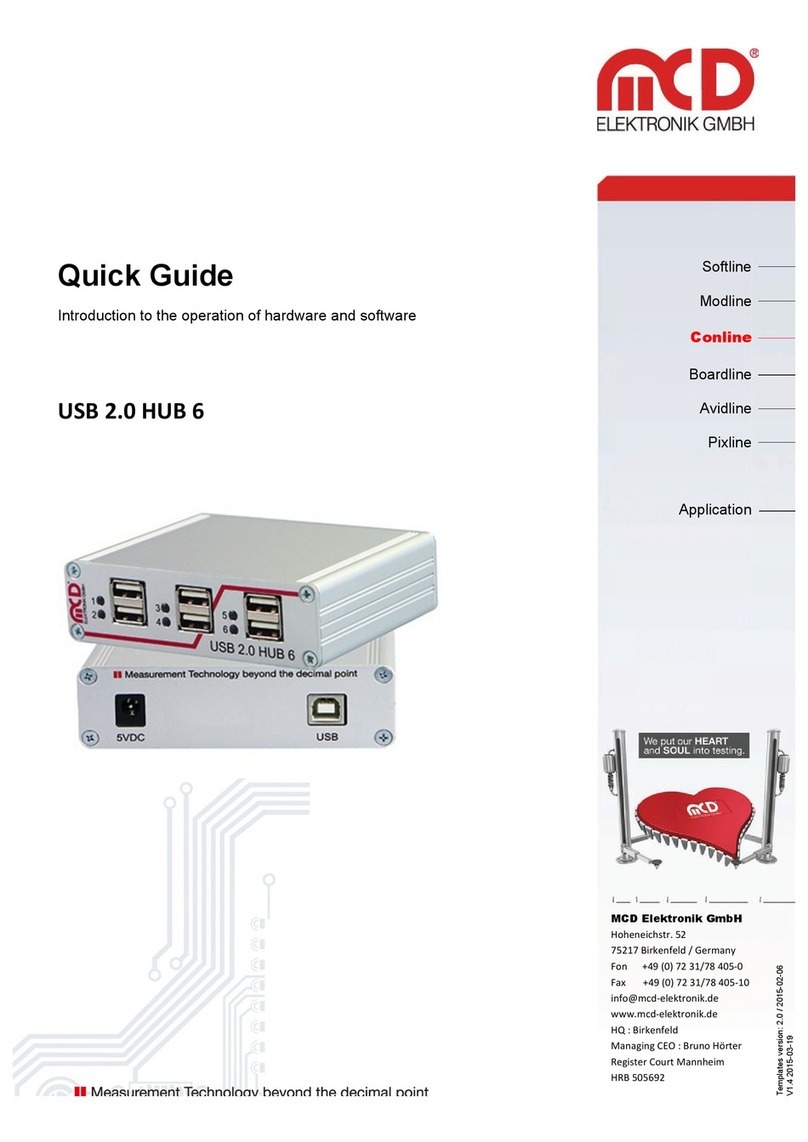
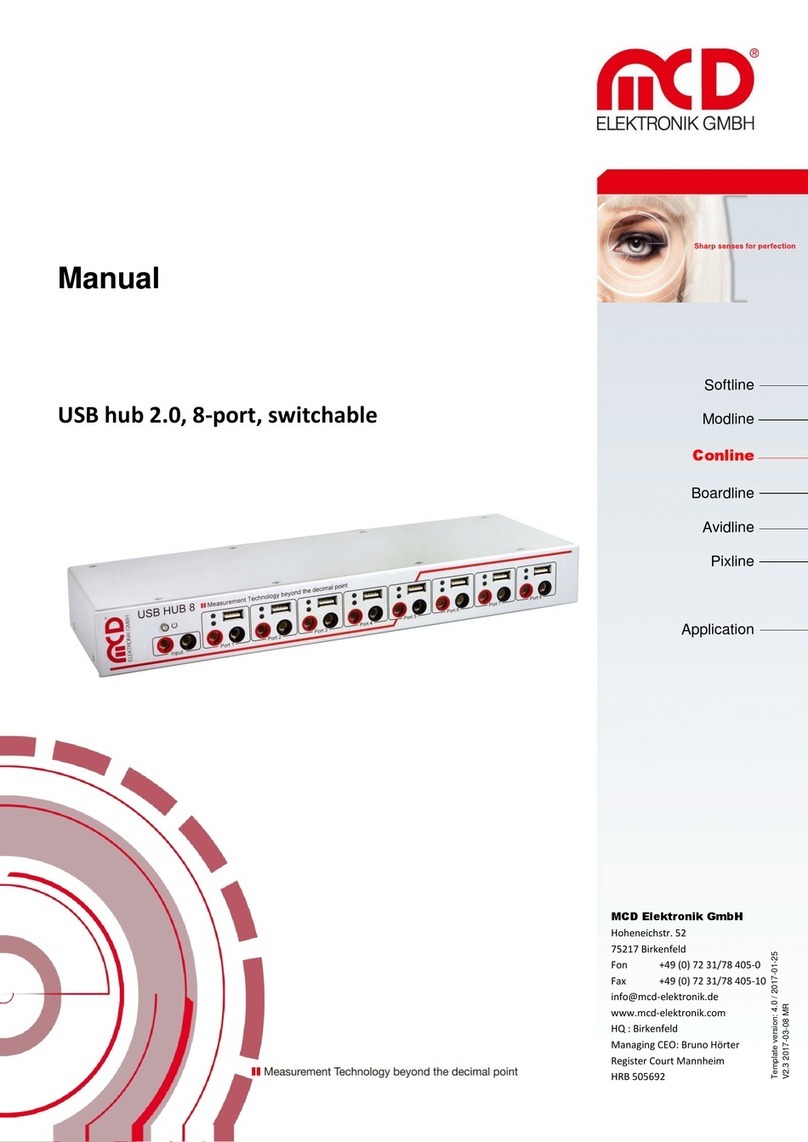
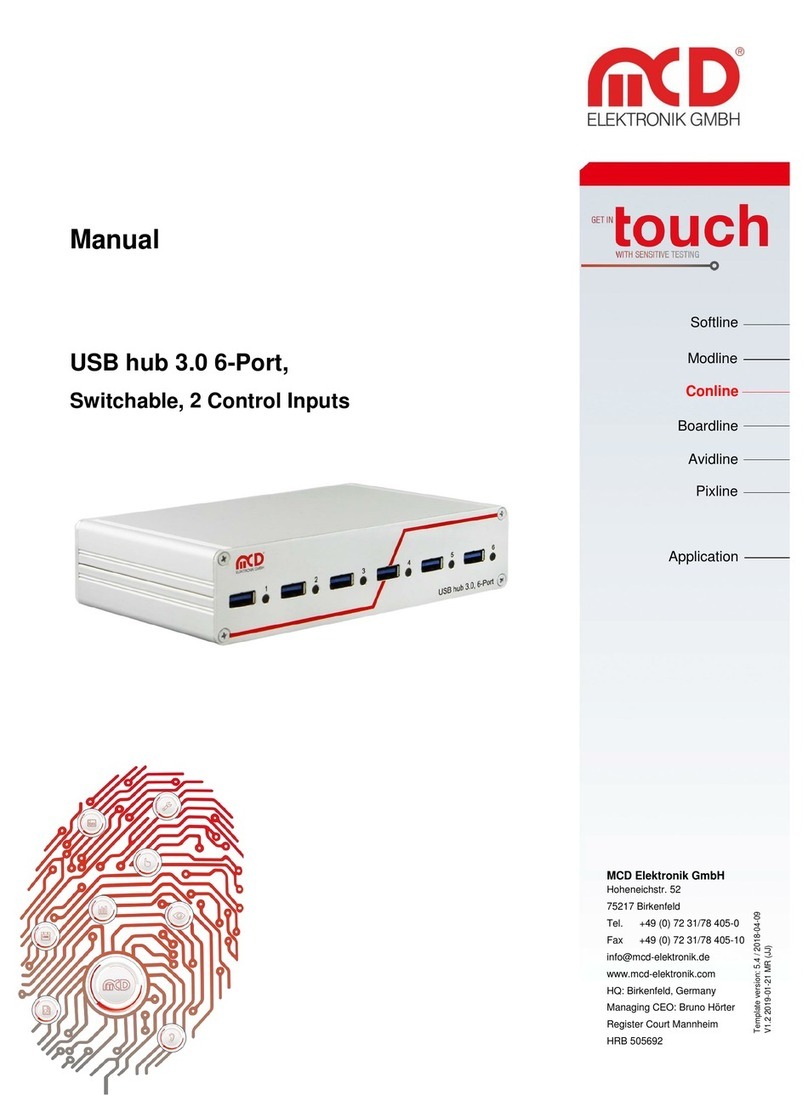
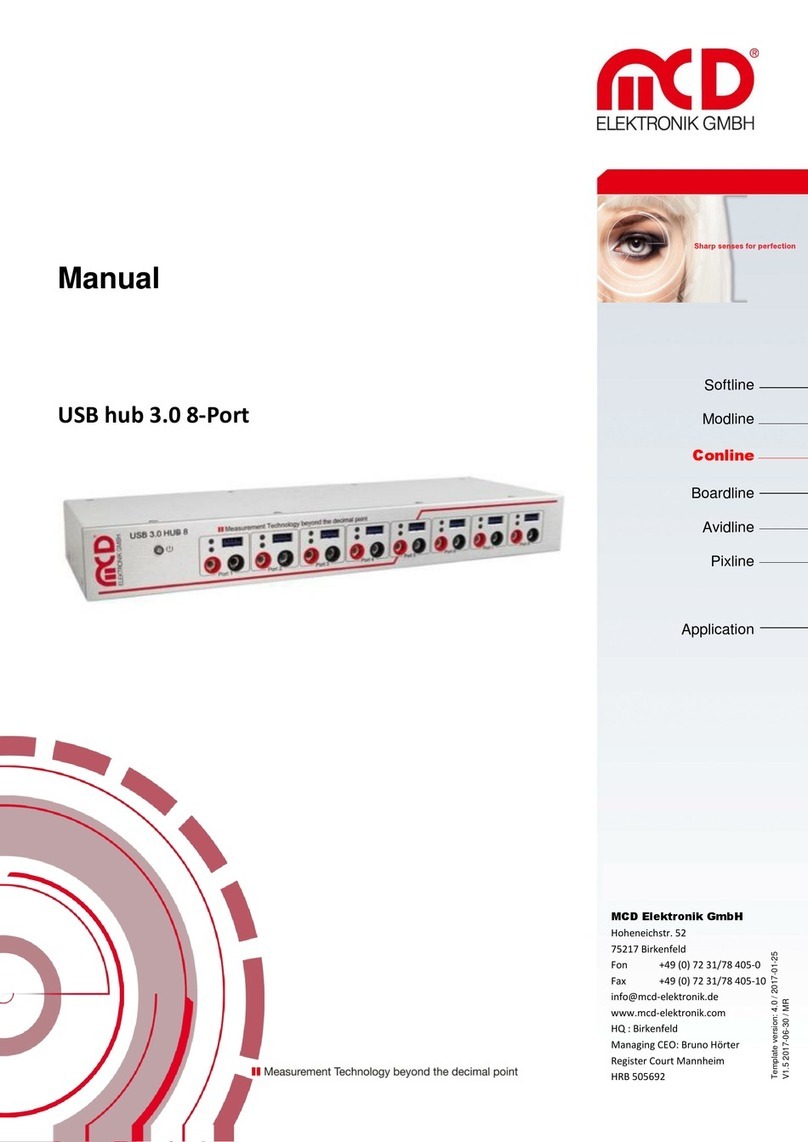
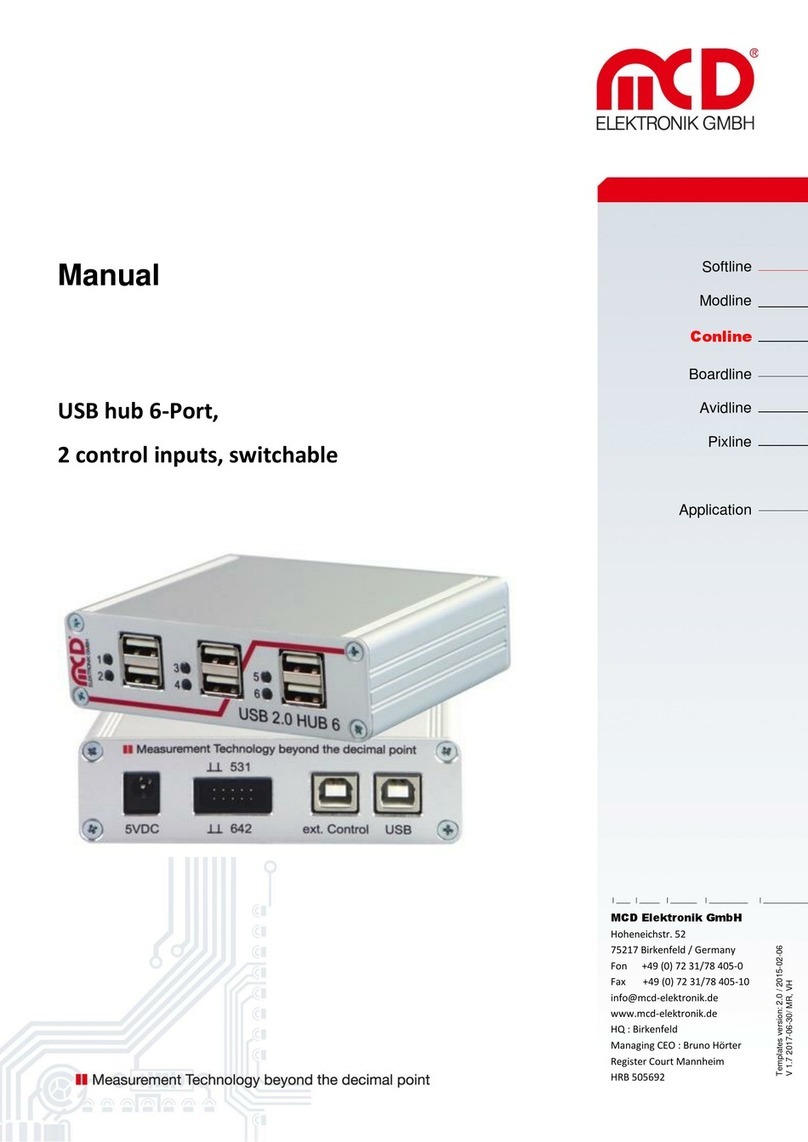
Elektronik GmbH USB hub 2.0 6-Port Manual
Seite 3 von 11
1.General
The USB hub has six downstream ports, which can be switched on and off individually via USB. When switching off,
the supply voltage (+5 V) and the data lines are separated via semiconductor switches.
Control is carried out via the USB hub monitor (PC software).
The ports one to four are turned off after a reset, while the ports five and six are switched on (for keyboard, mouse,
etc.).
The hub can operate solely on the USB host (bus powered), or in addition with a 5VDC power supply with at least
17W output power or output current of 3.3 A (self-powered). Connecting or disconnecting the external power supply
resets the hub and the ports switch to their default state.
The connector for the external power supply is a DC connector for either 2.1 mm or 2.5 mm barrel connector. The
polarity is optional (but no AC voltage!). An assembly variant of the board allows the somewhat "more robust"
connection of the 5V power supply via screw terminal e.g. in the adapter or a needle bed.
With the use of third-party software, the USB hub monitor can be remotecontrolled. For the interface the COM /
DCOM or a .Net assembly is used. This allows for the USB hub monitor to be integrated into a variety of
applications (Microsoft Visual Studio (C #, C + +, Visual Basic), Microsoft Office (e.g. Excel, OpenOffice, LabView,
MCD TestManager CE). Furthermore, it is possible to use the USB hub with Linux.
Order number: # 119102
1.1. Application
Remote on and off switching of USB devices (Caution with data files!).
Resetting of “stuck” USB devices.
Decoupling of USB devices that have difficulties during PC boot process.
Energy savings when turning off unnecessary USB devices.
1.2. Product characteristics
Switching ports on and off via USB. Control via PC software for Windows.
Figure 1 View of the PC software controlling the MCD USB hub
Separation of power supply and data lines on a switched off port.