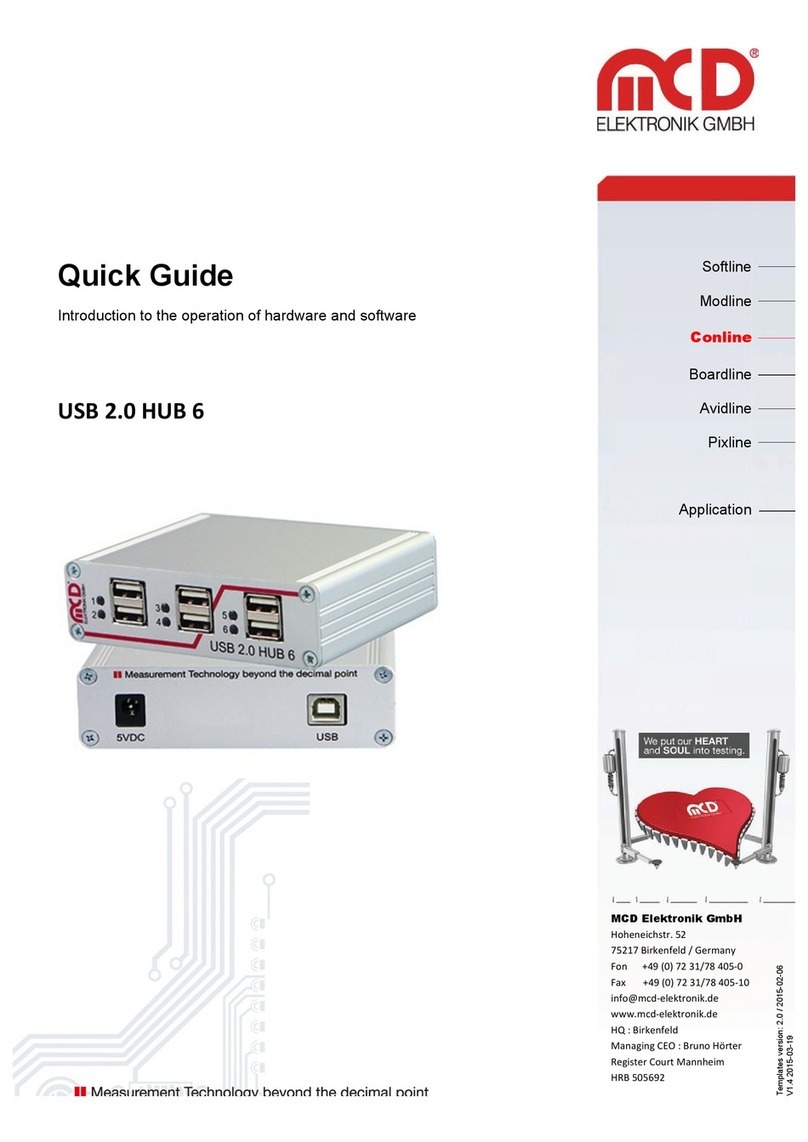
Elektronik GmbH USB hub 6-Port, 2 control inputs Product documentation
Page 3 of 18
1Safety instructions
The USB hub 6-Port is intended for use indoor. It may not be exposed to moisture.
The device has no parts that can be replaced by the user. Any repair must be carried out by a trained
technician. Before opening the housing, all cables must be disconnected from the device.
2General information
The USB hub can be operated on the USB host alone (bus-powered) or with the use of a 5VDC power supply
with an output power of at least 16W or an output current of at least 3.2 A (self-powered), which is enough for
500 mA output current on each USB-Port. For the maximum output current of 5A, a 5.2A (26W) power supply
is needed. The device automatically detects and switches between bus-powered and self-powered modes.
The USB hub is re-enumerated when the external power supply is connected or disconnected.
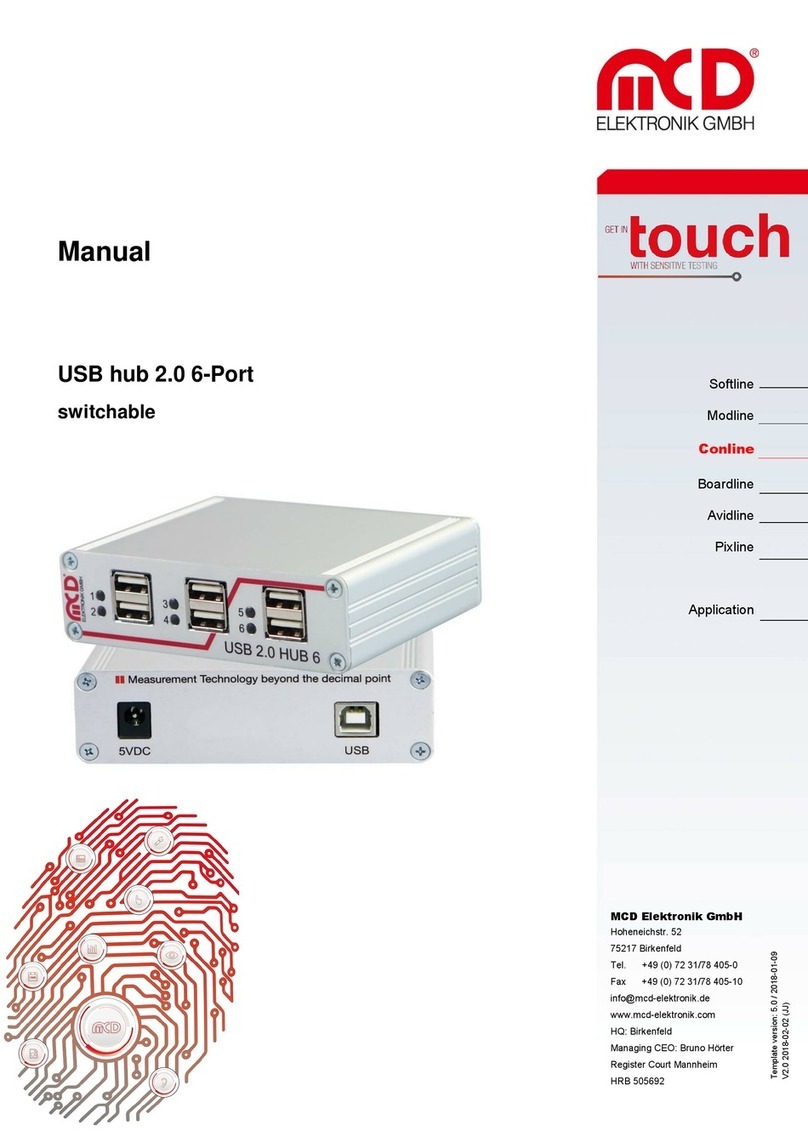
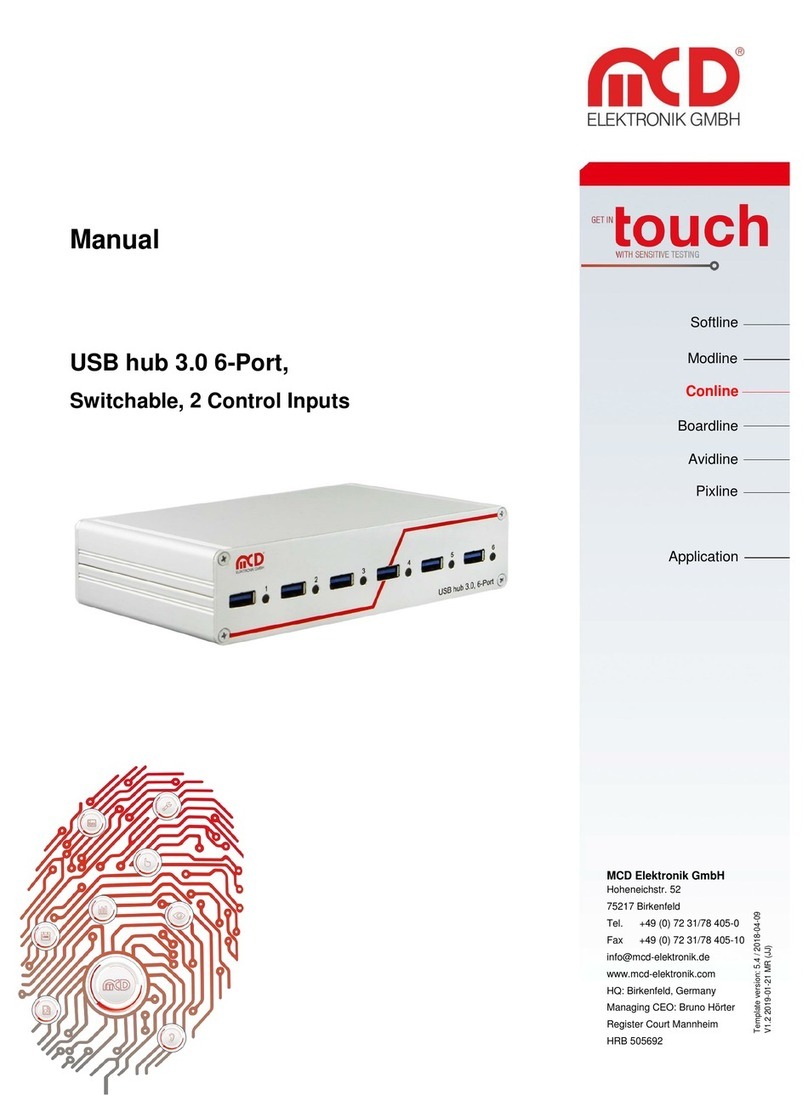
This USB hub has six USB 2.0 downstream ports that can be turned on and off individually via USB. When they
are turned off, the power supply (+5V) and the data lines are isolated by semiconductor switches. Control is
provided by the Toolmonitor USB hub 6 (PC software). Whether ports are active after the device is turned on,
and which ports, can be configured and stored.
The USB 2.0 host connection is usually also used to control the USB hub. Alternatively, however, control can
also be provided from another host using the additional USB 2.0 connection on the back.
In addition to this control via USB, ports can alternatively also be turned on and off via external control inputs.
Whether and which ports should be activated after the USB hub is turned on (for example to have access to
the mouse or keyboard) can be stored in non-volatile storage.
A number that can be stored in the device can be used to distinguish between multiple USB hub 6-Port units
on one PC.
The USB hub is controlled through a virtual serial interface with simple text commands (see chapter 8). This
makes it possible to use the USB hub under Linux as well. If the operating system does not already provide
native support for USB serial converters from FTDI, Linux drivers can be found at
http://www.ftdichip.com/Drivers/VCP.htm. The Toolmonitor USB hub 6-Port can also be installed, which
provides a user interface for the control and configuration of the USB hub. It talks to the USB hub through the
virtual serial interface and in turn offers an interface for remote control.
External software can be used to control the Toolmonitor USB hub 6-Port completely remotely. COM/DCOM
or a .Net assembly can be used as the interface. This allows the Toolmonitor USB hub 6-Port to be integrated
into many different applications (MCD TestManager CE, LabView ®, Microsoft Visual Studio ® (C#, C++, Visual
Basic), Microsoft Office ® (for example Excel ®), Open Office ®). For the use on Linux, this USB hub 2.0 6-Port is
recommended. Control via virtual serial interface is also possible.
Order number: #122536
3Scope of delivery
1 x USB hub 2.0, 6-port, switchable (two control inputs)
1 x USB storage card with installation software
1 x USB-A to USB-B connector cable 0.8m