manuals.online logo
Brands
  1. Home
  2. •
  3. Brands
  4. •
  5. McIntosh
  6. •
  7. Amplifier
  8. •
  9. McIntosh MA6450 User manual

McIntosh MA6450 User manual

Other manuals for MA6450

2

Other McIntosh Amplifier manuals

McIntosh C42 User manual

McIntosh

McIntosh C42 User manual

McIntosh MC1000 User manual

McIntosh

McIntosh MC1000 User manual

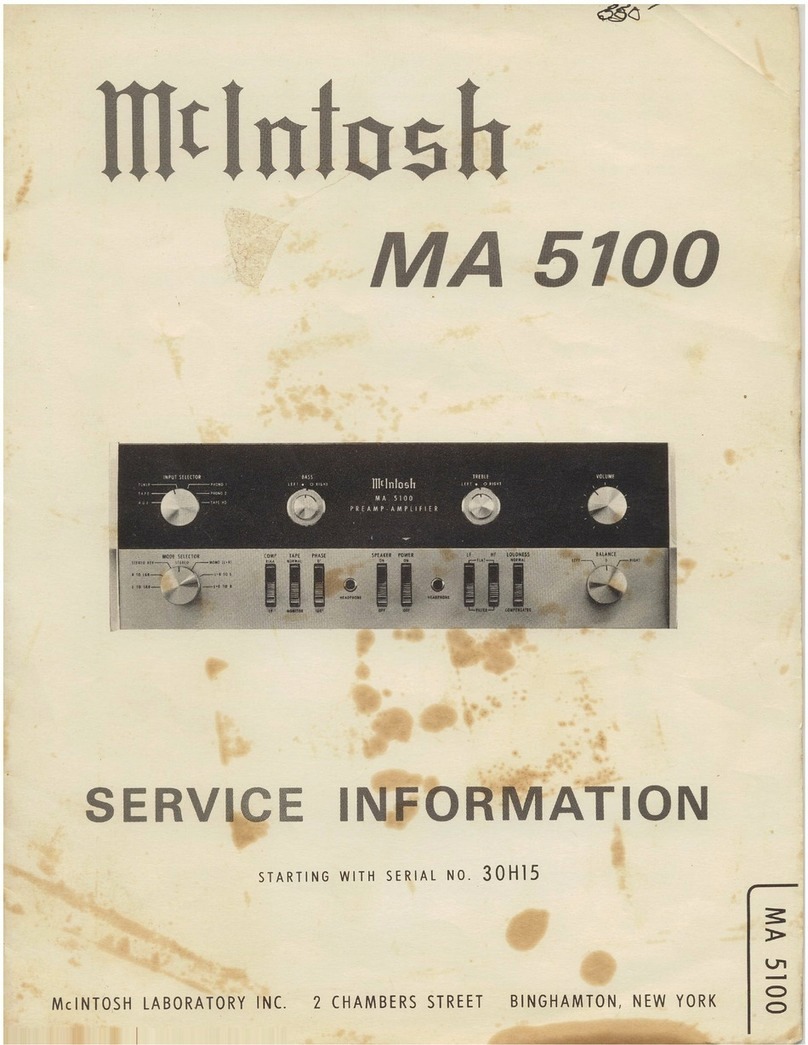
McIntosh MA6100 B Reference manual

McIntosh

McIntosh MA6100 B Reference manual

McIntosh MC24O User manual

McIntosh

McIntosh MC24O User manual

McIntosh MA9000 User manual

McIntosh

McIntosh MA9000 User manual

McIntosh MA6900 User manual

McIntosh

McIntosh MA6900 User manual

McIntosh MA6500 User manual

McIntosh

McIntosh MA6500 User manual

McIntosh C47 User manual

McIntosh

McIntosh C47 User manual

McIntosh MA2275 User manual

McIntosh

McIntosh MA2275 User manual

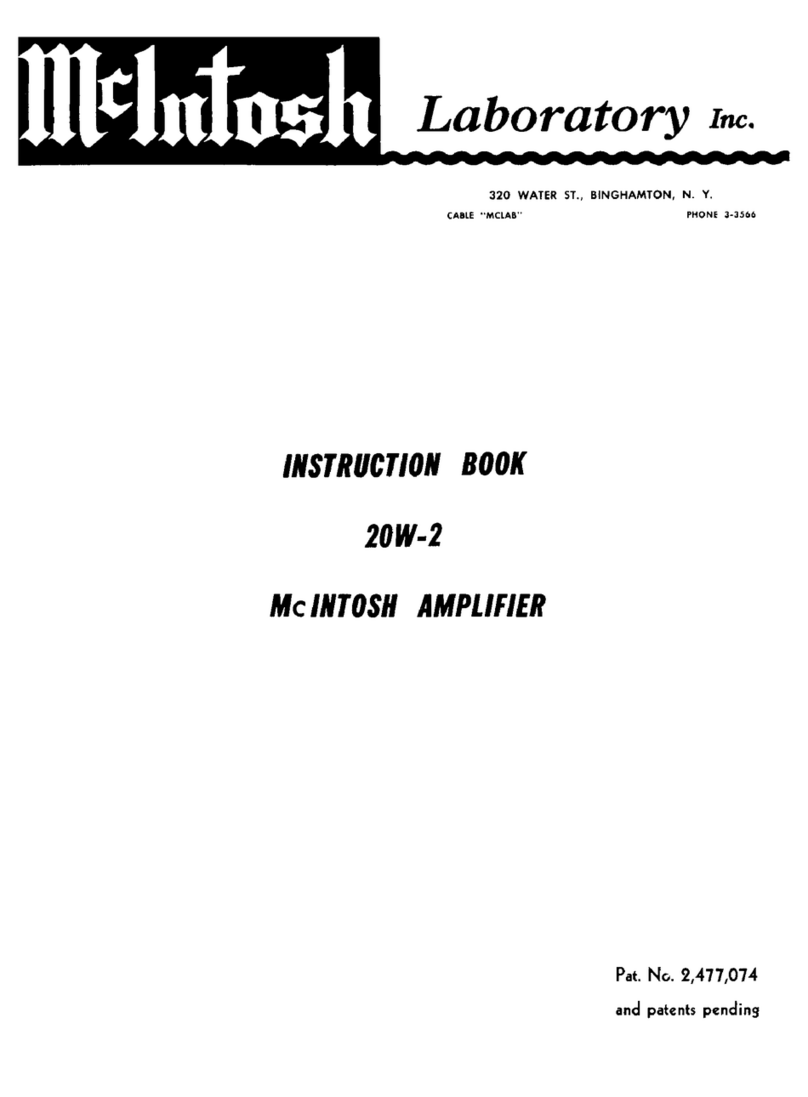
McIntosh 20W-2 User manual

McIntosh

McIntosh 20W-2 User manual

McIntosh MC 250 Operating and installation instructions

McIntosh

McIntosh MC 250 Operating and installation instructions

McIntosh MX132 User manual

McIntosh

McIntosh MX132 User manual

McIntosh MA8000 User manual

McIntosh

McIntosh MA8000 User manual

McIntosh C46 User manual

McIntosh

McIntosh C46 User manual

McIntosh MC275 User manual

McIntosh

McIntosh MC275 User manual

McIntosh MC 7270 User manual

McIntosh

McIntosh MC 7270 User manual

McIntosh C26 Operating and installation instructions

McIntosh

McIntosh C26 Operating and installation instructions

McIntosh MC602 User manual

McIntosh

McIntosh MC602 User manual

McIntosh MX135 User manual

McIntosh

McIntosh MX135 User manual

McIntosh MC302 User manual

McIntosh

McIntosh MC302 User manual

McIntosh C200 User manual

McIntosh

McIntosh C200 User manual

McIntosh C8 - SCHEMATICS User manual

McIntosh

McIntosh C8 - SCHEMATICS User manual

McIntosh MC7106 User manual

McIntosh

McIntosh MC7106 User manual

McIntosh 168255 User manual

McIntosh

McIntosh 168255 User manual

Popular Amplifier manuals by other brands

Magnat Audio EDITION FOUR Owner's manual/warranty document

Magnat Audio

Magnat Audio EDITION FOUR Owner's manual/warranty document

Inter-m PA-2000A Operation manual

Inter-m

Inter-m PA-2000A Operation manual

Yamaha TX6n owner's manual

Yamaha

Yamaha TX6n owner's manual

Peavey TNT 150 user guide

Peavey

Peavey TNT 150 user guide

Bosch LBB 1903/10 Installation and user instructions

Bosch

Bosch LBB 1903/10 Installation and user instructions

Avocent Emerge DA1200D Installer/user guide

Avocent

Avocent Emerge DA1200D Installer/user guide

Redgum RGi35 operating instructions

Redgum

Redgum RGi35 operating instructions

Cambridge Audio AXA25 user manual

Cambridge Audio

Cambridge Audio AXA25 user manual

Alpine MRP-M200 owner's manual

Alpine

Alpine MRP-M200 owner's manual

Technical Pro H1502UrBT user manual

Technical Pro

Technical Pro H1502UrBT user manual

FMS EMGZ307 operating manual

FMS

FMS EMGZ307 operating manual

Racal Instruments 5601 user manual

Racal Instruments

Racal Instruments 5601 user manual

Valcom V-1094A Technical specifications

Valcom

Valcom V-1094A Technical specifications

Cambridge Audio 851D user manual

Cambridge Audio

Cambridge Audio 851D user manual

QSC 3800 Specifications

QSC

QSC 3800 Specifications

NAD C300 owner's manual

NAD

NAD C300 owner's manual

Rotel RMB-1077 owner's manual

Rotel

Rotel RMB-1077 owner's manual

Peavey Monitor 300 Series operating guide

Peavey

Peavey Monitor 300 Series operating guide

manuals.online logo
manuals.online logoBrands
  • About & Mission
  • Contact us
  • Privacy Policy
  • Terms and Conditions

Copyright 2025 Manuals.Online. All Rights Reserved.

McIntosh Laboratory, Inc. 2 Chambers Street Binghamton, New York 13903-2699 Phone: 607-723-3512 FAX: 607-724-0549
OWNERS
MANUAL
MA6450
MA6450 Integrated Amplifier
2
Table of Contents
Thank You.......................................................................... 2
Please Take a Moment ....................................................... 2
Customer Service ............................................................... 2
Table of Contents ............................................................... 2
Safety Instructions ............................................................. 3
Introduction ........................................................................ 4
Performance Features ........................................................ 4
Installation ......................................................................... 5
Rear Panel Connections ..................................................... 6
How to Connect ................................................................. 7
How to Connect for Video Switching................................ 8
Front Panel Controls, Displays, Push-Buttons,
and Switches ...................................................................... 9
How to Operate................................................................ 10
HR-033 Push-Buttons ...................................................... 12
How to Operate by Remote Control ................................ 13
Specifications .................................................................. 14
Packing Instruction .......................................................... 15
NOTES:
1. Connecting Cables are available from the McIntosh Parts
Department:
Data and Power Control Cable Part No. 170-202
Six foot, shielded 2 conductor, with 1/8 inch stereo mini
phone plugs on each end.
2. For additional connection information, refer to the owners
manual(s) for any component(s) connected to the MA6450
Amplifier.
3. There is a built-in turn on delay which will mute the speaker
outputs for approximately two seconds when the amplifier is
turned on.
4. If the rear panel processor switch is set to the in position, and
a signal processor is not connected, no sound will be heard
through the system. When a signal processor is connected to
the MA6450 processor jacks, and the processor switch is set
to the in position, the processor must be on and operating, or
in bypass mode, for a sound to be heard through the system.
5. It is very important that loudspeaker cables of adequate size
be used in your music system, to ensure that there will be no
power loss or heating. Cable size is specified in Gauge
numbers or AWG, (American Wire Gauge). The smaller the
Gauge number, the larger the wire size:
If your loudspeaker cables are 25 feet (7.62m) or less,
use at least 18 Gauge (AWG) wire size or larger.
If your loudspeaker cables are 50 feet (38.1m) or less,
use at least 16 Gauge (AWG) wire size or larger.
If your loudspeaker cables are 100 feet (76.2m) or less,
use at least 14 Gauge (AWG) wire size or larger.
Copyright 1997 by McIntosh Laboratory, Inc.
Thank You, Please Take A Moment,
Customer Service and Table of Contents
Customer Service
If at any time you have questions about your McIntosh
MA6450 Intergrated Amplifier, contact your McIntosh
dealer. Your dealer is familiar with your McIntosh equip-
ment as well as other brands that may be included in your
system and is best qualified to help you.
If it is determined that your MA6450 is in need of repair,
you can return it to your dealer or you can return it to
McIntosh Laboratory. Contact the McIntosh Repair Depart-
ment for assistance at,
McIntosh Laboratory, Inc.
2 Chambers Street
Binghamton, New York 13903
Phone: 607-723-3512
FAX: 607-724-0549
Serial Number:
Purchase Date:
Dealer Name:
Thank You
For your decision to own this McIntosh MA6450 Inte-
grated Amplifier ranks you at the very top among discrimi-
nating music listeners. You now have The Best. The
McIntosh dedication to Quality, is assurance that you
will receive many years of musical enjoyment from this
unit.
Please take a short time to read the information in this
manual. We want you to be as familiar as possible with all
the features and functions of your new McIntosh MA6450.
This will ensure that you receive all the performance ben-
efits this equipment can offer you, and that it will become a
highly valued part of your home entertainment system.
Please Take A Moment
The serial number, purchase date and McIntosh dealer name
are important to you for possible insurance claim or future
service. The serial number is located on the rear panel of the
equipment. The spaces below have been provided for you to
record that information:

3
IMPORTANT SAFETY
INSTRUCTIONS!
PLEASE READ THEM BEFORE
OPERATING THIS EQUIPMENT.
Safety Instructions
WARNING SHOCK HAZARD -
DO NOT OPEN.
AVIS RISQUE DE CHOC -
NE PAS OUVRIR.
NO USER-SERVICEABLE
PARTS INSIDE. REFER
SERVICING TO
QUALIFIED PERSONNEL
General:
1. Read all the safety and operating instructions, contained
in this owners manual, before operating this equipment.
2. Retain this owners manual for future reference about
safety and operating instructions.
3. Adhere to all warnings and operating instructions.
4. Follow all operating and use instructions.
5. Warning: To reduce risk of fire or electrical shock,
do not expose this equipment to rain or moisture.
This unit is capable of producing high sound pressure
levels. Continued exposure to high sound pressure
levels can cause permanent hearing impairment or
loss. User caution is advised and ear protection is
recommended when playing at high volumes.
6. Caution: to prevent electrical shock do not use this
(polarized) plug with an extension cord, receptacle or
other outlet unless the blades can be fully inserted to
prevent blade exposure.
Attention: pour pevenir les chocs elecriques pas
utiliser cette fiche polarisee avec un prolongateur, une
prise de courant ou un autre sortie de courant, sauf si
les lames peuvent etre inserees afond ans en laisser
aucune partie a decouvert.
7. For added protection for this product during a lightning
storm, or when it is left unattended and unused for long
periods of time, unplug it from the wall outlet and dis-
connect the antenna or cable system. This will prevent
damage to the product due to lightning or power line
surges.
8. Do not use attachments not recommended in this
owners manual as they may cause hazards.
Installation:

9. Locate the equipment for proper ventilation. For ex-
ample, the equipment should not be placed on a bed,
sofa, rug, or similar surface that may block ventilation
openings; or, placed in a built-in installation, such as a
bookcase or cabinet, that may impede the flow of air
through the ventilation openings.
10. Locate the equipment away from heat sources such as
radiators, heat registers, stoves, or other appliance (in-
cluding amplifiers) that produce heat.
11. Mount the equipment in a wall or cabinet only as de-
scribed in this owners manual
12. Do not use this equipment near water; for example,
near a bathtub, washbowl, kitchen sink, laundry tub, in
a wet basement or near a swimming pool, etc.
13. Do not place this product on an unstable cart, stand,
tripod, bracket, or table. The equipment may fall, caus-
ing serious injury to a person, and serious damage to
the product.
Connection:

14. Connect this equipment only to the type of AC power
source as marked on the unit.
15. Route AC power cords so that they are not likely to be
walked on or pinched by items placed upon or against
them, paying particular attention to cords at plugs, con-
venience receptacles, and the point where they exit from
the instrument.
16. Do not defeat the inherent design features of the polar-
ized plug. Non-polarized line cord adapters will defeat
the safety provided by the polarized AC plug. If the
plug should fail to fit, contact your electrician to re-
place your obsolete outlet. Do not defeat the safety pur-
pose of the grounding-type plug.
17. Do not overload wall outlets, extension cords or inte-
gral convenience receptacles as this can result in a risk
of fire or electric shock.
Care of Equipment:

18. Clean the instrument by dusting with a dry cloth. Un-
plug this equipment from the wall outlet and clean the
panel with a cloth moistened with a window cleaner. Do
not use liquid cleaners or aerosol cleaners.
19. Do not permit objects of any kind to be pushed and/or
fall into the equipment through enclosure openings.
4
Performance Features
·100 Watt per Channel Integrated Amplifier
The MA6450 combines 100 watt per channel power ampli-
fier with a sophisticated control center in one compact unit.
·Multiple Inputs
Seven high level inputs provide for all popular program
sources.
·Tone Control Bypass
At the flat settings the Bass and Treble control circuit ele-
ments are removed from the Listen signal path.
·Active Loudness Circuity
A continuously variable active Loudness control allows
any degree of loudness compensation. All Loudness circuit
elements are removed from the signal path in the flat set-
ting.
·Electronic Input Switching
Digital Logic integrated circuits drive Electromagnetic
switches on all inputs and operating functions for reliable,
noiseless, distortion free switching
·Illuminated Peak Responding Output Meters
Output meters respond to 95% of full scale reading with a
single cycle of a 2KHz tone burst to indicate output power
with high accuracy.
·Power Guard with Sentry Monitor
Patented McIntosh Power Guard circuit that prevents the
amplifier from being overdriven into clipping with its harsh
distorted sound that can also damage your valuable loud-
speakers. Sentry Monitor power output stage protection
circuits ensure the MA6450 will have a long and trouble
free operating life.
·Speaker Switching
Front panel Speakers push-buttons control two pairs of
speakers.
·Special Power Supply
Fully regulated power supply with a shielded power trans-
former ensures stable noise free operation.
Safety Instructions cont,
Introduction and Performance Features
Never spill liquids into the equipment through enclo-
sure openings.
20. Unplug the power cord from the AC power outlet when
left unused for a long period of time.
Repair of Equipment:
21. Unplug this equipment from the wall outlet and refer
servicing to a qualified service personnel under the fol-
lowing conditions:
A. The AC power cord or the plug has been damaged.
B. Objects have fallen, or liquid has been spilled into
the equipment.
C. The equipment has been exposed to rain or water.
D. The equipment does not operate normally by follow-
ing the operating instructions contained within this
owners manual. Adjust only those controls that are
covered by the operating instructions, as an im-
proper adjustment of other controls may result in
damage and will often require extensive work by a
qualified technician to restore the product to its nor-
mal operation.
E. The equipment has been dropped or damaged in any
way.
F. The equipment exhibits a distinct change in perfor-
mance - this indicates a need for service.
22. Do not attempt to service beyond that described in the
operating instructions. All other service should be re-
ferred to qualified service personnel.
23. When replacement parts are required, be sure the ser-
vice technician has used replacement parts specified by
McIntosh or have the same characteristics as the origi-
nal part. Unauthorized substitutions may result in fire,
electric shock, or other hazards.
24. Upon completion of any service or repairs to this prod-
uct, ask the service technician to perform safety checks
to determine that the product is in proper operating con-
dition.
Introduction
The remote controlled MA6450 is a sophisticated, yet easy
to operate Integrated Amplifier that will provide the supe-
rior fidelity music reproduction that is traditional from
McIntosh. It includes a wide range of convenient operating
functions to enhance your listening enjoyment. The classic
McIntosh MA6450 will perfectly complement a pair of
McIntosh Loudspeakers for a stereo system of incompa-
rable performance and style.
5
Installation
The MA6450 can be placed upright on a table or shelf,
standing on its four feet. It also can be custom installed in a
piece of furniture or cabinet of your choice. The required
panel cutout, ventilation cutout and unit dimensions are
shown.
Always provide adequate ventilation for your MA6450.
Cool operation ensures the longest possible operating life
for any electronic instrument. Do not install the MA6450
directly above a heat generating component such as a high
powered amplifier. If all the components are installed in a
single cabinet, a quiet running ventilation fan can be a defi-
nite asset in maintaining all the system components at the
coolest possible operating temperature.
A custom cabinet installation should provide the follow-
ing minimum spacing dimensions for cool operation. Allow
at least 2 inches (5.1cm) above the top and 1 inch (2.54
cm) on each side of the amplifier, so that airflow is not ob-
structed. 21 inches (53.3cm) depth behind the mounting
panel, which includes clearance for connectors. Allow 1-1/
8 inches (2.9cm) in front of the mounting panel for knob
clearance. Be sure to cut out a ventilation hole in the
mounting shelf according to the dimensions in the drawing.
Front View of the MA6450
custom installed
Side View of the MA6450
custom installed
Bottom View of the MA6450
custom installed
Installation
17-1/2"
444mm
17-1/16"
433.4mm
7/32"
5.3mm
Support Shelf
Outline of Front Panel
Edge of Cutout
Panel Height
5-5/16"
134.9mm
4-7/8"
123.8mm
1/4"
6mm
3/16"
5.1mm
End Caps
5-3/8"
136.9mm
Bottom of Cutout
and Top of Support
Shelf Must Coincide
Mounting Surface
Outline of Unit
(Side View)
Support Shelf
Mounting Bracket at Both Sides of the Rear Panel.
Fasten with 6-32 x 3/8 Machine Screw and Washer to Chassis.
Fasten with 6 x 1/2 Wood Screw and Washer to Support Shelf
6"
15"
9"
Mounting Surface
Cut Out Center
for Ventilation
(Bottom View)
(Front View)
6
MA6450 Rear Panel Connections
Connect the
MA6450 power
cord to a live AC
outlet. Refer to
information on the
back panel to de-
termine the cor-
rect voltage.
Fuse holder,
refer to
infromation
on the back
panel to deter-
mine the cor-
rect fuse size
and rating.
The EXT (external)
Sensor for a McIntosh
IR sensor
DATA PORTS send signals
to compatible source com-
ponents to allow you to
remotely control them
POWER CONTROL
Output sends a turn-on
signal to a McIntosh
Component
PROCESSOR FROM
and TO jacks along
with PROCESSOR
IN-OUT switch for an
external signal proces-
sor
High Level Inputs
accept signals from
the output of a
TUNER, CD 1&2,
and AUX
TAPE 1, and
TAPE 2 inputs
are for tape
recorders
VIDEO, inputs for
audio signals from a
LD, VCR, TV or the
optional MVS-3 A/V
Selector
RECORD TAPE 1
and 2 OUTPUTS
supply record signals
for tape recorders
SPEAKERS 1 and
SPEAKERS 2 allow
two pairs of speakers
to be connected
SUM Data port
allows connection
of a McIntosh Re-
mote Control
Translator
SWITCHED
outlet turns on
and off with the
MA6450 main
power switch
MAIN OUTPUTS send signals to power amplifier
inputs, POWER AMP IN jacks accept signals from
an external preamplifier or signal source, EXT-INT
PWR AMP INPUT switch disconnects the power
amplifier from the built-in preamplifier
UNSWITCHED
outlet stays on all
the time
7
McIntosh CD Player
How to Connect the MA6450
To AC Outlet
Tape Recorder
Signal Processor
McIntoshTuner
McIntosh PC-3
1234567890
1
23456789
0
1
23456789
0
1
23456789
0
1
23456789
0
1
23456789
0
1
23456789
0
1
23456789
0
1
23456789
0
1
23456789
0
1
23456789
0
1
23456789
0
1
23456789
0
1234567890
Right Loudspeaker
1234567890
1
23456789
0
1
23456789
0
1
23456789
0
1
23456789
0
1
23456789
0
1
23456789
0
1
23456789
0
1
23456789
0
1
23456789
0
1
23456789
0
1
23456789
0
1234567890
Left Loudspeaker
1234567890
1
23456789
0
1
23456789
0
1
23456789
0
1
23456789
0
1
23456789
0
1
23456789
0
1
23456789
0
1
23456789
0
1
23456789
0
1
23456789
0
1
23456789
0
1234567890
Right Loudspeaker
1234567890
1
23456789
0
1
23456789
0
1
23456789
0
1
23456789
0
1
23456789
0
1
23456789
0
1
23456789
0
1
23456789
0
1
23456789
0
1
23456789
0
1
23456789
0
1234567890
Left Loudspeaker
McIntosh
Remote
Sensor
Second Room
1. Connect the MA6450 power cord to a live AC outlet.
2. Connect cables from a pair of speakers to the
SPEAKER 1 Outputs.
Note: After connecting the
loudspeakers, install the
supplied protective covers
(located in an accessory
package in the shipping
carton) over the loudspeaker
terminals.
3. Connect a cable from the TAPE 1 OUTPUTS to the
Record Inputs of a tape recorder and the TAPE 1 IN-
PUTS to a tape recorder Outputs.
4. Connect cables from a McIntosh CD Player to the CD1
INPUTS. Connect a McIntosh tuner to the TUNER IN-
PUTS.
5. Connect a cable from the POWER CONTROL jack to
the Power Control In on a McIntosh component or
Power Controller.
6. Connect a cable(s) from the DATA PORTS to the com-
ponents that are to be controlled by the MA6450.
7. Connect a Coax cable from the EXT SENSOR to a
McIntosh wall sensor or WK-2 Keypad in a second
room.
NOTE: If a Signal Processor is Used, connect cables from the
Signal Processor Outputs to the PROCESSOR FROM
jacks and the Signal Processor Inputs to the
PROCESSOR TO jacks. Set the MA6450 PROCESSOR
switch to IN. The processor must be on or in bypass
mode for a signal to be heard.
8
McIntosh MVS-3
A/V Selector
How to Connect the MA6450
for Video Switching
How to Connect the MA6450 for Video
Switching
Monitor
McIntosh LD Player
To AC Outlet
1. Connect the MVS-3 power cord to the Switched outlet.
2. Connect a Data cable from the MA6450 VIDEO DATA
PORT to the MVS-3 DATA IN jack.
3. Connect the MVS-3 CONTROL CENTER OUTPUTS
to the MA6450 VIDEO Inputs.
4. Connect the MVS-3 VIDEO MONITOR OUTPUT to a
TV or Monitor.
5. Connect a McIntosh LD Player audio outputs to the
MVS-3 LV AUDIO INPUTS, the video output to the
MVS-3 LV VIDEO INPUT and the DATA OUT to the
MVS-3 LV DATA PORT.
6. Connect other video source components to the appro-
priate audio and video inputs on the MVS-3.
9
MA6450 Front Panel Controls,
Display, Push-Buttons and Switches
MA6450 Front Panel Controls, Display, Push-
Buttons and Switches
POWER ON/OFF
push-button turns
the MA6450 ON, or
OFF (Standby)
LOUDNESS control
(smaller inner knob)
provides adjustable fre-
quency response con-
toured to compensate
for the behavior of the
human ear at softer lis-
tening levels.
The BALANCE control
(large outer knob) al-
lows you to adjust the
relative volume balance
between channels.
TREBLE control provide
12dB boost or cut with a
flat center position.
BASS control provide
12dB boost or cut with
a flat center position.
VOLUME control allows
you to adjust the listening
level at the output(s)
Input switch selects
which of the five input
sources will appear at
the outputs
MONO push-
button combines
the left and right
channel signals
for Mono opera-
tion at the Main
and speaker out-
puts
Muting LED
lights to indicate
muting is active
POWER GUARD LEDs light
when the amplifier channel
Power Guard Circuit activates
SPEAKERS 1 and 2
push-buttons select one
pair of speakers, or both
pairs simultaneously
Copy tapes from
either of two tape
recorders to the
other
Select tape
playback
from either
of two tape
recorders
METERS indicate power
output of the amplifier
IR (Infra Red) sensor ac-
cepts IR signals directly
from an HR033 Remote
Control
10
Power On
Press the POWER push-button to turn the MA6450 on
and off.
Note: The red LED above the push-button stays on
whenever the MA6450 power cord is connected to a
live outlet. You may also turn the MA6450 on and off
using the HR033 Remote Control.
NOTE: You may also turn on the MA6450 using the HR033
Remote Control.
Source Selection
Select the desired listening source with the Input Switch.
Tape Mon 1 and 2
Press a TAPE MON (Tape Monitor) push-button to play-
back a previously recorded tape or monitor a tape playback
during the recording process.
NOTE: The TAPE MON push-buttons are electronically
interlocked so only one recorder playback can be
selected at a time. If a 3 head tape recorder is being
used, you can monitor the tape playback during the
recording process by pressing the appropriate TAPE
MON push-button.
Volume Control
Adjust the VOLUME control for the desired listening
level.
Balance Control
Adjust the BALANCE control as needed to
achieve approximately equal listening volume
levels in each loudspeaker. Turn the BAL-
ANCE to the Left to emphasize the left channel
by reducing the level of the right channel. Turn
the BALANCE to the right to emphasize the
right channel by reducing the level of the left
channel.
Bass and Treble Controls
Adjust the BASS and TREBLE controls to suit
your listening preferences. The bass or treble
intensity can be increased with clockwise rota-
tion and decreased with counterclockwise rota-
How to Operate the MA6450
tion. All tone control circuit elements are removed from the
signal path when the controls are in the center or flat posi-
tion.
Loudness Control
After first setting the desired listening volume, rotate the
LOUDNESS control clockwise to increase the intensity of
the bass according to your listening preference. When the
LOUDNESS control is in the fully counter clockwise or
flat position, all loudness circuit elements are removed
from the signal path.
Mono
Press the MONO push-button to combine left and right ste-
reo signals to mono at MAIN OUTPUT and SPEAKERS 1
and 2.
Mute
Press MUTE on the Remote Control to mute audio in the
MAIN OUTPUT and SPEAKERS 1 and 2. Press again,
select another Input or press a Tape Mon push-button to
unmute.
NOTE: When the MA6450 is in Mute, the Speakers push-
buttons, Mono push-button and Tape Copy push-buttons
are inoperative.
Figure 1