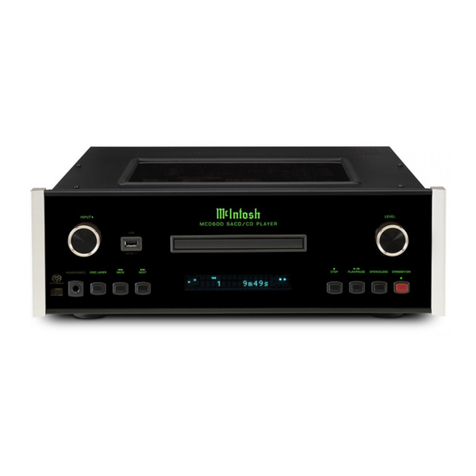
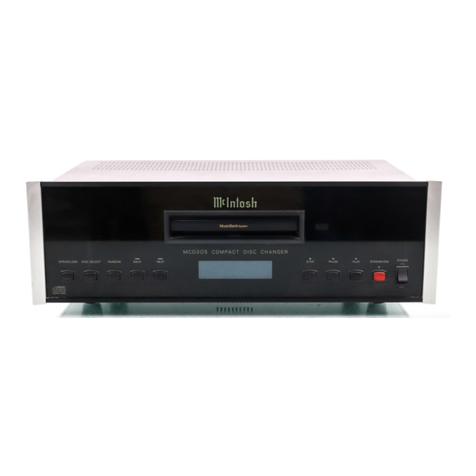
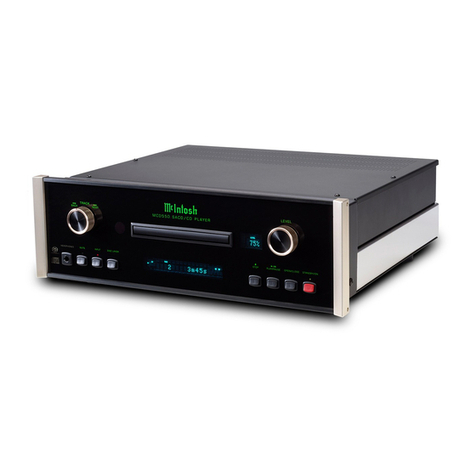
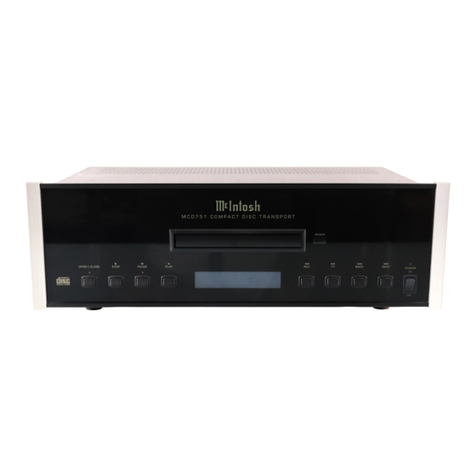
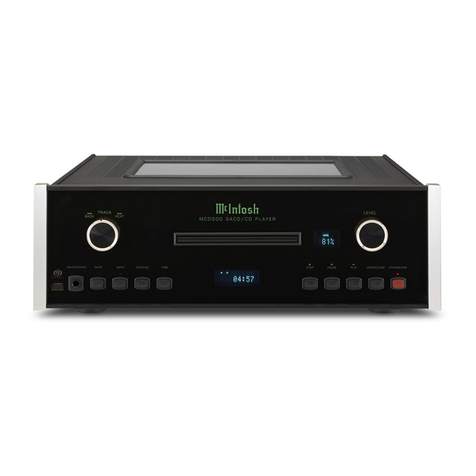
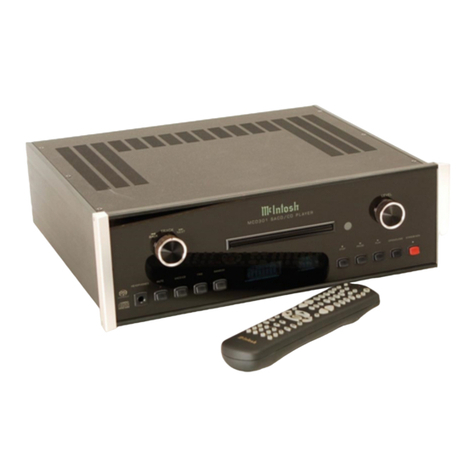
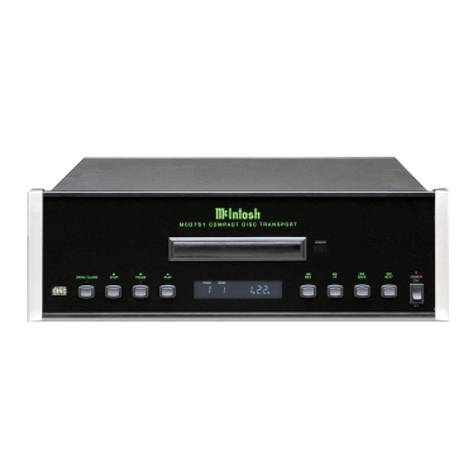
POWER-1.
TouchthePOWERtouch-buttontoturntheplayer
on.TheTRACK,INDEX,TIME,eLAPsedtimeand
VOLUMEindicatorswilllightupinthedisplayarea.
TouchPOWERagainandtheplayeristurnedoffand
theindicatorsturnoff.
LOAD-2.
TouchtheLOADtouch-buttonandtheLEDabovethe
touch-buttonwillilluminate,thenafter1 secondthe
drawerwillopen.Ifthedrawerisobstructed,itwillnot
continuetoopen.Shouldthishappenremovethe
obstruction,touchLOADtwiceinsuccessiontobring
thedrawerfullyout.
Holdthediscattherimandplaceitlabelsideup,in
thediscdrawer.
ClosethedrawerbytouchingPLAY,SCANorLOAD.
UsePLAYifyouwanttoplaythecompletedisc,SCAN
ifyoufirstwanttoprevieweachtrackonthediscor
storetracksfromit,andLOADifyouwanttoprogram
thedisc.Ineachcase,thedrawerslidesinwhenthe
buttonistouched.Ifthedrawerisobstructedasit
closes,thedrawerwillcomeoutagainafterabout3
seconds.
UsingLOADtoclosethedrawer,permitsthelaser
pentoreadthecontentslistandthendisplaythe
numberoftracksandthetotaltimeencodedonthe
disc.Afterreadingthecontentslist,theMCD7005swit-
chestostand-bymodereadyforfurtherinstructions.
TheDAMAGEDDISC/MUTEindicatorremainslighted
untilplaybegins.Ifthelightremainsonandthedisc
refusestoplay,makesurethatthediscisproperlyin
thedrawerandlabelsideisup.
Toclosethedrawerwhenitisemptytouchthe
LOADbutton.TheDAMAGEDDISC/MUTEsignwill
light.Topreventtheentryofdust,donotleavethe
draweropen.
Openingthedrawerduringplay,willstopthedisc.
PLAY-3.
Toplaythecompletedisc,closethedrawerby
touchingPLAY.Afterthecontentslistonthedischas
beenread,thenumberoftracksonthediscwillbe
displayedon thetrackindicator.Whenplaybegins,
elapseplaying timeisdisplayedandtheeLAPsedin-
dicatorlights.
Togobacktothebeginningofa trackwhileitisplay-
ing,touchPLAY.Thetrackisthenrepeatedfromthe
beginning.Whenallthetrackshavebeenplayed,the
trackindicator,thetotalelapsedtimeandtheDAMAG-
EDDISC/MUTEindicatorwilllight.Allindicatorsexcept
thevolumedisplayturnoff.
VOLUME-4.
VolumemaybeadjustedbyusingtheVOLUMEor
VOLUMEonthefrontpanelorontheremotecon-
trol.Adjustmentofthevolumeisperformedbyanelec-
tronicallyswitchedprecisionladderattenuator.
TheMclntoshelectronicprecisionladderattenuator
adjustsvolumebyC2MOStransistorswitchesthatselect
therightcombinationsofhighlyaccuratedepositsof
resistivematerialforthevolumeprogrammed.
Theentirerangeofvolumeadjustmentis66dBin2
dBincrements.Leftandrighttrackingiscontrolledtoa
fractionofa dB.Becausetherearen'tanymovingparts,
thevolumeadjustmentcannotgeneratenoiseor
misalignment.Unlikeordinaryelectronicvolumecon-
trols,theMclntoshprecisionladderattenuatorsupports
thedistortion-free,low-noiseperformanceoftheMCD
7005.
TheVOLUMEindicatorinthemessagecenterisa 10
segmentdisplay.Asvolumeisincreased,more
segmentsarelightedtoindicaterelativevolume.
SCAN-16.
Thefirst10secondsofeachtrackwillbeplayed
whentheSCANtouch-buttonisusedtoinitiateplay.As
eachtrackispreviewedtheSCANindicator,theTRACK
numberandtheeLAPsedTIMEisdisplayed.
Whenthetrackshavebeenpreviewed,theSCANin-
dicatorturnsoff,thelaserpick-upreturnstothebeginn-
ingofthefirsttrack,thetotalnumberoftracksandthe
totaltimewillbedisplayedinthemessagecenter.
If,beforeyouhavepreviewedalltracks,youdecide
tolistentoalloftheremainingtracksonthedisc,touch
PLAY.
The
SCAN
indicator
will
gooffandthe
remaining
trackswillplayintheirentirety,beginningwiththe
trackindicatedinthemessagecenter.
Anytrackcanbeenteredinthememoryforlater
playingwhileusingSCAN.Foreachwantedtrack,
touchSTOREwhilethetrackisplayingandtheTRACK
willbeinsertedinthememory.Theplayerwillpreview
thenexttrackandtheindicatorforthattrackwillbe
displayed.
Whenalltrackshavebeenpreviewed,SCANwillgo
off.Tolistentothestoredprogram,touchPLAYAnd
thediscwillplaythestoredtracksinthesequence
selected.
OPERATION