manuals.online logo
Brands
  1. Home
  2. •
  3. Brands
  4. •
  5. McIntosh
  6. •
  7. Tuner
  8. •
  9. McIntosh M85 User manual

McIntosh M85 User manual

This manual suits for next models

1

Other McIntosh Tuner manuals

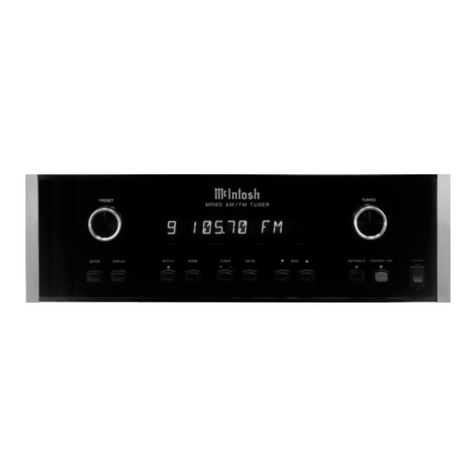
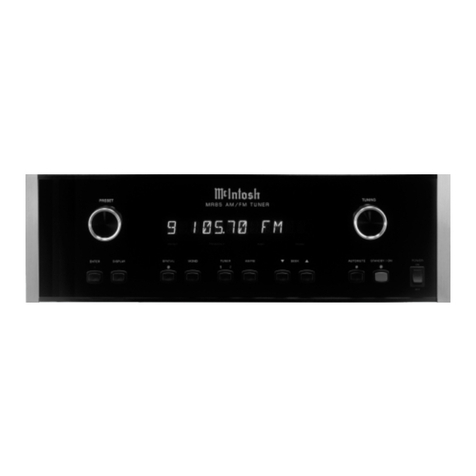
McIntosh MR85 User manual

McIntosh

McIntosh MR85 User manual

McIntosh MR 71 FM User manual

McIntosh

McIntosh MR 71 FM User manual

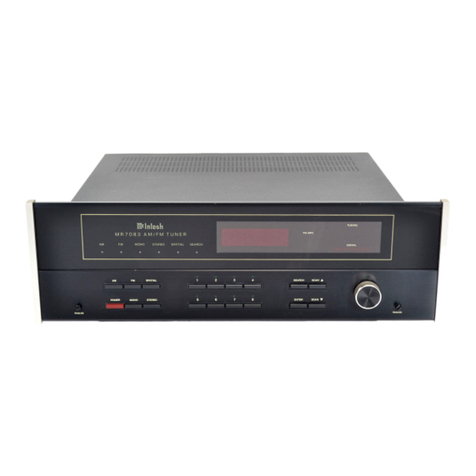
McIntosh MR 7083 User manual

McIntosh

McIntosh MR 7083 User manual

McIntosh MR 77 User manual

McIntosh

McIntosh MR 77 User manual

McIntosh MR 73 Operating and installation instructions

McIntosh

McIntosh MR 73 Operating and installation instructions

McIntosh MR85 User manual

McIntosh

McIntosh MR85 User manual

McIntosh MR 71 User manual

McIntosh

McIntosh MR 71 User manual

McIntosh MR-55A User manual

McIntosh

McIntosh MR-55A User manual

McIntosh MR65 User manual

McIntosh

McIntosh MR65 User manual

McIntosh MX 114 User manual

McIntosh

McIntosh MX 114 User manual

McIntosh MR89 User manual

McIntosh

McIntosh MR89 User manual

McIntosh MR65B User manual

McIntosh

McIntosh MR65B User manual

McIntosh MR 78 User manual

McIntosh

McIntosh MR 78 User manual

McIntosh MR 500 User manual

McIntosh

McIntosh MR 500 User manual

McIntosh MR-55A User manual

McIntosh

McIntosh MR-55A User manual

McIntosh MR85 User manual

McIntosh

McIntosh MR85 User manual

McIntosh MR 74 User manual

McIntosh

McIntosh MR 74 User manual

McIntosh MR 73 User manual

McIntosh

McIntosh MR 73 User manual

McIntosh MR80 User manual

McIntosh

McIntosh MR80 User manual

McIntosh MR 71 User manual

McIntosh

McIntosh MR 71 User manual

McIntosh MR 73 Operating and installation instructions

McIntosh

McIntosh MR 73 Operating and installation instructions

McIntosh MX 110 User manual

McIntosh

McIntosh MX 110 User manual

McIntosh MX 110 User manual

McIntosh

McIntosh MX 110 User manual

McIntosh MA6600 User manual

McIntosh

McIntosh MA6600 User manual

Popular Tuner manuals by other brands

Technics ST-HD55 Service manual

Technics

Technics ST-HD55 Service manual

Arcam DT91 Handbook

Arcam

Arcam DT91 Handbook

HDHomeRun 20121008 installation instructions

HDHomeRun

HDHomeRun 20121008 installation instructions

Eico HFT-92 instruction manual

Eico

Eico HFT-92 instruction manual

MFJ MFJ-928 instruction manual

MFJ

MFJ MFJ-928 instruction manual

Teac T-1D Service manual

Teac

Teac T-1D Service manual

NAD C 445 owner's manual

NAD

NAD C 445 owner's manual

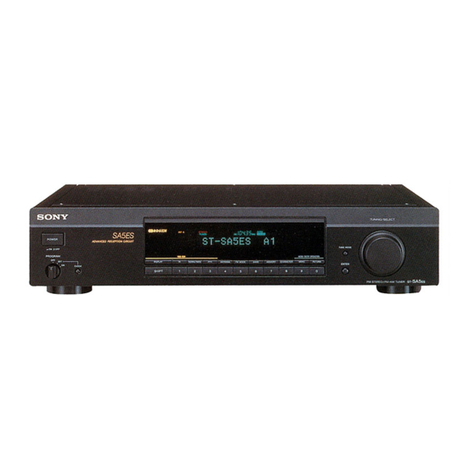
Sony ST-SA5ES operating instructions

Sony

Sony ST-SA5ES operating instructions

Pioneer GEX-P700DAB Operation manual

Pioneer

Pioneer GEX-P700DAB Operation manual

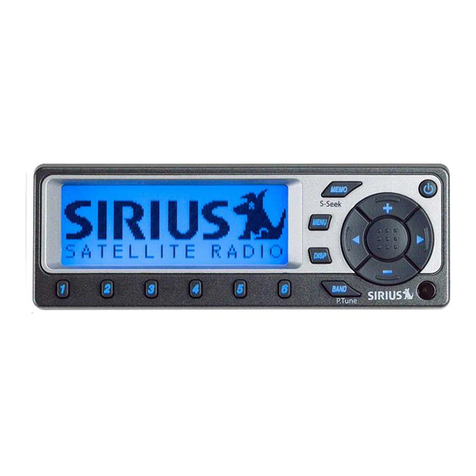
Sirius Satellite Radio SC-FM1 user guide

Sirius Satellite Radio

Sirius Satellite Radio SC-FM1 user guide

Antique Automobile Radio 283501B Installation and operating instructions

Antique Automobile Radio

Antique Automobile Radio 283501B Installation and operating instructions

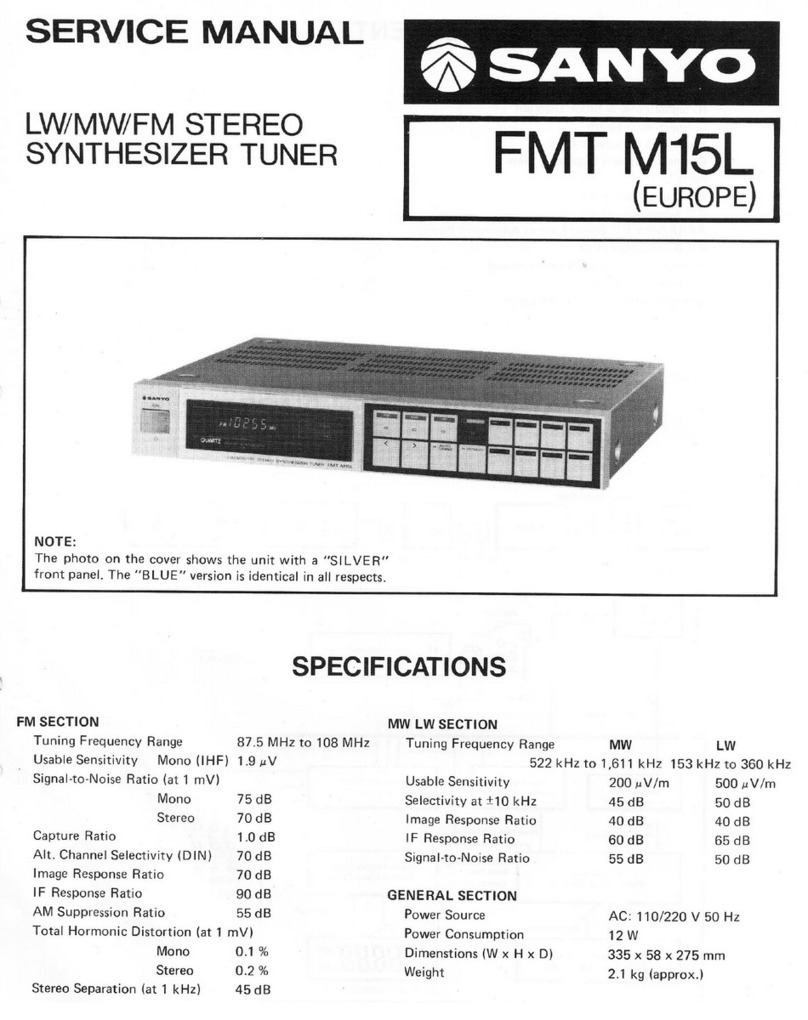
Sanyo FMT M15L Service manual

Sanyo

Sanyo FMT M15L Service manual

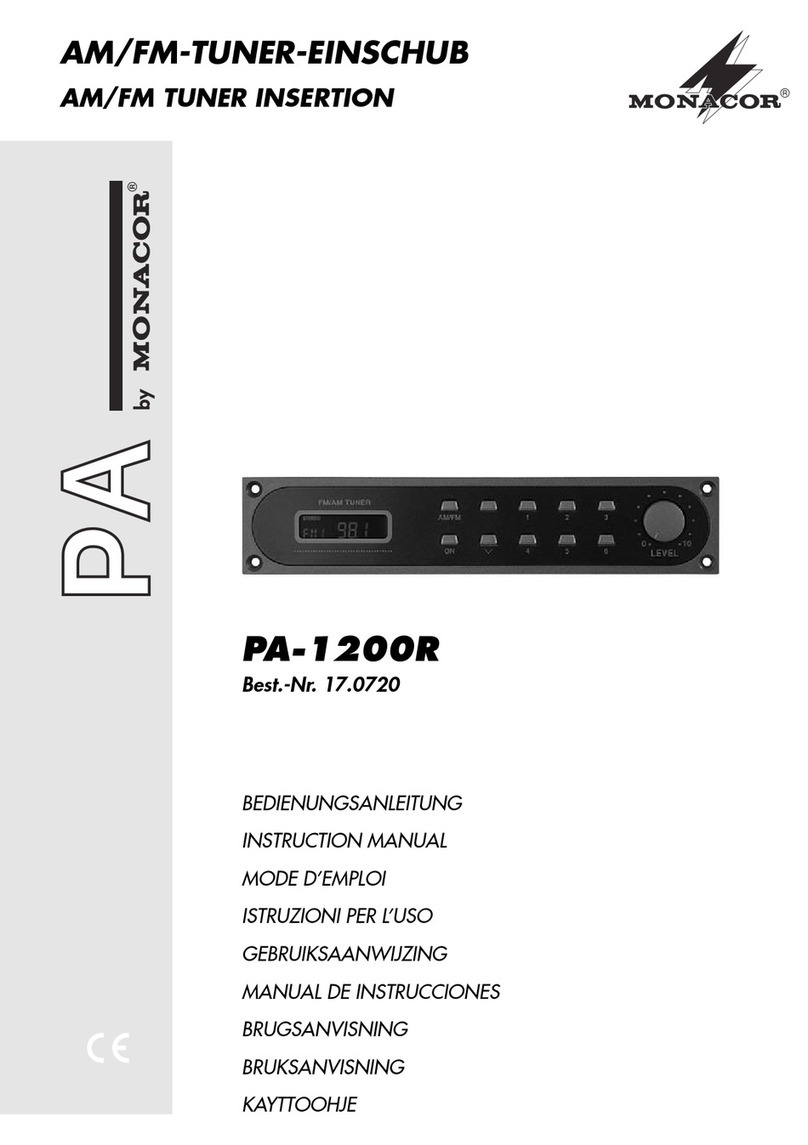
Monacor PA-1200R instruction manual

Monacor

Monacor PA-1200R instruction manual

Technics ST-X301L Service manual

Technics

Technics ST-X301L Service manual

Manhattan 176156 user manual

Manhattan

Manhattan 176156 user manual

Marantz ST-15S1 user guide

Marantz

Marantz ST-15S1 user guide

Korg HA-40 owner's manual

Korg

Korg HA-40 owner's manual

Pioneer XC-IS21T Service manual

Pioneer

Pioneer XC-IS21T Service manual

manuals.online logo
manuals.online logoBrands
  • About & Mission
  • Contact us
  • Privacy Policy
  • Terms and Conditions

Copyright 2025 Manuals.Online. All Rights Reserved.

McIntosh Laboratory, Inc. 2 Chambers Street Binghamton, New York 139 3-2699 Phone: 6 7-723-3512 FAX: 6 7-724- 549
Owners
Manual
MR85
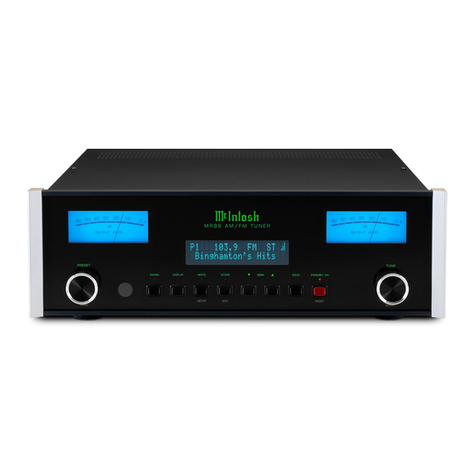
MR85 AM/FM Tuner
2
Table of Contents
Customer Service
Technical Assistance
Please Take A Moment
Thank You
Thank You and Please Take a Moment............................. 2
Technical Assistance and Customer Service .................... 2
Table of Contents and General Notes ............................... 2
Safety nstructions ............................................................ 3
ntroduction ...................................................................... 5
Performance Features ....................................................... 5
Dimensions ....................................................................... 6
nstallation ........................................................................ 7
MR85 Rear Panel and RAA1 Top Panel Connections ..... 8
How to Connect ................................................................ 9
How to Connect with Optional Tuner Module ............... 10
Front Panel Controls, Displays,
Push-Buttons and Switch ................................................ 11
How to Operate ............................................................... 12
How to Assign Preset Stations and Custom Names ....... 14
Preset Station Lists ......................................................... 16
nformation about the Optional TM1 Tuner Module ...... 17
Specifications ................................................................. 18
Packing nstruction ......................................................... 19
Copyright 2000 ã by Mc ntosh Laboratory, nc.
The serial number, purchase date and Mc ntosh dealer
name are important to you for possible insurance claim or
future service. The spaces below have been provided for
you to record that information:
Your decision to own this Mc ntosh MR85 AM/FM Tuner
ranks you at the very top among discriminating music lis-
teners. You now have The Best. The Mc ntosh dedication
to Quality, is assurance that you will receive many years
of musical enjoyment from this unit.
Please take a short time to read the information in this
manual. We want you to be as familiar as possible with all
the features and functions of your new Mc ntosh.
Serial Number:
Purchase Date:
Dealer Name:
f it is determined that your Mc ntosh product is in need of
repair, you can return it to your dealer. You can also return
it to the Mc ntosh Laboratory Service Repair Department.
For assistance on factory repair return procedure, contact
the Mc ntosh Repair Department at:
Mc ntosh Laboratory, nc.
2 Chambers Street
Binghamton, New York 13903
Phone: 607-723-3515
Fax: 607-723-1917
f at any time you have questions about your Mc ntosh
product, contact your Mc ntosh dealer who is familiar with
your Mc ntosh equipment and any other brands that may
be part of your system. f you or your dealer wish addi-
tional help concerning a suspected problem, you can re-
ceive technical assistance for all Mc ntosh products at:
Mc ntosh Laboratory, nc.
2 Chambers Street
Binghamton, New York 13903
Phone: 607-723-3512
Fax: 607-723-3636
eneral Notes
1. The following Connecting Cable is available from the
McIntosh Parts Department:
Data and Power Control Cable Part No. 170-202
Six foot, conductor shielded, with two 1/8 inch stereo
mini phone plugs.
. For additional connection information, refer to the owners
manual(s) for any component(s) connected to the MR85.
3. The MR85 AM/FM Tuner has the provision for adding an
optional second AM/FM Tuner Module. With the addition of
this second tuner, you can be listening to two different radio
stations simultaneously. This allows for such capabilities as
listening to one station while at the same time recording a
different station; you can be listening to one station, while at
the same time another station is being listened to in a second
room. The McIntosh TM1 Module is available from and
should be installed by your McIntosh Dealer.
4. Several different types of FM antennas or cable reception can
be used with the MR85.
A. A flexible indoor dipole antenna makes a convenient
antenna for high signal strength areas. An indoor antenna
may not prove effective in houses or buildings with metal
siding or insulation.
B. An existing outdoor directional VHF-TV/FM or FM only
Antenna with a rotor can be connected and will provide
the best reception. Consult your McIntosh Dealer for
assistance.
C. A signal from your local cable company can also be
connected. Consult your cable company for installation
assistance.
5. FM Antenna connections to the MR85 require either RG6 or
RG59U coaxial cable.
3
IMPORTANT SAFETY
INSTRUCTIONS!
PLEASE READ THEM BEFORE
OPERATING THIS EQUIPMENT.
Safety Instructions
General:
1. Read all the safety and operating instructions, con-
tained in this owners manual, before operating this
equipment.
2. Retain this owners manual for future reference about
safety and operating instructions.
3. Adhere to all warnings and operating instructions.
4. Follow all operating and use instructions.
5. Warning: To reduce risk of fire or electrical shock,
do not expose this equipment to rain or moisture.
This unit is capable of producing high sound pres-
sure levels. ontinued exposure to high sound pres-
sure levels can cause permanent hearing impair-
ment or loss. User caution is advised and ear protec-
tion is recommended when playing at high volumes.
6. aution: to prevent electrical shock do not use this
(polarized) plug with an extension cord, receptacle
or other outlet unless the blades can be fully in-
serted to prevent blade exposure.
Attention: pour pevenir les chocs elecriques pas
utiliser cette fiche polarisee avec un prolongateur,
une prise de courant ou un autre sortie de courant,
sauf si les lames peuvent etre inserees afond ans en
laisser aucune partie a decouvert.
7. For added protection for this product during a lightning
storm, or when it is left unattended and unused for long
periods of time, unplug it from the wall outlet and dis-
connect the antenna or cable system. This will prevent
damage to the product due to lightning or power line
surges.
8. Do not use attachments not recommended in this
owners manual as they may cause hazards.
Installation:
9. Locate the equipment for proper ventilation. For ex-
ample, the equipment should not be placed on a bed,
sofa, rug, or similar surface that may block ventilation
openings; or, placed in a built-in installation, such as a
bookcase or cabinet, that may impede the flow of air
through the ventilation openings.
10. Locate the equipment away from heat sources such as
radiators, heat registers, stoves, or other appliance(s)
(including amplifiers) that produce heat.
11. Mount the equipment in a wall or cabinet only as de-
scribed in this owners manual.
12. Do not use this equipment near water; for example,
near a bathtub, washbowl, kitchen sink, laundry tub, in
a wet basement or near a swimming pool, etc.
13. Do not place this product on an unstable cart, stand,
tripod, bracket, or table. The equipment may fall, caus-
ing serious injury to a person, and serious damage to
the product.
onnection:
14. Connect this equipment only to the type of AC power
source as marked on the unit.
15. Route AC power cords so that they are not likely to be
walked on or pinched by items placed upon or against
them, paying particular attention to cords at plugs, con-
venience receptacles, and the point where they exit
from the instrument.
16. Do not defeat the inherent design features of the polar-
ized plug. Non-polarized line cord adapters will defeat
the safety provided by the polarized AC plug. f the
plug should fail to fit, contact your electrician to re-
place your obsolete outlet. Do not defeat the safety
WARNING SHOCK HAZARD -
DO NOT OPEN.
The lightning flash with arrowhead, within an equilateral
triangle, is intended to alert the user to the presence of
uninsulated dangerous voltage within the products
enclosure that may be of sufficient magnitude to consti-
tute a risk of electric shock to persons.
AVIS RISQUE DE CHOC -
NE PAS OUVRIR.
The exclamation point within an equilateral triangle is
intended to alert the user to the presence of important
operating and maintenance servicing) instructions in
the literature accompanying the appliance.
NO USER-SERVICEABLE
PARTS INSIDE. REFER
SERVICING TO
QUALIFIED PERSONNEL.
To prevent the risk of electric shock, do not remove
cover or back). No user serviceable parts inside. Refer
servicing to qualified personnel.

4
purpose of the grounding-type plug.
17. Do not overload wall outlets, extension cords or inte-
gral convenience receptacles as this can result in a risk
of fire or electric shock.
Outdoor Antenna:
18. f an outdoor antenna is connected to the antenna ter-
minal, be sure the antenna system is grounded to pro-
vide some protection against voltage surges and built
up static charge. n the U.S.A., section 810 of the Na-
tional Electrical Code, ANS /NFPA No. 70-1978, pro-
vides information on the proper ground for the mast
and supporting structure, ground for the lead-in wire to
an antenna discharge unit, and size of ground conduc-
tors, location of antenna-discharge unit, connection to
ground electrode. For ground wire:
A. Use No. 10 AWG (5.3 mm2) copper No. 8 AWG
(8.4 mm2) aluminum, No. 17 AWG (1.0 mm2) cop-
per-clad steel, bronze, or larger as ground wire.
B. Secure antenna lead-in and ground wires to the
house with stand-off insulators spaced from 4 feet
(1.2 meters) to 6 feet (1.83 meters) apart.
C. Mount antenna discharge unit as closely as possible
to where lead-in enters house.
D. Use jumper wire not smaller than No. 6 AWG (13.3
mm2) copper or equivalent when separate antenna
grounding electrode is used.
are of Equipment:
19. Clean the instrument by dusting with a dry cloth. Un-
plug this equipment from the wall outlet and clean the
panel with a cloth moistened with a window cleaner.
Do not use liquid cleaners or aerosol cleaners.
20. Do not permit objects or liquids of any kind to be
pushed, spilled and/or fall into the equipment through
enclosure openings.
21. Unplug the power cord from the AC power outlet
when left unused for a long period of time.
Repair of Equipment:
22. Unplug this equipment from the wall outlet and refer
servicing to a qualified service personnel under the fol-
lowing conditions:
A. The AC power cord or the plug has been damaged.
B. Objects have fallen, or liquid has been spilled into
the equipment.
C. The equipment has been exposed to rain or water.
D. The equipment does not operate normally by fol-
lowing the operating instructions contained within
this owners manual. Adjust only those controls
that are covered by the operating instructions, as an
improper adjustment of other controls may result
in damage and will often require extensive work by
a qualified technician to restore the product to its
normal operation.
E. The equipment has been dropped or damaged in any
way.
F. The equipment exhibits a distinct change in perfor-
mance - this indicates a need for service.
23. Do not attempt to service beyond that described in the
operating instructions. All other service should be re-
ferred to qualified service personnel.
24. When replacement parts are required, be sure the ser-
vice technician has used replacement parts specified by
Mc ntosh or have the same characteristics as the origi-
nal part. Unauthorized substitutions may result in fire,
electric shock, or other hazards.
25. Upon completion of any service or repairs to this prod-
uct, ask the service technician to perform safety checks
to determine that the product is in proper operating
condition.
5
Performance Features
Introduction and Performance Features
Introduction
The MR85 AM/FM Tuner is an elegant instrument that al-
lows you to enjoy outstanding music reproduction. t in-
cludes a wide range of convenient operating functions to
enhance your listening experience. The classic Mc ntosh
MR85 will perfectly complement a Mc ntosh System of
incomparable performance and style.
·Special FM RF Amplifier
Double-Diffused Metal Oxide Field Effect Transistor
(DMOS-FET) RF amplifier increases sensitivity and Cross
Modulation rejection.
·External AM RF Amplifier
The MR85 includes an electrostatically shielded AM RF
Amplifier Stage with a shielded connecting cable that al-
lows it to be located in a remote area, away from sources of
interference. The Amplifier Stage can be adjusted for opti-
mum signal strength at both ends of the AM dial and can
be positioned for the best possible reception of even the
weakest AM stations.
·Flywheel Manual Tuning
A newly designed, optically encoded weighted flywheel
system makes dialing in stations an easy job. Reminiscent
of the dial-cord flywheel tuning method found in classic
Mc ntosh Tuners.
·FM Stereo Auto Blend ircuitry
An automatic variable stereo separation control circuit is
used to reduce background noise when receiving weak ste-
reo stations.
·Automute
The MR85 automatically mutes when manually tuning be-
tween stations, yet provides the ability to be switched off
when searching for very weak stations.
·Spatial Sound Enhancement
A sound Spatializer circuit can be selected for Tuner 1 En-
hancement. This circuit can expand the sound field for FM
stations with poor separation, or can provide a pseudo-ste-
reo effect for AM stations.
·Optional Second Tuner Module
A second fully independent Mc ntosh TM1 Tuner Module
may be added to the MR85 by your dealer. This is ideal for
applications where two tuners may be used at the same
time, such as Multizone Systems or listening to one station
while recording another station. The TM1 is the most eco-
nomical way to add a second high performance Mc ntosh
Tuner to a system.
·Preset Stations
Nine AM and nine FM station presets for each tuner mod-
ule make it easy to listen to your favorite stations.
·ustom Preset Naming
All 9 AM and 9 FM station presets for each tuner module
may be custom labeled with any desired name up to 8 char-
acters. For example, FM Preset Number 3 (92.50MHz) can
be renamed JAZZ 7, or WXYZ.
·Permanent Memory
Station Presets and Functions Modes are retained in Perma-
nent Memory even when AC power is turned off.
·Alphanumeric Fluorescent Display
The Multi-function Front Panel Display indicates station
frequency, station preset number, signal strength, stereo
and broadcast band. Custom Naming for each Preset can
also be displayed. The display intensity is fully adjustable.
·Adjustable Output Level
Both Tuner 1 and the optional Tuner 2 have Variable Out-
puts which can be used to match audio levels between vari-
ous sources.
·Remote ontrol apable
When used in conjuction with a Mc ntosh Control Center
or Multizone Controller, tuning functions can be performed
with a remote control.
·Special Power Supply
Fully regulated power supply with double shielded power
transformer ensures stable noise free operation even if the
power line should vary.
6
Dimensions
The following dimensions can assist in determining the
best location for your MR85. There is additional informa-
tion on the next page pertaining to installing the MR85 into
cabinets.
MR85 Dimensions
17-1/2"
44.45cm
4-5/8"
11.75cm
6"
15.24cm
17"
43.18cm
18-3/8"
46.67cm
3/16"
0.48cm 4-13/16"
12.22cm
14"
35.56cm 1"
2.54cm
13 -1/4"
33.65cm
17"
43.18cm
5/8"
1.59cm
Front View of the MR85
Rear View of the MR85
Side View of the MR85
5-3/8"
13.69cm
13/16"
2.06cm
7
Installation
The MR85 can be placed upright on a table or shelf, stand-
ing on its four feet. t also can be custom installed in a
piece of furniture or cabinet of your choice. The required
panel cutout, ventilation cutout and unit dimensions are
shown.
Always provide adequate ventilation for your MR85.
Cool operation ensures the longest possible operating life
for any electronic instrument. Do not install the MR85 di-
rectly above a heat generating component such as a high
powered amplifier. f all the components are installed in a
single cabinet, a quiet running ventilation fan can be a defi-
nite asset in main-
taining all the sys-
tem components
at the coolest pos-
sible operating
temperature.
A custom cabi-
net installation
should provide the
following mini-
mum spacing di-
mensions for cool
operation. Allow
at least 2 inches
(5.08 cm) above
the top, 2 inches
(5.08cm) below
the bottom and 1
inch (2.54 cm) on
each side of the
AM/FM Tuner, so
that airflow is not
obstructed. Allow
20 inches (50.8
cm) depth behind
the front panel.

Allow 1 inch
(2.54 cm) in front
of the mounting
panel for knob
clearance. Be sure
to cut out a venti-
lation hole in the
mounting shelf
according to the
dimensions in the
drawing.
Installation
4-
7/8
"
12.38cm
17-
1/16
"
43.34cm
Cutout Opening for Custom Mounting
MR85 Front Panel
Custom Cabinet Cutout
14"
35.56cm
14"
35.56cm
15-
1/16
"
38.26cm
17/32
"
1.35cm
Cutout Opening
for Ventilation
Cutout Opening for Ventilation
Support
Shelf
Cabinet
Front
Panel
Chassis
Spacers
MR85 Side View
in Custom Cabinet
MR85 Bottom View
in Custom Cabinet
1
"
2.54cm
8
MR85 Rear Panel and RAA1 Top Panel Connections
Connect the MR85 power cord
to a live AC outlet. Refer to
information on the back panel
of the MR85 to determine the
correct voltage
ANTENNA
75W (ohm) FM
ANT connects to
an external FM
antenna or cable
ANTENNA AM
ANT connector for
the supplied McIn-
tosh RAA
TUNER FIXED
OUTPUTS supply
audio signals at a
volume level that
cannot be changed
TUNER OUTPUT
LEVEL control adjusts
the volume level of the
Variable Outputs
POWER CONTROL IN
jack accepts a turn on sig-
nal from a McIntosh Con-
trol Center. The OUT jack
sends the turn on signal to
another McIntosh product
TUNER DATA IN
jack receives tuner
control and operating
data from a McIntosh
Control Center to
control the Tuner
Module
TUNER VARIABLE
OUTPUTS supply audio
signals that can be adjusted
by the rear panel TUNER
OUTPUT LEVEL control
Spaces reserved for
the optional TM
second tuner module
TUNER 2 DATA
IN jack reserved
for the optional
TM second tuner
module
TUNER 2 FIXED and
VARIABLE OUTPUTS
jacks reserved for the
optional TM second
tuner module
TUNER 2 OUTPUT
LEVEL control re-
served for the op-
tional TM second
tuner module
EXT TUNER connects
to the MR85 Tuner
AM ANT input
9
How to Connect
How to Connect
McIntosh Control Center
1. Connect a data cable from the TUNER 1 DATA N jack
to the TUNER DATA PORT of a Mc ntosh Control
Center or preamplifier.
2. Connect a power control cable from the POWER CON-
TROL N jack to the POWER CONTROL OUT or
ACC jack of a Mc ntosh Preamplifier, Control Center
or other Mc ntosh component.
3. Connect shielded cables from the TUNER 1 F XED
OUTPUTS to the TUNER NPUTS of a preamplifier
or control center.
Note: An optional connection would be to use the TUNER 1
VARIABLE OUTPUTS.
4. Connect the FM Antenna or Cable (from the Cable
Company) to the MR85 Tuner 75W (Ohm) FM
ANTenna connector.
5. Connect with the supplied cable, from the 5 Pin Socket
of the Mc ntosh RAA1 Remote AM Antenna to the
MR85 Tuner AM ANT D N socket.
6. Plug the MR85 AC Power Cord into a live AC Outlet.
To AC Outlet
1
How to Connect with Optional Tuner Module
1. Connect a data cable from the TUNER 1 DATA N jack
to the TUNER DATA PORT of a Mc ntosh Multizone
Control Center.
2. Connect a data cable from the TUNER 2 DATA N jack
to the LOCAL ZONE 1 AUX N DATA PORT of a
Mc ntosh Multizone Control Center.
3. Connect a power control cable from the POWER CON-
TROL N jack to the POWER CONTROL OUT of a
Mc ntosh Multizone Control Center.
4. Connect shielded cables from the TUNER 1 F XED
OUTPUTS to the TUNER NPUTS of a Mc ntosh
Multizone Control Center.
Note: An optional connection would be to use the TUNER 1
VARIABLE OUTPUTS.
5. Connect shielded cables from the TUNER 2 F XED
To AC Outlet
OUTPUTS to the LOCAL ZONE 1 AUX N AUD O
Jacks of a Mc ntosh Multizone Control Center.
Note: An optional connection would be to use the TUNER
VARIABLE OUTPUTS.
6. Connect the FM Antenna(s) or Cable (from the Cable
Company) to the MR85 Tuner 75W (Ohm) FM
ANTenna connector for both Tuner 1 and 2.
Note: If the same FM Antenna or Cable (from the Cable
Company) is used for both Tuner 1 and , a suitable coaxial
splitter must be utilized.
7. Connect with the supplied cables, from the 5 Pin Socket
of the Mc ntosh RAA1 Remote AM Antenna(s) to the
MR85 Tuner AM ANT D N socket(s) for both Tuner 1
and 2.
8. Plug the MR85 AC Power Cord into a live AC Outlet.