manuals.online logo
Brands
  1. Home
  2. •
  3. Brands
  4. •
  5. Mellerware
  6. •
  7. Toaster
  8. •
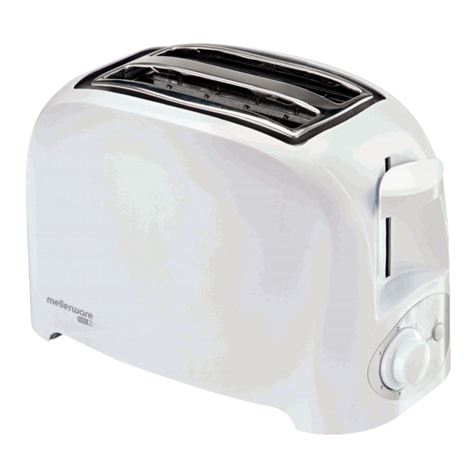
  9. Mellerware ECO 2 24821750W User manual

Mellerware ECO 2 24821750W User manual

This manual suits for next models

2

Other Mellerware Toaster manuals

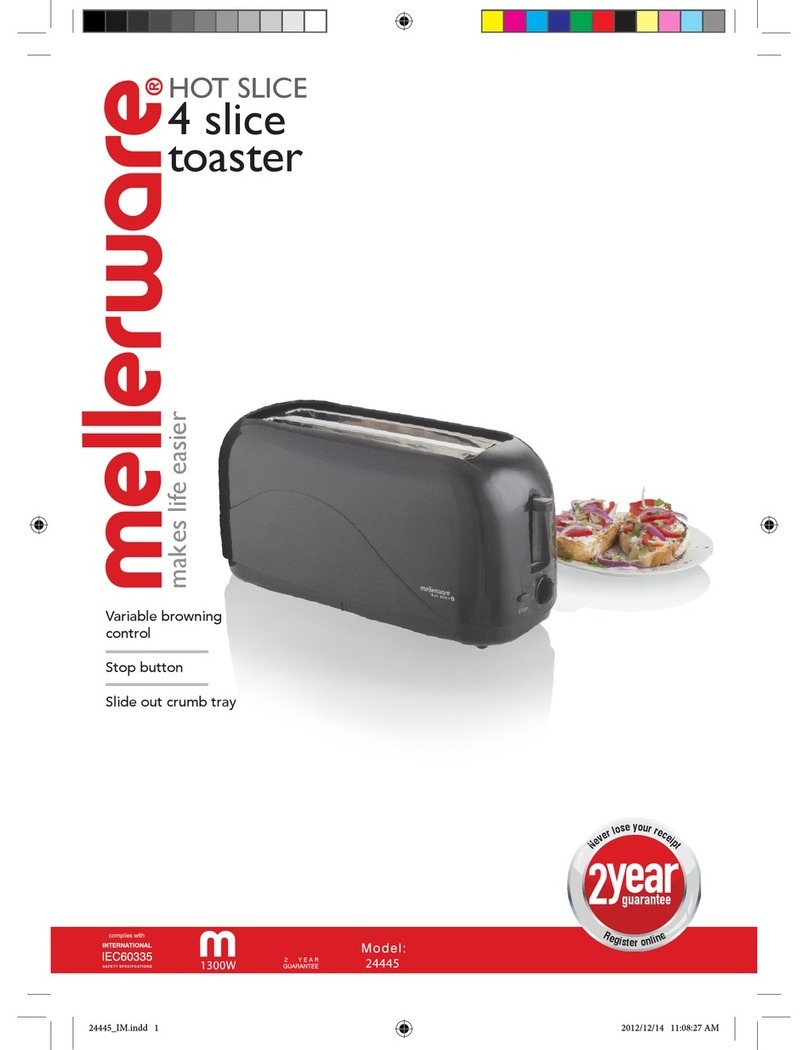
Mellerware HOT SLICE 1300W 24441 User manual

Mellerware

Mellerware HOT SLICE 1300W 24441 User manual

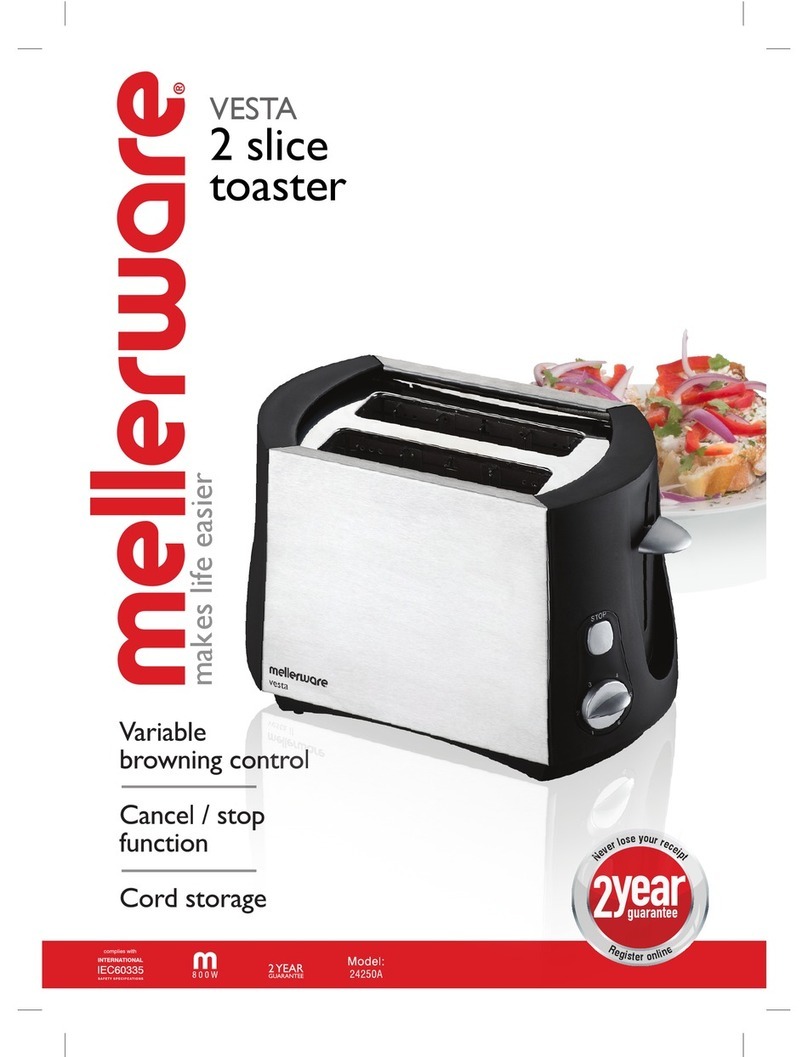
Mellerware VESTA 24250A User manual

Mellerware

Mellerware VESTA 24250A User manual

Mellerware 24101 User manual

Mellerware

Mellerware 24101 User manual

Mellerware VESTA 24250A User manual

Mellerware

Mellerware VESTA 24250A User manual

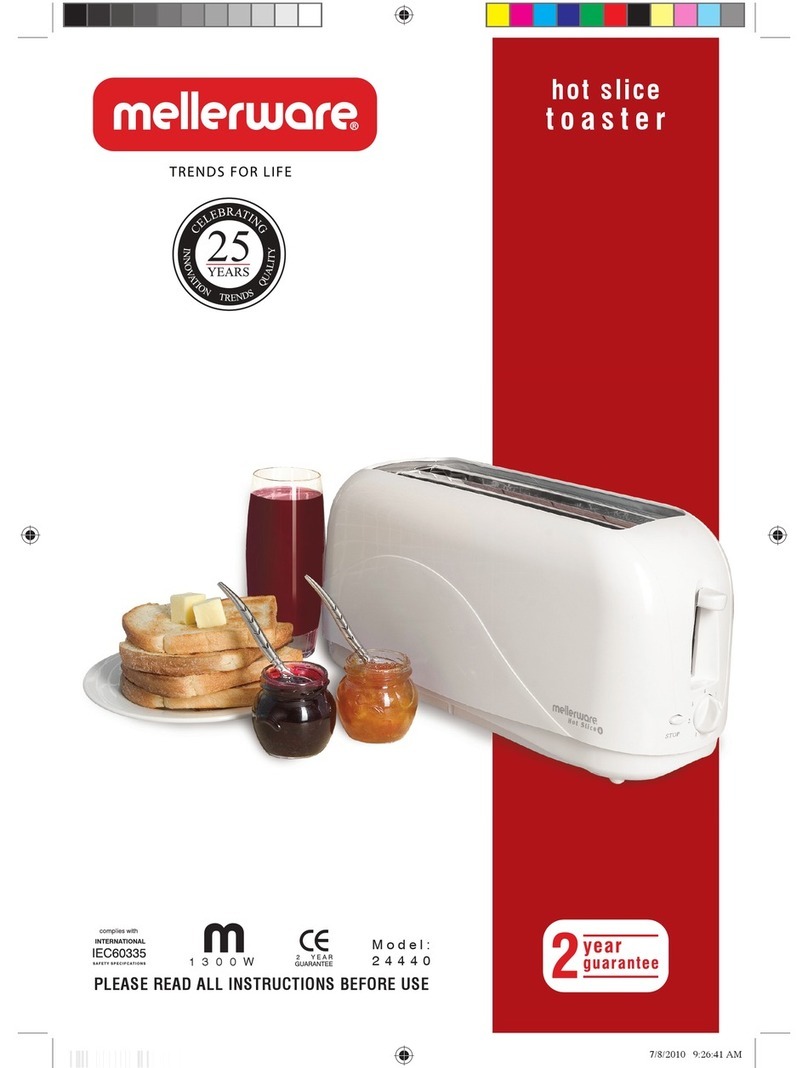
Mellerware 24440 User manual

Mellerware

Mellerware 24440 User manual

Mellerware ECO 24820A User manual

Mellerware

Mellerware ECO 24820A User manual

Mellerware 24404 User manual

Mellerware

Mellerware 24404 User manual

Mellerware Sigma Legend 24505 User manual

Mellerware

Mellerware Sigma Legend 24505 User manual

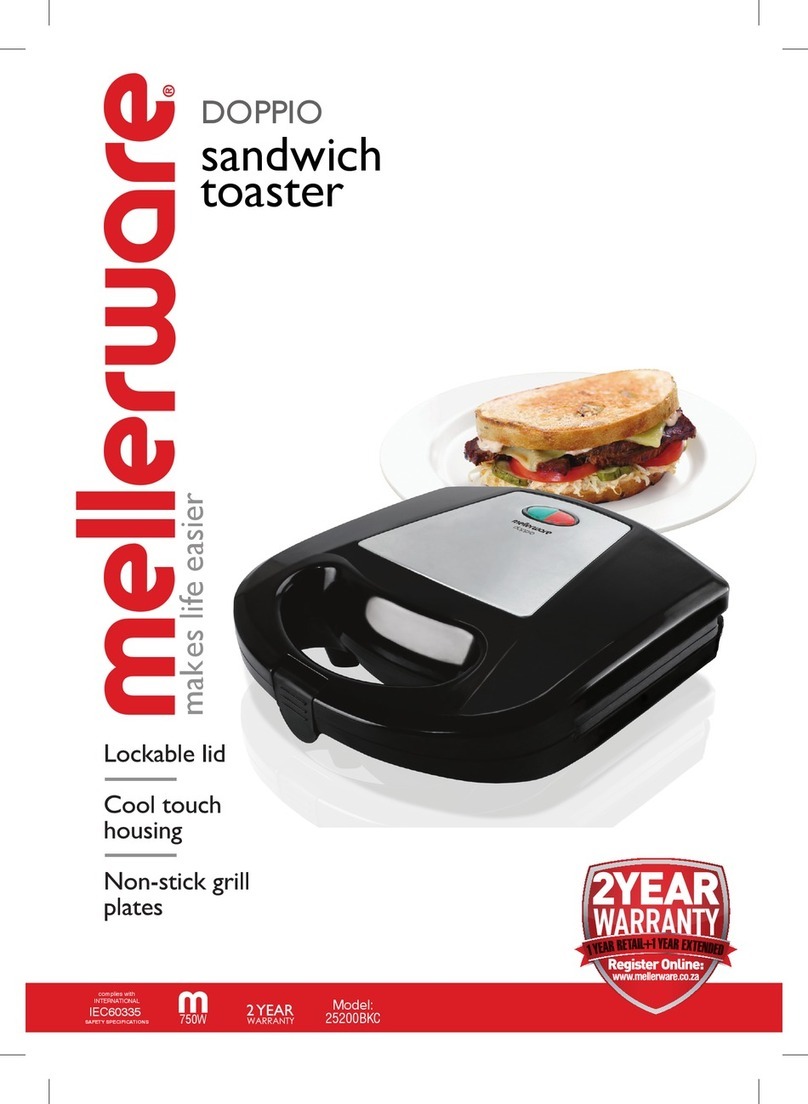
Mellerware DOPPIO 25200BKC User manual

Mellerware

Mellerware DOPPIO 25200BKC User manual

Mellerware Crispy! User manual

Mellerware

Mellerware Crispy! User manual

Mellerware TROY 24408 User manual

Mellerware

Mellerware TROY 24408 User manual

Mellerware SIGMA User manual

Mellerware

Mellerware SIGMA User manual

Mellerware ROSE GOLD 46042BRG User manual

Mellerware

Mellerware ROSE GOLD 46042BRG User manual

Mellerware ECHO GRAPHITE 24825 User manual

Mellerware

Mellerware ECHO GRAPHITE 24825 User manual

Mellerware 24850 User manual

Mellerware

Mellerware 24850 User manual

Mellerware DOPPIO User manual

Mellerware

Mellerware DOPPIO User manual

Mellerware 2 4 4 4 11 3 0 0 W User manual

Mellerware

Mellerware 2 4 4 4 11 3 0 0 W User manual

Mellerware 2 4 1 0 2 User manual

Mellerware

Mellerware 2 4 1 0 2 User manual

Mellerware 24820750W User manual

Mellerware

Mellerware 24820750W User manual

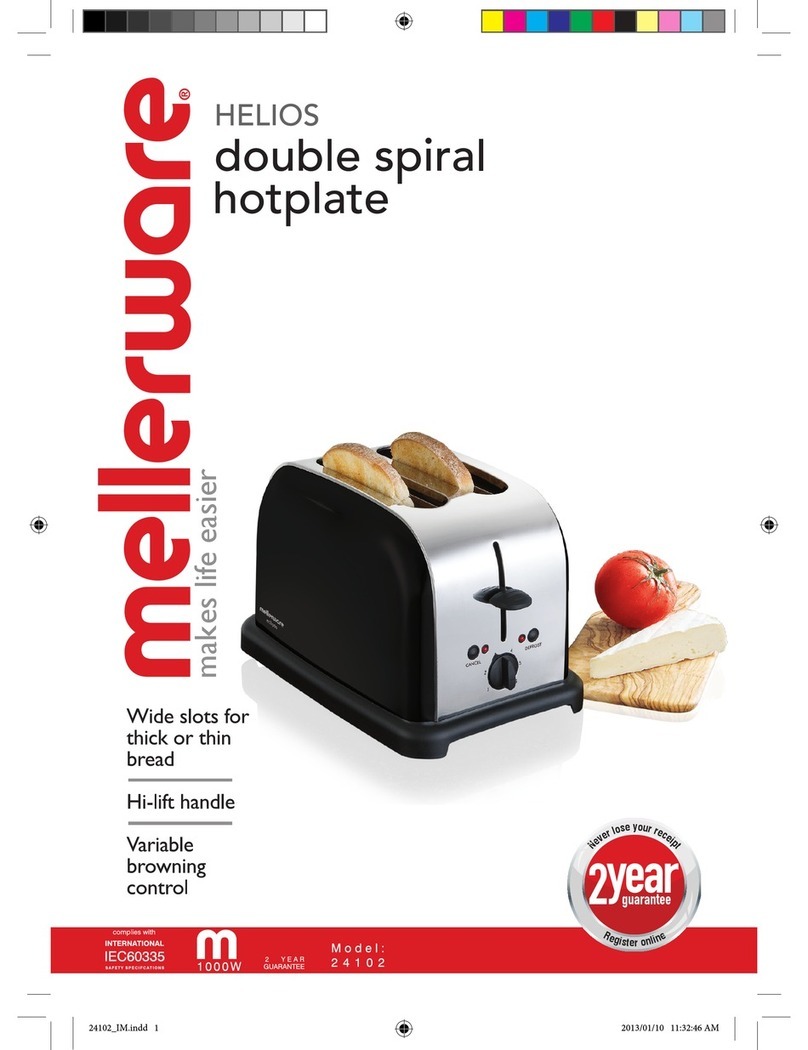
Mellerware Helios Double spiral hotplate User manual

Mellerware

Mellerware Helios Double spiral hotplate User manual

Mellerware 24250 User manual

Mellerware

Mellerware 24250 User manual

Mellerware HOT SLICE 24445 User manual

Mellerware

Mellerware HOT SLICE 24445 User manual

Mellerware EXECUTIVE 2 4 1 0 99 5 0 W User manual

Mellerware

Mellerware EXECUTIVE 2 4 1 0 99 5 0 W User manual

Mellerware 2 5 2 0 09 0 0 W User manual

Mellerware

Mellerware 2 5 2 0 09 0 0 W User manual

Popular Toaster manuals by other brands

West Bend SOHO Toaster instruction manual

West Bend

West Bend SOHO Toaster instruction manual

Philips HD2615/80 user manual

Philips

Philips HD2615/80 user manual

Taurus ARCTIC 960648 quick start guide

Taurus

Taurus ARCTIC 960648 quick start guide

KitchenAid KTT570 instructions

KitchenAid

KitchenAid KTT570 instructions

Redfox TO 920 G Instructions for installation and use

Redfox

Redfox TO 920 G Instructions for installation and use

Electrolux EAT978 Instruction book

Electrolux

Electrolux EAT978 Instruction book

SEVERIN SA 9275 manual

SEVERIN

SEVERIN SA 9275 manual

Breville the Big One BTS100 Instruction booklet

Breville

Breville the Big One BTS100 Instruction booklet

Sunbeam TA2540 user guide

Sunbeam

Sunbeam TA2540 user guide

ARENDO 305716 user manual

ARENDO

ARENDO 305716 user manual

Life Crispy AT-001 user manual

Life

Life Crispy AT-001 user manual

Beko TAM 6201 I user manual

Beko

Beko TAM 6201 I user manual

Zephir ZHC485 instruction manual

Zephir

Zephir ZHC485 instruction manual

H.Koenig TOS9 instruction manual

H.Koenig

H.Koenig TOS9 instruction manual

ZIEGELMULLER Ritter ET 10 Operating and assembly instructions

ZIEGELMULLER

ZIEGELMULLER Ritter ET 10 Operating and assembly instructions

HURAKAN HKN-TOP3 manual

HURAKAN

HURAKAN HKN-TOP3 manual

Magio MG-275 instruction manual

Magio

Magio MG-275 instruction manual

Philips HD2565 manual

Philips

Philips HD2565 manual

manuals.online logo
manuals.online logoBrands
  • About & Mission
  • Contact us
  • Privacy Policy
  • Terms and Conditions

Copyright 2025 Manuals.Online. All Rights Reserved.

Model:
24821
750W
PLEASE READ ALL INSTRUCTIONS BEFORE USE
2 slice toaster
eco 2
Dear customer,
Please read these Operating Instructions through carefully before connecting your device to the mains, in
order to avoid damage due to incorrect use. Please pay particular attention to the safety information. If you
pass the device on to a third party, these Operating Instructions should also be handed over.
ASSEMBLY
1. – Cancel/Stop Button
2. – Variable Browning Control
3. – Removable Crump Tray
4. – Bread Rack Lever
THIS APPLIANCE IS FOR HOUSEHOLD USE ONLY. DO NOT USE THE APPLIANCE FOR ANYTHING
OTHER THAN ITS INTENDED USE.
USING YOUR TOASTER
WARNING! Never attempt to extract jammed toast, muffins, bagels or any other item with a knife or sharp metal object, as
contact with the live elements can cause electrical shock. Unplug the appliance and allow it to cool down completely before
attempting to remove the bread.
Insert the plug into a suitable mains supply socket and turn the power on.1.
Place two slices of bread into the bread slots.2.
Select the desired browning setting. (When using the toaster for the first time we suggest toasting on no. 3. Varying3.
types of bread and personal preference may require a different browning setting)
Press the bread rack lever down until it clicks into place. The toasting cycle will automatically commence.4.
NOTE: If the toaster is not plugged in and switched on, the toast rack will not stay down.
5. The toaster automatically switches off and raises the toast after the desired toast cycle is complete. The toasting
process can be stopped at any time by pressing the cancel button.
TOASTING FROZEN BREAD
Place the bread into the bread slots and select desired browning setting. Press the bread rack lever down until it clicks into
place and then press the “Frozen” button.
REHEATING TOAST
Place the toast into the bread slots, press the bread rack lever down until it clicks into place and then press the “Reheat”
button.
1
2
4
3
CHARACTERISTIC
Variable Browning Control
Crumb Tray
Cancel Button
Bread Rack Lever
FUNCTION
Adjust browning control to desired level. Your personal preference and different bread
types will require different settings.
Remove crumb tray after each use and wipe clean to avoid ingress of insects and avoid fire hazard.
Depress cancel button to stop toasting at any time.
Depress lever to begin toasting.
CARE AND CLEANING
Always turn the power off, remove the plug from the power supply outlet and allow the product to cool completely1.
before cleaning.
To remove any crumbs from the toaster, slide out the crumb tray from under the toaster, empty crumbs, wipe with a2.
cloth and replace in the toaster before using it again.
Wipe the outside of the toaster with a slightly dampened cloth and polish with a soft dry cloth.3. DO NOT IMMERSE
THE APPLIANCE IN WATER.
To clean the interior, turn the toaster upside down over the sink and shake crumbs free. D4. O NOT PLACE ANY METAL
OR SHARP OBJECTS INSIDE YOUR TOASTER.
IMPORTANT SAFEGUARDS
PLEASE READ ALL INSTRUCTIONS BEFORE USE AND SAVE FOR FUTURE REFERENCE
To protect against electrical shock, do not immerse any part of the appliance or cord into water or any other liquid.1.
Close supervision is necessary when the appliance is used by, or near children.2.
This appliance is not intended for use by persons (including children) with reduced physical, sensory or mental3.
capabilities, or lack of experience and knowledge, unless they have been given supervision or instruction concerning
use of the appliance by a person responsible for their safety
Do not leave the appliance unattended when not in use.4.
Always use the appliance on a dry and stable work surface.5.
Do not use this appliance outdoors.6.
Always unplug the appliance from the power outlet socket when not in use and before cleaning.7.
Do not operate the appliance if damaged, or after it malfunctions. If the appliance is damaged or malfunctions in any8.
manner, return it to the approved service agent for service or repair to avoid any hazard.
In the interest of safety, regular periodic close checks should be carried out on the supply cord to ensure no damage9.
is evident. Should there be any signs that the cord is damaged, return the appliance to the approved service agent
for service or repair.
Do not let the cord hang over the edge of the table or work surface, or touch any hot surfaces. Allow the appliance to10.
cool before wrapping cord in cord storage where applicable.
Care must be taken no to touch any hot surfaces, do not store or cover the appliance until it has fully cooled down.11.
Do not place the appliance on or near a hot gas or electric burner, in or where it could touch a heated oven or12.
microwave oven.
Do not use harsh abrasives, caustic cleaners or oven cleaners when cleaning this appliance.13.
CAUTION:14. When using this appliance, allow adequate air space above and on all sides for circulation. Keep the
appliance away from curtains, dish towels, wall coverings or any other flammable materials during use. Caution is
required on surfaces where heat may cause a problem – an insulated heat pad is recommended.
Do not use the toaster without the slide out crumb tray in place. The crumb tray should be cleaned regularly. Do not15.
allow crumbs to build up in the tray.
Do not use this appliance with any food stuff or product containing sugar, jam or preserves.16.
TROUBLE SHOOTING GUIDE
Problem
Bread rack lever does not
stay down.
Bread is toasted unevenly.
Inside elements are dull
compared to outside.
Toast is too brown or too
light.
Reason
There is no power to the
appliance.
Heat has dispersed
unevenly due to one slice
of toast being used.
The appliance is warmer
in the center so the inside
elements are not as
powerful as the outside
elements.
Thickness and type of
bread will determine
moisture content.
Action
Check that the mains
switch is working and in
the “ON” position.
Four slices of toast will
give better results.
This is normal.
Use browning control
to adjust to the required
toasting time.
Pre-caution
Too many appliances on
the same circuit could
overload it.
Do not place any sharp
objects into the toaster
or this will create a
hazard.
Keep the crumb tray
clean to avoid a hazard
and the infestation of
insects.