Extension #: this is the extension number of
your telephone.
Conference: this allows you to set up a
conference call.
To set up a conference call
Lift handset and dial first party
Once connected, press conference and
dial 2nd party
Once connected, press conference and
all three will be on the line
Repeat for each additional party(up to 6
total, maximum 2 off campus)
Emergency Calling Button: This button has been
programmed to offer you an auto dial button to
Security Services.
To reach security services
With the handset on or off hook, press
the Emergency button to reach Security
Services
Message: this button is used to access
voicemail
To access voicemail
Lift the handset or press the extension
key to listen handsfree.
Press the message button
Follow the voicemail instructions
Hold: This button is used to put an active call
on hold
To place a call on hold
During an active call press Hold to
place call on hold
An arrow will flash beside the extension
number to indicate that you have a
caller on hold
To return to the call, press the
extension button
Volume: This button is located below the
number pad on the telephone. This allows you
to adjust the ringing and speaking volume.
To adjust ringer volume press toggle to
the left or right during a ring.
To adjust the listening volume, press
toggle to left or right while on a call
RLS/ Goodbye: This is a release button which
disconnects the call when completed.
To disconnect an active call press Rls
or Goodbye.
Speed Call: This button allows you to assign a
speed call two digit code to frequently dialed
telephone numbers.
To program a speed call button
Leave handset on hook and press
speed call
Dial two digit code
Enter the telephone number to be
stored
Press speed call again
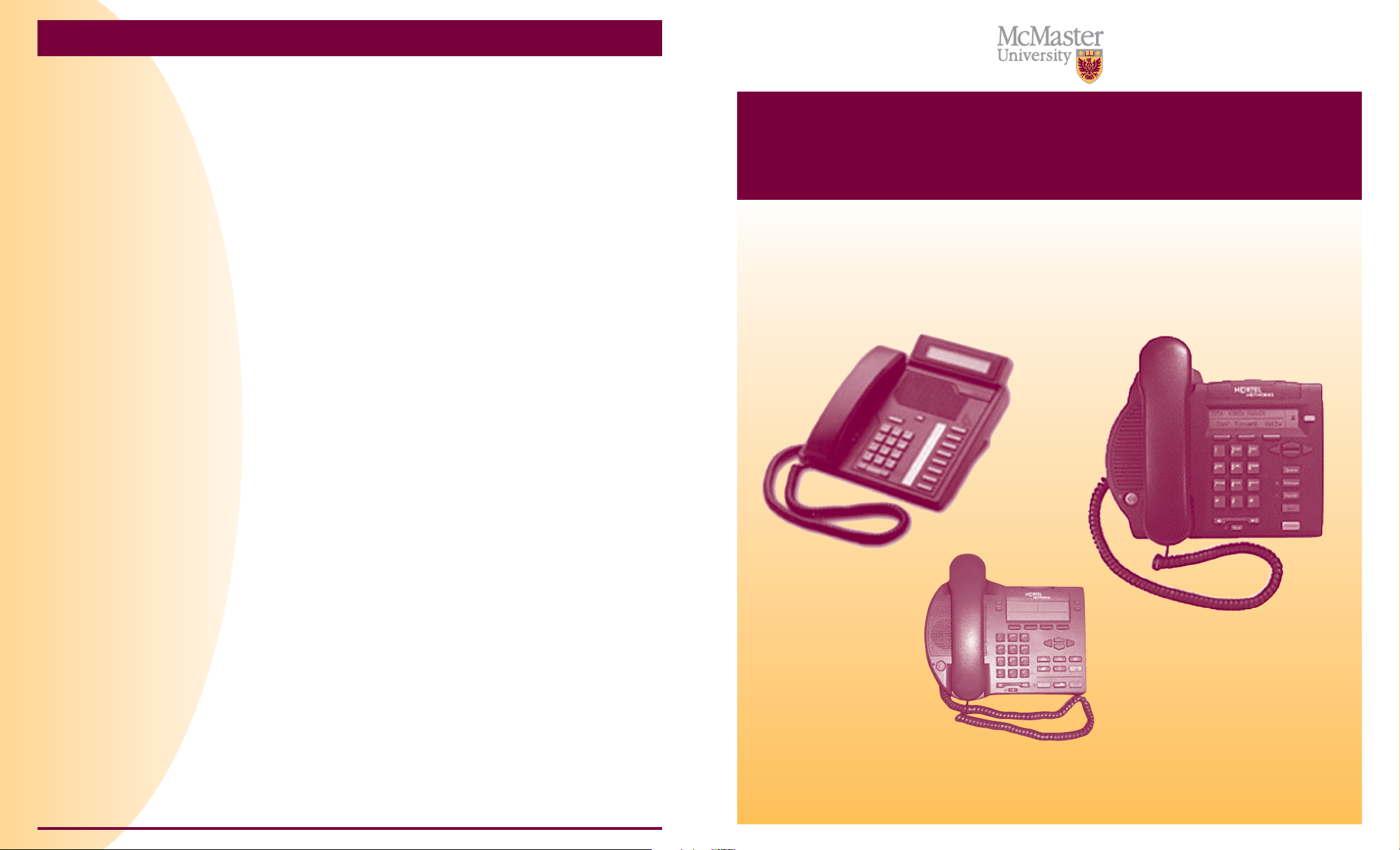
Telephone Features
Feature M2008 M3902 I2002
Extension Number
Conference Calling
Emergency Calling Button
Message
Hold
Volume
Rls/Goodbye
Speed Call
Forward
Handsfree/Mute
To make a call using a speed call button
Lift handset
Press speed call
Dial two digit code
Forward: this allows you to forward your
extension to another extension number or voice
mail.
To forward your phone to another extension or
voicemail
Leave handset on the hook and press
forward
Dial the extension number you wish to
forward to
Press forward again
A black arrow will appear beside the
forward key to indicate that you are in
forward mode.
You cannot forward your extension
to your cell phone or an off campus
number.
To remove forwarding from your phone
Leave handset on the hook and press
forward once
The black arrow beside the forward key
will disappear
Mute: Mute allows you to mute conversation
from your caller.
To mute your conversation from your caller
While on an active call, press the Mute
button
The LED indicator will flash to let you
know the caller cannot hear you. Note:
you will still be able to hear the caller
You can then have a private
conversation with someone in the
room.
Press the Mute button again to restore
call.
Handsfree: Handsfree allows you to obtain a
dial tone and place a call without
lifting the handset.
Leave handset on the hook
Press extension key and dial number
To cancel handsfree, lift the handset.
Making Local Calls: within the local calling area
Dial 9 then the 10 digit local phone
number
Making Long Distance Calls using Your
Selectcom Long Distance Authorization Code
Within North American calling area
Lift handset; dial 116, your personal
confidential authorization code, then
81.
Then proceed to dial with 1 plus the
area code and phone number.
Overseas
Lift handset, dial 116, your personal
confidential authorization code, then
81.
Dial 011, country code, area code and
telephone number.
Using Bell Calling Cards or Call me card
Dial “0” and advise attendant of your
requirements.
Toll Free Calls
Dial 9, then 1-800(or 888, 877, 866)-
xxx-xxxx