Troubleshooting
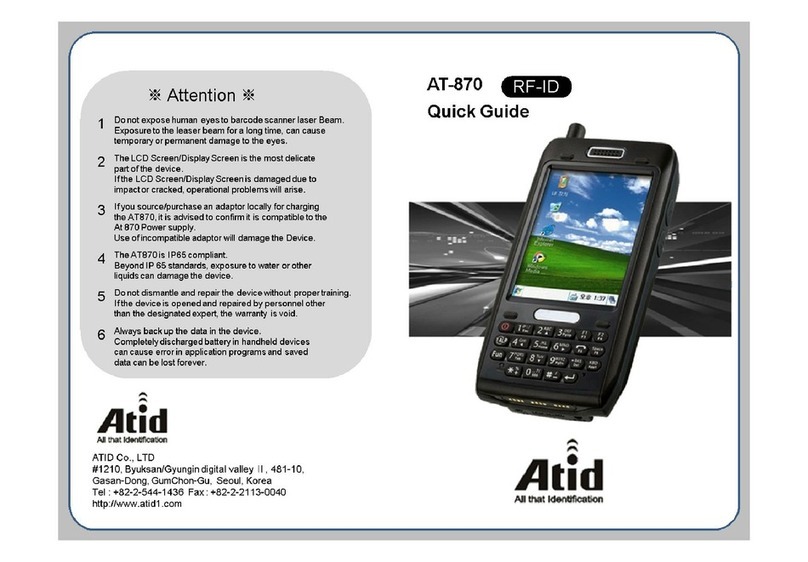
Optimus PDA SP5700series Quick Start Guide
Lean the barcode to 45°direction or scan the barcode back
against the sunlight
Scan under direct sunlight
Ensure that the barcode program recognizes the barcode type
Barcode program doesn’t recognize that
type of barcode
Ensure you are within proper scanning range (15cm)
Distance between scan window and
barcode is incorrect
Ensure the barcode is not defacedUnreadable barcode
Activate ‘Run Scanner’ in Settings-Barcode tabScanning Program was not activated
Rescan the barcode without the bar code movingTarget barcode was moving while scanning
Gently clean scan window with soft clothScan window is dirty or obstructed
PDA does not
accept scan input
Adjust Memory allocation in the System-MemoryMemory allocation is too low
Transfer stored Data to PC or delete unused filesToo many files stored on the PDA
A message
appears stating
that ‘Memory Full’
Remove dust in speakerSpeaker is not clean
Check the volume slider in SettingsVolume setting is low
No sound is
audible
Remove the PDA from the Cradle and re-insert.
Input the PDA name again
Connected as a Guest not the name you
set
Reinstall Active sync in the PCActiveSync installed incorrectly
Check the cable connection status and authenticity of
the cable
Cradle is not connected
Insert the PDA into the Cradle again and run ActiveSyncPDA is not inserted into Cradle correctly
ActiveSync is not
working
Recalibrate Stylus pen In Settings-Stylus tabLCD screen does not calibrate correctly
Execute Software Reset and recalibrate the Stylus in the
Settings-Stylus tab
Temporary system error occurred
Tapping the
screen buttons or
icons does not
activate
WiFi communication may fail when the battery is lowLack of battery power
More than 2 PDAs are using the same static IP.
Ask your system manager for the correct IP settings
IP Crashed
Check the static IP and set againIncorrect IP input
Fail to use WiFi
Clean dust or rust with dry clothI/O Connector is not clean
Insert the PDA into the Cradle again to charge
PDA wasn’t inserted into the Cradle
properly
Change the battery.
If the PDA is still not active, perform a Hard Reset
Battery failed/end of life
Battery did not
charge
PDA turns off after a period of inactivity. The period can be set in
Settings-Power tab. By pressing the power button, The PDA will
return to the status it was before going in to sleep mode.
PDA is in Sleep Mode.
PDA turns itself
off
SolutionCauseProblem