
manuals.online logo
Brands
  1. Home
  2. •
  3. Brands
  4. •
  5. Microsens
  6. •
  7. Media Converter
  8. •
  9. Microsens 100Base-FX User manual

Microsens 100Base-FX User manual

This manual suits for next models

6

Other Microsens Media Converter manuals
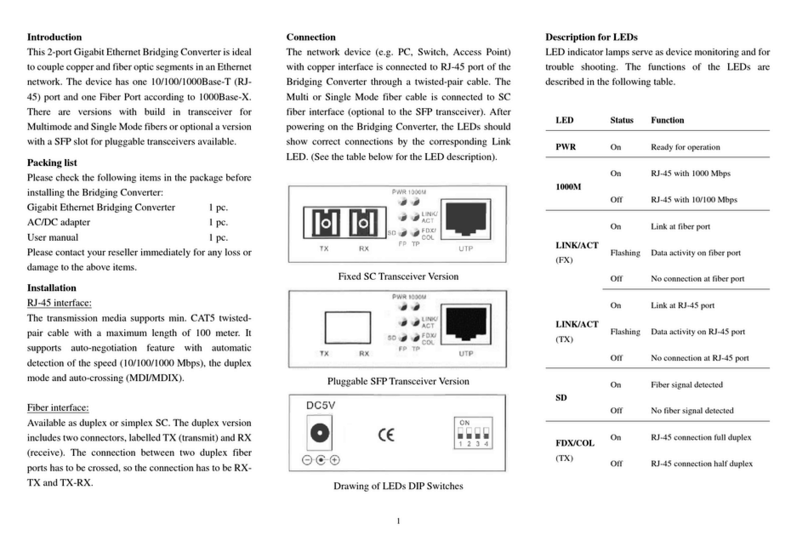
Microsens MS400240 User manual

Microsens

Microsens MS400240 User manual
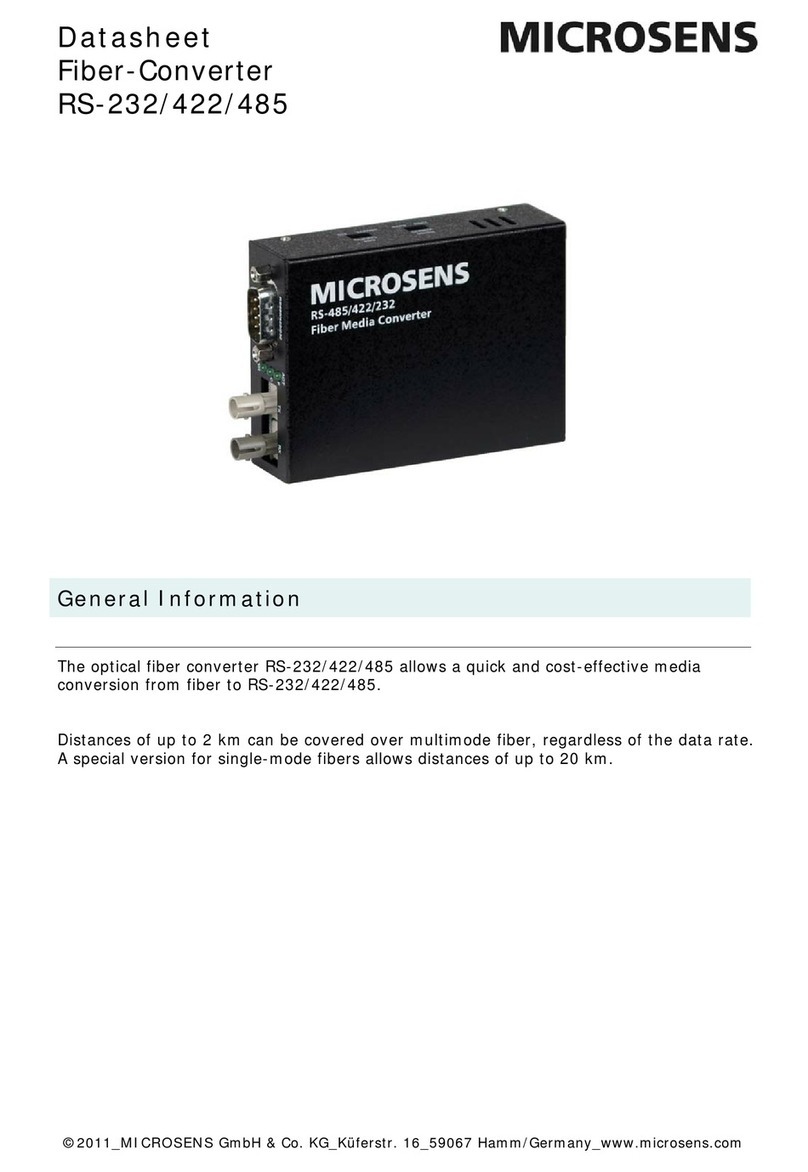
Microsens MS400131-V2 User manual

Microsens

Microsens MS400131-V2 User manual
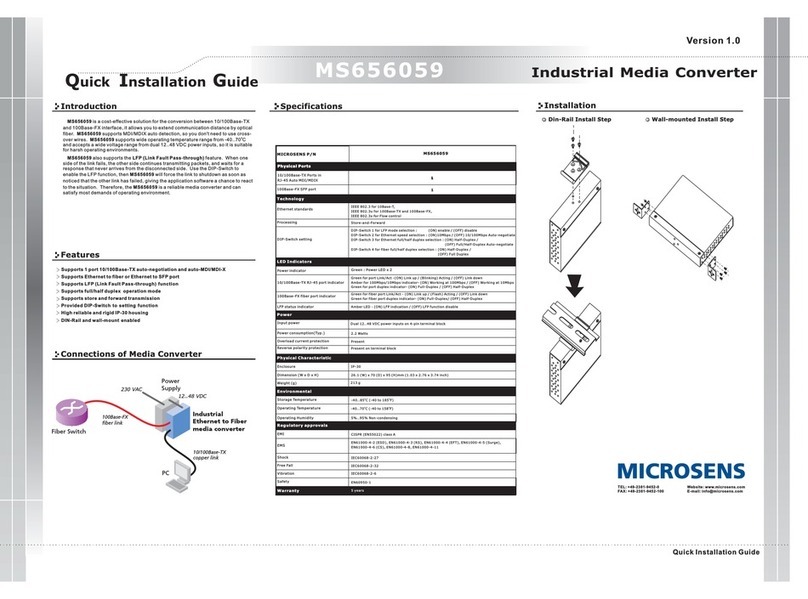
Microsens MS656059 User manual

Microsens

Microsens MS656059 User manual
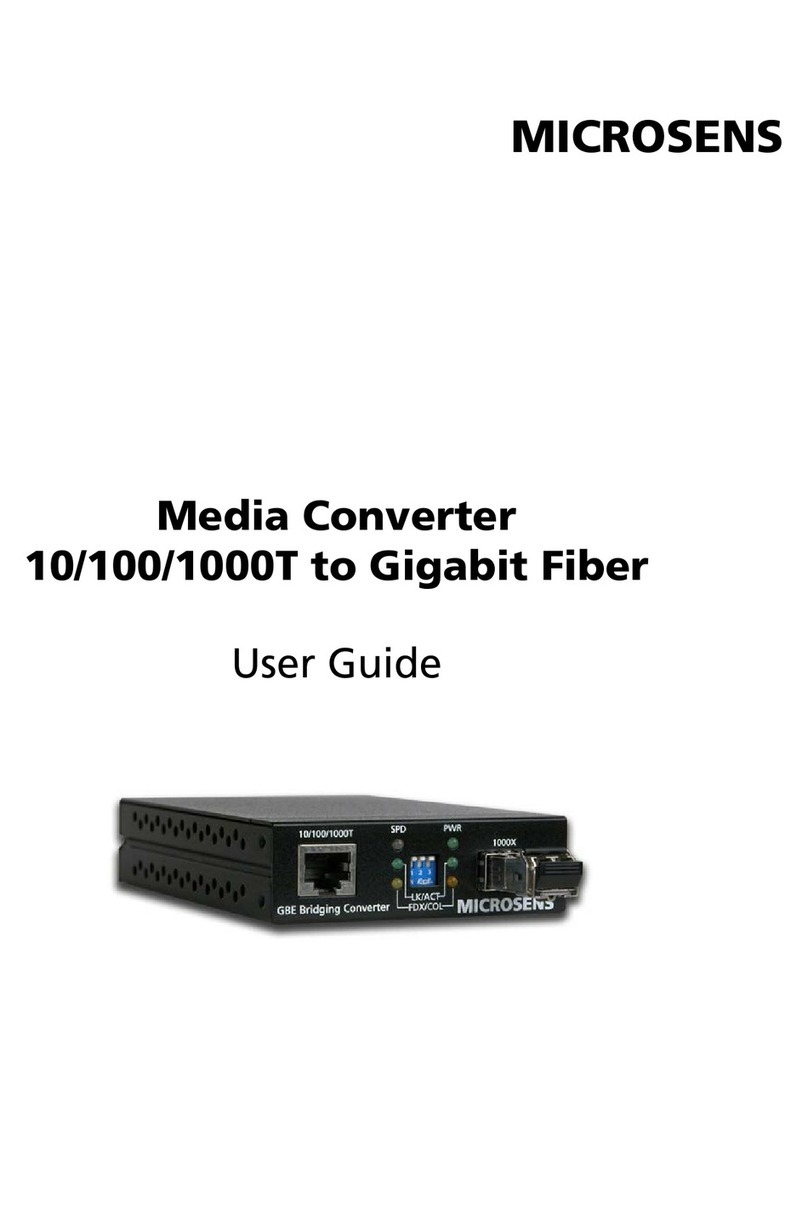
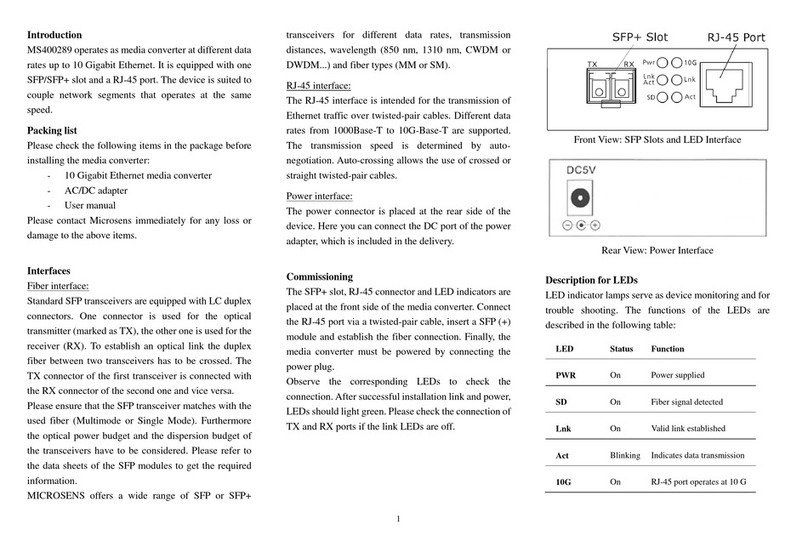
Microsens 10/100/1000T to Gigabit Fiber User manual
Microsens

Microsens 10/100/1000T to Gigabit Fiber User manual

Microsens MS400289 User manual

Microsens

Microsens MS400289 User manual
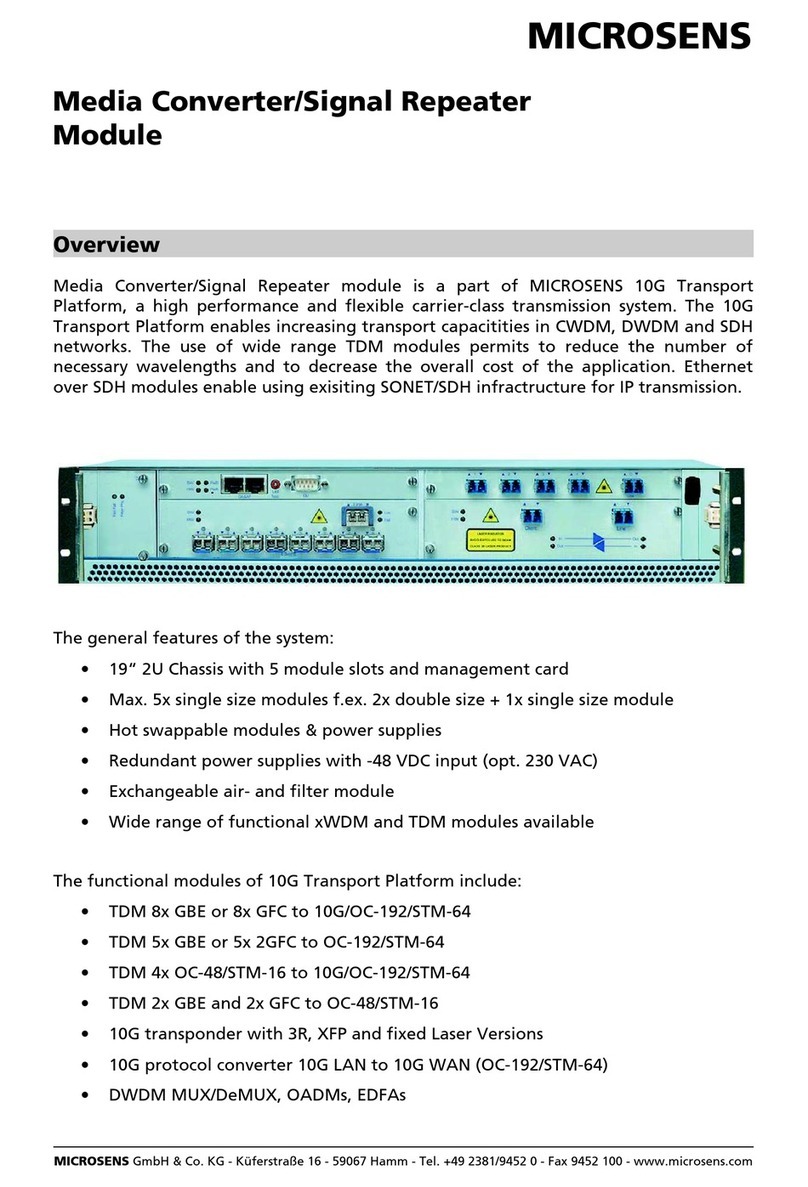
Microsens Media Converter/Signal Repeater Module User manual

Microsens

Microsens Media Converter/Signal Repeater Module User manual

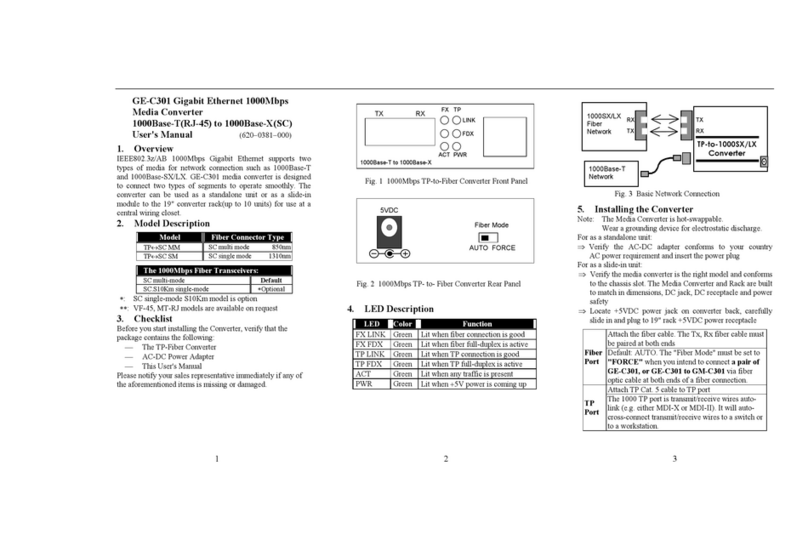
Microsens 10/100Base-TX to 100Base-FX User manual
Microsens

Microsens 10/100Base-TX to 100Base-FX User manual

Microsens GE-C301 User manual

Microsens

Microsens GE-C301 User manual
Microsens MS400230 User manual

Microsens

Microsens MS400230 User manual
Microsens RS232 User manual

Microsens

Microsens RS232 User manual

Popular Media Converter manuals by other brands

TR-Electronic CMS582M-4096/4096 IOL DMS 14H7 KRF Assembly instructions

TR-Electronic

TR-Electronic CMS582M-4096/4096 IOL DMS 14H7 KRF Assembly instructions

Korenix JetCon 2301S user manual

Korenix

Korenix JetCon 2301S user manual

StarTech.com ET91000LCOAM manual

StarTech.com

StarTech.com ET91000LCOAM manual

Alesis AI-3 Reference manual

Alesis

Alesis AI-3 Reference manual

Caton Vpro 5100 user guide

Caton

Caton Vpro 5100 user guide

Cypress CSC-5500 Operation manual

Cypress

Cypress CSC-5500 Operation manual

H&B TX-100 Installation and instruction manual

H&B

H&B TX-100 Installation and instruction manual

Bolin Technology D Series user manual

Bolin Technology

Bolin Technology D Series user manual

IFM Electronic Efector 400 RN30 Series Device manual

IFM Electronic

IFM Electronic Efector 400 RN30 Series Device manual

GRASS VALLEY KUDOSPRO ULC2000 user manual

GRASS VALLEY

GRASS VALLEY KUDOSPRO ULC2000 user manual

Linear Technology DC1523A Demo Manual

Linear Technology

Linear Technology DC1523A Demo Manual

Lika ROTAPULS I28 Series quick start guide

Lika

Lika ROTAPULS I28 Series quick start guide

Weidmuller IE-MC-VL Series Hardware installation guide

Weidmuller

Weidmuller IE-MC-VL Series Hardware installation guide

Optical Systems Design OSD2139 Series Operator's manual

Optical Systems Design

Optical Systems Design OSD2139 Series Operator's manual

Tema Telecomunicazioni AD615/S product manual

Tema Telecomunicazioni

Tema Telecomunicazioni AD615/S product manual

KTI Networks KGC-352 Series installation guide

KTI Networks

KTI Networks KGC-352 Series installation guide

Gira 0588 Series operating instructions

Gira

Gira 0588 Series operating instructions

Lika SFA-5000-FD user guide

Lika

Lika SFA-5000-FD user guide

manuals.online logo
manuals.online logoBrands
  • About & Mission
  • Contact us
  • Privacy Policy
  • Terms and Conditions

Copyright 2025 Manuals.Online. All Rights Reserved.

MICROSENS
Media Converter
Fast Ethernet
100Base-FX / 100Base-TX
MS410640 / 41 / 44 / 45 / 46
Art.-No.
Installation Guide
Technical Specifications
* ST is a registered trademark of AT&T
type Fast Ethernet Media Converter
for the connection of twisted pair
and fiber optic segments.
1x RJ45 jack
2x ST* connector (MS410641/45)
2x SC connector (MS410640/44/46)
1x power supply jack
Shielded twisted pair cable
category 5 with RJ45 connectors
Multimode fiber,
duplex ST* (MS410641)
- duplex SC
Single
50 or 62,5/125µm
-
(MS410640)
mode fiber, 9/125µm
- duplex ST* (MS410645)
- duplex SC (MS410642/46)
2 km (MS410640/41)
15 km (MS410644/45)
40 km (MS410646)
Power, Fiber-Link, Fiber-Rcv,
TP-Link, TP-Rcv, Link-Error
external power supply
5V DC / 1 A
0°C to 55°C
-20°C to 80°C
5% to 80% non condensing
100 m
1300 nm
connectors
cable type
fiber type
max. distance
wavelength
max. distance
LED display
power supply
operating temp.
storage temp.
rel. humidity
fiber optic solutionsfiber optic solutions
MICROSENS GmbH & Co. KG
Kueferstrasse 16
D-59067 Hamm
Germany
Phone +49 (0) 23 81-94 52-0
FAX +49 (0) 23 81-94 52-100
MICROSENS France
ZA Eurocampus Bât J 3
rue de Verdun
F-78590 Noisy le Roi
Phone +33 (0) 1-30 80 21 73
FAX +33 (0) 1-30 80 44 83
MICROSENS GmbH & Co. KG
Asia Pacific Representative Office
#04-51 German Centre
25 International Business Park
Singapore 609916
Phone +65 562 9132
FAX +65 562 9135
Headquarters
www.microsens.com
[email protected]
Internet
e-mail
Western Europe
Eastern Europe
Asia Pacific
MICROSENSMICROSENS
MICROSENS Poland
ul. Slezna 187/s-2
PL 53-110 Wroclaw
Phone +48 (0) 71-337 16 71
FAX +48 (0) 71-337 16 72
LED DisplayInstallationConnectors
Distance calculation
MICROSENS reserves the right to make any changes without further notice to any product to
improve reliability, function or design. MICROSENS does not assume any liability arising out
of the application or use of any product.
© Copyright 1999 MICROSENS GmbH & Co. KG. All rights reserved. 20/00 mr
Using Fast Ethernet in mode limits the
maximum segment length to 412m.
A MICROSENS media converter in this segment
has a maximum delay of 25 bit times, reducing the
maximum fiber length by approx. 25 m.
For each converter in a half duplex segment 25 m
must be subtracted from the possible maximum
fiber length of 412m.
In segments, the signal delay of the
converter has no influence on the maximum segment
length.
half duplex
full duplex
pin assignment RJ45-jack
18 dir
out
out
in
-
-
in
-
pin
1
2
3
4
5
6
7
signal
TD+
TD-
RD+
-
-
RD-
-
Six LEDs show the status of the converter and can be
used for error diagnostics:
T o connect the converter to an end-device
(PC, print server, etc.) the crossover switch must be
set to position “X” (Fig. 2).
T o connect the converter to a hub or switch
the crossover switch must be set to position “1:1”
(Fig. 2).
Always connect fiber optic transmitter to fiber
optic receiver and vice versa.
The fiber link LED indicates the successful installation
of the connection.
Because of the link-trough functionality
of the converter there will be no link-indication as
long as there is no active device (hub, PC) connected.
Attention: Fig. 4: Converter LED display
description
fiber link missing
data received via TX port
TP link ok
data received via SX port
fiber link ok
converter power ok
LED
LERR
TRCV
TLNK
FRCV
FLNK
PWR
name
link error
TP receive
TP link
fiber receive
fiber link
power
T o connect the converter to other devices a
standard 1:1 twisted pair patchcable can be used.
Figure 3: Typical connection of converters
Figure 2: Twisted pair crossover switch
Figure 1: RJ45 pinout
Hub/Switch
PC
fiber optic cable
Twisted pair
patch cable 1:1
Media Converters
Twisted pair
patch cable 1:1, crossover switch X
1:1 X
crossover switch
Status LEDs
Multi
Mode
1300 nm
Fast Ethernet Media Converter
100Base-FX/100Base-TX




