IPTV Middleware Version 3.0 Page 2
Contents
Introduction................................................................................................................................ 4
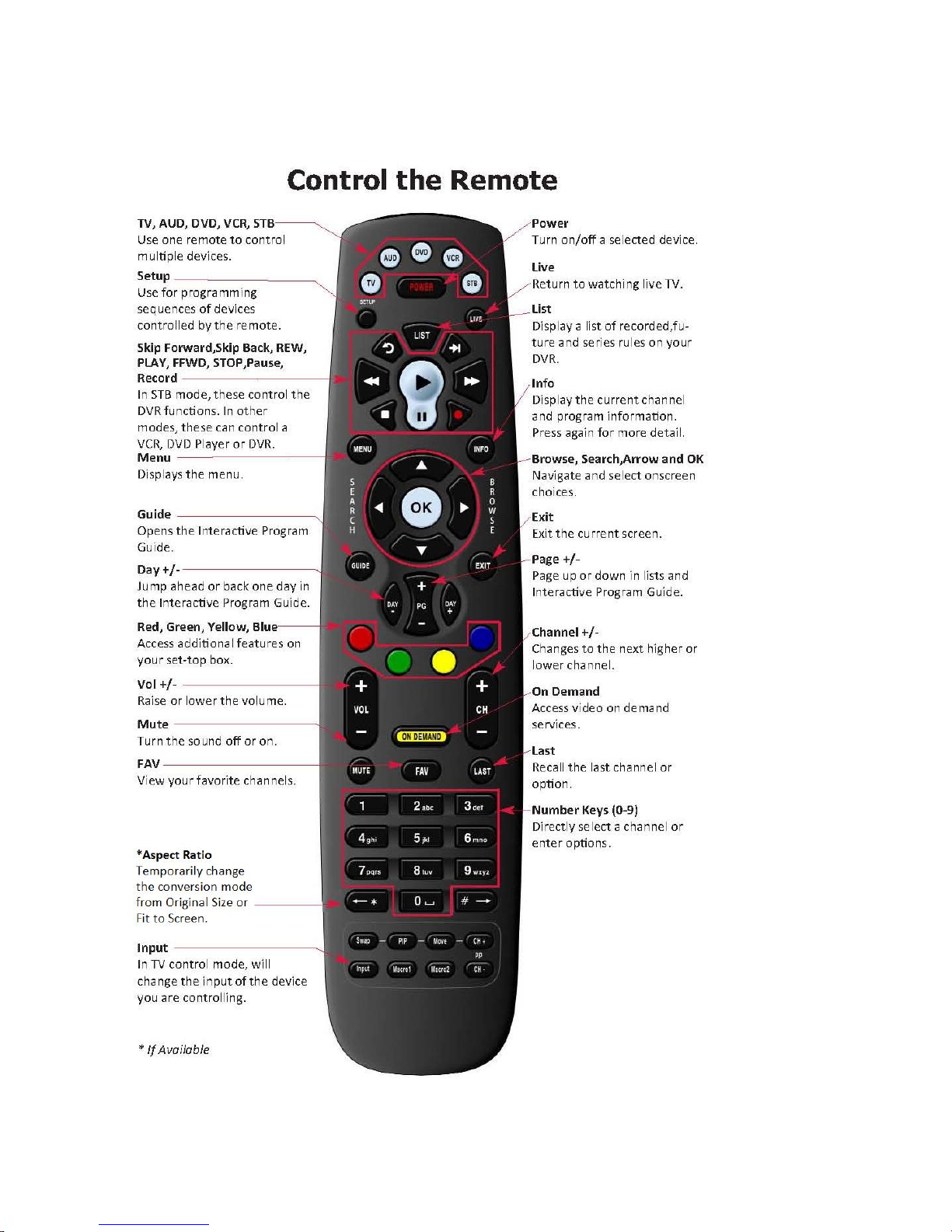
The Remote............................................................................................................................... 5
Playback Controls...................................................................................................................... 5
What’s on TV? ........................................................................................................................... 7
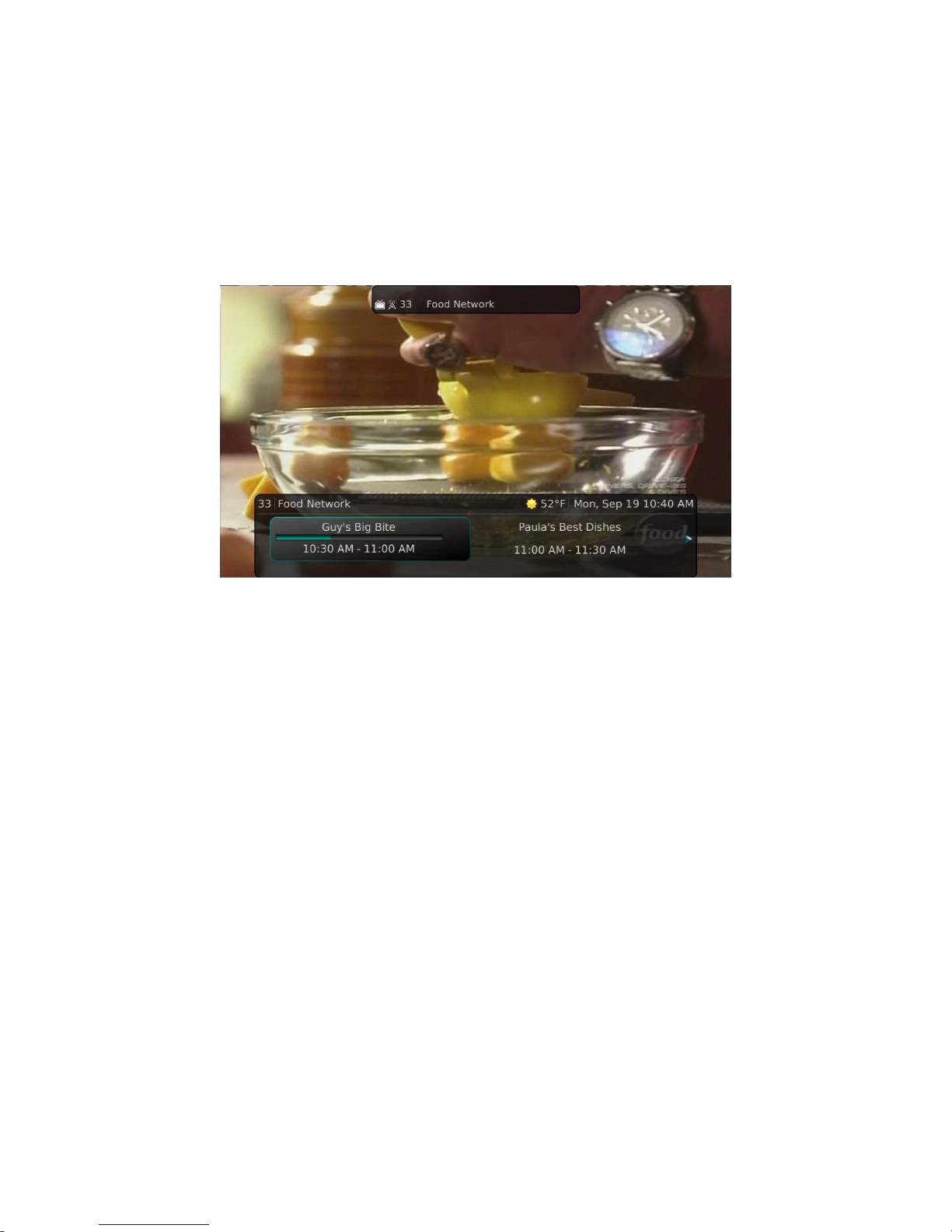
Using the OK Button (Now Playing)........................................................................................ 7
Using the INFO Button ........................................................................................................... 8
Using the Browse Button........................................................................................................ 9
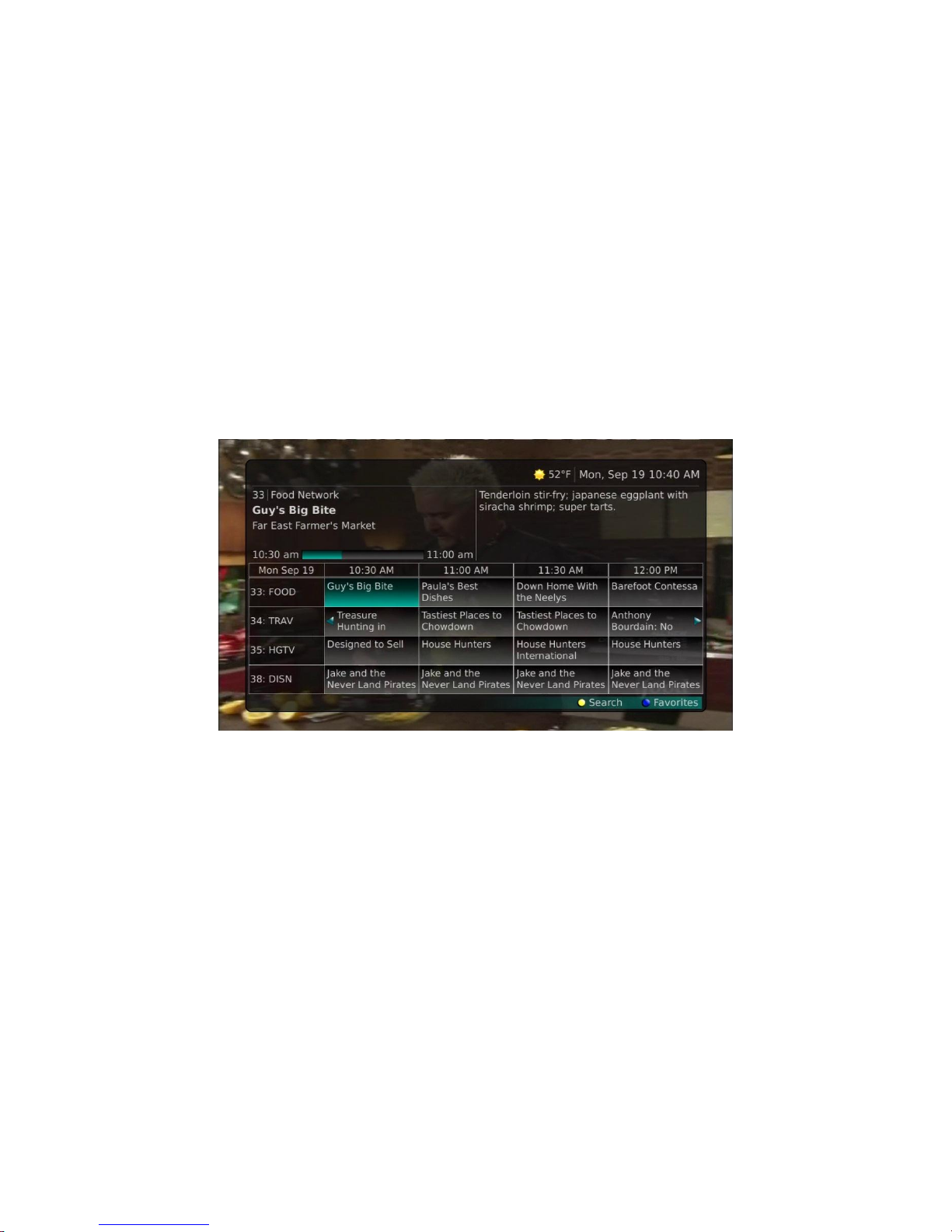
Using the Channel Guide.......................................................................................................10
Using the Guide Button......................................................................................................10
Pay Per View.....................................................................................................................13
Search...................................................................................................................................15
Perform a Title Search Within the Guide............................................................................15
Perform a Partial Text Search Using the Search Button on Remote Control......................16
Search History...................................................................................................................17
Record Programs..................................................................................................................18
Record What You Are Currently Watching.........................................................................18
Create a One-Time Recording from the Guide...................................................................20
Record a ‘Live’ Event .........................................................................................................21
Record a Series from the Guide.........................................................................................22
Watch a Recorded Program..................................................................................................24
Reminders.............................................................................................................................25
Folders..................................................................................................................................27
Status Bar .............................................................................................................................28
Pause ................................................................................................................................28
Rewind...............................................................................................................................28
Fast Forward......................................................................................................................28
Skip Back...........................................................................................................................29
Slow Motion.......................................................................................................................29
Return to Live TV...............................................................................................................29
Delete a Recording................................................................................................................30
Using Bookmarks..................................................................................................................31
Working with Multiple Streams ..............................................................................................32
Recording Conflicts ...............................................................................................................33
Attempt to Watch a Locked Channel .....................................................................................34
Attempt to Watch a Program Outside the Parental Rating Settings .......................................35
Using the LIST Button ...........................................................................................................36