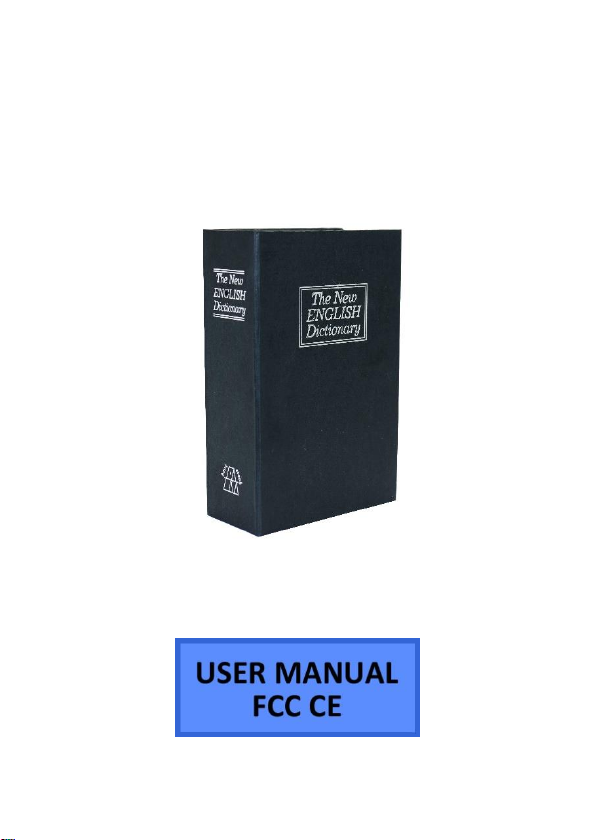
Mini Gadgets BB2Dictionary User manual
1 Version 2.0
Bush Baby 2 Dictionary
SKU: BB2Dictionary

2 Version 2.0
THANK YOU FOR PURCHASING THE BUSH BABY 2 DICTIONARY
Home surveillance is a top priority for anyone. Whether you are
gone just for one day at work or a few weeks on vacation, you
want to make sure your home is being watched. Your
neighborhood may even be facing a string of break-ins and you
want an eye on your home at all times. After all, it is much
easier to catch a thief when you know what they look like. Don’t
let your home and all your possessions go unwatched for
another day and get the BB2RBDictionary.
Your purchase should include:
1 x BB2RBDictionary
1 x Remote Control
1 x Removable Battery
1 x Charging Cable
1 x AC Adapter
1 x Instruction Booklet

3 Version 2.0
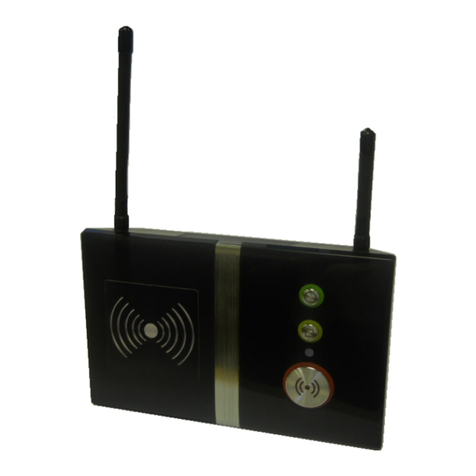
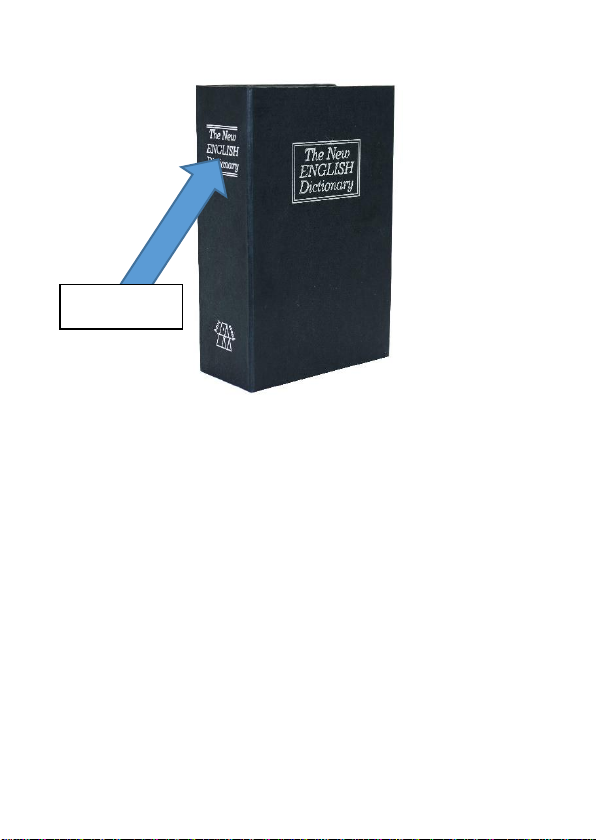
GET FAMILIAR WITH THE BUSH BABY 2 DICTIONARY
4 Version 2.0
Camera

5 Version 2.0
BEFORE YOU START
To preserve battery power, your device will come with the
battery connector disconnected. Before attempting to use the
device be sure to connect the battery’s connector to the circuit
board power lead.
OPERATING THE BUSH BABY 2 DICTIONARY
IMPORTANT NOTICE: Allow the device to charge 6 –8 hours
before using.
MICROSD CARD SLOT
To access the MicroSD Card Slot you must open the dictionary
using the given key.
1. Gently push the MicroSD Card into the slot. The gold
contacts on the card will be inserted first, and they
should face the main circuit board. You will feel some
spring resistance before the card clicks in to place.
2. Never force the card into the Card Slot under any
circumstances, otherwise the dictionary unit or the
MicroSD card itself will be damaged.
3. To remove the SD card, gently push the card in so that
it clicks.

6 Version 2.0
4. The internal spring tension will eject the card.
REMOVING AND CHARGING THE BATTERY
1. Remove battery from the inside of the dictionary.
2. Disconnect the battery connector that is connecting
the battery to the circuit board. Be careful not to pull
on the wires as that could damage them.
3. Connect the connector on the battery to the connector
on the charging adapter.
4. Plug the provided USB cable into the other end of the
charging adapter.
5. Plug the other end of the USB cable into the wall AC
adapter and plug it into the wall.
6. Wait 6 to 8 hours or until the indicator light turns from
red to green. Until the light is green, the unit is not
fully charged.
a. The larger the battery capacity, the longer it
takes to charge.
HOW TO TURN ON THE BUSHBABY DICTIONARY CAMERA
1. Press the Power Button on the remote control one
time. The blue indicator light on the inside of the
dictionary, near the battery will be on. The device is
now in Standby mode.

7 Version 2.0
HOW TO RECORD VIDEO ON THE BUSHBABY DICTIONARY
CAMERA
1. In standby mode, press the Video button on the
remote control one time. The blue indicator light on
the back of the device will flash three times and then
turn off. Videos will be recorded continuously and
saved in 20 minute intervals.
HOW TO SET UP MOTION DETECTION
1. In Standby mode, press the Motion Detection button
one time. The blue indicator light will flash three times
and then turn off. In Motion Detection mode, when
there is no movement, the light will blink rapidly. Once
the detector finds movement, the light will blink three
times and the indicator will turn off. The dictionary will
record video in 3 minute intervals
HOW TO STOP RECORDING
1. To stop recording, you will need to press the same
button you used to begin recording. If you pressed the
Video button, press the Video button once more. If you
pressed the Motion button, press the Motion button
once more. The device will reenter Standby mode
(solid blue light).

8 Version 2.0
HOW TO TAKE A PICTURE
1. While in Standby mode, press the Picture Button one
time. When the indicator light flashes one time, 1
picture will be taken accordingly. The device returns to
Standby mode once 1 picture has been taken.
OPTIONS FOR ACCESSING THE REMOVABLE STORAGE
1. Remove the MicroSD card and insert the card into a
reader directly on your computer if available.
2. Use an external MicroSD card reader.
64GB and 128GB microSD cards will require special formatting
to work. The device will not function with these cards if they
are not properly formatted beforehand.
Visit www.mgidownloads.com/Software and download the
“guiformat.zip” file. Extract the files and follow the instructions
in the “64GB SD Card Formatting.pdf” document.
IMPORTANT NOTICE: Ensure that the dictionary is off before
inserting the MicroSD card, otherwise potential corruption of the
card file(s) may occur.
9 Version 2.0
RETRIEVE THE FILES TO YOUR PC
1. Connect the MicroSD card to your computer using the
MicroSD card USB adapter
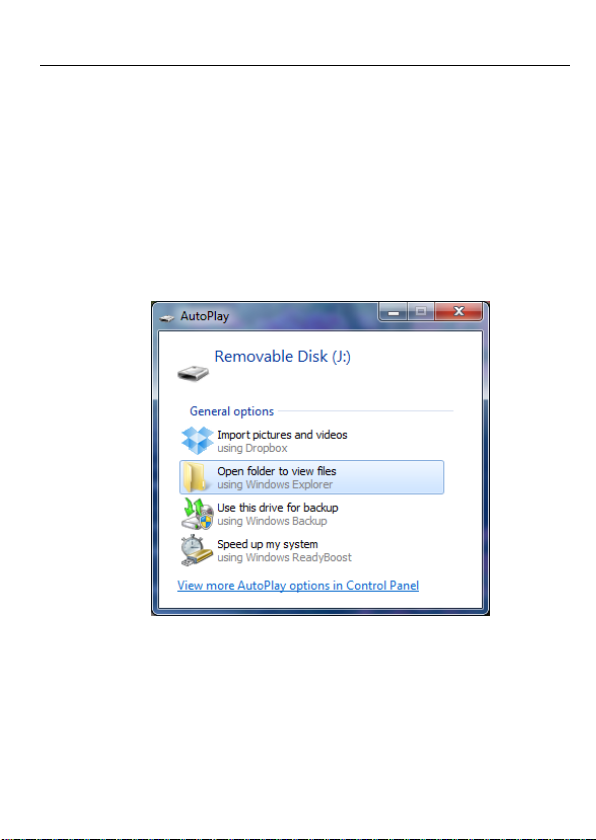
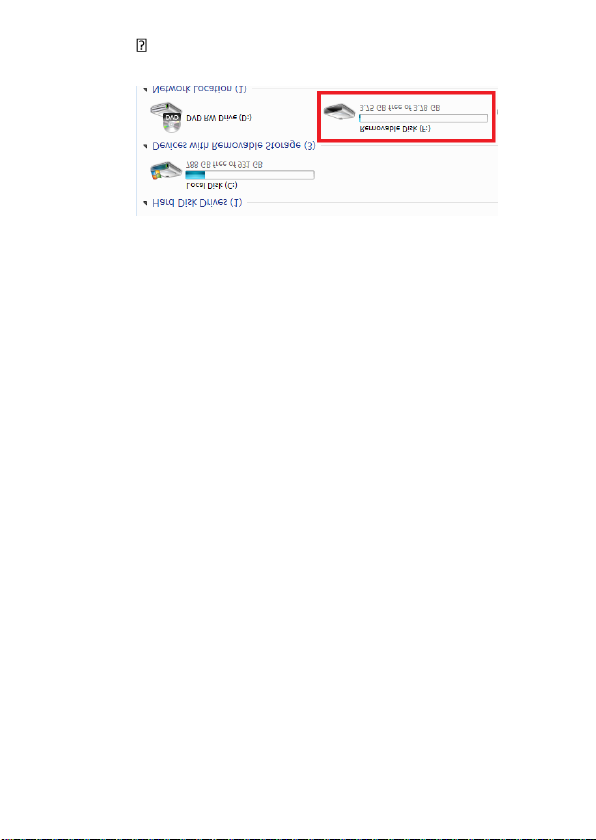
2. Locate “Removable Disk” inside the (My) Computer
folder.
AutoPlay Removable Disk > Open folder to
view files
Or…
10 Version 2.0
Go to Start > Computer > Removable Disk
3. Open the Removable Disk drive.
4. Open the DCIM folder.
5. Open the folder featuring a sequence of numbers.
6. Double click the file you want to view.
VLC Player is recommended for watching
videos.
If you are having video playback issues such as a completely black
video recording or “squiggly lines”, we recommend you use VLC
media player to play back the videos. It can be downloaded for
free from www.videolan.org
COPYING AND DELETING YOUR FILES
The video files created are just like any other file on your
computer, and can be managed in the exact same manner.
Table of contents