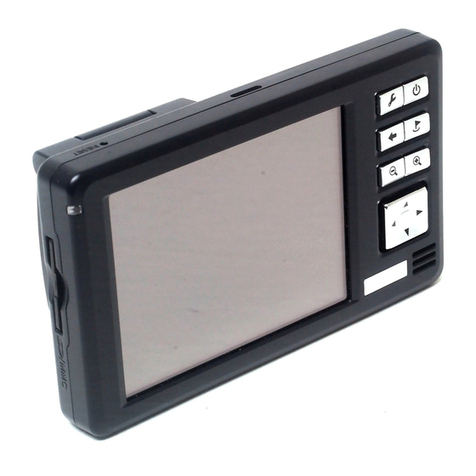
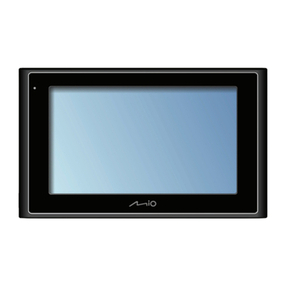
Mio DigiWalker C310 User manual

www.miogps.com

English
Revision: R00 (US version)
Feb. 2006
Trademarks
All brand and product names are trademarks or registered trademarks of their
respective companies.
Note
The information in this manual is subject to change without notice.

English
Table of Contents
Precautions and Notices....................................................................... iii
1Getting Started ................................................................................. 1
1.1 Understanding Hardware Features...................................................... 1
Front and Side Components ................................................................ 1
Back Components................................................................................ 2
Top Components.................................................................................. 3
Bottom Components............................................................................. 3
1.2 Performing the Initial Start Up .............................................................. 4
1.3 Connecting to AC Power and Charging the Battery............................. 5
1.4 Using Your Device in a Vehicle............................................................ 6
Using the Car Holder............................................................................ 6
Connecting the Car Charger ................................................................ 7
2Operating Basics.............................................................................. 9
2.1 Turning On and Off............................................................................... 9
2.2 Operating the Device ........................................................................... 9
2.3 Main Menu.......................................................................................... 10
2.4 Inserting a SD/MMC Card .................................................................. 11
3Device Settings............................................................................... 13
3.1 Using Device Settings ........................................................................ 13
3.2 Backlight............................................................................................. 14
3.3 Volume ............................................................................................... 15
3.4 Screen ................................................................................................ 16
3.5 Power ................................................................................................. 17
3.6 Date&Time ......................................................................................... 18
3.7 Switch Language................................................................................ 20
4MP3 Player ...................................................................................... 21
4.1 Starting and Exiting MP3 Player ........................................................ 21
4.2 Preparing the MP3 Files for You Device............................................ 22
i

English
4.3 Playing MP3 Files............................................................................... 22
MP3 Playback Control........................................................................ 23
4.4 Using Play Lists.................................................................................. 24
Creating a Play List ............................................................................ 24
Opening a Play List ............................................................................ 25
4.5 Equalizer............................................................................................. 26
5ActiveSync and Mio Sync ..............................................................29
5.1 ActiveSync.......................................................................................... 29
Compatibility ....................................................................................... 29
Installing ActiveSync........................................................................... 30
Using ActiveSync................................................................................ 32
5.2 Mio Sync............................................................................................. 33
Installing Mio Sync.............................................................................. 33
Using Mio Sync................................................................................... 34
6Troubleshooting and Maintenance ...............................................35
6.1 Resetting Your System....................................................................... 35
6.2 Troubleshooting.................................................................................. 36
Power Problems ................................................................................. 36
Screen Problems ................................................................................ 36
Connection Problems ......................................................................... 37
GPS Problems.................................................................................... 37
6.3 Maintaining Your Device .................................................................... 38
7Regulatory Information ..................................................................39
7.1 Regulations Statements ..................................................................... 39
Class B Regulations ........................................................................... 39
European Notice................................................................................. 40
7.2 Safety Precautions ............................................................................. 41
About Charging................................................................................... 41
About the AC Adapter ........................................................................ 41
About the Battery................................................................................ 42
ii

English
Precautions and Notices
zFor your own safety, do not operate the controls of the product while driving.
zUse this product prudently. The product is intended to be used only as a
navigation aid. It is not for precise measurement of direction, distance,
location or topography.
zThe calculated route is for reference only. It is the user’s responsibility to
follow the traffic signs and local regulations along the roads.
zWhen you get off the car, do not leave your device on the dashboard that is
subject to direct sunlight. The overheating of the battery can cause
malfunction and/or danger.
zGPS is operated by the United States government, which is solely responsible
for the performance of GPS. Any change to the GPS system can affect the
accuracy of all GPS equipments.
zGPS satellite signals cannot pass through solid materials (except glass). When
you are inside a tunnel or building, GPS positioning is not available.
zA minimum of 4 GPS satellite signals is needed to determine current GPS
position. Signal reception can be affected by situations such as bad weather or
dense overhead obstacles (e.g. trees and tall buildings).
zOther wireless devices in the vehicle might interfere with the reception of
satellite signals and cause the reception to be unstable.
iii

English
zA car holder is needed when using the device in a car. Be sure to place the
device in an appropriate place, so as not to obstruct the driver’s view, or
deployment of airbags.
Do not mount where the driver’s
field of vision is blocked. Do not place unsecured
on the dashboard.
Do not mount in front of
airbag panels.
Do not mount in front of an
airbag field of deployment.
iv

English
1 Getting Started
1.1 Understanding Hardware Features
NOTE: Depending upon the specific model purchased, the color of your device may not
exactly match the device shown in this manual.
Front and Side Components
Ref Component Description
Glows bright amber to indicate that the battery is c
nharging,
Charge Indicator
and turns green when the battery is fully charged.
oTouch Screen ur
Displays the output of your device. Tap the screen with yo
ands or enter information.
fingertip to select menu comm
pPower Button Turns on and off the device.
qMenu Button Opens the Main Menu of your device.
1

English
When in the map screen:
Zooms in or out the map.
rVolume Control
When not in the map screen:
Adjusts the volume level of your device
Back Components
Ref Component Description
nExternal Antenna
Connector
This connector (under rubber dust cover) allows use of an
optional external antenna with magnetic mount, which may
be positioned on top of the car for better signal reception in
areas with poor reception.
oSpeaker Sends out music, sounds and voice.
pHand String Hole Hand string attaches to this hole.
2

English
Top Components
Ref Component Description
nGPS antenna Receives signals from the GPS satellites overhead. Make sure
that it has a clear view of the sky.
oSD/MMC Slot Accepts a SD (Secure Digital) or MMC (MultiMediaCard) card
for accessing data such as MP3 music.
Bottom Components
Ref Component Description
nReset Button Restarts your device (soft reset).
oHeadphone
Connector
Connects to stereo headphones.
pMini-USB Connector Connects to the AC adapter or USB cable.
qON/OFF Switch The main power/battery cutoff switch.
3

English
1.2 Performing the Initial Start Up
1. Using a pointed pen, slide the ON/OFF switch to the ON position.
CAUTION: Always leave the ON/OFF switch in the ON position for normal operation.
2. Your device will automatically turn on. Connect the AC adapter as described
in the next section.
3. The Date&Time screen appears. Tap the appropriate arrow button to select
the time zone, date, and time. Then tap to continue.
4. The Main Menu appears as shown below. You can now use your device.
4
Other manuals for DigiWalker C310
1
Table of contents
Other Mio GPS manuals

Mio
Mio Cyclo 215 Series User manual

Mio
Mio Spirit 7700 Series Instructions for use
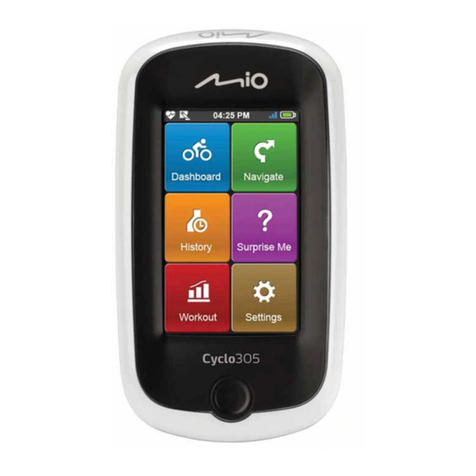
Mio
Mio Cyclo series User manual
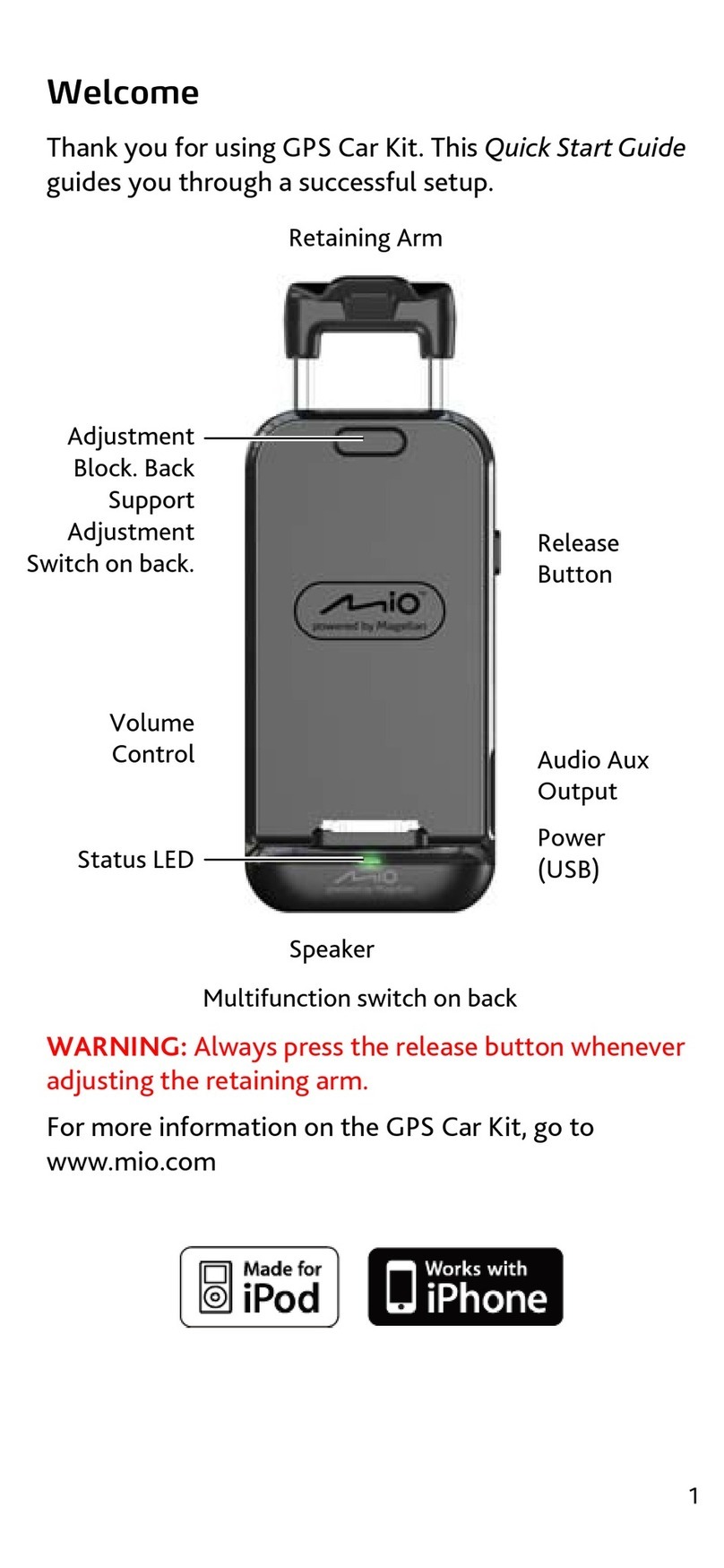
Mio
Mio GPS Car Kit User manual
Mio
Mio Cyclo 505 series User manual

Mio
Mio Digiwalker C710 User manual
Mio
Mio Moov 200 Series User manual
Mio
Mio DigiWalker C210 User manual
Mio
Mio MOOV M400 User manual

Mio
Mio Moov Spirit Series User manual

Mio
Mio Moov 200 Series User manual
Mio
Mio MOOV V Series User manual
Mio
Mio DigiWalker A701 User manual
Mio
Mio Moov 200 Series User manual
Mio
Mio Mio DigiWalker H610 User manual
Mio
Mio DigiWalker C230 User manual
Mio
Mio MOOV V Series User manual
Mio
Mio Moov 380 User manual
Mio
Mio MOOV M300 User manual
Mio
Mio Moov 200 Series User manual