1. Introduction
1.1 WELCOME
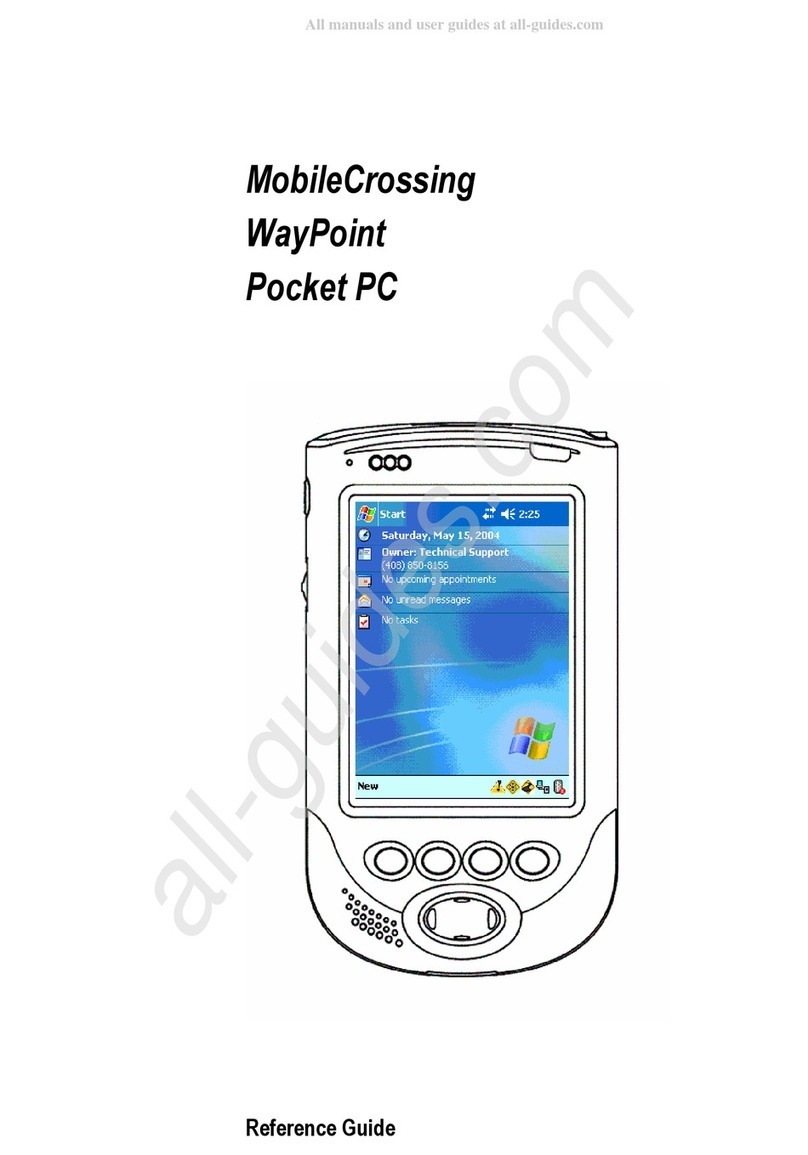
Congratulations on purchasing our new Wa point PDA (Personal Digital Assistant). You now have
the convenience and flexibilit of a portable navigation tool and full-featured personal digital
assistant, enabling ou to automaticall route to places of interest, addresses or locations in our
contact list. In addition ou can use PIM (Personal Information Manager) functions to keep track of
information wherever ou go. Powered b Microsoft® Pocket PC 2003 Premium Edition, our
Wa Point PDA offers a host of functions designed to make our life easier.
This manual covers onl the Pocket PC 2003 portion of the Wa Point PDA. For information on the
hardware features and specific navigation features of ou Wa Point PDA please consult the
Wa Point Users Guide.
1. FEATURE LIST
The Microsoft Pocket PC 2003 Premium Edition includes several applications be ond just the OS
itself. There are Personal Information Manager (PIM) tools, productivit tools, games, multimedia
tools, and utilities. These include
•Contacts – PIM address book
•Tasks Manager – PIM hand for a shopping list or to do list
•Notes – PIM includes text, voice recorder, and sketching abilit
•Calendar – PIM schedule manager
•Pocket Word – Productivit software word processor
•Pocket Excel – Productivit software spread sheet program
•Microsoft Reader – ebook reader
•Pocket Internet Explorer – Web browser, html file reader
•MSN Messenger – Chat room software
•Inbox – Productivit software email reader
•File Explorer – Utilit
•Active S nc – Utilit
•Calculator – Utilit
•Clock – Utilit
•Help – Utilit
5