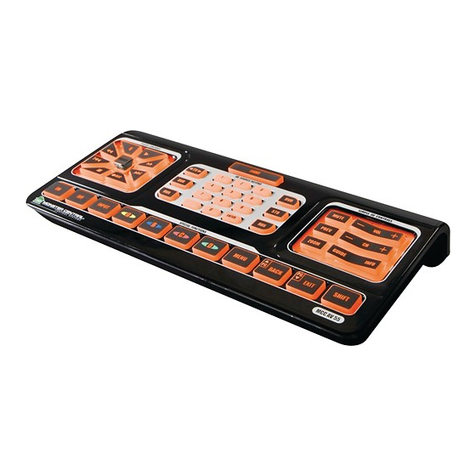
Insert software CD into CD-ROM drive.
on desktop to display CD contents.
Double click Mac folder followed
by Monster Central Remote Software.mpkg icon.
the software starts and the Monster Central icon displays in the Dock.
If not, use Finder to open the Applications folder. Double-click the
Monster Central Remote application.
Click Monster Central Remote
from the menu bar, and then select Preferences.
dialog, set Download Folder to match the downloads folder.
Safari web browser (Safari > Preferences > General > Save downloaded
fi les to), place a check mark next to Watch download folder and
Cleanup downloaded folder.
Please launch Web Browser and type in
http://members.monstercentral.com.
If the Monster Central remote software does not start after software
installation, do the following:
Click Start on the Windows
Click Monster Central Control, and then
Monster Central Control Software.
Using the Monster Central remote after competing installation:
Press Activities for easy, one-touch control.
Press Help for troubleshooting solutions.
Read the battery warning in the Important Information document. Consult the Important
Information document for tips on care and maintenance.
Your product comes with a limited warranty, is UL tested, and is FCC compliant.
For more information, refer to the Important Information document.