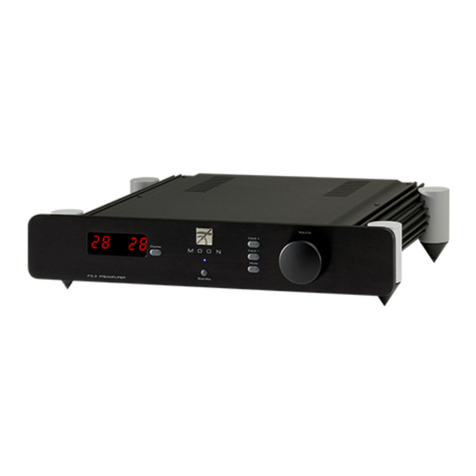
350P Preamplifier
Front Panel Controls
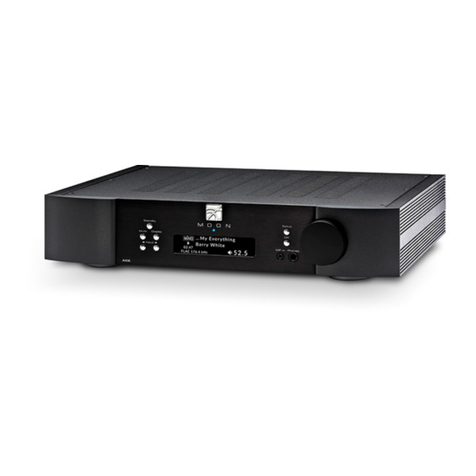
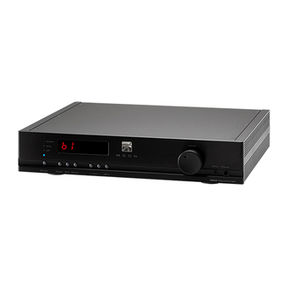
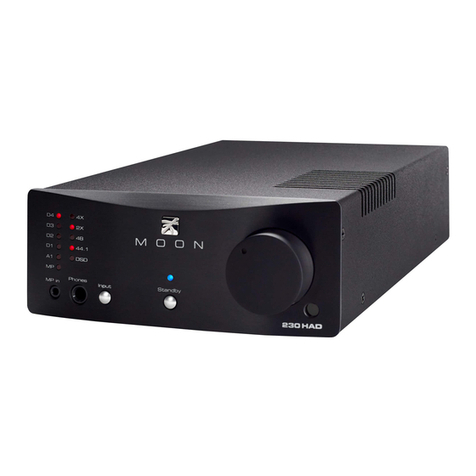
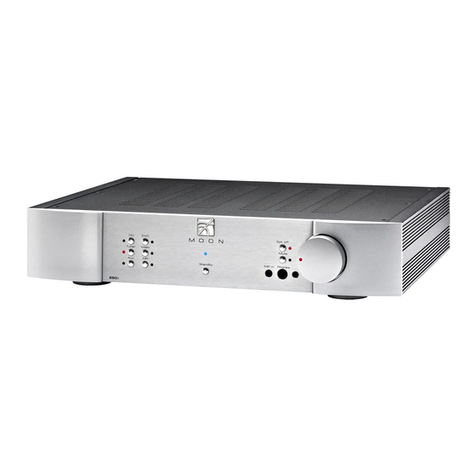
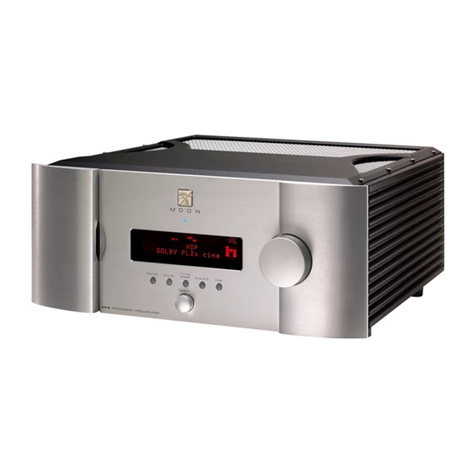
Figure 1: Nēo350P Front panel
The front panel will look similar to Figure 1 (above). The large display window indicates the selected input source. If your Nēo
350P includes the digital input option, additional information will appear in the display window. Refer to the section entitled
“Optional Digital Inputs” on page 8 for further details.
The “Standby” button disengages the input section from the rest of the 350P’s circuitry. When in “Standby” mode all audio
circuitry remains powered up to help maintain optimal performance. When switching back from “Standby” to the “on” mode,
the blue LED directly above the display window will illuminate, As well, the current ‘input’ will be memorized from the previous
listening session. The blue indicator LED turns off when the 350P is in “Standby” mode.
The “MP” button (for Media Player) has its input connection located next to the headphone jack for easy access. It uses a 1/8”
mini-jack connector which is the most common type of connection found on portable media players. When selected, the
corresponding red LED, located to the left of the button, will illuminate. When the “MP” input is in use the display window
automatically turns off. The “Display” button allows you to turn the digital display on and off.
The two (2) buttons labeled ◄INPUT ►allow you to sequentially scroll, either forward (►) or backward (◄) through all of the
available inputs. Depending on the installed options, the order of the inputs is as follows going forward (►):
Basic Unit: “CD”, “A1”, “A2” and “A3”
All options installed: “CD”, “A1”, “A2”, “PH”, “B1”, “D1”, “D2”, “D3” and “D4”
The above abbreviations correspond to the labeling of the rear panel inputs. By default the “CD” input is intended for use with
a CD Player, however you can connect another type of source component to it. “A1”, “A2” and “A3” are intended for use with
any type of source component that outputs analog signal. If you have installed the optional phono section, the “A3” input is
replaced by “PH”. If you have installed the balanced input option, “B1” will appear after the “A3” / ”PH” input. Finally, if you
have installed the digital input option, “D1”, “D2”, “D3” and “D4” will appear after either “B1” (if you have the balanced
option) or “A3” / ”PH”. The optional inputs only appear if they are installed.
The “Monitor” button provides for a dedicated loop to be used with either a component that can record & playback (Cassette
Deck, DAT, CD-Recorder, etc.) or a signal processor such as an equalizer. Pressing this button allows you to 1) monitor the
recording as it occurs on the recording device or 2) engage the effects of the signal processor. The monitor component’s
outputs must be connected to the 350 P’s “Monitor In” and its inputs must be connected to the 350 P’s “Monitor Out”. The
monitor output level is fixed and independent of the 350 P’s volume setting. The LED to the left of the display window will
illuminate when the “Monitor” function is engaged.
The “Mute” button mutes the output signal to the loudspeaker terminals, headphone jack, as well as both the fixed and
variable line output connectors (refer to the section entitled “Rear Panel Connections” for further details). Pressing the “Mute”
button a second time will reinstate the volume back to its previous level. When the output signal is muted, the red LED to the
right will repeatedly flash on and off.
____________________________________________________________________________________
7