Please take a few minutes to familiarize yourself with the features of your new pedal. With
common sense handling, it will last for years. We hope you enjoy using it as much as we
enjoyed building it. Feel free to call on us if you have any questions, comments or suggestions.
WARRANTY (ALL PEDALS)
All Morley® pedals are warranted for two years from date of purchase. To obtain warranty service,
contact the store where purchased, call Morley 24 hours a day at 847-639-4646 (ext 14) or email
CONNECTIONS (ALL PEDALS):
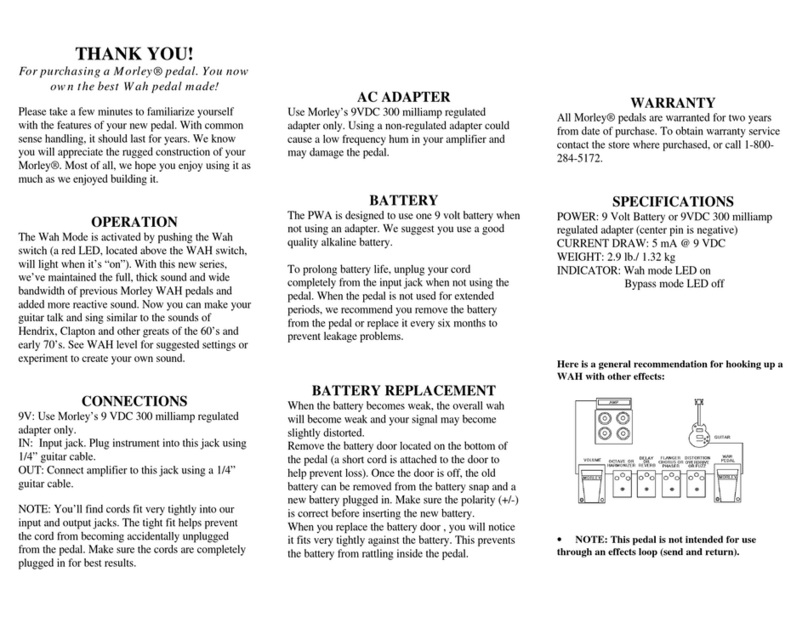
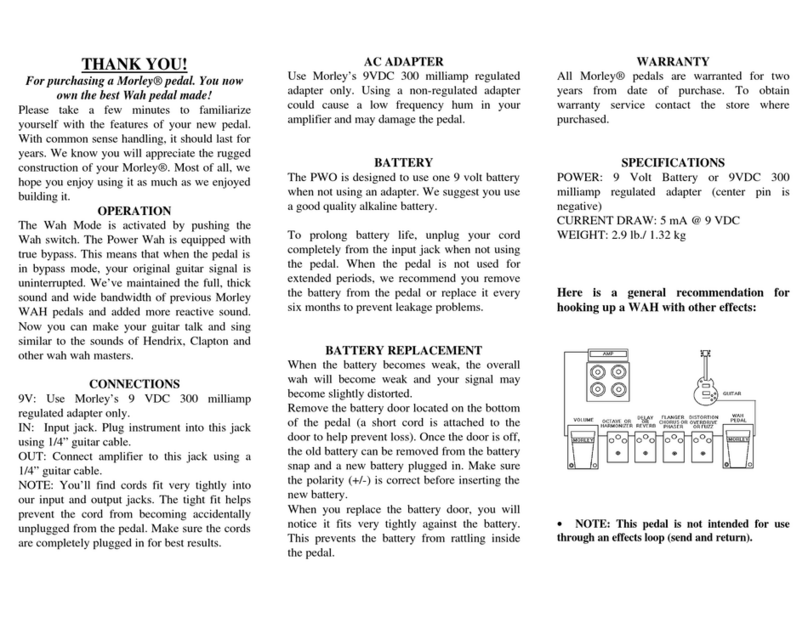
9V: Use only Morley's 9 VDC 300 milliamp regulated adapter. Center Polarity is negative.
IN: Input jack. Plug instrument into this jack using 1/4" guitar cable.
OUT: Connect amplifier to this jack using a 1/4" guitar cable.
Morley Pedals (except Model PLA) are NOT recommended for use in effects loops.
NOTE: You'll find cords fit very tightly into the input/output jacks. The tight fit helps prevent the
cord from being accidentally unplugged. Make sure cords are completely plugged in for best results.
ELECTRO-OPTICAL CIRCUITRY (ALL PEDALS):
The light from the LED (Light Emitting Diode) that shines on the LDR (Light Dependent Resistor)
is controlled by a shutter placed between the two devices. Our unique Electro-Optical design ensures
smooth pedal control without unwanted noise typical with potentiometer (pot) controlled pedals.
AC ADAPTER (ALL PEDALS)
All Morley pedals use Morley's 9VDC 300 milliamp regulated adapter. Center pin polarity
is negative. Using a non-regulated adapter could cause a low frequency hum in your amplifier.
Using an adapter with the wrong polarity may damage the pedal.
BATTERY (ALL PEDALS)
All Morley pedals are designed to use one 9V battery when not using an adapter. We suggest you
use a good quality alkaline battery. To prolong battery life, unplug your cord completely from the
input jack when not using the pedal. When the pedal is not used for extended periods, remove the
battery from the pedal or replace it every six months to prevent leakage problems.
BATTERY REPLACEMENT (ALL PEDALS)
When battery becomes weak, the effect will become weak and signal may become slightly distorted.
Remove the battery door located on the bottom of the pedal (a short cord is attached to the door to help
prevent loss). Once the door is off, the old battery can be removed and a new battery plugged in. Make
sure the polarity (+/-) is correct before inserting the new battery. When you replace the battery door,
you will notice it fits tight against the battery. This prevents battery from rattling inside the pedal.
THANK YOU FOR CHOOSING A MORLEY® PEDAL.
YOU NOW OWN THE BEST PEDAL MADE! STEREO CHORUS VOLUME INSTRUCTIONS (Model SCV)
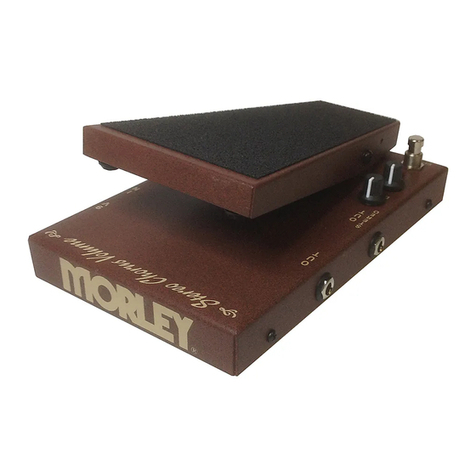
The Stereo Chorus Volume (SCV) is both a Chorus pedal and a Volume pedal in
one handy pedal. You can use the volume control by itself, the chorus by itself or
use both effects together. The SCV is suitable for use with electric Guitar, Acoustic
Guitar or Bass. It requires one 9V battery or optional Morley adapter for power.
GETTING STARTED:
1) Plug into jack marked IN.
2) Connect cable from SCV jack marked OUT to amplifier.
3) If using Chorus in Stereo mode, connect additional cable from jack marked
STEREO OUT to a second amplifier
4) Volume control is always engaged. Simply move foot treadle to adjust volume.
5) Foot treadle has no effect on Chorus Effect.
IMPORTANT:
When either OUT jack is used separately, chorus will be present when engaged.
When both OUT jacks are used for Stereo Chorus set up, the jack marked OUT
will be "Dry" (no chorus) and the jack marked STEREO OUT will be "wet"
(with Chorus). The separation of "wet" and "dry" outputs to two different
amps will create a wide spatial effect that you'll find full sounding and pleasing.
SCV FEATURES
·CHORUS SWITCH: Turns on/off Chorus effect
·CHORUS RATE: Adjusts the Speed of the Chorus
·CHORUS DEPTH: Adjusts the amount of Chorus pitch bend
·DUAL OUTPUTS: Use either individually or both for stereo applications
·LED INDICATION: Right side LED shows power on. The left side LED lights
when Chorus Effect is engaged
· ELECTRO-OPTICAL CIRCUITRY: Volume is controlled via optical circuitry.
No pot to wear out and get scratchy!
SCV SPECIFICATIONS
POWER: 9 Volt Battery or Morley's 9VDC 300 milliamp regulated adapter
Center polarity is negative. Using wrong polarity will damage pedal.
CURRENT DRAW: 19 mA @ 9 VDC
CONTROLS: Rate, Depth
WEIGHT: 3.3 lb./ 1.51 kg
INDICATOR: Power on. Chorus on/off.