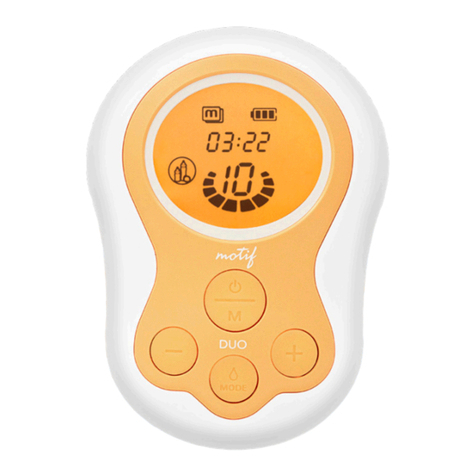
1. Check the LCD display to see if there is an existing saved operating
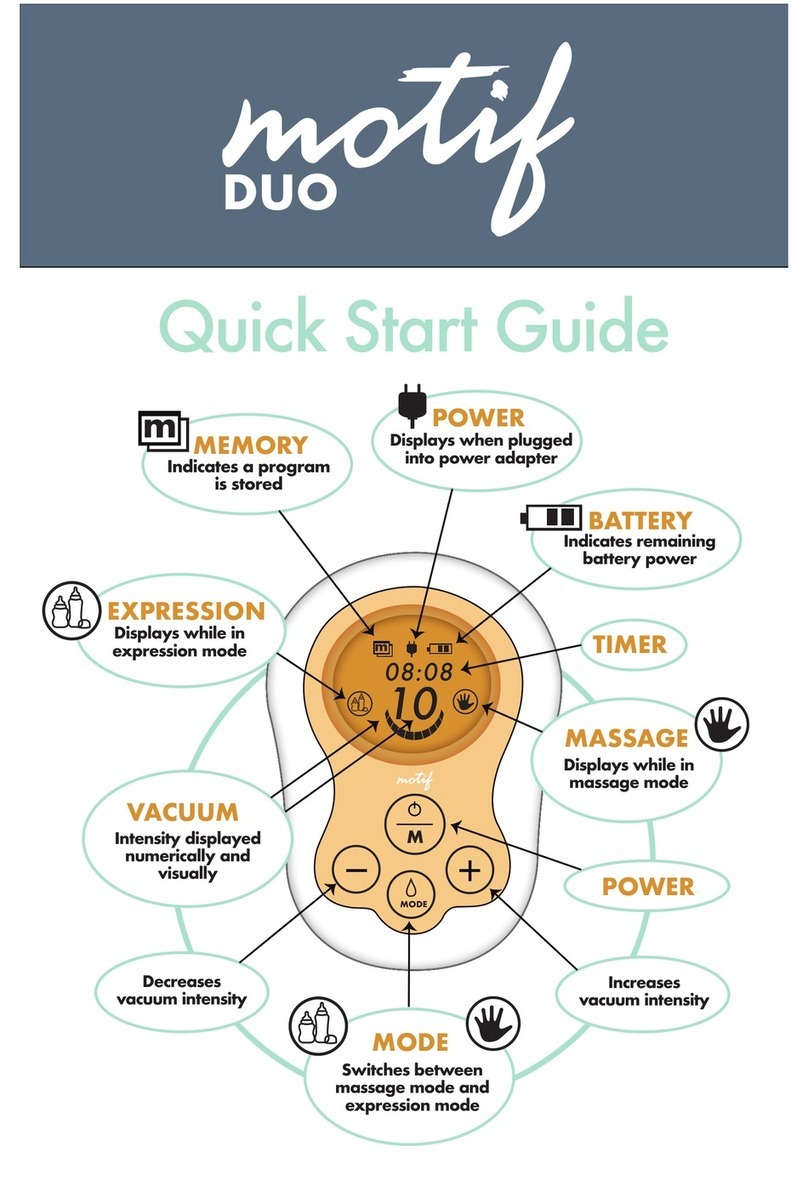
sequence. The icon is show when there is a saved operating
sequence.
2. If there is a saved sequence, delete it by pressing and holding
button for 3 seconds. The icon will disappear.
3. Set the massage mode on level 4 and expression mode on Level 3.
4. Change the operating mode to massage mode Level 4.
5. To start programming the memory, press and hold button for 3
seconds. The icon will begin to ash to indicate that the
operation sequence is being saved.
6. Press button until Massage Mode icon is illuminated, and
then adjust Speed/Vacuum to Level 4 by pressing or
buttons. Watch Timer and let pump run for 1 minute.
7. Increase the Speed/Vacuum to Level 5 by pressing button, and
let pump run for 30 seconds.
8. Change to Expression Mode by pressing button, icon will
be displayed. Adjust Speed/Vacuum to Level 3 by pressing or
buttons. Watch Timer and run pump for 1 minute.
9. Press button to increase Speed/Vacuum to Level 4, and then
press and hold button for 3 seconds, to save the operating
sequence.
10. The last programmed step will operate until stopped by the user or
the Timer reaches 30 minutes.
11. To run the saved operating sequence, press and hold button
for 3 seconds.
12. To stop running the saved operating sequence, press and hold the
button for 3 seconds. The pump will return to your last session
settings.
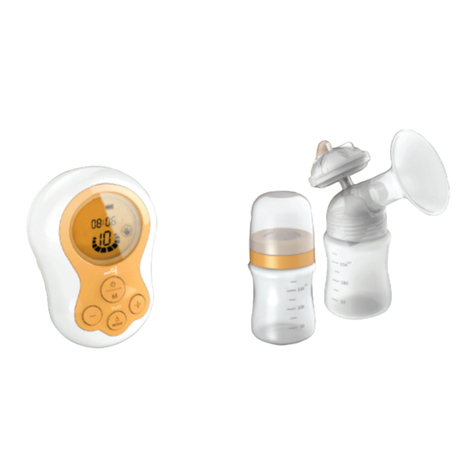
Motif Duo Operation Manual
Example of Programming Pump Memory
If you want to program the following operation sequence:
10