connect wirelessly
5
connect wirelessl y
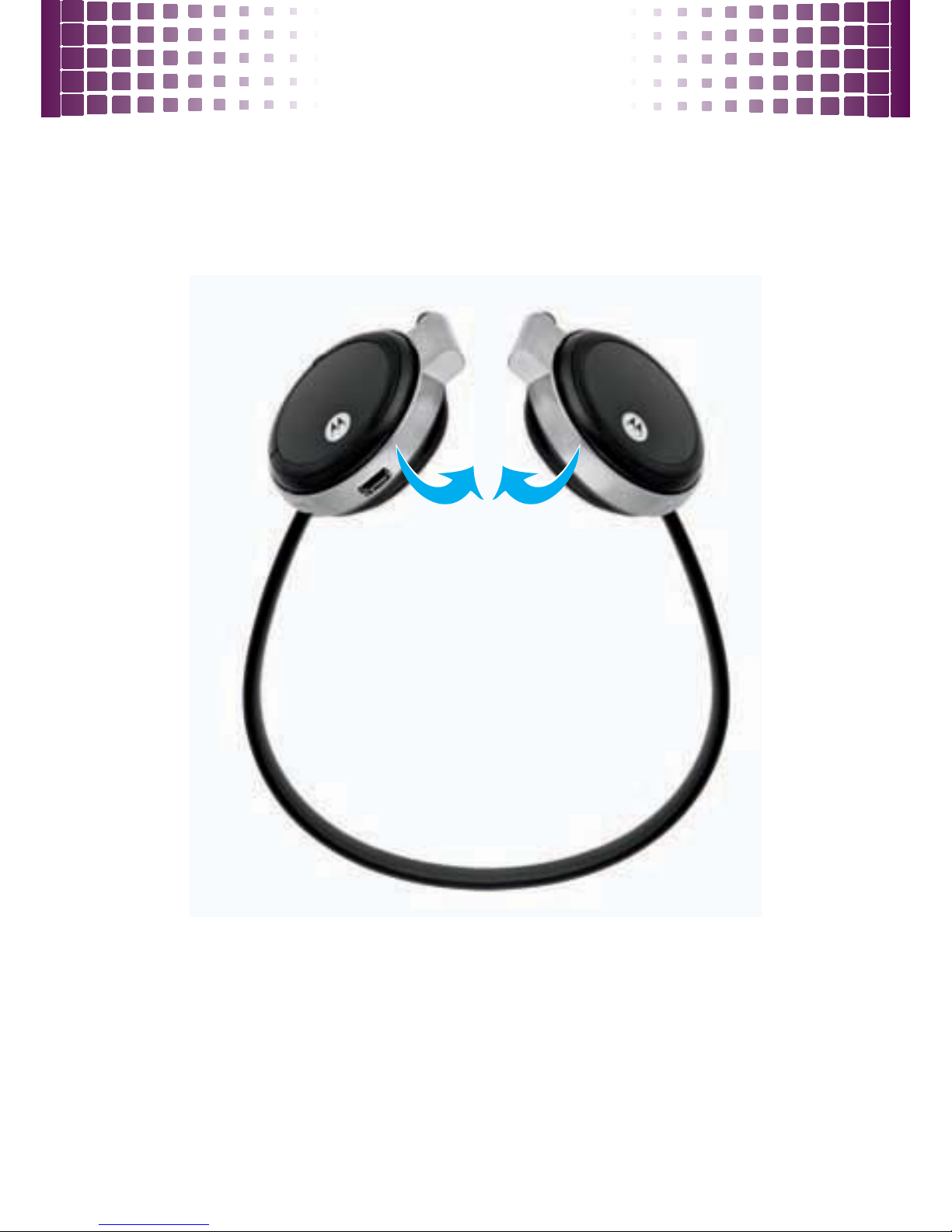
pair & connect
Once charged, get your headphones paired and
connected to your Bluetooth phone and/or music player.
1
Turn off any Bluetooth devices previously paired
(linked) with your headphones.
2
Turn on the Bluetooth feature on your phone or
music player.
3
Turn on your headphones by pressing and holding
the
Ö
button until the indicator light turns green.
The indicator light flashes in red and green to
indicate the headphones are in discoverable mode.
4
Set your phone or music player to search for
Bluetooth devices.
5
Select
Motorola S305
from the search results on
your phone or music player.
6
Select
OK
or
Ye s
to pair your headphones with your
phone or music player.
7
If prompted, enter
0000
for the passkey.