4.2. Pairing to Mobile phone or other device
To use your Bluetooth speaker, you must first pair your speaker with a phone or a computer. Once your
Bluetooth speaker is paired to a specific mobile phone, they will remain paired and automatically
recognize each other whenever they are within range.
Pairing to a phone and Entertainment:
Turn on your phone and ensure the Bluetooth function is activated.
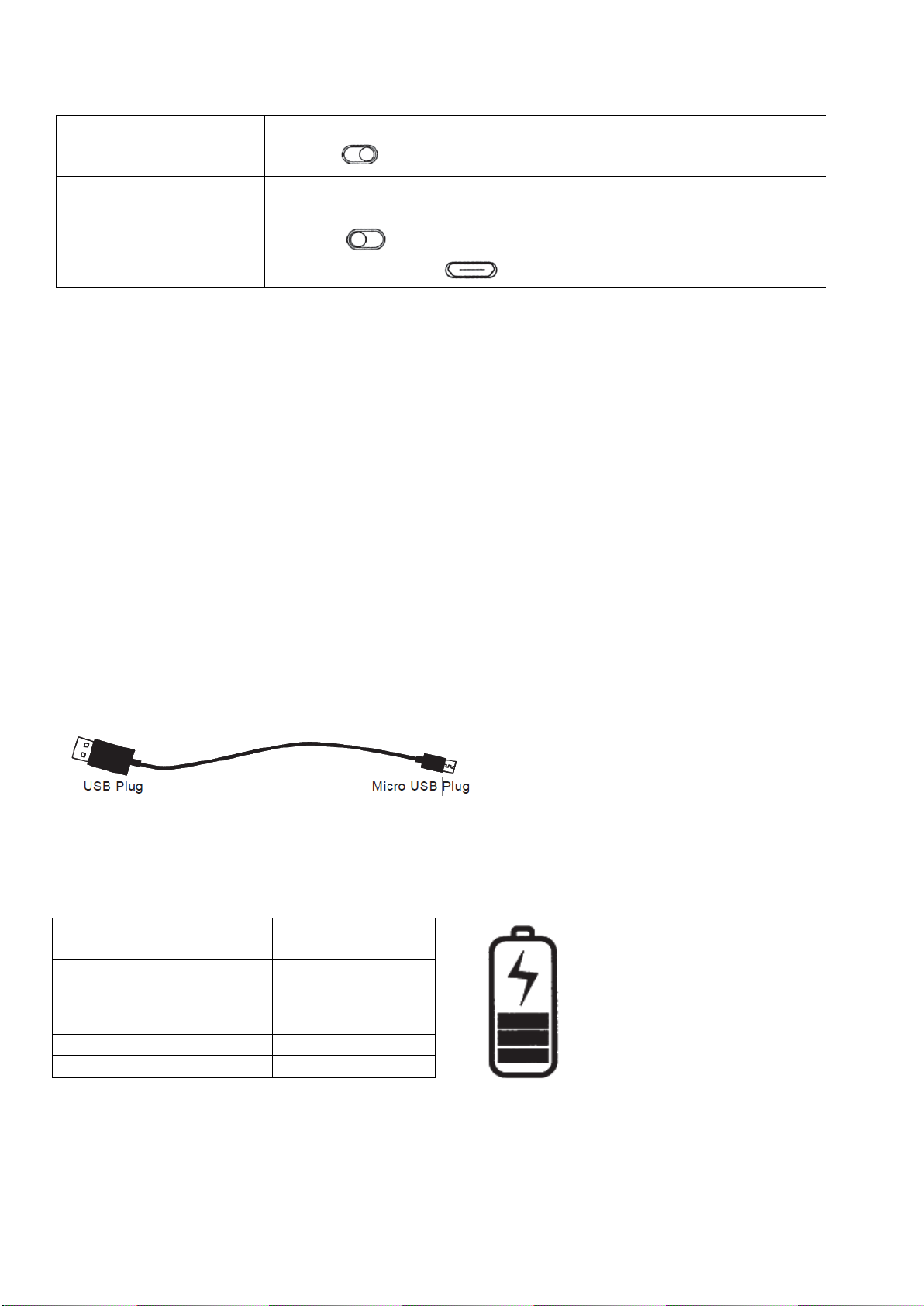
Turn on the speaker, go to the pairing mode
Search your Bluetooth devices on your phone by following the phone's instructions. Refer to your phone's
user manual for more information.
After a few seconds the phone will list the "COSMO Bluetooth Spk" as a discover device. Select it and
follow your phone's instructions to select this pairing.
Your phone will confirm the pairing, and then press Yes/Ok.
a Finally, select to connect with Bluetooth Speaker from your phone.
•You can play music, watch TV shows/movies, and play games with your device, with all of the sound
coming from the speaker.
4.3. Charging your speaker
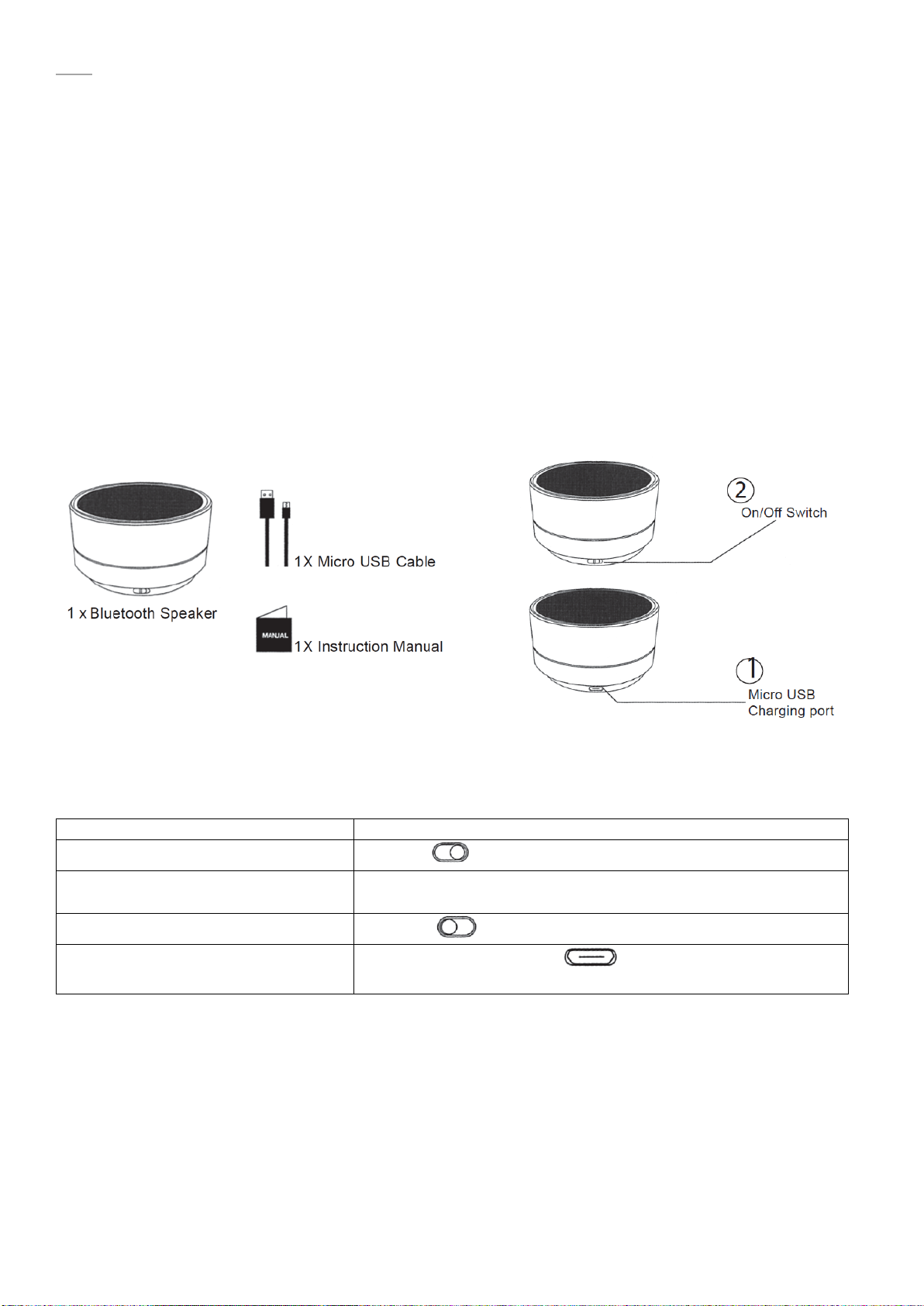
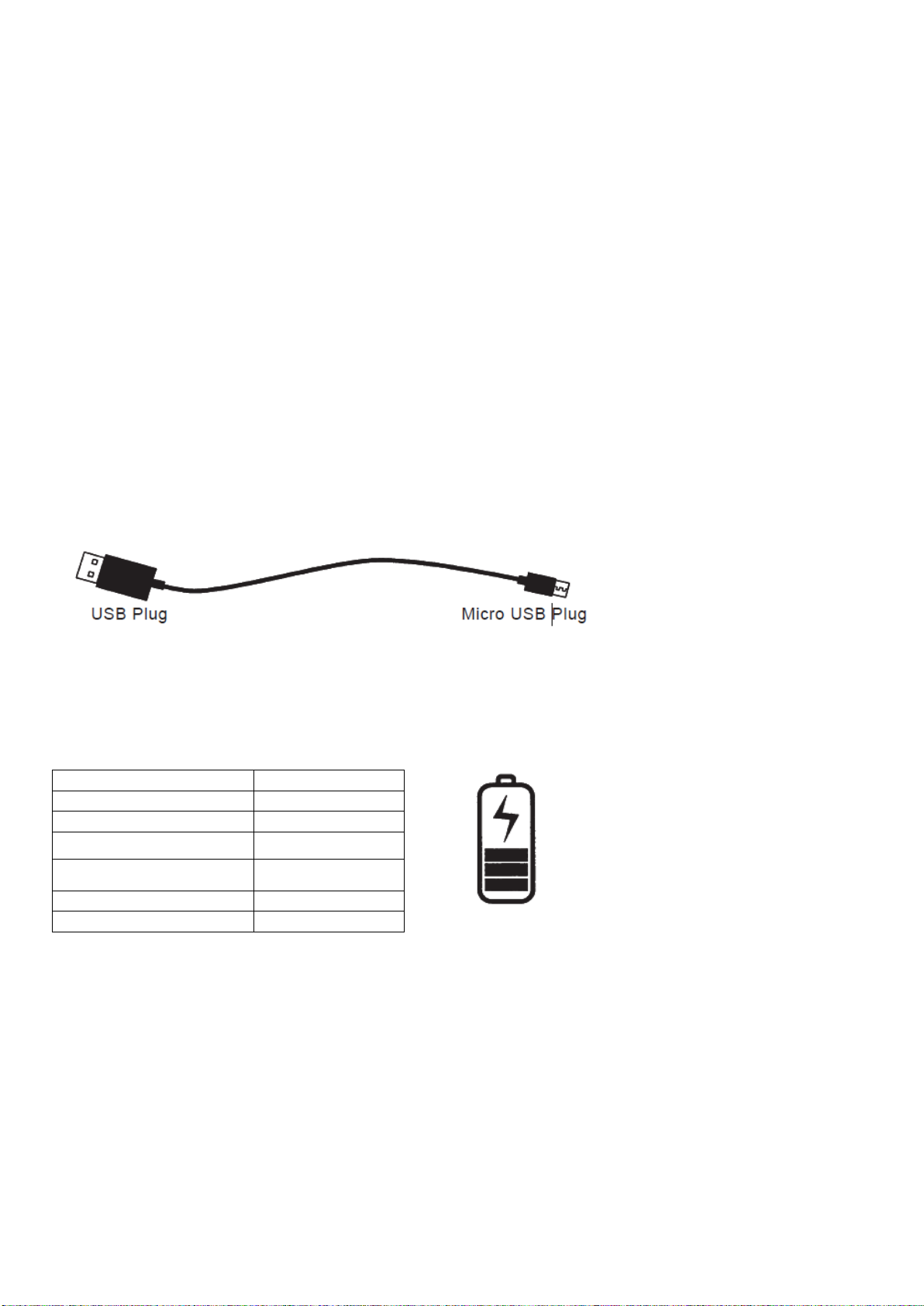
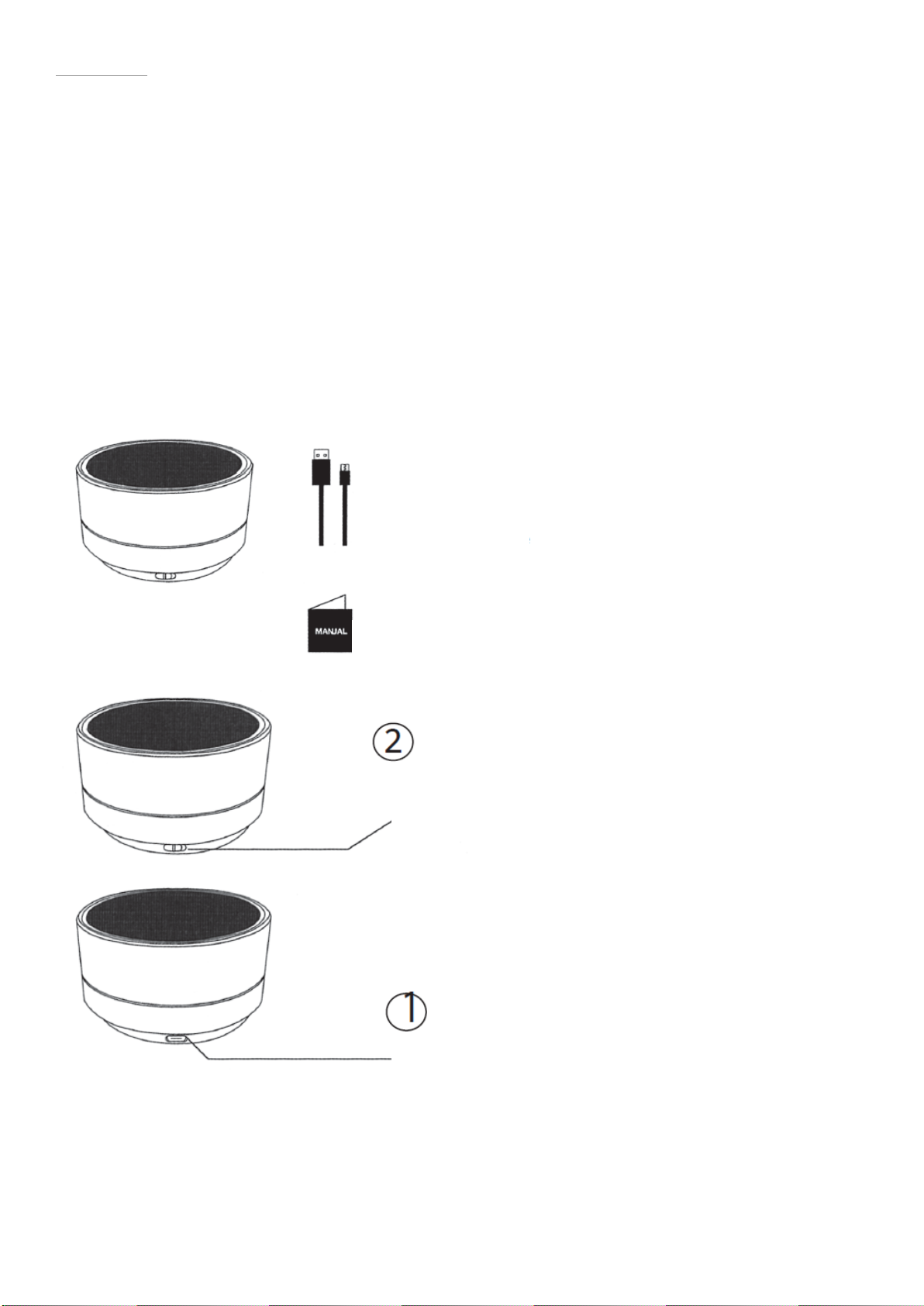
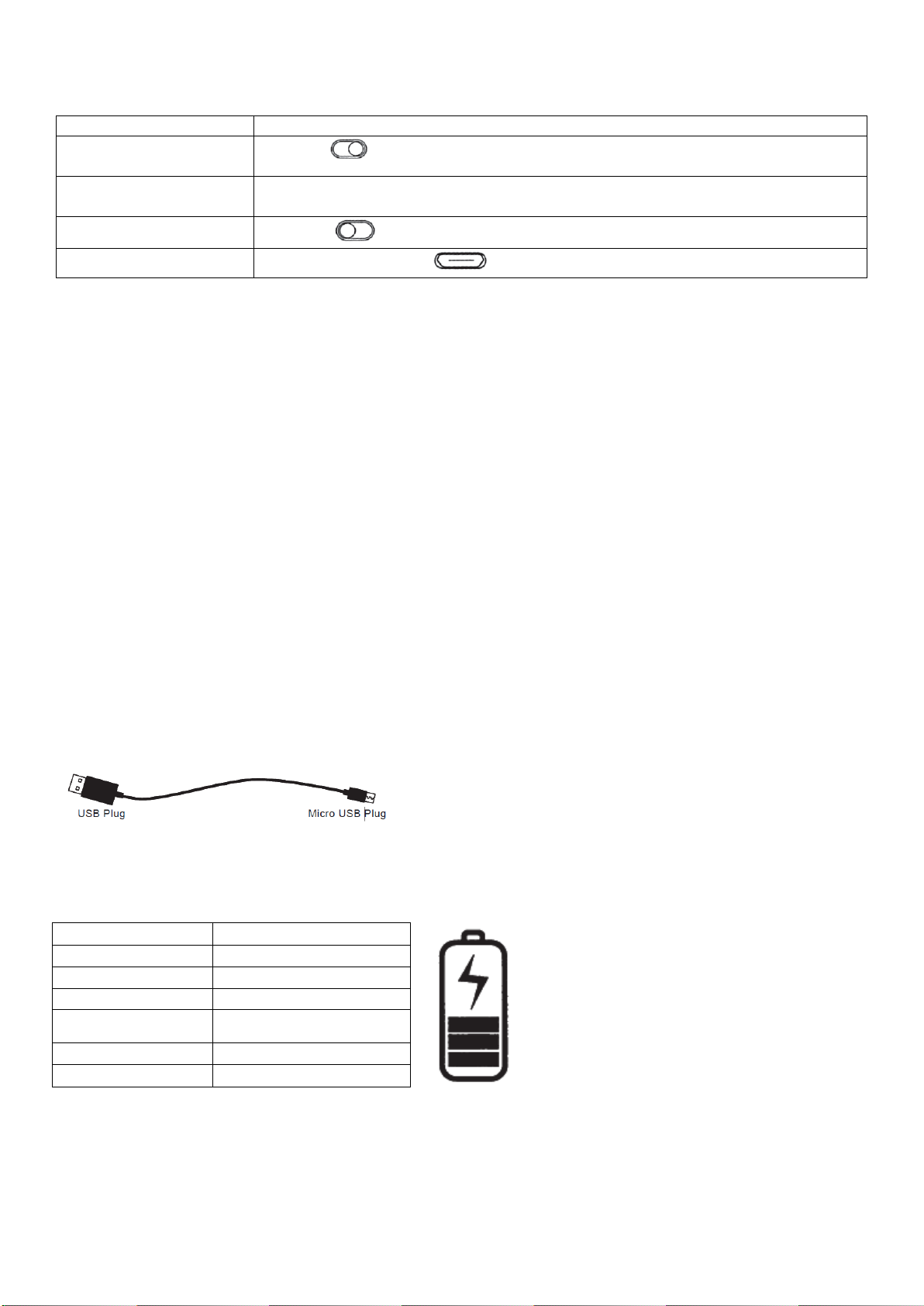
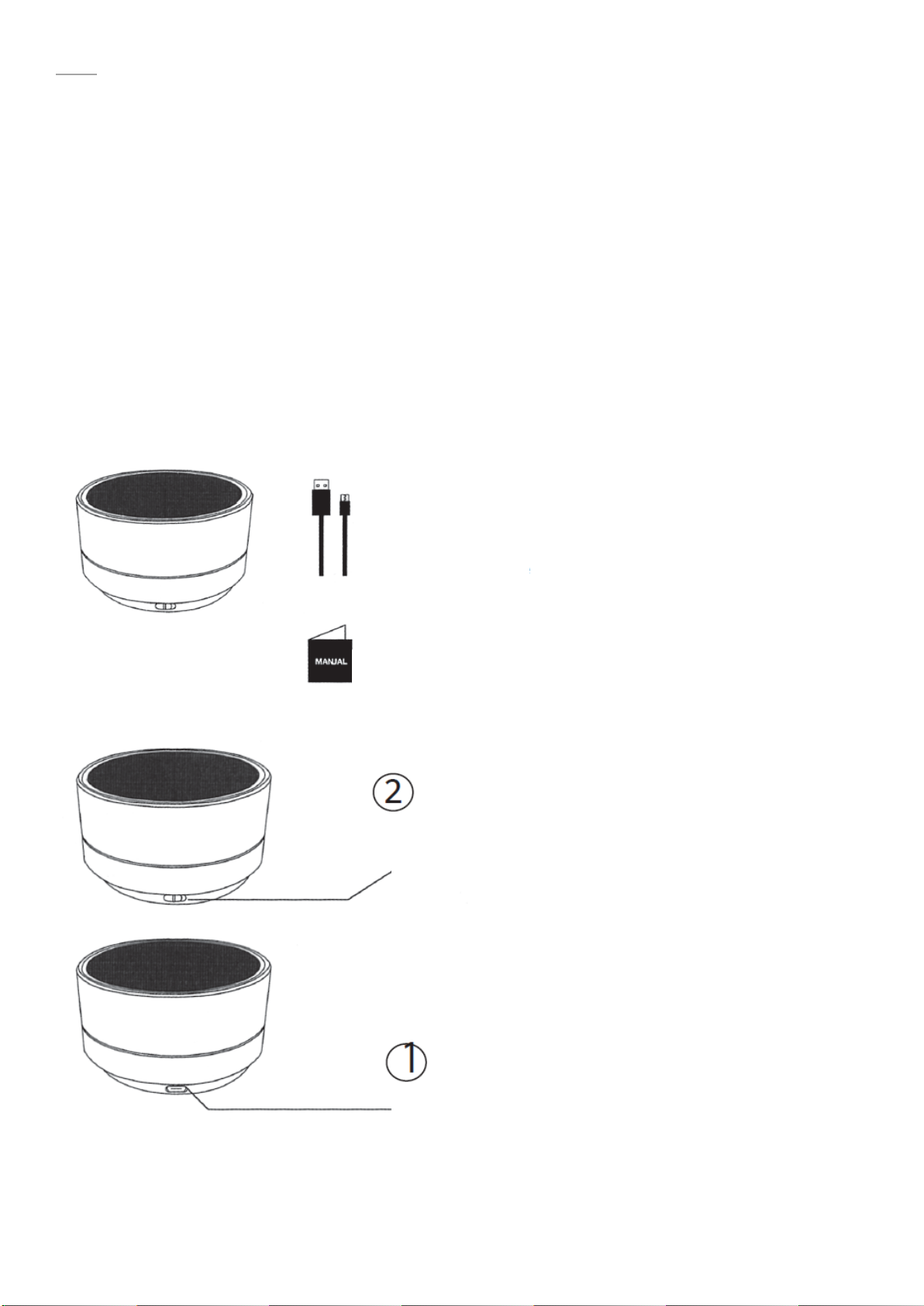
Use the Micro USB cable accessory provided with this speaker. Connect the Micro USB plug to the Micro
USB charging port on the speaker positioned at Q in speaker diagram on page 2. Connect the USB plug to
a USB port on a computer or wall adapter to activate charging.
**Make sure to keep the speaker charging for a minimum of 6 hours before initial use.
Warning:
• You must select a qualified charger from a regular manufacturer.
• You must charge the Bluetooth speaker if it has been not used for more than 12 months.
5. Product Specification
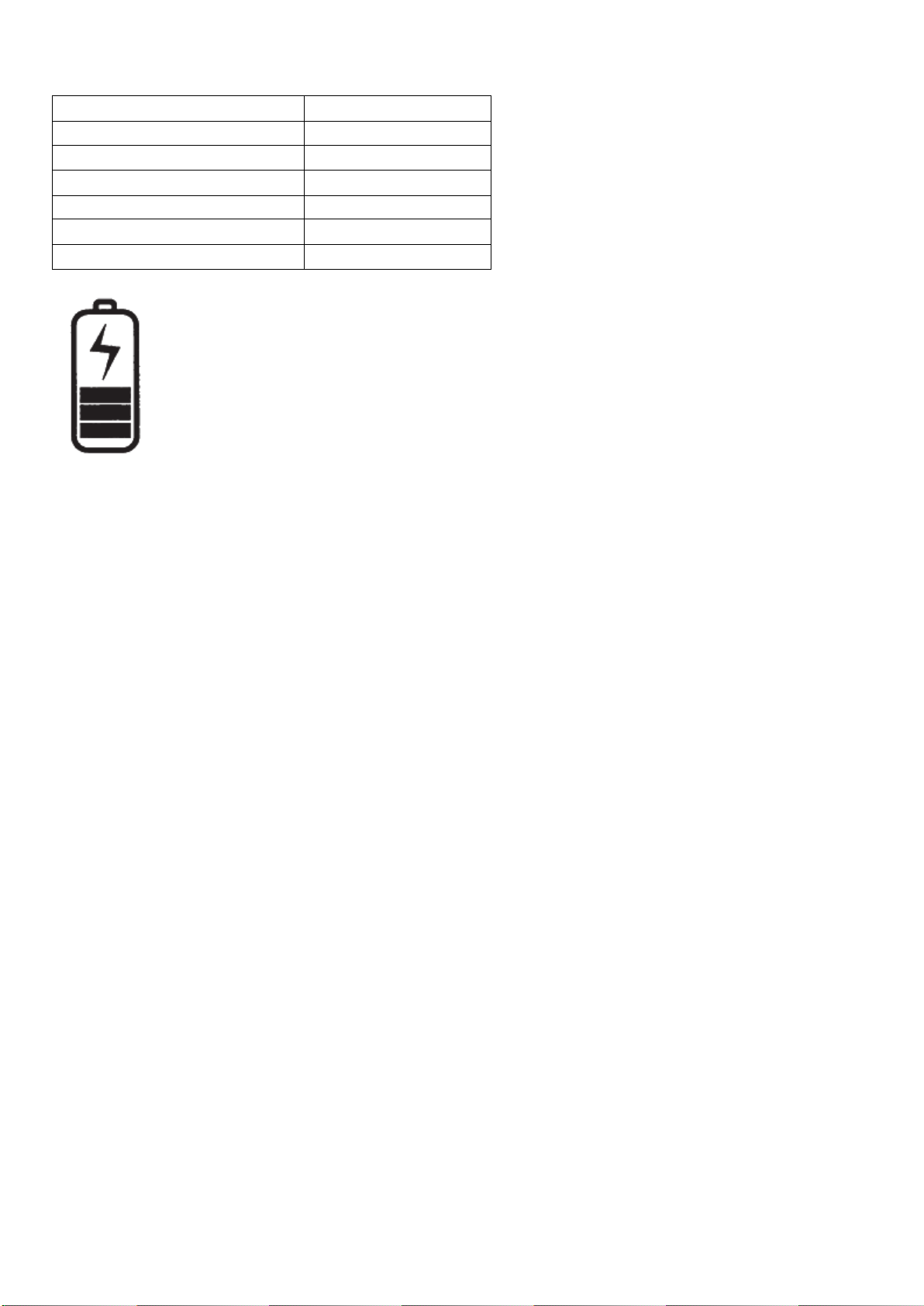
Bluetooth Version 3.0
Battery Capacity 300 mAh Li-Ion
Rechargeable Li-ion Battery
6. FAQ
1. Why is there no power even when the Speaker is turned on?
Ans: Ensure the battery has been charged up to 6 hours for initial use.
2. There is no sound when playback.
Ans: Check the connection between speaker with phone or computer, if the connection is not
established, please reconnect again. Make sure the speaker is paired and connected with your target
phone or other master device.