manuals.online logo
Brands
  1. Home
  2. •
  3. Brands
  4. •
  5. Narbutas
  6. •
  7. Indoor Furnishing
  8. •
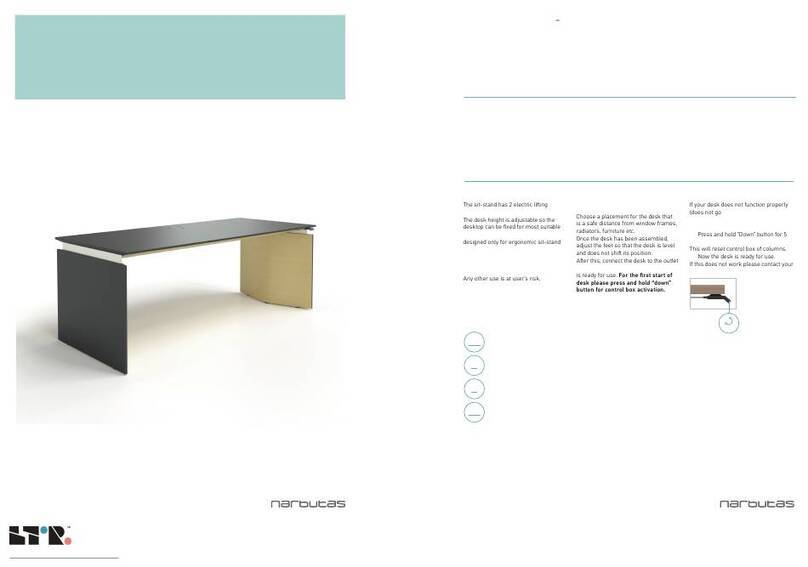
  9. Narbutas MOVE User manual

Narbutas MOVE User manual

Other Narbutas Indoor Furnishing manuals

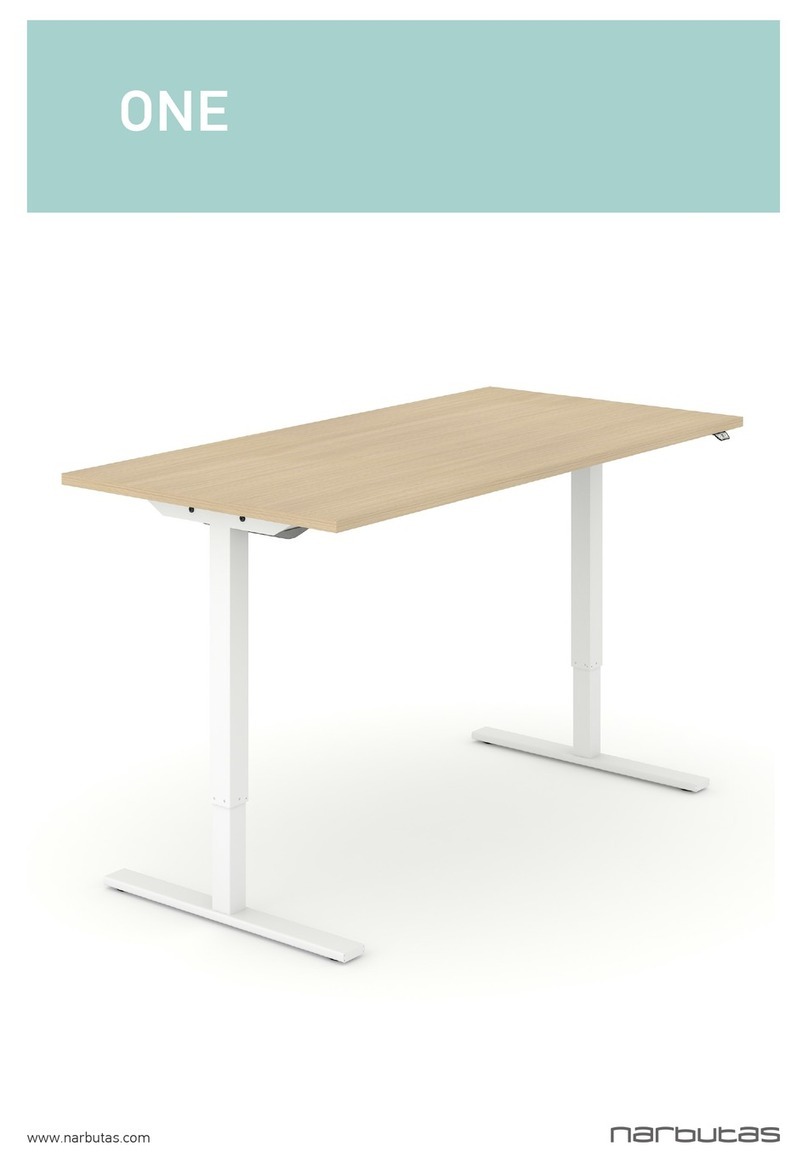
Narbutas ONE Guide

Narbutas

Narbutas ONE Guide

Narbutas MOVE User manual

Narbutas

Narbutas MOVE User manual

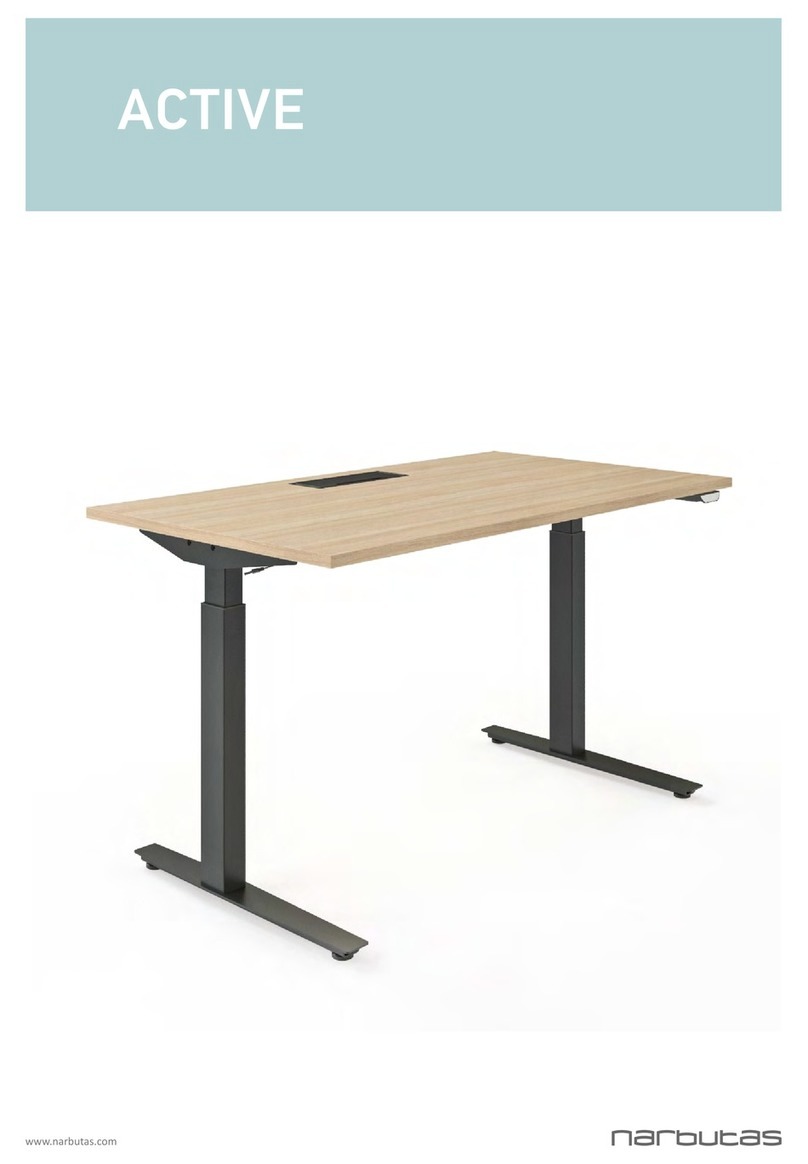
Narbutas Active User manual

Narbutas

Narbutas Active User manual

Popular Indoor Furnishing manuals by other brands

Regency LWMS3015 Assembly instructions

Regency

Regency LWMS3015 Assembly instructions

Furniture of America CM7751C Assembly instructions

Furniture of America

Furniture of America CM7751C Assembly instructions

Safavieh Furniture Estella CNS5731 manual

Safavieh Furniture

Safavieh Furniture Estella CNS5731 manual

PLACES OF STYLE Ovalfuss Assembly instruction

PLACES OF STYLE

PLACES OF STYLE Ovalfuss Assembly instruction

Trasman 1138 Bo1 Assembly manual

Trasman

Trasman 1138 Bo1 Assembly manual

Costway JV10856 manual

Costway

Costway JV10856 manual

moss DESIGN Caisson Credenza Assembly instructions

moss DESIGN

moss DESIGN Caisson Credenza Assembly instructions

Aquaglide FULL DECK 15.0 owner's manual

Aquaglide

Aquaglide FULL DECK 15.0 owner's manual

AREBOS AR-HE-SW30 user manual

AREBOS

AREBOS AR-HE-SW30 user manual

Till-Hilft Fulda 87005.330 Assembly instructions

Till-Hilft

Till-Hilft Fulda 87005.330 Assembly instructions

Twoey Outside 2010 quick start guide

Twoey Outside

Twoey Outside 2010 quick start guide

Hettich Easys 200 operating instructions

Hettich

Hettich Easys 200 operating instructions

The bedboss RELAX 404 Series owner's manual

The bedboss

The bedboss RELAX 404 Series owner's manual

Oeseder Möbelindustrie Bern 991 720 Assembly instructions

Oeseder Möbelindustrie

Oeseder Möbelindustrie Bern 991 720 Assembly instructions

Costway HW68469 user manual

Costway

Costway HW68469 user manual

Next ALIX A27743 Assembly instructions

Next

Next ALIX A27743 Assembly instructions

BROSA Hans Assembly guide

BROSA

BROSA Hans Assembly guide

Prodigg MINIKA PBA015T-FUR installation manual

Prodigg

Prodigg MINIKA PBA015T-FUR installation manual

manuals.online logo
manuals.online logoBrands
  • About & Mission
  • Contact us
  • Privacy Policy
  • Terms and Conditions

Copyright 2025 Manuals.Online. All Rights Reserved.

www.narbutas.com
MOVE
EXECUTIVE SIT-STAND DESK MOVE
SAFETY AND WARNINGS
Inappropriate use of this product may cause property or bodily injury.
Check surroundings on all sides before using the desk. Do not place any objects taller than 630 mm
under the desk.
Desks should not be used in environments with high humidity or dampness.
If you need to move the desk, DO NOT lift it only by holding the desktop. Lifting this way can stress
the fasteners connecting the frame to the desktop.
Please provide this operation manual to any users, installers, or support personnel operating the
product.
USAGE
The sit-stand has 2 electric liing
columns.
The desk height is adjustable so the
desktop can be xed for most suitable
user’s position. These desks are
designed only for ergonomic sit-stand
position.
Do not move around, crawl or lie under
the desk.
Do not sit or stand on the desk desktop.
Any other use is at user’s risk.
SETUP AND
INSTALLATION
Choose a placement for the desk that
is a safe distance from window frames,
radiators, furniture etc.
Once the desk has been assembled,
adjust the feet so that the desk is level
and does not shi its position.
Aer this, connect the desk to the outlet
and the desk
is ready for use. For the rst start of
desk please press and hold “down”
button for control box activation.
TROUBLESHOOTING
If your desk does not function properly
(does not go
up or down; does not move at all) please
do the RESET:
• Press and hold “Down” button for 5
seconds.
This will reset control box of columns.
• Now the desk is ready for use.
If this does not work please contact your
seller.
IMPORTANT
Functional load of desk is 40 kg.
Do not exceed this given load.
9
MIN
1
MIN
40
KG
38
MM/S
! Please keep in mind that time for continuous desk movement
upwards or downwards is 1 minute.
After 1 minute of unstopped operation there has to be a resting
period of 9 minutes.
Travel Speed Up to 38 mm/s.
OPERATION MANUAL
www.narbutas.com
RESET

HARDWARE CONNECTION
GROMMET
Aer hardware (monitor, laptop,
charger, etc.) is connected to power
sockets, cables could be routed through
the grommet cover to the desktop
surface.
QI WIRELESS
CHARGING
Qi wireless charger is integrated into the
desktop (depending on the chosen desk
type). Charger itself is hidden under the
desktop and the place for charging your
device is marked on the desktop. Place
the compatible device on the marked
place, beep will be heard and device will
start.
LID
There is a lid under the desktop for
power unit access. It opens downwards
and closes upwards with magnets.
www.narbutas.com