QSG-00017 NB16WV-rev1
CUSTOMISE YOUR ROUTER’S SETTINGS
To customize your router’s settings, please perform the following steps:
1. After establishing your wired or wireless connection as previously outlined, open your
Web browser (such as Firefox, Internet Explorer and Safari) and type http://192.168.20.1
into the address bar at the top of the Web browser window and press Enter.
2. Click on the Login tab and enter the default Username and Password of admin, and
then press Submit to login to the management console.
3. You will be brought to the Status page. From here you can see the current connection
status of your router.
4. Click on the Internet tab to congure the settings to get you online.
5. You can Enable or Disable the Internet connection to allow your router to get online.
6. Hover over the Click here to choose an APN link and select your mobile service provider
to auto-ll the APN of your 3G network. If you have a special APN, please enter it manually.
7. Fill in the PIN settings of your SIM, if required, and then click Save to use the settings
you have entered.
8. Click on the Wireless tab to congure the WiFi settings of your router. Please note that
Wireless settings do not need to be changed and the default settings can be used.
9. Enter the WiFi Network Name (SSID) and WiFi Password (WPA2-PSK) and then click
Save to use the settings you have entered.
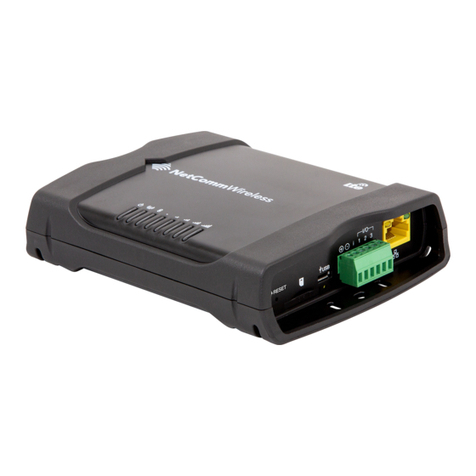
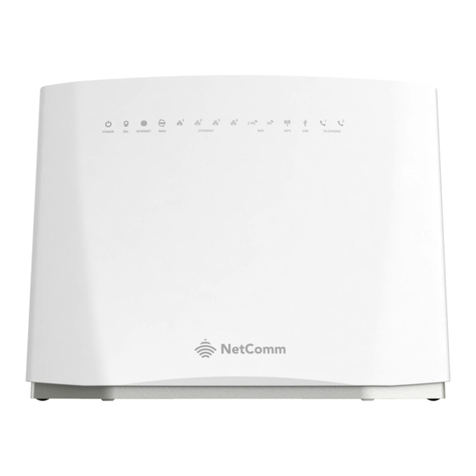
The router will now apply your changes. If a connection is successfully established, the blue
network light on the front of the router will light up. When connecting devices via WiFi, the
settings that were entered will have to be used.