manuals.online logo
Brands
  1. Home
  2. •
  3. Brands
  4. •
  5. NETGEAR
  6. •
  7. Switch
  8. •
  9. NETGEAR FS 517TS User manual

NETGEAR FS 517TS User manual

Other NETGEAR Switch manuals
NETGEAR ProSafe JGSM7224 User manual

NETGEAR

NETGEAR ProSafe JGSM7224 User manual

NETGEAR FSM7328S - ProSafe Switch Manual

NETGEAR

NETGEAR FSM7328S - ProSafe Switch Manual

NETGEAR 7300 Series User manual

NETGEAR

NETGEAR 7300 Series User manual

NETGEAR GSM7328FS - ProSafe Switch - Stackable Manual

NETGEAR

NETGEAR GSM7328FS - ProSafe Switch - Stackable Manual

NETGEAR GSM7248 - ProSafe Switch User manual

NETGEAR

NETGEAR GSM7248 - ProSafe Switch User manual

NETGEAR FS516 - Switch User manual

NETGEAR

NETGEAR FS516 - Switch User manual
NETGEAR M4300-96X Manual

NETGEAR

NETGEAR M4300-96X Manual

NETGEAR GS308P User manual

NETGEAR

NETGEAR GS308P User manual

NETGEAR MS510TXPP User manual

NETGEAR

NETGEAR MS510TXPP User manual

NETGEAR M6100 Series User manual

NETGEAR

NETGEAR M6100 Series User manual

NETGEAR FSM7328S - ProSafe Switch User manual

NETGEAR

NETGEAR FSM7328S - ProSafe Switch User manual

NETGEAR GS724TPS - ProSafe - Gigabit Stackable PoE Smart... Instruction Manual

NETGEAR

NETGEAR GS724TPS - ProSafe - Gigabit Stackable PoE Smart... Instruction Manual

NETGEAR ProSAFE M4300 series User manual

NETGEAR

NETGEAR ProSAFE M4300 series User manual

NETGEAR FE116 User manual

NETGEAR

NETGEAR FE116 User manual

NETGEAR 748TP Manual

NETGEAR

NETGEAR 748TP Manual

NETGEAR DS 508 User manual

NETGEAR

NETGEAR DS 508 User manual

NETGEAR GS110TP - ProSafe Gigabit Smart Switch User manual

NETGEAR

NETGEAR GS110TP - ProSafe Gigabit Smart Switch User manual

NETGEAR ProSAFE JGS524Ev2 User manual

NETGEAR

NETGEAR ProSAFE JGS524Ev2 User manual

NETGEAR FS605 v3 User manual

NETGEAR

NETGEAR FS605 v3 User manual

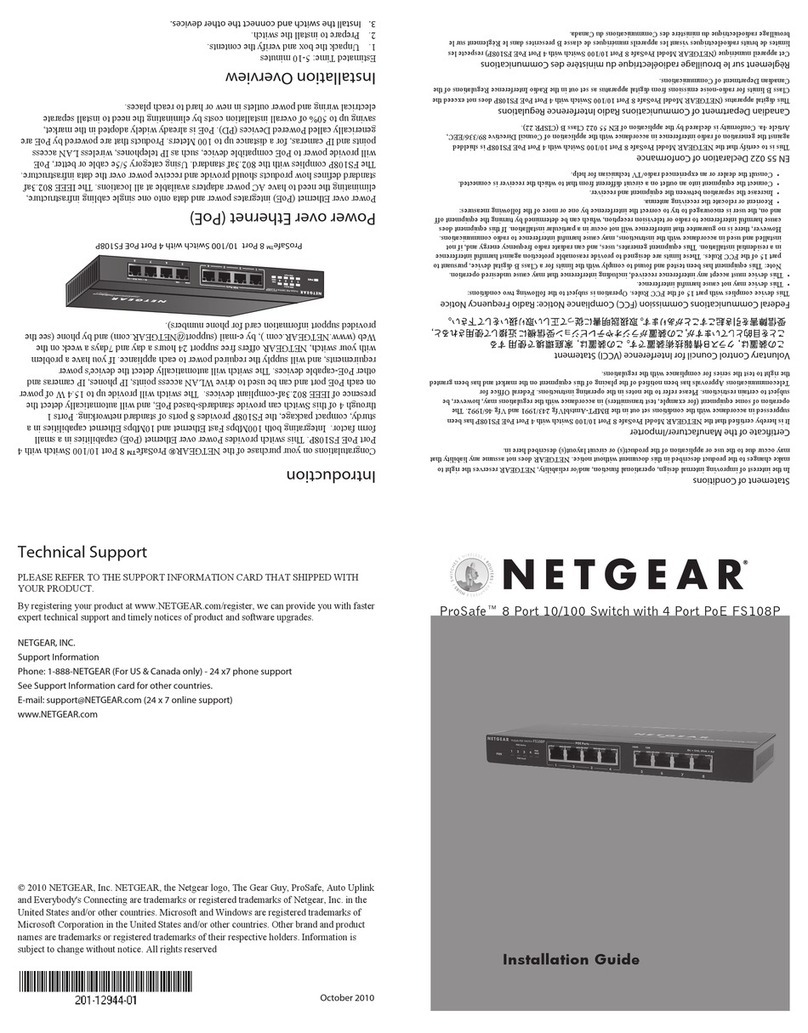
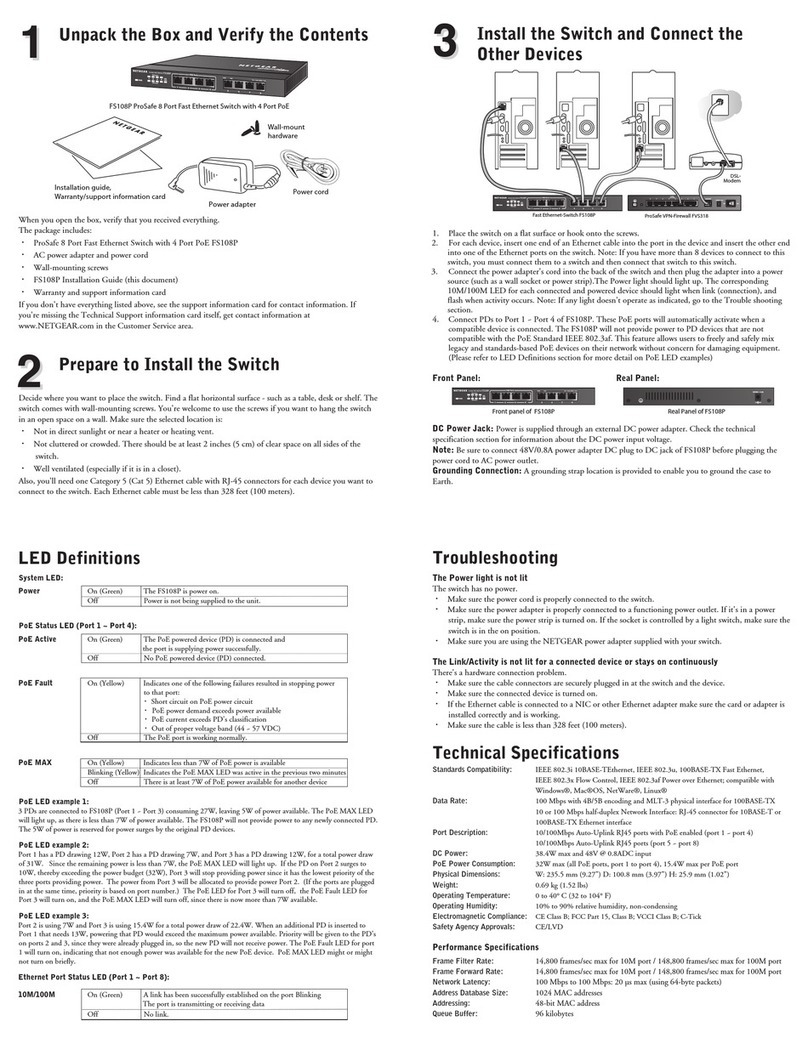
NETGEAR FS108P - ProSafe Switch User manual

NETGEAR

NETGEAR FS108P - ProSafe Switch User manual

NETGEAR FSM7328S - ProSafe Switch Instruction Manual

NETGEAR

NETGEAR FSM7328S - ProSafe Switch Instruction Manual

NETGEAR M4100 Series ProSAFE Manual

NETGEAR

NETGEAR M4100 Series ProSAFE Manual

NETGEAR GS324P User manual

NETGEAR

NETGEAR GS324P User manual

NETGEAR GS605av User manual

NETGEAR

NETGEAR GS605av User manual

Popular Switch manuals by other brands

TRENDnet TK-401R null

TRENDnet

TRENDnet TK-401R null

TRENDnet TK-200K null

TRENDnet

TRENDnet TK-200K null

TRENDnet TE100-S8 null

TRENDnet

TRENDnet TE100-S8 null

URC Total Control MFS-8 installation manual

URC

URC Total Control MFS-8 installation manual

Azbil HPQ-D11 user manual

Azbil

Azbil HPQ-D11 user manual

Sony DFS-900M operating instructions

Sony

Sony DFS-900M operating instructions

SICK i17S operating instructions

SICK

SICK i17S operating instructions

F&F SZR-277 quick start guide

F&F

F&F SZR-277 quick start guide

Shure UAMS/BK user guide

Shure

Shure UAMS/BK user guide

Dräger X-zone Switch Off Instructions for use

Dräger

Dräger X-zone Switch Off Instructions for use

Asco Joucomatic 349 Series manual

Asco

Asco Joucomatic 349 Series manual

BT Mini Hub user guide

BT

BT Mini Hub user guide

D-Link DES-1226G manual

D-Link

D-Link DES-1226G manual

Johnson Controls FS80-C installation instructions

Johnson Controls

Johnson Controls FS80-C installation instructions

MicroNet SP1200A user manual

MicroNet

MicroNet SP1200A user manual

Ruijie RG-PF2920 Series Hardware  installation and reference guide

Ruijie

Ruijie RG-PF2920 Series Hardware installation and reference guide

Altinex DA1914SX user guide

Altinex

Altinex DA1914SX user guide

RJM MASTERMIND PBC/6X user manual

RJM

RJM MASTERMIND PBC/6X user manual

manuals.online logo
manuals.online logoBrands
  • About & Mission
  • Contact us
  • Privacy Policy
  • Terms and Conditions

Copyright 2025 Manuals.Online. All Rights Reserved.

As switched Fast Ethernet networks grow to serve more users and more
robust applications, the connections between devices can create sluggish
bottlenecks. NETGEAR’s FS517TS Stackable Fast Ethernet Switch
features a copper Gigabit port that alleviates the problem while delivering a
new level of cost-efficiency for Gigabit networks.The FS517TS presents
multiple configuration options with 16 Fast Ethernet ports and a dedicated
Gigabit port on the front panel.The 17th Gigabit port is used to connect to
Gigabit servers or Gigabit switches to provide a high-speed connection from
your stack to the rest of your network.
GIGABIT CONNECTIVITY
A Gigabit port on the front panel provides connectivity to a Gigabit server or switch to
eliminate bottlenecks in high-performance networks.
POWERFUL STACKABILITY
A built-in 2000 Mbps stacking port allows you to stack the switch with NETGEAR
FS524Sswitches for scaling the network up to 224 10/100 Mbps connections.Adding
another Gigabit connection to the network is as simple as putting a second FS517TS
Switch in the stack.
SIMPLIFIED SET-UP
Installation is simple and the equipment required for stacking and/or racking is included.
Auto Uplink™ automatically makes the appropriate link for the configuration.And as with
all of NETGEAR’s unmanaged switches, FS517TS includes automatic speed and full/half-
duplex sensing.
Put a Gigabit connection in your
Fast Ethernet stack
FS517TS
Stacking Fast Ethernet Switch
Help is there when you need it!
NETGEAR provides free, 7x24
telephone and e mail technical
support in English, with selected
local language support during
office hours.
www.NETGEAR.com
10/100/1000 Mbps
NETGEAR Inc.
4500 Great America Parkway
Santa Clara, CA 95054
USA
Phone: 1-888-NETGEAR
E-mail: [email protected]
www.NETGEAR.com
In-Country Phone Support
(24x7 phone support in English, local language support during office hours.) NETGEAR® is a registered
trademark of NETGEAR, Inc. in
the United States and other
countries. Windows® is a
registered trademark of Microsoft
Corporation. Other brand and
product names are trademarks or
registered trademarks of their
respective holders. Information is
subject to change without notice.
All rights reserved. June 2001
www.NETGEAR.com
Korea 00308-11-0319
Netherlands 0800-023-0981
New Zealand 00800-1233-4566
Norway 800-12041
Singapore 001-800-1233-4566
Sweden 0200-298-298
Switzerland 00800-0638-4327
(00800-0-NETGEAR)
United Kingdom 020-7216-0014
United States 1-888-NETGEAR
All Other Countries +1 801-236-8499
Australia 1800-787-638
Austria 00800-06384327
(00800-0-NETGEAR)
Denmark 808-82179
Canada 1-888-NETGEAR
Finland 0800-111-036
France 0800-77-17-53
Germany 00800-06384327
(00800-0-NETGEAR)
Hong Kong 001-800-1233-4566
Japan 0120-66-5402
D-FS517TS-001
TECHNICAL SPECIFICATIONS
Standards Compliance
IEEE 802.3i 10BASE-T Ethernet
IEEE 802.3u 100BASE-TX Fast Ethernet
IEEE 802.3ab 1000BASE-T
Gigabit Ethernet
IEEE 802.3x Flow Control
Network ports
Sixteen 10 or 100 Mbps Ethernet
RJ-45 ports
One 1000 Mbps (1 Gbps) Gigabit
Ethernet RJ-45 port
Stacking ports
One 2 Gbps stacking port for connecting
additional switches
AC Power
Auto-sensing 100 to 240V, 50/60 Hz
Localized power cord for North America,
Japan, UK, Europe,Australia
Weight
2.3 kg (5.0 lbs)
Dimensions
W 330 mm (13")
D 207 mm (8")
H 43 mm (1.7")
Environmental Specifications
Operating temperature: 0 and 40° C
Operating humidity: 90% maximum relative
humidity, noncondensing
Electromagnetic Compliance
FCC Part 15 A
CE
C-Tick
VCCI A
Safety Agency Approvals
UL, cUL
CSA
CE
T-Mark
TUV
Warranty
Switch: 5 years
Power supply: 1 year
PACKAGE CONTENTS
Model FS517TS switch
Stacking cable
Rack-mount kit
Self-adhesive foot pads
Power cord
User guide
Warranty & Registration Cards
Support Information Card
SYSTEM REQUIREMENTS
Category 5 network cables
Network card for each PC
Network software (e.g.,Windows)
N10947
Internet FS517TS Switch
FS517TS Switch
10 Mbps
1000 Mbps
DSL modem
FR314 Router
PS113 Print Server
Printer Printer PC PC PC MAC
Servers
Servers
100 Mbps
FS524SSwitch
FS524SSwitch