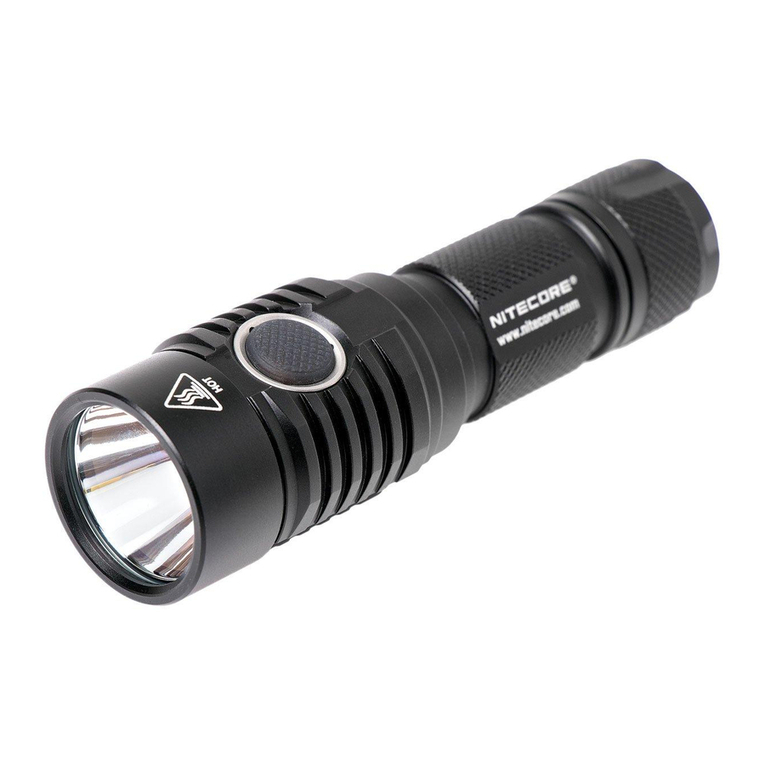
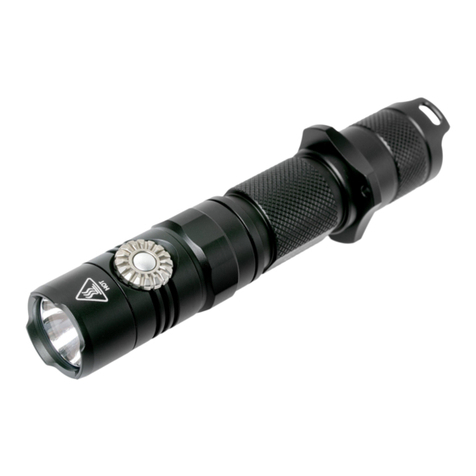
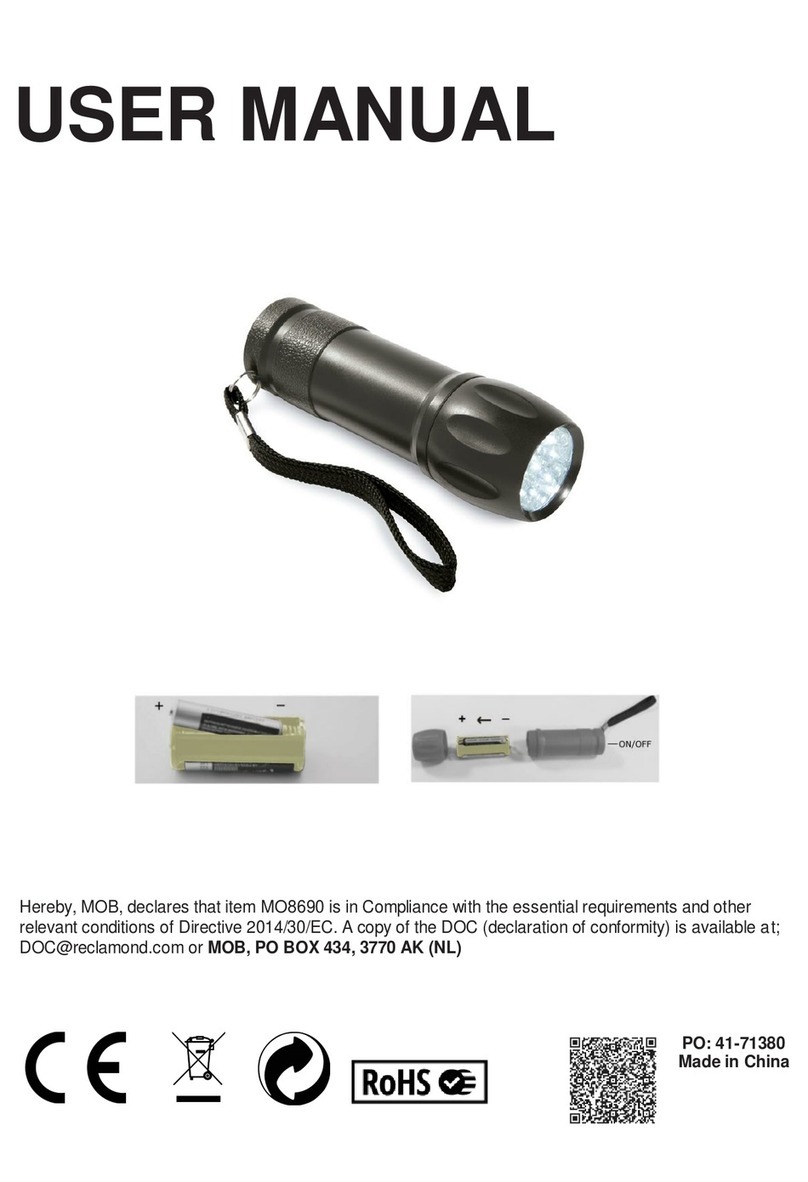
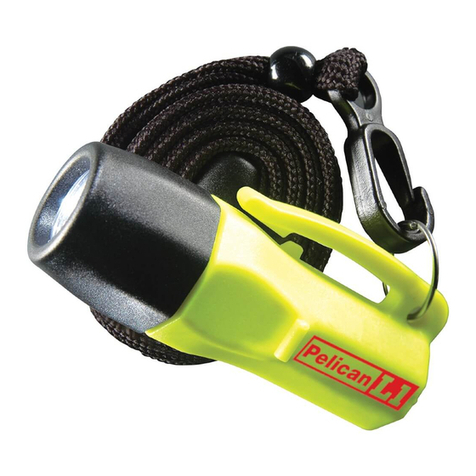
T20 USER MANUAL
Features
• Utilizes a CREE XP-L2 V6 LED with a max output of 1,300 lumens
• Max peak beam intensity of 10,740cd and max throw of 207 meters
• Utilizes an OP reector for wide range ood output
• Highly efcient constant current circuit provides a stable output for up to 52
hours
• Dual tail switches enable intuitive operations for tactical applications
• STROBE READY™ Technology to enable a quick access to STROBE Mode
(Patent No.: ZL201320545349.4)
• The power indicator on the tail cap indicates the remaining battery power
(Patent No. ZL201220057767.4)
• Intelligent Li-ion battery charging circuit with a micro-USB port
• Electronic reverse polarity protection
• Strike bezel uses high strength silicon nitride ceramics to enable excellent
glass breaking performance
• Optical lenses with double-sided scratch resistant coating
• Constructed from aero grade aluminum alloy
• HA III military grade hard-anodized nish
• Waterproof and dustproof rating in accordance with IP68
(2 meters submersible)
• Impact resistant to 1 meter
Specications
Length: 155mm (6.1")
Head Diameter: 35mm (1.38")
Tail Diameter: 31mm (1.22")
Weight: 151.5g (5.34oz)
Battery Options
Type Nominal Voltage Compatibility
18650 Rechargeable Li-
ion Battery 18650 3.6V/3.7V Y (Recommended)
Primary Lithium Battery CR123 3V N (Incompatible)
Rechargeable Li-ion
Battery RCR123 3.6V/3.7V N (Incompatible)
Technical Data
FL1 STANDARD HIGH MID LOW STROBE
1,300 Lumens 350 Lumens 35 Lumens 1,300 Lumens
3h 6h 15min 52h ─
207m 110m 38m ─
10,740cd 3,020cd 360cd ─
1m (Impact Resistance)
IP68, 2m (Waterproof and Submersible)
Note: The stated data is measured in accordance with the international ashlight
testing standards ANSI/PLATO FL1-2019, using 1 x 18650 Li-ion battery (2,600mAh)
under laboratory conditions.The data may vary in real world use due to different
battery usage or environmental conditions.
Operating Instructions
Battery Installation
Insert the battery as
illustrated and screw to
tighten the tail cap.
Warnings:
1. Ensure the battery is
inserted with the positive
end towards the head.
The product will not work
if the battery is incorrectly
inserted.
2. CAUTION! Possible
dangerous radiation!
Don't look into the light!
May be dangerous for
your eyes.
3. When the power level is
low, please stop using
the product and replace
or recharge the battery to prevent damage to the battery.
4. When the product is kept in a backpack or left unused for prolonged time,
please remove the battery to prevent accidental activation or battery
leakage.
Tactical Momentary Illumination
Half press and hold the Power Button to turn on the light momentarily. Release to
turn it off.
On / Off
On: When the light is off, press the Power Button until a click sound is heard to turn
it on and access the MID Level.
Off: When the light is on, press the Power Button until a click sound is heard to turn
it off.
STROBE READY™ Button
Power Button
Power Indicators
Brightness Levels
When the light is on, half press the Power Button to cycle through the following
brightness levels: MID – LOW – HIGH.
Note:The T20 will automatically lower its output to avoid overheating and prolong
the lifespan of the battery when accessing the HIGH Level for over 1.5 minutes.
STROBE READY™
• When the light is on, press the STROBE READY™ Button to access the STROBE
Mode.When the STROBE Mode is on, press the STROBE READY™ Button again
to exit and return to the previous brightness level.
• When the light is off, press and hold the STROBE READY™ Button to access the
STROBE Mode. Release to turn it off.
Charging Function
The T20 is equipped with an
intelligent charging system.As
illustrated, after inserting the
battery and tightening the tail
cap, rotate the ashlight head
to uncover the USB charging
port and use the USB cable to
connect an external power supply
(e.g. a USB adapter or other USB
charging devices) to the charging
port to begin the charging process.
• During the charging process, the red charging indicator will be turned on
steadily to inform the user.
• When the battery is fully charged, the T20 will cease the charging process
and the charging indicator will turn green to inform the user.
• When the charging status is abnormal (e.g. the battery is broken/inserted
incorrectly),the T20 will cease the charging process and the red charging
indicator will ash to inform the user.
• The charging time for an 18650 Li-ion battery (2,600mAh) is approx. 2 hours
45 minutes. (Charged via the 5V/2A adapter)
Power Indication
When either button is pressed, the power indicators located on the tail cap will
be turned on to indicate the remaining power of the battery:
No. of Indicators On Power Level
All 4 Indicators Approx. 100%
3 Indicators Approx. 75%
2 Indicators Approx. 50%
1 Indicator Approx. 25% (Please recharge it as soon as possible.)
Changing Batteries
The batteries should be replaced when the output appears to be dim or the
ashlight becomes unresponsive due to low power.
Maintenance
Every 6 months, threads should be wiped with a clean cloth followed by a thin
coating of silicon-based lubricant.
Warranty Service
All NITECORE®products are warranted for quality.Any DOA / defective product
can be exchanged for a replacement through a local distributor/dealer
within 15 days of purchase.After that,all defective / malfunctioning NITECORE®
products can be repaired free of charge within 60 months from the date of
purchase. Beyond 60 months, a limited warranty applies, covering the cost of
labor and maintenance, but not the cost of accessories or replacement parts.
The warranty will be nullied if
1. the product(s) is/are broken down, reconstructed and/or modied by
unauthorized parties;
2. the product(s) is/are damaged due to improper use; (e.g. reversed polarity
installation)
3. the product(s) is/are damaged due to battery leakage.
For the latest information on NITECORE®products and services, please contact a
local NITECORE®distributor or send an email to service@nitecore.com
※All images, text and statements specied herein this user manual are for
reference purpose only. Should any discrepancy occur between this manual
and information specied on www.nitecore.com, Sysmax Innovations Co., Ltd.
reserves the rights to interpret and amend the content of this document at
any time without prior notice.
Accessories
NITECORE 18650 Rechargeable Li-
ion Battery (NL1826 2,600mAh), USB
Charging Cable, Lanyard, Spare
O-ring, Holster
Thanks for purchasing NITECORE!
SYSMAX Innovations Co., Ltd.
TEL: +86-20-83862000
FAX: +86-20-83882723
E-mail: info@nitecore.com
Web: www.nitecore.com
Address: Rm 2601-06, Central Tower,
No.5 Xiancun Road,
Tianhe District, Guangzhou,
510623, Guangdong, China
Please nd us on facebook: NITECORE Flashlight
T22072020
Made in China