manuals.online logo
Brands
  1. Home
  2. •
  3. Brands
  4. •
  5. NordicTrack
  6. •
  7. Exercise Bike
  8. •
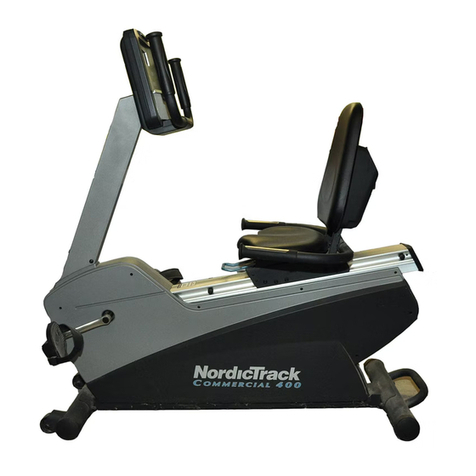
  9. NordicTrack Hotel Fitness Rb9700 Bike User manual

NordicTrack Hotel Fitness Rb9700 Bike User manual

This manual suits for next models

1

Other NordicTrack Exercise Bike manuals
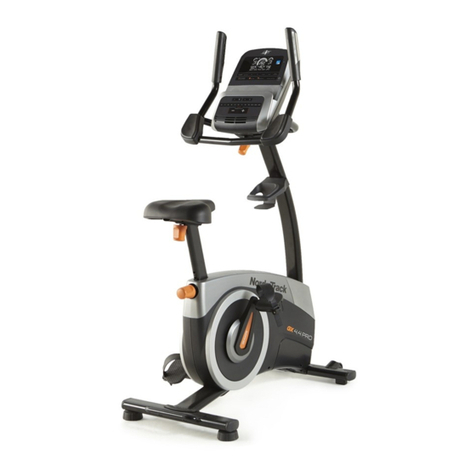
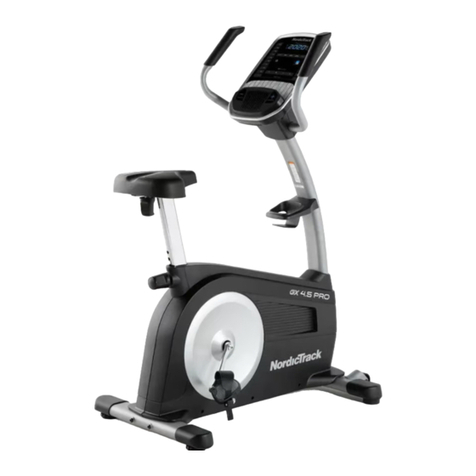
NordicTrack Gx4.1 Bike User manual

NordicTrack

NordicTrack Gx4.1 Bike User manual

NordicTrack Gx4.1 Bike Reference guide

NordicTrack

NordicTrack Gx4.1 Bike Reference guide

NordicTrack Gx2 Sport Bike Operating and maintenance manual

NordicTrack

NordicTrack Gx2 Sport Bike Operating and maintenance manual

NordicTrack C5 Zl Gw Bike Quick start guide

NordicTrack

NordicTrack C5 Zl Gw Bike Quick start guide

NordicTrack CEX32533 User manual

NordicTrack

NordicTrack CEX32533 User manual

NordicTrack VX550 User manual

NordicTrack

NordicTrack VX550 User manual

NordicTrack C3 Si Bike User manual

NordicTrack

NordicTrack C3 Si Bike User manual

NordicTrack Gx 5.0 Pro Bike User manual

NordicTrack

NordicTrack Gx 5.0 Pro Bike User manual

NordicTrack VGR 850 User manual

NordicTrack

NordicTrack VGR 850 User manual

NordicTrack Commercial VR25 Elite User manual

NordicTrack

NordicTrack Commercial VR25 Elite User manual

NordicTrack C7 Zl Bike Operating and maintenance manual

NordicTrack

NordicTrack C7 Zl Bike Operating and maintenance manual

NordicTrack Elite R110 NTEVEX89915.0 User manual

NordicTrack

NordicTrack Elite R110 NTEVEX89915.0 User manual

NordicTrack Gx2 Sport Bike User manual

NordicTrack

NordicTrack Gx2 Sport Bike User manual

NordicTrack Gx4.1 Bike Instruction Manual

NordicTrack

NordicTrack Gx4.1 Bike Instruction Manual

NordicTrack Gx 3.0 Gw Bike

NordicTrack

NordicTrack Gx 3.0 Gw Bike

NordicTrack VXR 475 NTEVEX84916.0 User manual

NordicTrack

NordicTrack VXR 475 NTEVEX84916.0 User manual

NordicTrack Gxr4.1 Bike User manual

NordicTrack

NordicTrack Gxr4.1 Bike User manual

NordicTrack Gx 3.2 Bike Quick start guide

NordicTrack

NordicTrack Gx 3.2 Bike Quick start guide

NordicTrack Sl 728contour Plus Bike User manual

NordicTrack

NordicTrack Sl 728contour Plus Bike User manual

NordicTrack Commercial VR25 Elite User manual

NordicTrack

NordicTrack Commercial VR25 Elite User manual

NordicTrack Gxr 4.2 Bike Setup guide

NordicTrack

NordicTrack Gxr 4.2 Bike Setup guide

NordicTrack NTCCEX04900 User manual

NordicTrack

NordicTrack NTCCEX04900 User manual

NordicTrack GX 5.4 NTIVEX76014.0 User manual

NordicTrack

NordicTrack GX 5.4 NTIVEX76014.0 User manual

NordicTrack Gx 3.1 Bike Reference guide

NordicTrack

NordicTrack Gx 3.1 Bike Reference guide

Popular Exercise Bike manuals by other brands

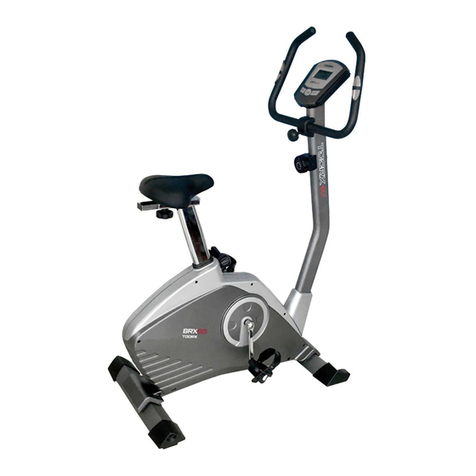
TOORX BRX85 Instruction

TOORX

TOORX BRX85 Instruction

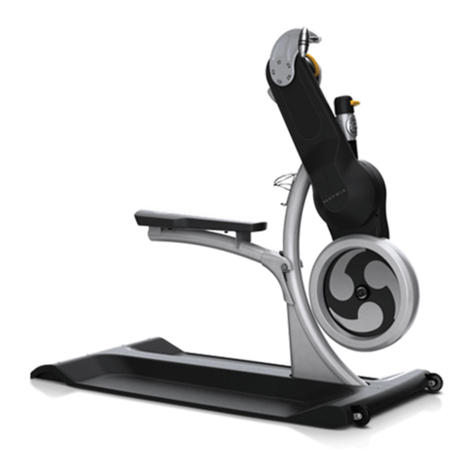
Matrix KranKcycle user manual

Matrix

Matrix KranKcycle user manual

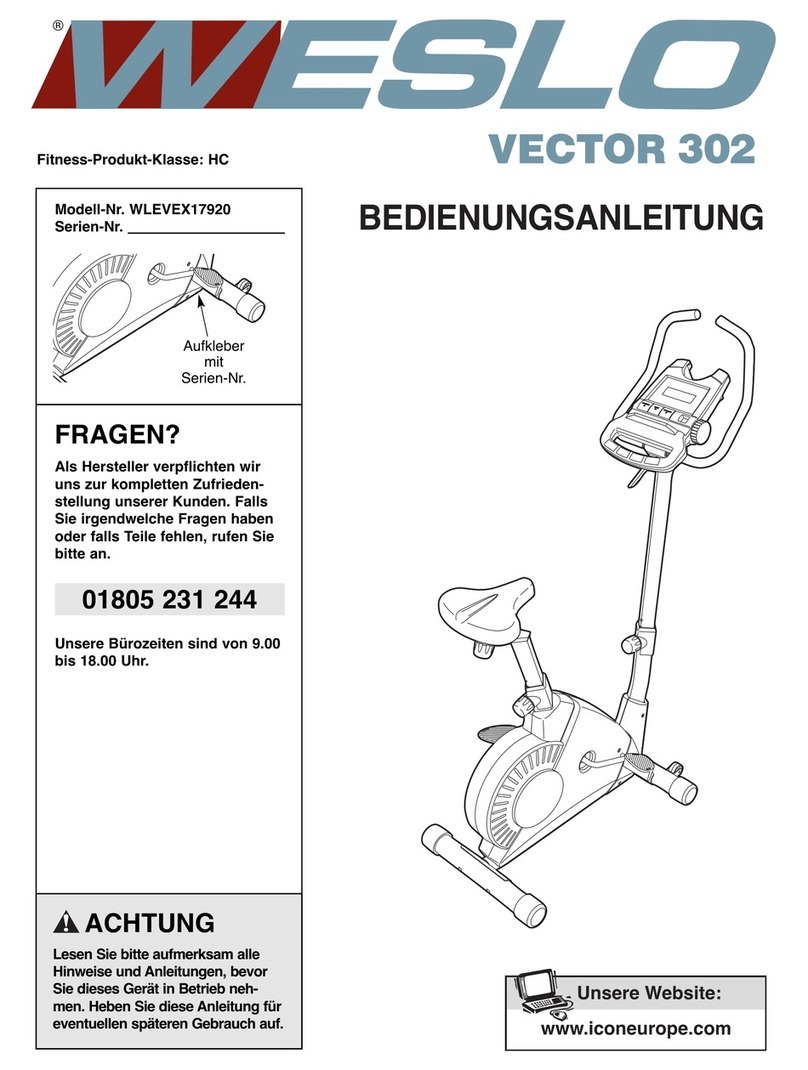
Weslo Vector 302 Bedienungsanleitung

Weslo

Weslo Vector 302 Bedienungsanleitung

Matrix IC3 manual

Matrix

Matrix IC3 manual

Sunny Health & Fitness SF-B121021 user manual

Sunny Health & Fitness

Sunny Health & Fitness SF-B121021 user manual

Monark 827E instruction manual

Monark

Monark 827E instruction manual

Stamina 1310 owner's manual

Stamina

Stamina 1310 owner's manual

American Fitness SPR-BK1072A owner's manual

American Fitness

American Fitness SPR-BK1072A owner's manual

Cateye CS-1000 (CYCLO SIMULATOR) Service manual

Cateye

Cateye CS-1000 (CYCLO SIMULATOR) Service manual

BH FITNESS H9158H Instructions for assembly and use

BH FITNESS

BH FITNESS H9158H Instructions for assembly and use

Body Sculpture BC-7220G manual

Body Sculpture

Body Sculpture BC-7220G manual

Cateye EC-2300 manual

Cateye

Cateye EC-2300 manual

FYTTER RACER RC MSR user manual

FYTTER

FYTTER RACER RC MSR user manual

Kikos HM-9090M user manual

Kikos

Kikos HM-9090M user manual

Fuel Fitness SU135-40 owner's manual

Fuel Fitness

Fuel Fitness SU135-40 owner's manual

Vision Fitness U70 Service manual

Vision Fitness

Vision Fitness U70 Service manual

Stamina 15-0340A owner's manual

Stamina

Stamina 15-0340A owner's manual

KIDSFIT Cardio Kids 661 owner's manual

KIDSFIT

KIDSFIT Cardio Kids 661 owner's manual

manuals.online logo
manuals.online logoBrands
  • About & Mission
  • Contact us
  • Privacy Policy
  • Terms and Conditions

Copyright 2025 Manuals.Online. All Rights Reserved.

USER'S MANUAL
CAUTION
Read all precautions and instruc-
tions in this manual before using
this equipment. eep this manual
for future reference.
Serial
Number
Decal
Model No. NTEX13808.0
Serial No.
Write the serial number in the
space above for reference.
QUESTIONS?
As a manufacturer, we are commit-
ted to providing complete customer
satisfaction. If you have questions,
or if parts are damaged or missing,
DO NOT CONTACT THE STORE;
please contact Customer Care.
IMPORTANT: You must note the
product model number and serial
number (see the drawing above)
before contacting us:
CALL TOLL-FREE:
1-888-825-2588
Mon.–Fri. 6 a.m.–6 p.m. MT
Sat. 8 a.m.–4 p.m. MT
ON THE WEB:
www.nordictrackservice.com
www.nordictrack.com
2
TABLE OF CONTENTS
WARNINGDECALPLACEMENT ..............................................................2
IMPORTANTPRECAUTIONS ................................................................3
BEFOREYOUBEGIN ......................................................................4
ASSEMBLY ...............................................................................5
HOWTOOPERATETHEEXERCISECYCLE ...................................................11
MAINTENANCEANDTROUBLESHOOTING ...................................................18
EXERCISEGUIDELINES ...................................................................19
PARTLIST ..............................................................................20
EXPLODEDDRAWING ....................................................................22
ORDERINGREPLACEMENTPARTS ..................................................BackCover
LIMITEDWARRANTY ..............................................................BackCover
WARNING DECAL PLACEMENT
This drawing shows the location(s) of the
warning decal(s). If a decal is missing
or illegible, call the telephone number
on the front cover of this manual and
request a free replacement decal.
Apply the decal in the location shown.
Note: The decal(s) may not be shown at
actual size.
3
WARNING: To reduce the risk of serious injury, read all important precautions and
instructions in this manual and all warnings on your exercise cycle before using your exercise
cycle. ICON assumes no responsibility for personal injury or property damage sustained by or
through the use of this product.
IMPORTANT PRECAUTIONS
1. Before beginning any exercise program,
consult your physician. This is especially
important for persons over the age of 35 or
persons with pre-existing health problems.
2. It is the responsibility of the owner to ensure
that all users of the exercise cycle are ade-
quately informed of all precautions.
3. Your exercise cycle is intended for home use
only. Do not use your exercise cycle in a
commercial, rental, or institutional setting.
4. eep your exercise cycle indoors, away from
moisture and dust. Place your exercise cycle
on a level surface, with a mat beneath it to
protect the floor or carpet. Make sure that
there is enough clearance around your exer-
cise cycle to mount, dismount, and use it.
5. Inspect and properly tighten all parts regu-
larly. Replace any worn parts immediately.
6. eep children under age 12 and pets away
from your exercise cycle at all times.
7. Your exercise cycle should not be used by
persons weighing more than 350 lbs.
(159 kg).
8. The pulse sensor is not a medical device.
Various factors, including the user's move-
ment, may affect the accuracy of heart rate
readings. The pulse sensor is intended only
as an exercise aid in determining heart rate
trends in general.
9. Wear appropriate exercise clothes while
exercising; do not wear loose clothes that
could become caught on your exercise
cycle. Always wear athletic shoes for foot
protection while exercising.
10. eep your back straight while using your
exercise cycle; do not arch your back.
11. When you stop exercising, allow the pedals
to slowly come to a stop.
12. If you feel pain or dizziness while exercising,
stop immediately and cool down.
13. Use your exercise cycle only as described in
this manual.
4
Congratulations for selecting the new NordicTrack
Commercial™ VR exercise cycle. Cycling is one of the
most effective exercises for increasing cardiovascular
fitness, building endurance, and toning the entire body.
The VR exercise cycle offers an array of features
designed to let you enjoy this healthful exercise in the
convenience and privacy of your home.
For your benefit, read this manual carefully before
you use the exercise cycle. If you have questions
after reading this manual, please see the front cover
of this manual. To help us assist you, note the product
model number and serial number before contacting
us. The model number and the location of the serial
number decal are shown on the front cover of this
manual.
Before reading further, please familiarize yourself with
the parts that are labeled in the drawing below.
Seat
Seat Handlebar
Handlebar
Handgrip Pulse Sensor
Pedal/Strap
Wheel
Leveling Foot
Console
Backrest
Adjustment Handle
Book Holder
Handle
Fan
BEFORE YOU BEGIN
5
ASSEMBLY
Assembly requires two persons. Place all parts of the exercise cycle in a cleared area and remove the packing
materials. Do not dispose of the packing materials until assembly is completed.
In addition to the included tool(s), assembly requires a Phillips screwdriver .
Use the part drawings below to identify the small parts used in assembly. The number in parentheses below
each drawing is the key number of the part, from the PART LIST near the end of this manual. The number fol-
lowing the parentheses is the quantity needed for assembly. Note: Some small parts may have been preat-
tached. If a part is not in the hardware kit, check to see if it has been preattached.
M8 x 68mm Button
Bolt (70)–2
M8 x 35mm Button
Bolt (72)–2
M4 x 19mm Te k
Screw (75)–4
M4 x 38mm
Screw (89)–2
M10 Locknut
(91)–4
M8 Locknut
(99)–4
M8 Split
Washer (93)–6
M6 Washer
(88)–4 M8 Curved
Washer (86)–2
M4 x 16mm
Screw (77)–5
M
M10 x 96mm Button Bolt (65)–4
M6 x 16mm Patch
Screw (71)–4
M8 x 18mm Patch
Screw (67)–4
M6 x 32mm Patch
Screw (69)–4
6
2. While another person lifts the rear of the Frame (1),
attach the Rear Stabilizer (16) to the Frame with
two M10 x 96mm Button Bolts (65) and two M10
Locknuts (91).
91
91
16
65
1
2
3
3. Tip: Loosen the four M6 x 38mm Button Screws
(25) if the Backrest Tubes (52) do not slide into
the Seat Carriage (41).
Insert the Backrest Tubes (52) into the Seat
Carriage (41).
Attach each Backrest Tube (52) with an M8 x 35mm
Button Bolt (72), an M8 Split Washer (93), and an
M8 Locknut (99). Make sure that the Locknuts
are in the hexagonal holes in the Seat Carriage.
Do not tighten the Button Bolts yet.
72
52
52
25 25
41
93
72 93
1.
Orient the Front Stabilizer (15) with the Wheels (17)
in the position shown.
Attach the Front Stabilizer (15) to the Frame (1) with
two M10 x 96mm Button Bolts (65) and two M10
Locknuts (91) (only one is shown). 15
91
1
1
65
17
17
To make assembly easier, read the tips on
page 5 before you begin assembling the
exercise cycle.
99
99
7
4. Tip: Do not damage the wires inside the Seat
Handlebar (11) during this step.
Attach the Seat Handlebar (11) to the Seat Carriage
(41) with two M8 x 68mm Button Bolts (70), two M8
Curved Washers (86), and two M8 Locknuts (99).
Make sure that the Locknuts are in the hexago-
nal holes in the Seat Carriage.
Then, plug the Lower Pulse Wire (58) into the
receptacle in the Right Shield (14).
See step 3. Tighten the two M8 x 35mm Button
Bolts (72).
4
11
70
86
86
41
99
58
14
99
5. Attach the Book Holder (3) to the Backrest Tubes
(52) with two M4 x 19mm Tek Screws (75). Then,
attach the Book Holder to the Backrest (8) with two
M4 x 38mm Screws (89).
5
89
75
8
3
52
8
6. Attach the Seat (9) to the Seat Carriage (41) with
four M6 x 16mm Patch Screws (71) and four M6
Washers (88). Note: Only two Patch Screws and
two Washers are shown.
6
41
9
71
88
88
8. Orient the Handlebar (7) as shown.
Attach the Handlebar (7) to the Upright (2) with four
M6 x 32mm Patch Screws (69).
7
69
2
8
69
7. Have another person hold the Upright (2) near the
Frame (1).
See the inset drawing. Locate the wire tie in the
Upright (2). Tie the lower end of the wire tie to the
Main Wire Harness (43) and to the Upper Pulse
Wire (42). Next, pull the upper end of the wire tie
upward out of the top of the Upright. Then, untie
and discard the wire tie. Tip: Do not allow the
ends of the wires to fall into the Upright. Use a
piece of tape or an elastic band to hold the
wires in place until step 9.
Tip: Avoid pinching the wires. Attach the Upright
(2) to the Frame (1) with four M8 x 18mm Patch
Screws (67) and four M8 Split Washers (93). Tip:
Tighten the two Patch Screws in the front of the
Upright and then tighten the other two Patch
Screws.
7
2
67 67
67
1
93
93
93
93
43
42 Avoid pinching
the wires
42
43
Wire
Tie
9
9. While another person holds the Console (4) near
the Upright (2), connect the console wire to the
Main Wire Harness (43). Next, connect the console
pulse wire to the Upper Pulse Wire (42). Then, con-
nect the console ground wire to the Ground Wire
(61).
Insert the excess wires downward into the Upright
(2).
Tip: Start all screws before tightening any of
them. Also, do not pinch the wires during this
step. Attach the Console (4) to the Upright (2) with
four M4 x 16mm Screws (77).
9
42
Console
Wire
Ground
Wire
Pulse
Wire
4
77
2
43
61
7
4
20
75
75
77
53
10
10. Slide the Bottom Handlebar Cover (53) upward
around the underside of the Console (4) and the
Handlebar (7) as shown.
Attach the Bottom Handlebar Cover (53) to the
Handlebar (7) with two M4 x 19mm Tek Screws
(75).
Next, attach the Top Handlebar Cover (20) to the
Handlebar (7) and the Bottom Handlebar Cover (53)
with an M4 x 16mm Screw (77).
Avoid pinching
the wires
10
11. Identify the Right Pedal (21), which is marked with a
“Right” sticker. Using an adjustable wrench, firmly
tighten the Right Pedal clockwise into the Right
Crank Arm (23). Tighten the Left Pedal (not shown)
counterclockwise into the Left Crank Arm (not
shown).
IMPORTANT: Tighten both pedals as firmly as
possible. After using the exercise cycle for one
week, retighten the pedals.
Adjust the strap on the Right Pedal (21) to the
desired position, and then press the end of the
strap onto the tab on the Right Pedal. Adjust the
strap on the Left Pedal (not shown) in the same
way.
11
12. Plug the power adapter into the socket at the front of the exercise cycle (see HOW TO PLUG IN THE
POWER ADAPTER on page 11). IMPORTANT: If the exercise cycle has been exposed to cold tempera-
tures, allow it to warm to room temperature before plugging in the power adapter. If you do not do
this, you may damage the console displays or other electronic components.
Make sure that all parts are properly tightened before you use the exercise cycle. Note: After assembly is
completed, some extra parts may be left over. Place a mat beneath the exercise cycle to protect the floor.
21
Tab
Strap
23