The Oscillators (OSCS) Section/Menu
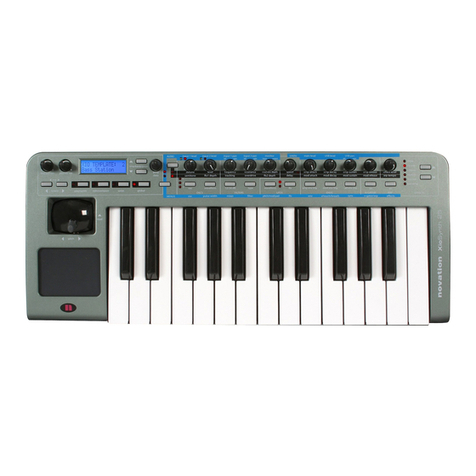
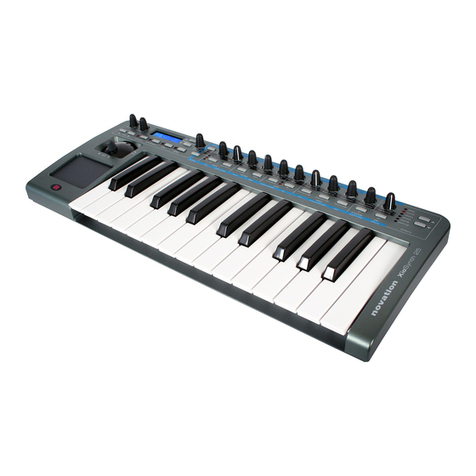
The Xio has three oscillators, a Noise generator and a Ring modulator. The oscillators are selected using the
‘osc’ button and indicated by the corresponding LEDs. For example, with the 2nd LED lit, the remaining three
controls will adjust Oscillator 2, as follows:
The Waveforms available for each oscillator are four traditional waveforms:
SINE, TRIANGLE, SAWTOOTH, SQUARE/PULSE
Four Noise Types:
WHITE NOISE, HP NOISE, BP NOISE, HBP NOISE
And nine digitally sampled waveforms to help construct more traditional instruments or percussive sounds:
ORGAN, HARPSICHORD, ELECPIANO, SLAP BASS, RHOD PIANO, RHOD TINE, WHURLY EP, CLAVINET,
ANA BASS.
The remaining Oscillator controls are adjusted in the Oscillator Menu, accessed by pressing the
Menus/Audio button (so that the lower LED lights) followed by the button above ‘osc’. Once in the
Oscillator Menu, use the page up/down buttons next to the LCD screen to cycle through the following
pages, using the data encoder to change the settings for each page:
OSC Portamento – sets the portamento (sliding between notes) of the Oscillators to a value between
0and 127
OSC1ModEnv>Pitch – controls how much the Oscillator 1 pitch is modulated by the Modulation Envelope –
negative and positive values have opposite effects on the pitch (falling then rising and vice versa, respectively)
–set between -64 and +63, where 0 has no effect
OSC2ModEnv>Pitch – controls how much the Oscillator 2 pitch is modulated by the Modulation Envelope
(see above)
Oscillator Level when LED 1 is active and LFO 1
depth when LED 2 is active
Oscillator Detune (fine tuning) when
LED 1 is active and Semitone (coarse
tuning) when LED 2 is active
Press to change the Oscillator
Waveform
Press to select Oscillator 1, 2 or 3
(shown by corresponding LED)
1
2