manuals.online logo
Brands
  1. Home
  2. •
  3. Brands
  4. •
  5. Numark
  6. •
  7. Dj Equipment
  8. •
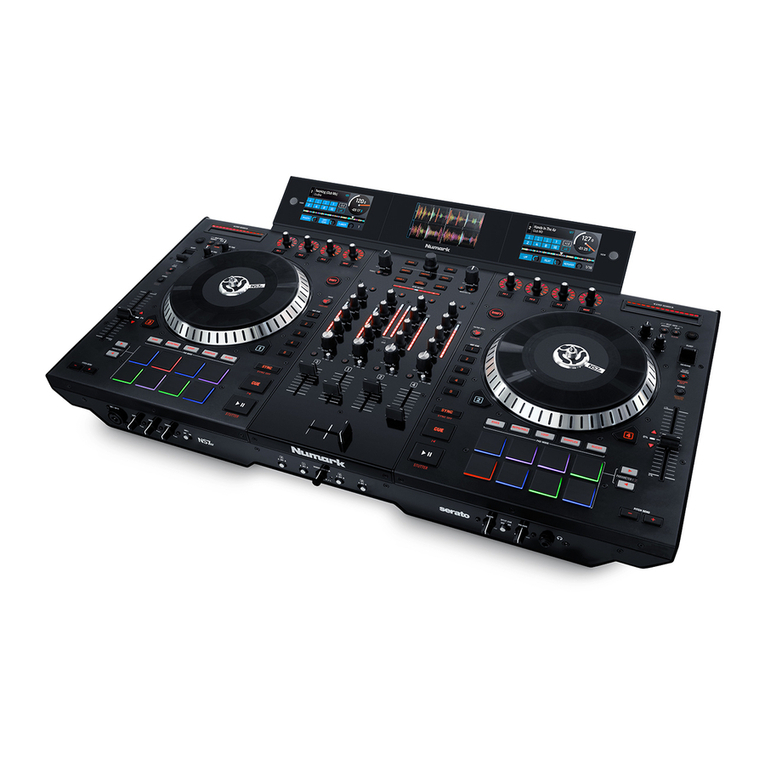
  9. Numark NS7II User manual

Numark NS7II User manual

Other manuals for NS7II

1

Other Numark Dj Equipment manuals

Numark AXIS 9 Service manual

Numark

Numark AXIS 9 Service manual

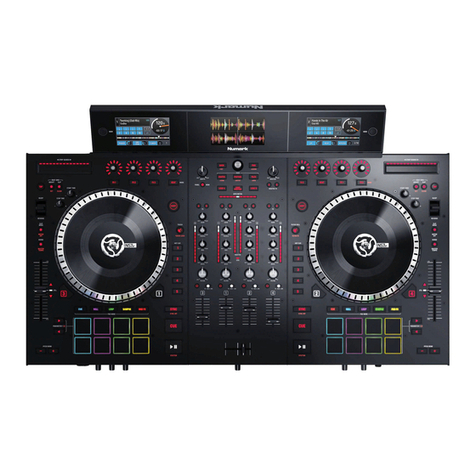
Numark NS7III User manual

Numark

Numark NS7III User manual

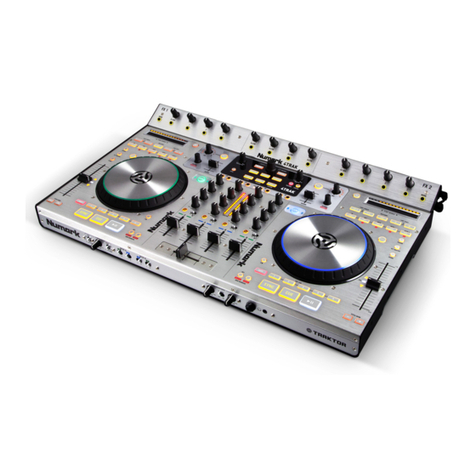
Numark 4TRAK User manual

Numark

Numark 4TRAK User manual

Numark NS6 Use and maintenance manual

Numark

Numark NS6 Use and maintenance manual

Numark C2 User manual

Numark

Numark C2 User manual

Numark NS7 III User manual

Numark

Numark NS7 III User manual

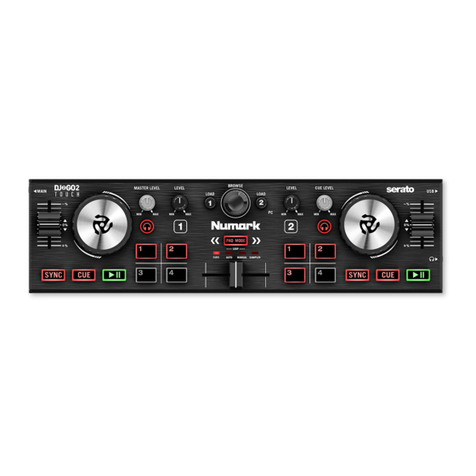
Numark DJ2Go2 User manual

Numark

Numark DJ2Go2 User manual

Numark MIXDECX QUARD User manual

Numark

Numark MIXDECX QUARD User manual

Numark NPM5 User manual

Numark

Numark NPM5 User manual

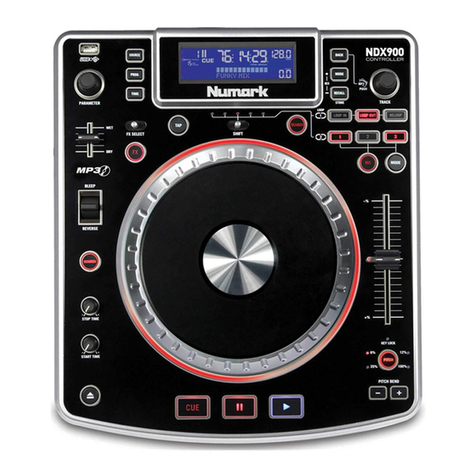
Numark NDX900 User manual

Numark

Numark NDX900 User manual

Numark 4TRAK User manual

Numark

Numark 4TRAK User manual

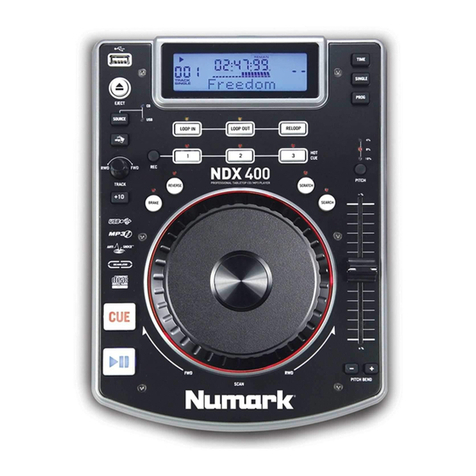
Numark NDX 400 User manual

Numark

Numark NDX 400 User manual

Numark DJ2Go2 User manual

Numark

Numark DJ2Go2 User manual

Numark MIXDECK EXPRESS BLACK User manual

Numark

Numark MIXDECK EXPRESS BLACK User manual

Numark MIXDECK EXPRESS User manual

Numark

Numark MIXDECK EXPRESS User manual

Numark STEREO iO Instruction manual

Numark

Numark STEREO iO Instruction manual

Numark PHAT TRAK User manual

Numark

Numark PHAT TRAK User manual

Numark NV User manual

Numark

Numark NV User manual

Numark NDX500 User manual

Numark

Numark NDX500 User manual

Numark DDS80 User manual

Numark

Numark DDS80 User manual

Numark MIXDECK Installation guide

Numark

Numark MIXDECK Installation guide

Numark OMNI CONTROL Instruction manual

Numark

Numark OMNI CONTROL Instruction manual

Numark Mixtrack pro II User manual

Numark

Numark Mixtrack pro II User manual

Numark iCDMIX 2 User manual

Numark

Numark iCDMIX 2 User manual

Popular Dj Equipment manuals by other brands

MAGMATIC Prisma Wash 25 user manual

MAGMATIC

MAGMATIC Prisma Wash 25 user manual

HERA PROCOLOR 60 RGBW SERIES User manual & installation guide

HERA

HERA PROCOLOR 60 RGBW SERIES User manual & installation guide

EuroLite LED TSL-600 SCAN COB user manual

EuroLite

EuroLite LED TSL-600 SCAN COB user manual

Ledj Slimline 12HEX12 user manual

Ledj

Ledj Slimline 12HEX12 user manual

Laserworld Garden GS-50RG Xmas manual

Laserworld

Laserworld Garden GS-50RG Xmas manual

Chauvet OVATION E-930VW Quick reference guide

Chauvet

Chauvet OVATION E-930VW Quick reference guide

Snow Masters Zig Oscillator user manual

Snow Masters

Snow Masters Zig Oscillator user manual

EuroLite 50530554 user manual

EuroLite

EuroLite 50530554 user manual

Beamz BUV243 user manual

Beamz

Beamz BUV243 user manual

Eagletone 6 Eyes Flower user manual

Eagletone

Eagletone 6 Eyes Flower user manual

EuroLite FLD-1508 user manual

EuroLite

EuroLite FLD-1508 user manual

Technical Pro LG8xSEA user manual

Technical Pro

Technical Pro LG8xSEA user manual

JB Systems Lounge Laser DMX Operation manual

JB Systems

JB Systems Lounge Laser DMX Operation manual

Elation FUZE WASH Z350 user manual

Elation

Elation FUZE WASH Z350 user manual

Maverick MK3 WASH Quick reference guide

Maverick

Maverick MK3 WASH Quick reference guide

Infinity TF-260C7 Fresnel manual

Infinity

Infinity TF-260C7 Fresnel manual

Chauvet EVE E-50Z Quick reference guide

Chauvet

Chauvet EVE E-50Z Quick reference guide

Eliminator Lighting E 138 manual

Eliminator Lighting

Eliminator Lighting E 138 manual

manuals.online logo
manuals.online logoBrands
  • About & Mission
  • Contact us
  • Privacy Policy
  • Terms and Conditions

Copyright 2025 Manuals.Online. All Rights Reserved.

numark.com
Manual Version 1.1
Assembly Guide Guía de armado Guide de montage Guida di montaggio Montageanleitung
English Español Français Italiano Deutsch
Per conoscere le ultime informazioni in merito a questo prodotto (i
requisiti di sistema complete, compatibilità, ecc) e per la
registrazione del prodotto, recarsi alla pagina numark.com.
Per ulteriore assistenza, recarsi alla pagina numark.com/support.
NS7II Display

Cavo USB del display
Adattatore di alimentazione del display (12 V, 2 A, centro positivo)
Guida di montaggio
Istruzioni di sicurezza e garanzia
Für aktuelle Informationen zu diesem Produkt
(Systemanforderungen, Informationen zur Kompatibilität usw.)
und zur Produktregistrierung besuchen Sie numark.com.
Um weitere Unterstützung zu Ihrem Produkt zu erhalten, besuchen
Sie numark.com/support.
NS7II Display

Display-USB-Kabel
Display-Netzteil (12 V, 2 A, Mitte positiv)
Montageanleitung
Sicherheitshinweise und Garantieinformationen
For the latest information about this product (system requirements,
compatibility information, etc.) and product registration, visit numark.com.
For additional product support, visit numark.com/support.
NS7II Display

Display USB Cable
Display Power Adapter (12 V, 2 A, center-positive)
Assembly Guide
Safety & Warranty Manual
Para obtener la información más completa acerca de este product (los requisitos
del sistema, compatibilidad, etc) y registro del producto, visite numark.com.
Para soporte adicional del producto, visite numark.com/support.
NS7II Display
Cable USB de la pantalla
Adaptador de corriente de la pantalla (12 V, 2 A, centro positivo)
Guía de armado
Manual sobre la seguridad y garantía
Support
Box Contents
Soporte
Contenido
de la caja
Assistance
Contenu
de la boîte
Assistenza
Contenuti della
confezione
Kundendienst
Lieferumfang
NS7II Display
Câble USB pour module d’affichage
Adaptateur d’alimentation pour module d’affichage (12 V, 2 A, fiche à centre positif)
Guide de montage
Consignes de sécurité et informations concernant la garantie
Pour les dernières informations concernant ce produit (la configuration système
minimale requise, la compatibilité, etc) et l’enregistrement du produit, veuillez
visitez le site numark.com.
Pour toute assistance supplémentaire, veuillez visiter le site
numark.com/support.
Assembly
1. With the screens facing up and slightly toward you, place the display unit over the two brackets on
the rear panel (which would typically hold a laptop computer stand). Make sure the two brackets
are securely inserted into the holes under the display unit.
2. Using the small display USB cable (included), connect the “NS7” USB port on the display unit to
the USB port on your NS7II’s rear panel.
3. Using the small display power cable (included), connect the display power input (DC In) to a power
outlet.
Armado
1. Con las pantallas hacia arriba y ligeramente hacia usted, coloque la unidad de pantalla sobre los
dos soportes en el panel trasero (los cuales normalmente sostendrían un ordenador portátil).
Asegúrese de que los dos soportes estén insertados de forma segura dentro de los orificios debajo
de la unidad de pantalla.
2. Con el cable USB pequeño de la pantalla (incluido), conecte el puerto USB “NS7” de la unidad de
pantalla al puerto USB del panel trasero de su NS7II.
3. Con el pequeño cable de corriente de la pantalla (incluido), conecte la entrada de corriente de la
pantalla (DC In) a la toma de corriente.
Montage
1. Avec les écrans faisant face vers le haut et légèrement vers vous, placez le module d’affichage au-
dessus des deux montants du panneau arrière (qui typiquement tiendrait un support pour
ordinateur portable). Assurez-vous que les deux montants sont bien insérés dans les trous sous le
module d’affichage.
2. En utilisant le plus petit câble USB du module d’affichage (inclus), reliez le port USB « NS7 » du
module d’affichage au port USB sur le panneau arrière de votre NS7II.
3. En utilisant le plus petit câble d’alimentation du module d’affichage (inclus), reliez l’entrée
d’alimentation (DC In) du module d’affichage à la prise de courant.
Montaggio
1. Con gli schermi rivolti verso l’alto e leggermente verso l’ascoltatore, collocare il display sulle due
staffe presenti sul pannello posteriore (che normalmente reggerebbero un supporto per computer
portatile). Assicurarsi che le staffe siano inserite in maniera sicura nei fori al di sotto del display.
2. Servendosi del cavo USB del display piccolo (in dotazione), collegare la porta USB “NS7” sul
display alla porta USB a livello del pannello posteriore dell’NS7II.
3. Servendosi del cavo di alimentazione del display piccolo (in dotazione), collegare l’ingresso di
alimentazione del display (DC In) ad una pres elettrica.
Montage
1. Mit den Bildschirmen nach oben und leicht zu Ihnen zeigend platzieren Sie die Anzeigeeinheit
über den beiden Halterungen an der Rückseite (an die normalerweise ein Laptop-Ständer befestigt
wird). Stellen Sie sicher, dass die beiden Halterungen fest in den Löchern unter der
Anzeigeeinheit eingesteckt sind.
2. Mit dem USB-Kabel für das kleine Display (im Lieferumfang enthalten) verbinden Sie den „NS7“
USB-Anschluss auf der Anzeigeeinheit mit dem rückseitigen USB-Anschluss des NS7II.
3. Mit dem Netzkabel für das kleine Display (im Lieferumfang enthalten) verbinden Sie den Display-
Netzeingang (DC In) mit einer Steckdose.
Computer
Computadora
Ordinateur
Power Outlet
Toma de corriente
Prise de courant
Pres elettrica
Steckdose
USB thumb drive (optional, not included)
Memoria USB (opcional, no incluido)
Clé USB (optional, non inclus)
Chiave USB (opzionale, non in dotazione)
USB-Massenspeicher (optionale, nicht in
Lieferumfang enhalten)
NS7II