manuals.online logo
Brands
  1. Home
  2. •
  3. Brands
  4. •
  5. nvent
  6. •
  7. Thermostat
  8. •
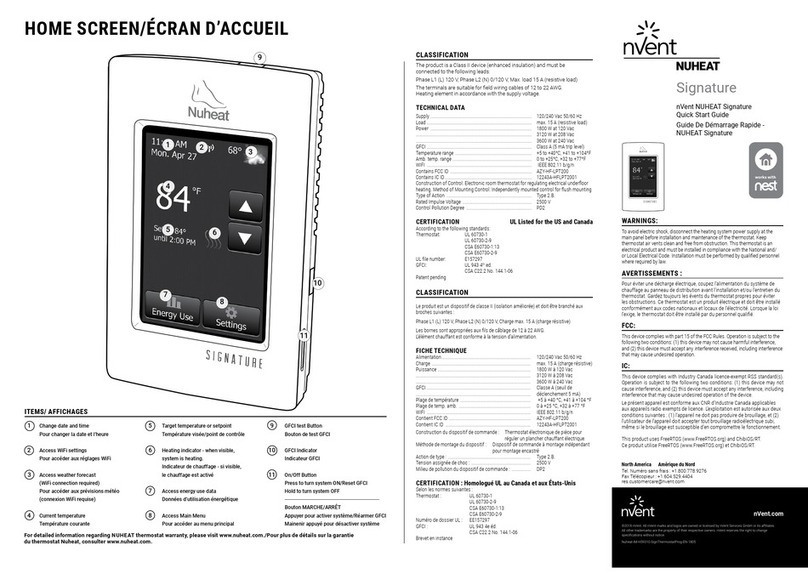
  9. nvent NUHEAT HOME User manual

nvent NUHEAT HOME User manual

This manual suits for next models

1

Other nvent Thermostat manuals

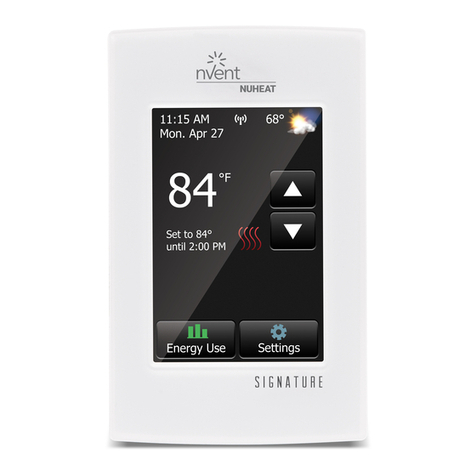
nvent NUHEAT Signature User manual

nvent

nvent NUHEAT Signature User manual
nvent Raychem RAYSTAT-EX-03 User manual
nvent

nvent Raychem RAYSTAT-EX-03 User manual

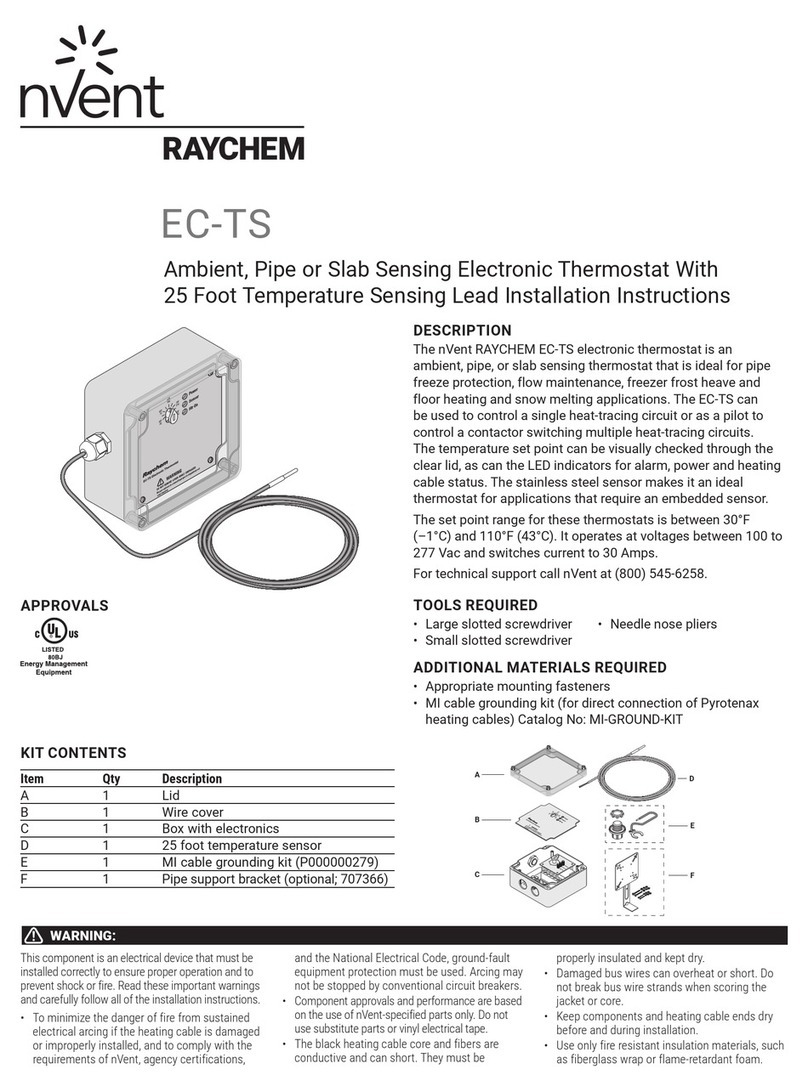
nvent EC-TS User manual

nvent

nvent EC-TS User manual

nvent NUHEAT Home User manual

nvent

nvent NUHEAT Home User manual
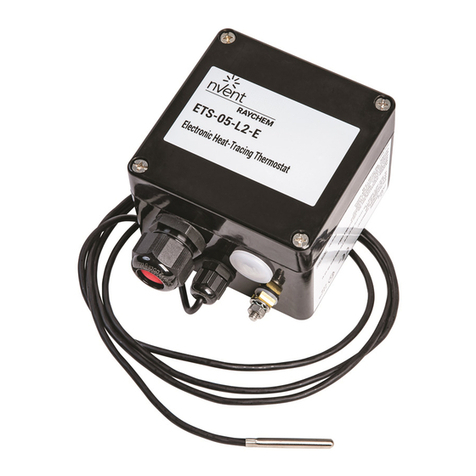
nvent ETS-05 Serial User manual

nvent

nvent ETS-05 Serial User manual
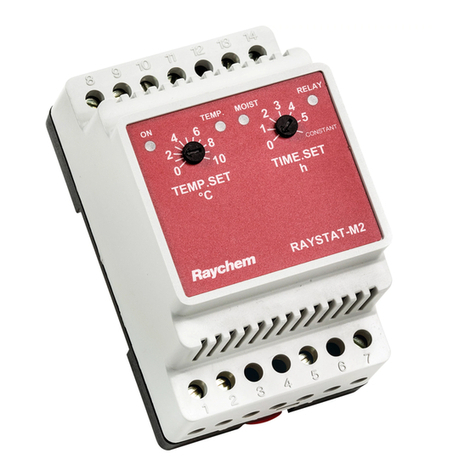
nvent Raychem Raystat-M2 User manual

nvent

nvent Raychem Raystat-M2 User manual
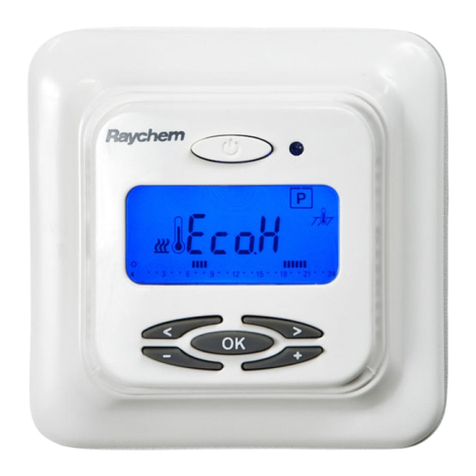
nvent Raychem NRG-Temp User manual

nvent

nvent Raychem NRG-Temp User manual
nvent Raychem T-M-20-S/+X+Y/EX User manual
nvent

nvent Raychem T-M-20-S/+X+Y/EX User manual

nvent ETS-05 Serial User manual

nvent

nvent ETS-05 Serial User manual
nvent Raychem T-M-20-S User manual

nvent

nvent Raychem T-M-20-S User manual
nvent RAYCHEM SENZ WIFI User manual

nvent

nvent RAYCHEM SENZ WIFI User manual

nvent Raychem TCON-CSD/20 User manual

nvent

nvent Raychem TCON-CSD/20 User manual

nvent RAYCHEM AT-TS-13 User manual

nvent

nvent RAYCHEM AT-TS-13 User manual

nvent Raychem RAYSTAT-EX-02 User manual

nvent

nvent Raychem RAYSTAT-EX-02 User manual

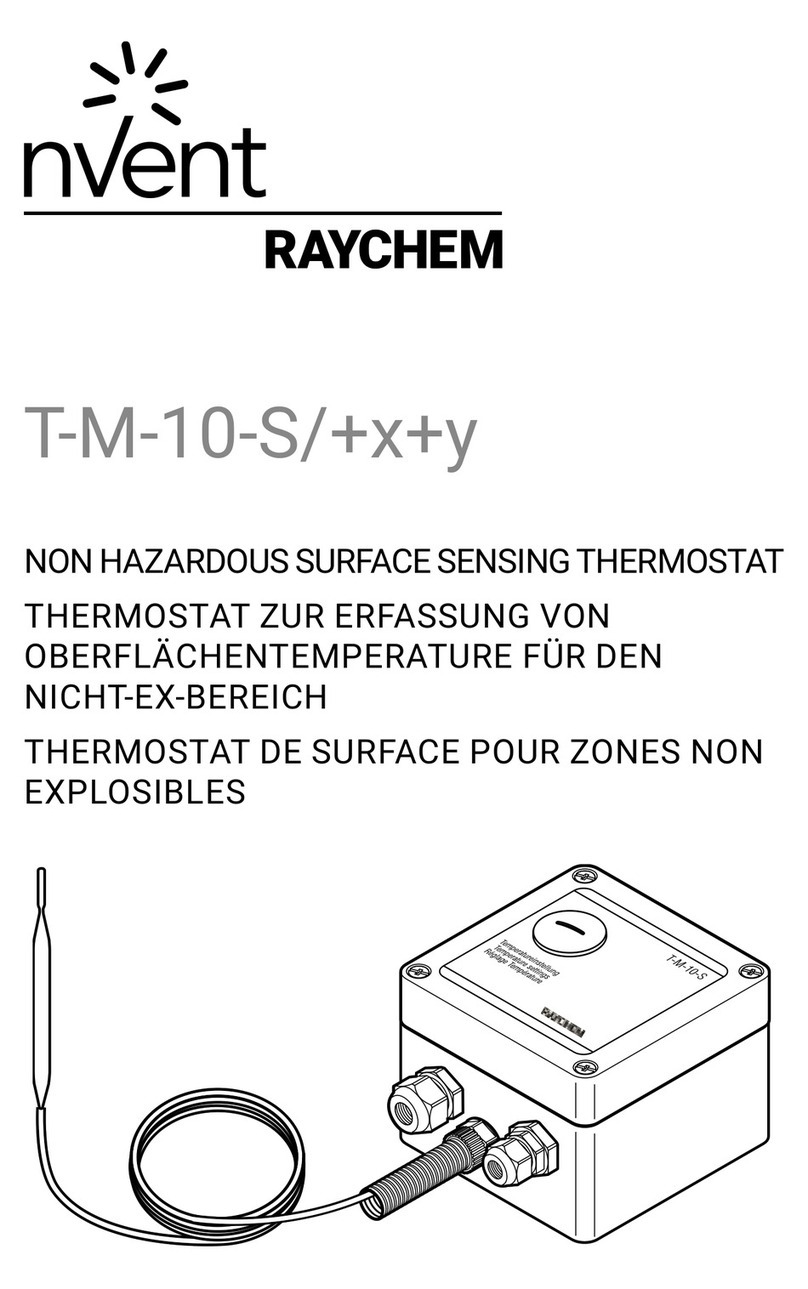
nvent Raychem T-M-10-S/+x+y User manual

nvent

nvent Raychem T-M-10-S/+x+y User manual

nvent NUHEAT SIGNATURE User manual

nvent

nvent NUHEAT SIGNATURE User manual

Popular Thermostat manuals by other brands

Full Gauge TIC-17C product manual

Full Gauge

Full Gauge TIC-17C product manual

Imit Chronomix S manual

Imit

Imit Chronomix S manual

ChiliTec ST-35 ana instruction manual

ChiliTec

ChiliTec ST-35 ana instruction manual

Salus VS05 Installer's/user's manual

Salus

Salus VS05 Installer's/user's manual

Azel D-500 user guide

Azel

Azel D-500 user guide

Honeywell Chronotherm III owner's manual

Honeywell

Honeywell Chronotherm III owner's manual

Charmeg MP-R user manual

Charmeg

Charmeg MP-R user manual

dixell WING XW40LS Installing and operating instructions

dixell

dixell WING XW40LS Installing and operating instructions

Network Thermostat NetX X7C-WIFI Installation and programming manual

Network Thermostat

Network Thermostat NetX X7C-WIFI Installation and programming manual

Radio Thermostat CT80 Operation guide

Radio Thermostat

Radio Thermostat CT80 Operation guide

HAI Omnistat RC-120 installation manual

HAI

HAI Omnistat RC-120 installation manual

Lennox iComfort E30 Installation and setup guide

Lennox

Lennox iComfort E30 Installation and setup guide

Lux Products PSD011Ba Installation and operating instructions

Lux Products

Lux Products PSD011Ba Installation and operating instructions

Computherm Q20 operating instructions

Computherm

Computherm Q20 operating instructions

Heatmiser neoStat user manual

Heatmiser

Heatmiser neoStat user manual

Mars HEAT CONTROLLER IR Wireless Thermostat user manual

Mars

Mars HEAT CONTROLLER IR Wireless Thermostat user manual

LUX LP0511D user manual

LUX

LUX LP0511D user manual

Saswell SAS920XWHB-7-S-RF User manual and warranty card

Saswell

Saswell SAS920XWHB-7-S-RF User manual and warranty card

manuals.online logo
manuals.online logoBrands
  • About & Mission
  • Contact us
  • Privacy Policy
  • Terms and Conditions

Copyright 2025 Manuals.Online. All Rights Reserved.

nVent NUHEAT “HOME” Thermostat – SKU AC0056
THE SCREEN IS BLANK - TROUBLESHOOTING STEPS
Please try the following solutions for the listed causes.
Cause
Solution
The unit is turned off.
Turn the unit on by pressing the on/off button on the
right side of the thermostat. Wait several seconds for
the screen to turn on.
There is no power going to thermostat.
Press the GFCI test button at the top of the
thermostat. If the red light at the top of the thermostat
(or on the right side depending on the thermostat
model) turns on, this indicates that there is power to
the thermostat. If not, confirm that the circuit breaker
on the electrical panel is ON and/or contact your
electrician to confirm/check the wiring.
The thermostat is no longer functioning.
If the unit was previously functioning properly and
now the faceplate is blank and if there is power to the
unit and attempts to turn the unit on has been
unsuccessful, then the thermostat needs to be
replaced. Please check your proof of purchase for
purchase date. If your unit is within the 3 year
warranty period, please contact nVent NUHEAT
Customer Care at 1-800-778-WARM (9276). Proof of
purchase is required.
For units past the warranty period, please purchase a
new thermostat from an authorized dealer and have a
certified electrician install it. There is a Where To Buy
tool and Find An Installer tool on www.nuheat.com or
contact customer care to help you locate a authorized
dealer.
Wiring on back of thermostat is reversed
For brand new installs, if the thermostat is blank, most
likely the wiring for the line and load terminals have
been switched. See Steps for the Electrician below.
If the causes above do not solve the issue, please follow the instructions below.
Steps for Homeowner:
1. At the breaker panel, confirm the circuit breaker controlling the floor heating circuit is ON.
1. Cycle the breaker OFF. Hold the breaker OFF for 10 Seconds and then turn the breaker
back ON.
2. At the thermostat, press & hold the ON/OFF button (located on the bottom right side of the
thermostat faceplate) for 4 seconds, then release and wait 4 seconds to see if the screen display
turns on.
3. If the screen does not turn on, press the GFCI Test Button (located on the top of the thermostat)
and check for a flashing RED light (located either on the top or right side of the thermostat).
1. If the thermostat screen remains blank and the RED light activated when the Test
Button was pressed, then the thermostat needs to be replaced. Please check
your proof of purchase for the purchase date. For thermostats within the 3 year
warranty period: click here to complete the Thermostat Faceplate Replacement
Form. Proof of purchase and a photo of the back of the faceplate of the unit is
required for all warranty replacements.
2. If the RED light does not appear, contact an electrician and have them come to
the site to perform steps 4 to 6 using a digital multimeter.
Steps for Electrician:
1. At the thermostat junction box location, confirm there is power (120 V / 208 V / 240 V) at the line
side of the thermostat (terminals 2 & 3 on the thermostat back plate).
2. Confirm the wiring is correct (click here for the quick start wiring guide)…
1. Incoming power to terminals 2 & 3
2. Load wires connected to terminals 1 & 4
3. Braided ground shield tied to the house ground
3. If the voltage and wiring are correct and the screen is still blank, please check your proof of
purchase for the purchase date. For thermostats within the 3 year warranty period: click here to
complete the Thermostat Backplate Replacement Form. Proof of purchase and a photo of the
back of the faceplate of the unit is required for all warranty replacements.
For units past the warranty period, please purchase a new thermostat from an authorized dealer
and have a certified electrician install it. There is a Where To Buy tool and Find An Installer tool on
www.nuheat.com or contact customer care to help you locate a authorized dealer.