manuals.online logo
Brands
  1. Home
  2. •
  3. Brands
  4. •
  5. Omax
  6. •
  7. Lathe
  8. •
  9. Omax ProtoMax Installation guide

Omax ProtoMax Installation guide

Other manuals for ProtoMax

2

Popular Lathe manuals by other brands

Jet JWL-1015 operating instructions

Jet

Jet JWL-1015 operating instructions

Holzmann VD 1100ECO user manual

Holzmann

Holzmann VD 1100ECO user manual

Grizzly G0949G owner's manual

Grizzly

Grizzly G0949G owner's manual

Kval 990-H Service manual

Kval

Kval 990-H Service manual

Grizzly G0632 Parts Breakdown

Grizzly

Grizzly G0632 Parts Breakdown

Grizzly G0462 owner's manual

Grizzly

Grizzly G0462 owner's manual

Teknatool Nova Mercury operating manual

Teknatool

Teknatool Nova Mercury operating manual

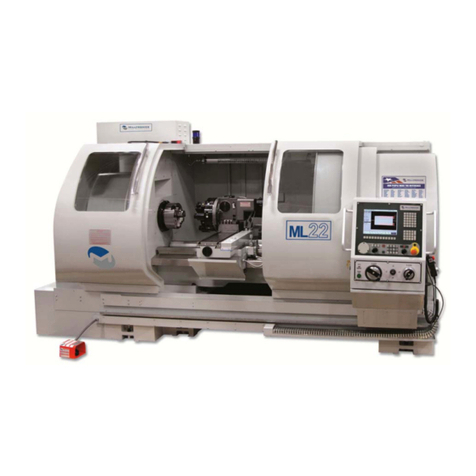
Milltronics ML Series Instruction handbook

Milltronics

Milltronics ML Series Instruction handbook

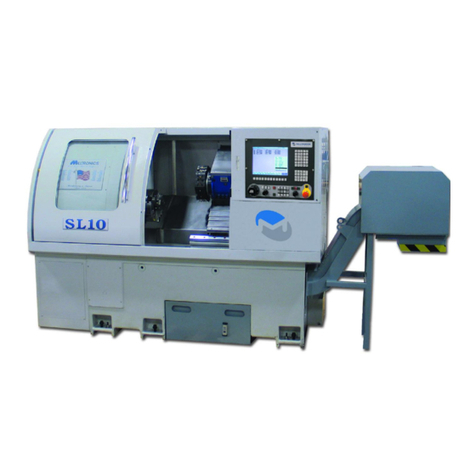
Milltronics SL6 Series Instruction handbook

Milltronics

Milltronics SL6 Series Instruction handbook

OmniTurn GT-75 user manual

OmniTurn

OmniTurn GT-75 user manual

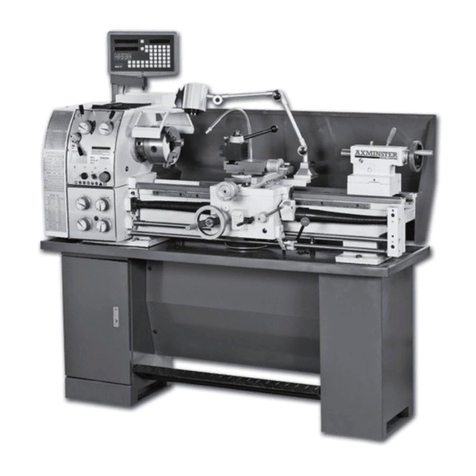
Axminster CQ6230A-2/910 user manual

Axminster

Axminster CQ6230A-2/910 user manual

HOLZMANN MASCHINEN ED1000FB user manual

HOLZMANN MASCHINEN

HOLZMANN MASCHINEN ED1000FB user manual

Hercus 260 Maintenance manual

Hercus

Hercus 260 Maintenance manual

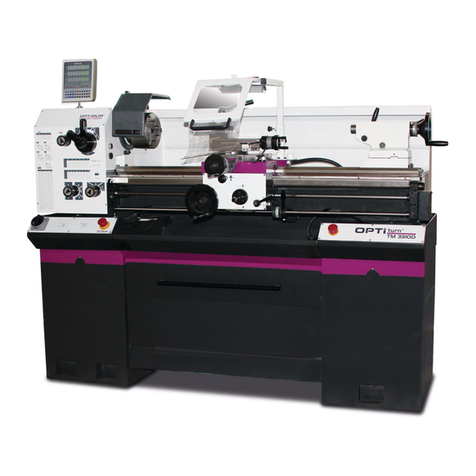
Optimum OPTIturn TM 3310 operating manual

Optimum

Optimum OPTIturn TM 3310 operating manual

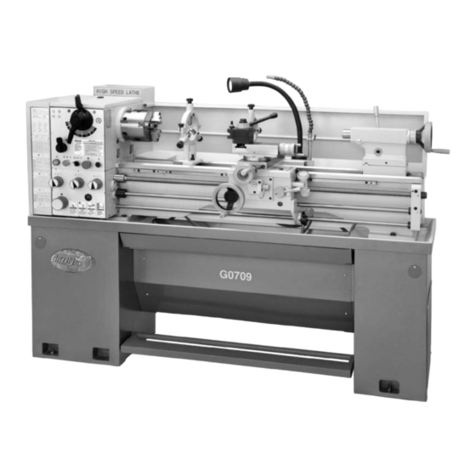
Grizzly G0709 owner's manual

Grizzly

Grizzly G0709 owner's manual

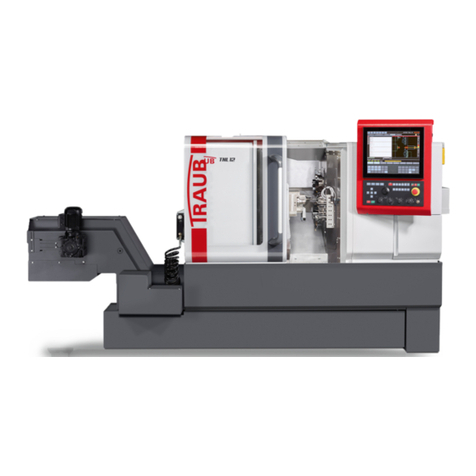
Traub TNL12.2 operating instructions

Traub

Traub TNL12.2 operating instructions

ELECTRABRAKE EB0625 instruction manual

ELECTRABRAKE

ELECTRABRAKE EB0625 instruction manual

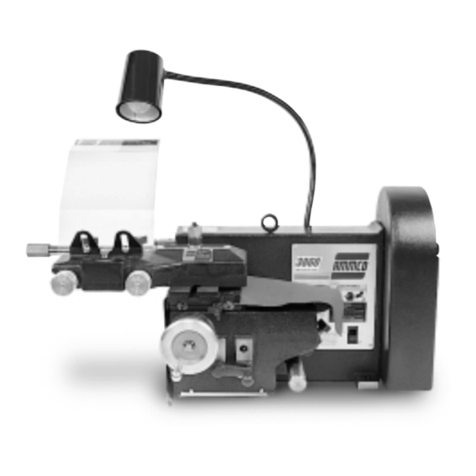
AMMCO 3860 installation instructions

AMMCO

AMMCO 3860 installation instructions

manuals.online logo
manuals.online logoBrands
  • About & Mission
  • Contact us
  • Privacy Policy
  • Terms and Conditions

Copyright 2025 Manuals.Online. All Rights Reserved.

401536B-EN © OMAX Corporation February 2018
QUICK INSTALLATION OVERVIEW
REQUIRED TOOLS
The following safety labels may appear on the equipment. If ignored, physical injury, death, or equipment
damage may occur. Read the safety information in the Installation Guide before installing, operating, or
maintaining the equipment.
MACHINE SAFETY LABELS
WEAR EAR
PROTECTION
WEAR GLOVES
STEP HAZARD
CONSULT THE
MANUAL
ELECTROSTATIC
DISCHARGE
BELT AND PULLEY
HAZARD
PINCH/CRUSH
HAZARD
MOVING PARTS
CRUSH HAZARD
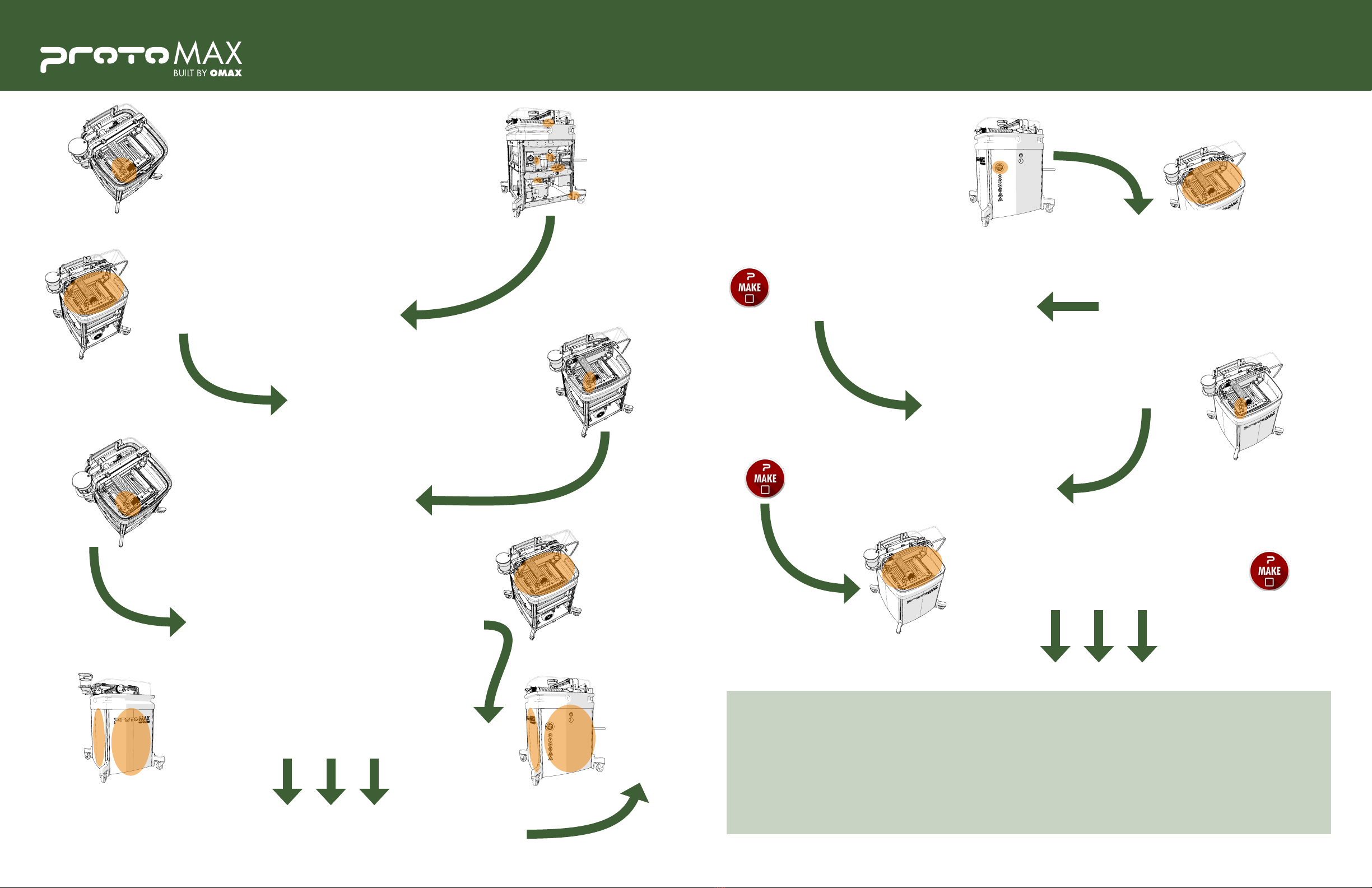
Remove external shipping materials and place the ProtoMAX close to
power, water, and drain. Follow the ProtoMAX Utilities Requirements
to properly locate the machine from walls and other structures.
NOTE: Requires two people to li the pump and the table assembly.
Connect the low-pressure water lines,
cooling lines, and transducer cable.
Install the hopper bracket and the garnet abrasive
hopper. Connect the grounding strap, but do not fill
with abrasive.
Connect the ProtoMAX USB cable to the laptop and
turn on the ProtoMAX.
Connect the high-pressure plumbing to the pump and
torque the fiing to the proper specification.
UNWRAP & UNPACK
CONNECT THE PUMP
INSTALL THE GARNET ABRASIVE HOPPER
CONNECT THE LAPTOP
CONNECT THE HIGH-PRESSURE PLUMBING
ELECTRICAL HAZARD
SAFETY
GLOVES
BALL-END
HEX WRENCH
4 MM, 5 MM
SAFETY
GLASSES
OPEN-END
WRENCH
3/4 IN, 10 MM
UTILITY
KNIFE
SNIPS
SCISSORS
TORQUE
WRENCH
20-80 IN-LB
PRY BAR
CROWFOOT
WRENCH
5/8 IN, 19 MM
SOCKET
WRENCH
SCREWDRIVER
FLAT TIP
SOCKET
7/16 IN
FLASHLIGHT
KEEP HANDS AWAY
FROM JET
FLYING DEBRIS /
LOUD NOISE
DO NOT OPERATE
WITHOUT GUARD
DO NOT SPRAY
MANDATORY
DISCONNECT POWER
WEAR EYE
PROTECTION
Remove all shipping materials on and around the
cuing deck, including dessicant packages, inside the
catcher tank.
REMOVE CUTTING DECK SHIPPING MATERIALS
The ProtoMAX® Support Site contains useful documents and videos on the installation and operation
of your ProtoMAX abrasive waterjet system. Visit protomax.com/support for the detailed ProtoMAX
Installation Guide, ProtoMAX Operation Guide, and other support documentation.
401536B-EN © OMAX Corporation February 2018
QUICK INSTALLATION OVERVIEW
Turn on the ProtoMAX and the laptop
computer.
Open the ProtoMAX MAKE application, load
a part file, and configure it for your material.
Use the MAKE application to do a dry run and
ensure the path remains on the material.
Add water to cover the material being cut. Use the
MAKE application to cut the part.
Properly set nozzle stand-off and move the
nozzle to the start position.
Open the ProtoMAX lid and place your
material on the cuing bed. Use the
Material Holding Kit to secure your
material.
OMAX is continually improving the ProtoMAX
to bring you the best in abrasive waterjet
technology. For that reason, your ProtoMAX
may differ slightly from descriptions and
images in this document. If you have any
questions, please contact us for assistance.
Verify safety feature functionality and
perform nozzle tests.
Install the plastic panels on all three sides of the ProtoMAX.
Fill the catcher tank to the top edge of
the slats and inspect tank for leaks.
Install the four part holding post assemblies to the
support frame and add the material clamps.
Install the cuing head nozzle, filter,
mixing tube, and splash guard.
PROTOMAX STARTUP
OPEN & CONFIGURE A PART FILE
CONDUCT A DRY RUN OF THE PART
ADJUST WATER LEVEL & CUT THE PART
PREPARE & POSITION THE NOZZLE
LOAD & FIXTURE MATERIAL
SUPPORT INFORMATION
PERFORM SYSTEM & NOZZLE TESTS
INSTALL SIDE PANELS
CONGRATULATIONS, YOUR PROTOMAX IS READY TO USE!
NOW LET’S CUT YOUR FIRST PART.
CONGRATULATIONS, YOU’VE CUT YOUR FIRST PROTOMAX PART!
FILL THE CATCHER TANK
INSTALL THE MATERIAL HOLDING KIT
INSTALL THE NOZZLE
Flush the high-pressure plumbing and check for
leaks on all the water fiings.
NOTE: Visually inspect high-pressure plumbing
fiings from a safe distance (16” minimum).
FLUSH THE SYSTEM
MAIN WEBSITE: protomax.com
ONLINE SUPPORT: protomax.com/support
TECHNICAL SUPPORT: 1.818.647.1994
EMAIL: [email protected]
PROTOMAX COMMUNITY: community.protomax.com
ADDRESS: 21409 72nd Ave S
Kent, WA 98032