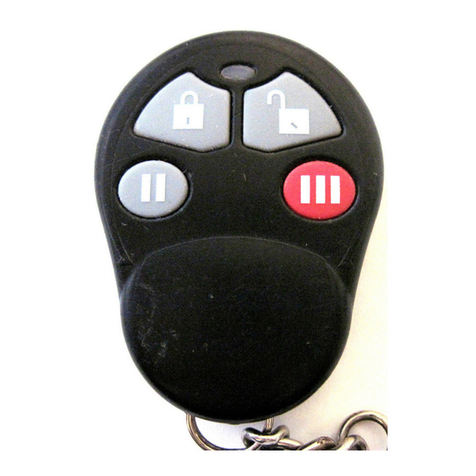
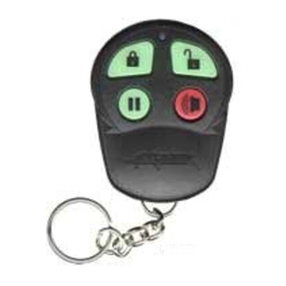
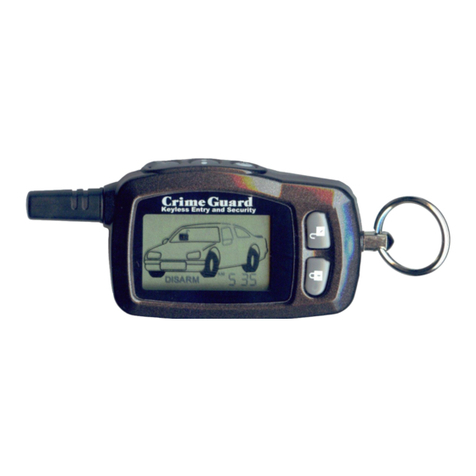
disarming with the transmitter/transceiver will unlock the doors unless the
system is activated and sounding.
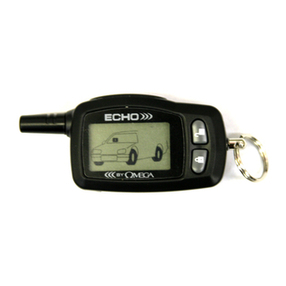
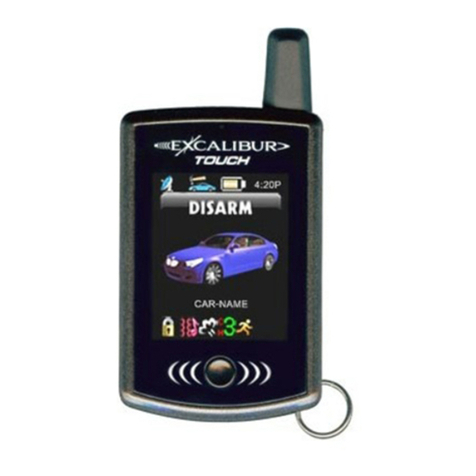
• “VALET” indicates Alarm Valet Mode, replacing the “ARM” or “DISARM”
icons. Amusical toneoccurswhenplacingthesystemintoAlarmValetMode.
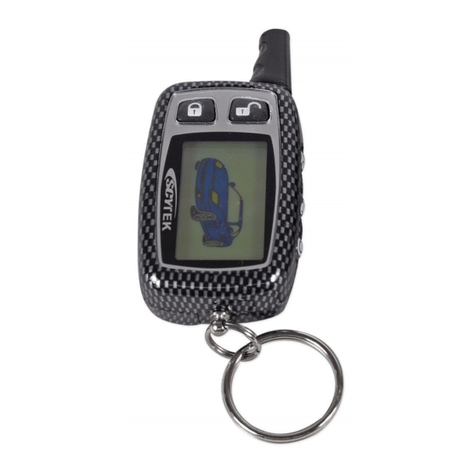
• When “BAT LOW” appears the transceiver’s 1.5 volt AAA battery should be
replaced with a new battery.
• Thetransceiver’s chirpsand musicaltones maybeturnedoff,whichmakesthe
unit vibrate instead; “MUTE” indicates this state.
• The “3” within a circle appears when the Auxiliary #3 is operated.
• “HOOD/TRUNK” indicates that this zone the vehicle is or has been violated.
Ifassociated with thesystembeing activated, thetransceiver also emitschirps,
until any button is pressed. In this case, the icon remains flashing until the
ignition switch is turned on.
• If a remote starting attempt is made, and systems aborts it due to a violated
safety circuit, the “crossed-out key” on the hood area will appear (this is
accompanied by a musical tone).
• The “CARJACK” icon within the vehicle’s front tag frame indicates that this
operationhasbeen activated,whichcan beperformedby anyofthree methods.
• Onthevehicle’swindshieldisa“hammer”and“impact”icon. Whentheshock
sensor detects light impact, causing the system to prewarn, the “impact” icon
alone will momentarily appear, accompanied by three chirps. If the sensor
detects a harder impact or breaking glass, activating the system, the full
hammer and impact icons appear, and the transceiver chips until any button is
pressed, and the icon remains flashing until the ignition switch is turned on.
• The “DOOR” icon will indicate that the system was activated via the door
detection circuit. The transceiver chirps until any button is pressed, and the
icon remains flashing until the ignition is turned on.
• The “start” icon at the rear of the vehicle confirms remote starting. This icon
is accompanied by a musical melody, and stays on while remote starting is
operating; during which the puffs will change to appearing sequentially.
• The “2” within a circle indicates use of the Auxiliary #2, which is most
commonly used for a remote trunk release feature.
• The “transmitting tower” icon is an in-range indicator. It is present if the last
transmission from the transceiver was answered by a return signal from the
system. Should the transceiver be operated, and no return signal is received,
this icon will disappear.
• The various lines at the upper rear of the vehicle graphic represent a unique
Omegafeaturewhich allowstheuser tocustomizethe vehicletyperepresented
by the display. Options are: passenger car, pickup truck, and sport utility/van.
Furthertransceiveroperationaldetailsappearin following sections describing
system operation. Programming the transceiver is explained on page 41.
Page 5Page 44
Echo is configured for “MUTE” operation (vibrates instead chirping), then in
programming it will not play the musical melodies. Instead, it vibrates when
the remote starting Start Melody and Stop Melody are accessed for program-
ming.
Other Omega Echo Notes:
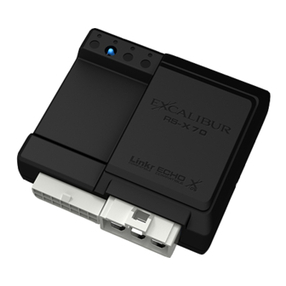
• The system will only transmit a signal to the Echo transceiver if the Echo was
last used to operate the system (as in Arming or Disarming it). Example: if
the transmitter is used to Arm the system, the system will not transmit a signal
which will cause the Echo to chirp and change its icons.
• If multiple Echo transceivers are programmed to operate the system, the sys-
tem will send its signal to only one transceiver- the last one used.
• When the Crime Guard 850i4system does send a signal to the Echo trans-
ceiver, a few seconds is needed for this “handshake” to occur. If the
system is operated in a rapid fashion, as in quickly repeating Arm and Disarm
cycles, the Echo will not have time to receive the signal from the system, and
therefore it will stop responding and reporting the system’s status. Normally
operating the system corrects this symptom.
• A final point to remember is that the Echo transceiver cannot receive a signal
from the 850i4system while it itself is transmitting. For normal operations,
the Echo’s buttons are pressed and released. Even when “Panic” is operated,
the Echo button should be released as soon as “Panic” engages. Otherwise,
the Echo cannot receive the signal from the system.