– 1 –
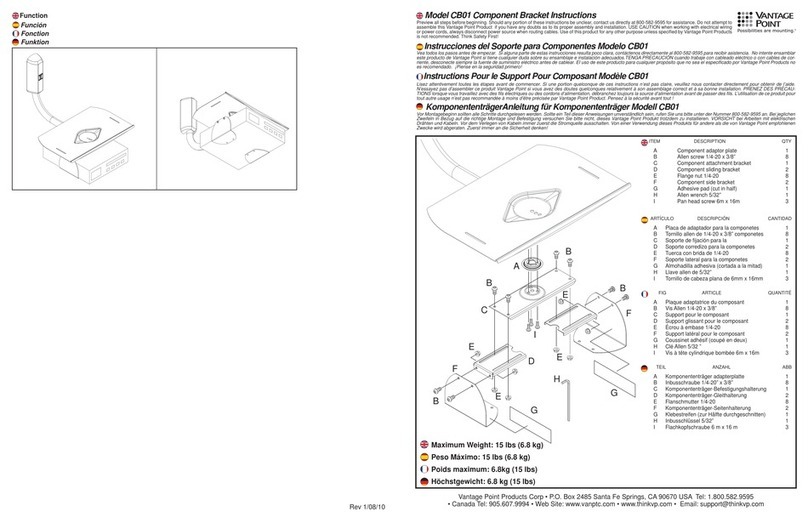
Mounting Brackets BUP100SG / 300SG Instruction Manual
These brackets are used only for Omron uninterruptible power supply (UPS):
BUP100SG for BU1002SWG, and BUP300SG for BU3002SWG.
Important information for safe operation is described.
Be sure to read it before installation and start of use.
Safety precautions
The safety symbols and their meaning used in this manual are as follows:
CAUTION
Misuse may cause injury or property damage
* Property damage means damage to houses/household eects, livestock, and pets:
: Indicates prohibition. For example, indicates that disassembly is prohibited.
: Indicates obligation. For example, indicates that grounding is necessary.
Note that events categorized as a caution required matter also may cause more
serious results under certain conditions.
Caution
Do not install the unit in an undesignated direction.
lDropping the unit may cause injury.
lThe installation in an unspecied direction, the unit cannot be protected from a
battery uid leakage.
Fix the unit securely with screws suitable for the material of the oor
surface at the installation site so that it can withstand the force caused by
vibration, etc.
lConrm the material and thickness of the oor surface to be installed, and use
the provided screws when it is made of metal. When the oor surface is made
of concrete or wood, use the exclusive screws suitable for the material.
For installation on the rack, support and x with the shelf board (base board)
for the rack and mounting brackets. When adding a battery unit, be sure to
install the battery unit under the main body unit. *Only for BUP300SG
lFor installation on the rack, be sure to use shelf board (base board) for the rack
and mounting brackets. The weight cannot be supported with only front surface
brackets without the shelf board (base board) for the rack.
lMass of the unit BU3002SWG:35kg
When installing the unit on the rack, install it on the lower shelf of the rack.
lDropping may cause injury.
Do not stack a plurality of UPSs or added battery units on the shelf board for
the rack.
lUse the shelf board for the rack for each device.