Connection mode (note: Station mode and AP mode are both the WIFI mode)
①.Station 模式 (要断开音箱与路由器的连接,需重置音箱)
Station mode (Need to disconnect speaker from the router, need to reset the speaker)
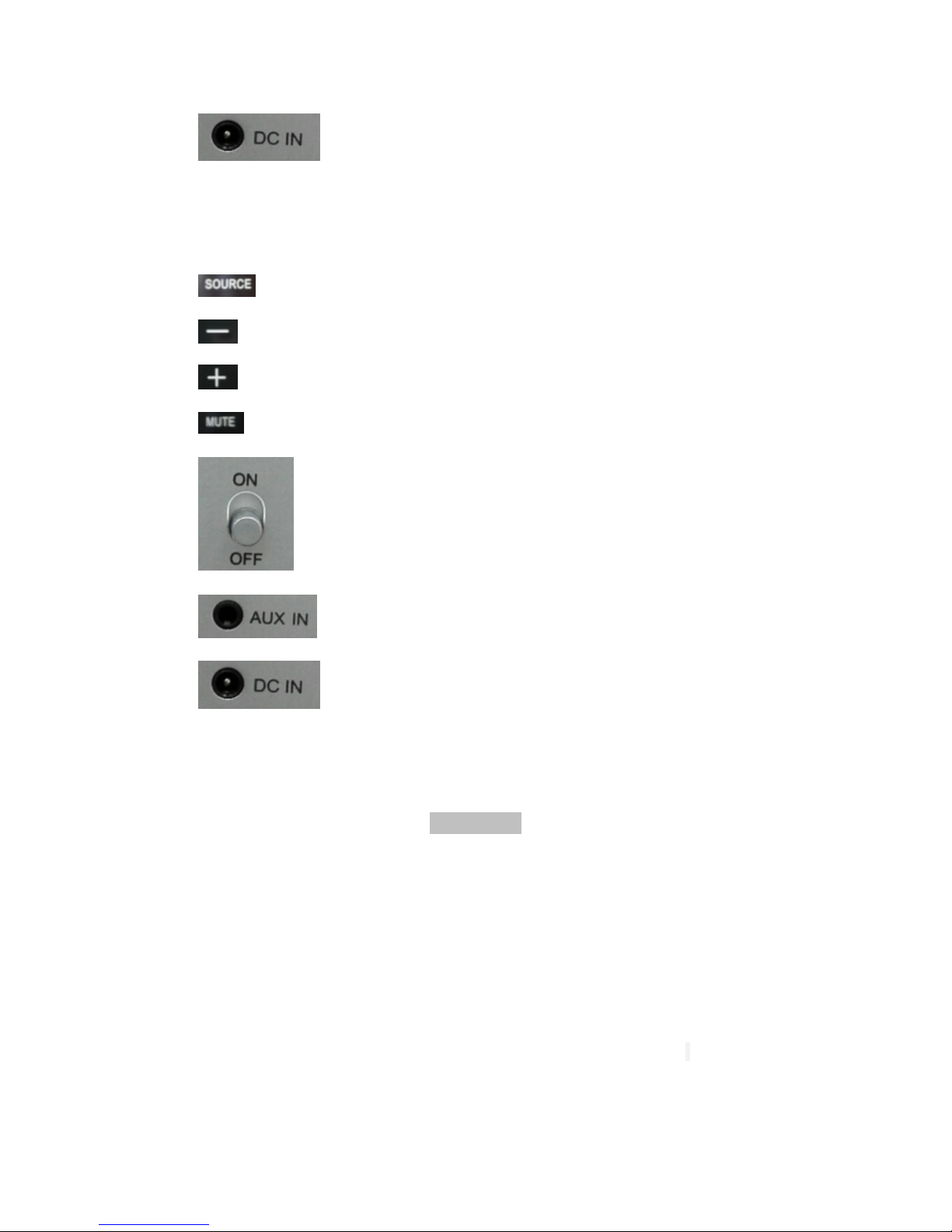
打开音箱,轻触“SOURCE”,调至蓝灯状态,手机连接家里或公司的 WiFi,打开 opures
播放器,将页面移至最左一页,选择 添加音箱(如果刚打开 APP 有提示添加设备,则
直接点击添加按钮),出现下一步操作提示时,在音箱上长按“MUTE”键,直到出现语音
提示”searching for WIFI connection”,然后点击 ,在下一个页面输入所连路由器的密
码,即可完成连接。 至此,可以正常播放音乐。
Open the speaker, soft touch "SOURCE", adjust to blue light, connect your cell phone at home or
the company's WiFi, open the opures player, remove the page to the Left-most page, select
to add speakers (if there is a hint to add devices when you just open the APP,then directly click
the add button), when prompted the next operation, long press the" MUTE "key on the speakers,
until a voice prompt" searching for WiFi connection ", and then click , on the next page
enter the router's password, then can complete the connection. At this point, can play music
normally.
②.AP 模式 (此模式下可播放本地歌曲)
AP Mode(Play local music under this mode)
打开音箱,轻触“SOURCE”,调至蓝灯状态,在设备的 WLAN 上连接音箱的 SSID,打开
opures 播放器,可在设备列表中看到音箱。至此,可以正常播放音乐。
Open the speaker ,Soft touch "SOURCE",adjust it to the blue light status .Go to device’s WLAN
page and connect the speaker’s SSID , Open opures player, you can see the speaker in the device
list. At this point, you can normally play the local music.
③. LINE-IN 线直连设备和音箱(此模式下不能使用 opures 播放器,您可以自行选用其他音乐播放器,如:QQ 音乐)
LINE – IN directly connected devices and speakers (IN this mode you cannot use opures player, you
can choose other music player, such as: QQ music)
打开音箱,轻触“SOURCE”,调至白灯状态,用 line-in 线连接设备和音箱上的“AUX IN”
接口,选择歌曲,即可播放音乐。
Open the speaker ,soft touch "SOURCE",adjust it to the white light state.Use line-in cable to
connect device and the speaker’s "AUX IN" interface.Choose songs ,then can play music.
设置 wifi 网络 (此功能将设置在 AP 模式下音箱 SSID 的连接密码)
Set Speaker WiFi Network(Use this function to set the speakers SSID’s connection password for the AP mode)
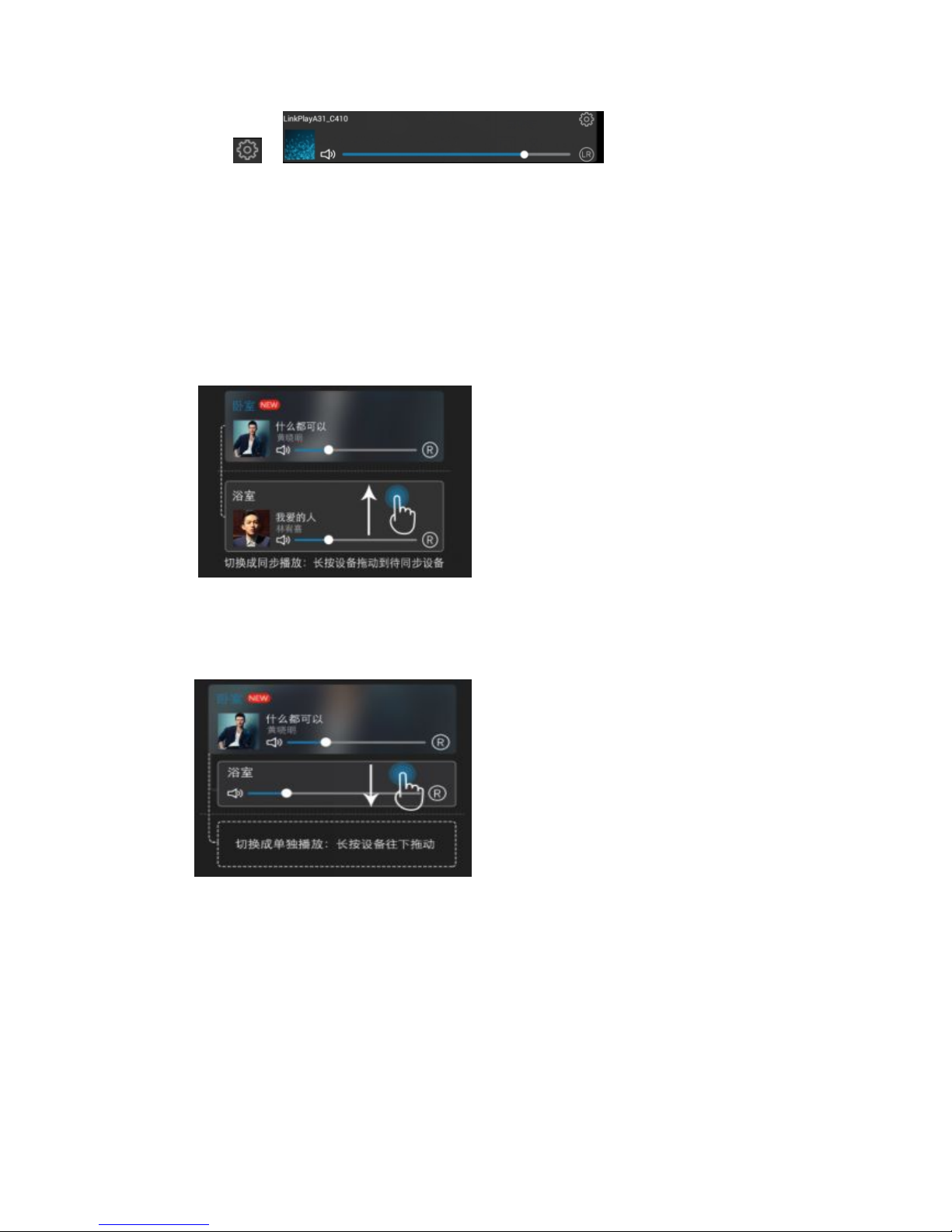
单击 中的 “设备信息”“设备密码
设置”“WPA PSK”输入密码“确认”,即可完成网络设置。