9
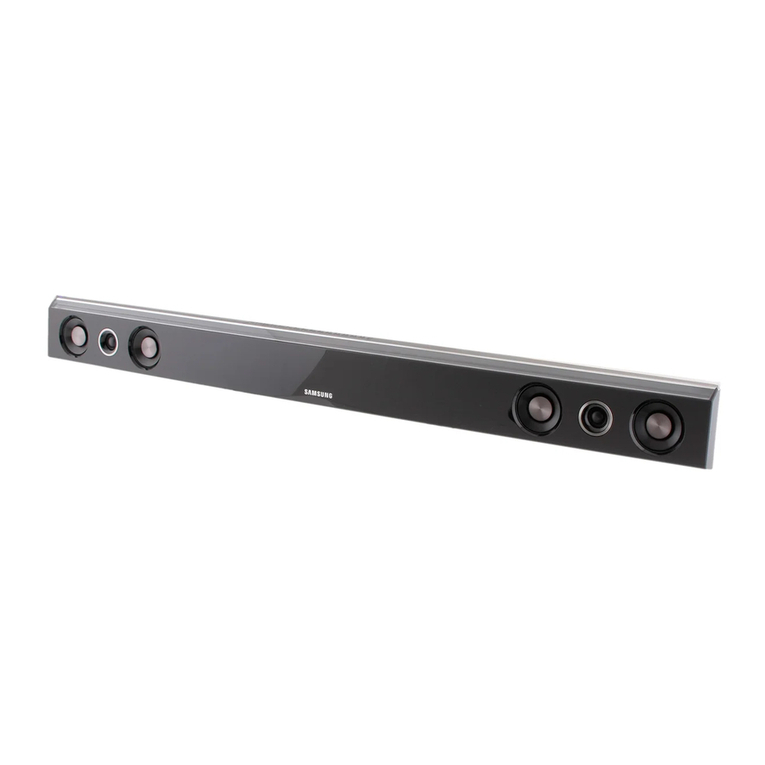
IMPORTANT: The areas marked need to be clear of obstacles in order
for the spatial stereo sound field to work properly.
HINT: Because Orbitsound produces a uniform sound field, the sound-
bar does not need to be placed directly in front of the listener. There-
fore, placing the soundbar conveniently so that the sides are not ob-
structed is more important than central placement, i.e. on low or high
shelf, counter top, below/above TV.
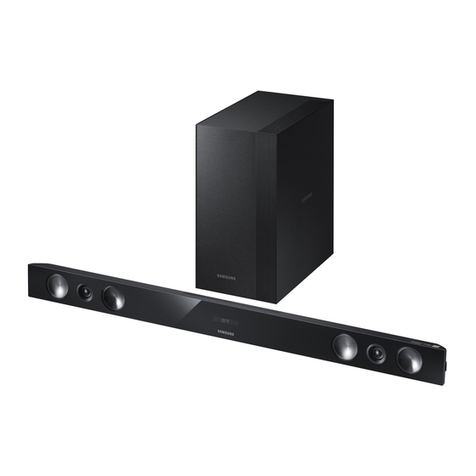
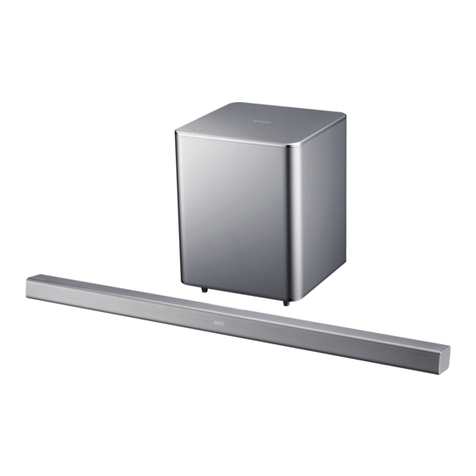
Subwoofer placement
Subwoofer placement does not aect the overall sound much. Position
the subwoofer for convenience after optimising placement of the sound-
bar.
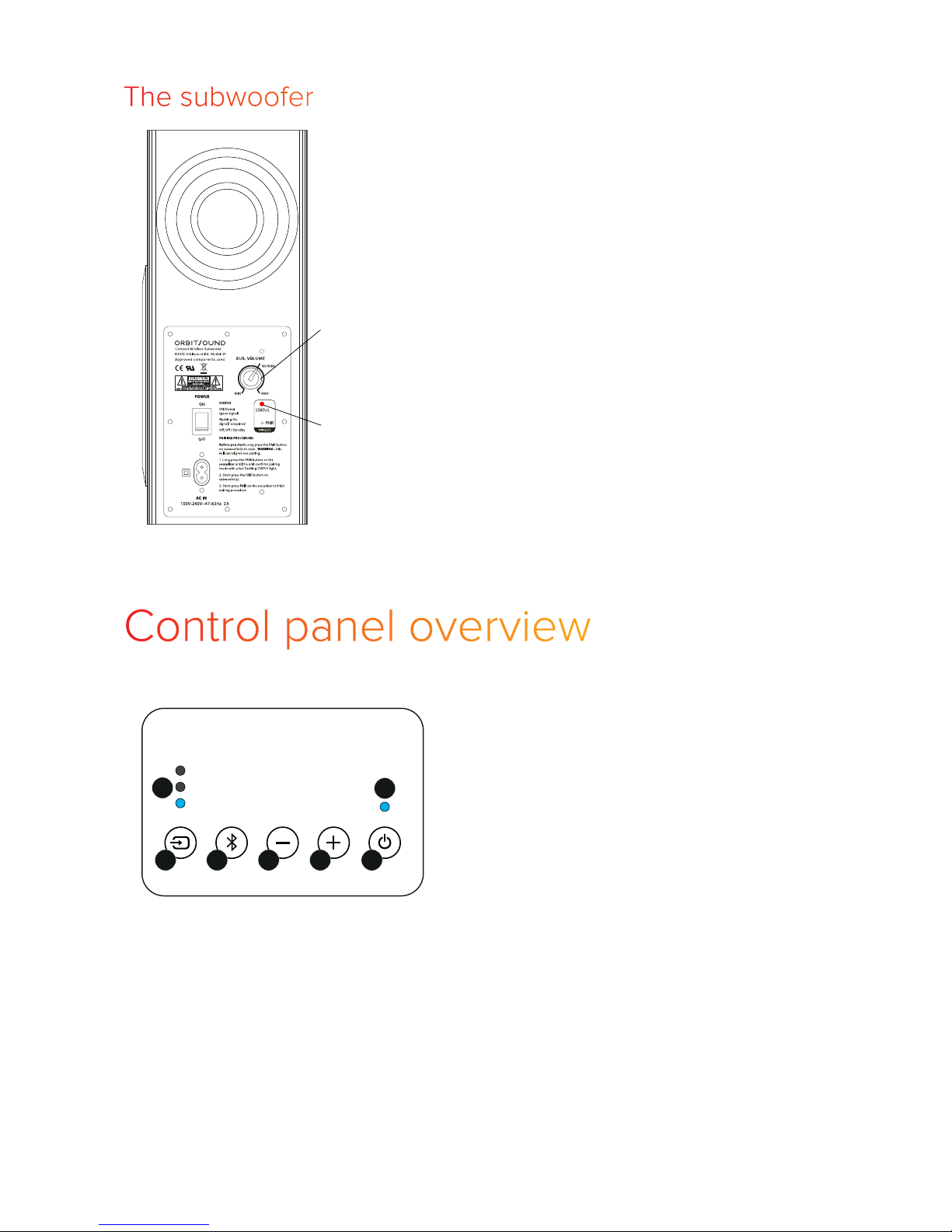
IMPORTANT: Always make sure that the subwoofer’s side with a port
(rear) is clear from obstruction. Covering this port will adversely aect
the sound.
Subwoofer volume
The subwoofer volume control on the back of the subwoofer allows you
to preset the amount of bass that the system produces. Setting to ‘nor-
mal’ is the recommended balance. For quiet TV use, you can reduce
the level. For louder music, you can increase the volume.
Note: The Bass control on the remote also changes the volume of the
subwoofer.
Hint: Once the subwoofer volume is set, you won’t need to adjust it
often. It is set for the conditions of the room.
Wireless
The Orbitsound wireless system is uniquely developed to deliver the
best possible listening experience in terms of minimal delay, and maxi-
mum sound fidelity. The system uses a digital 2.4GHz signal, similar to
that used by computer WiFi systems. For the subwoofer to work with
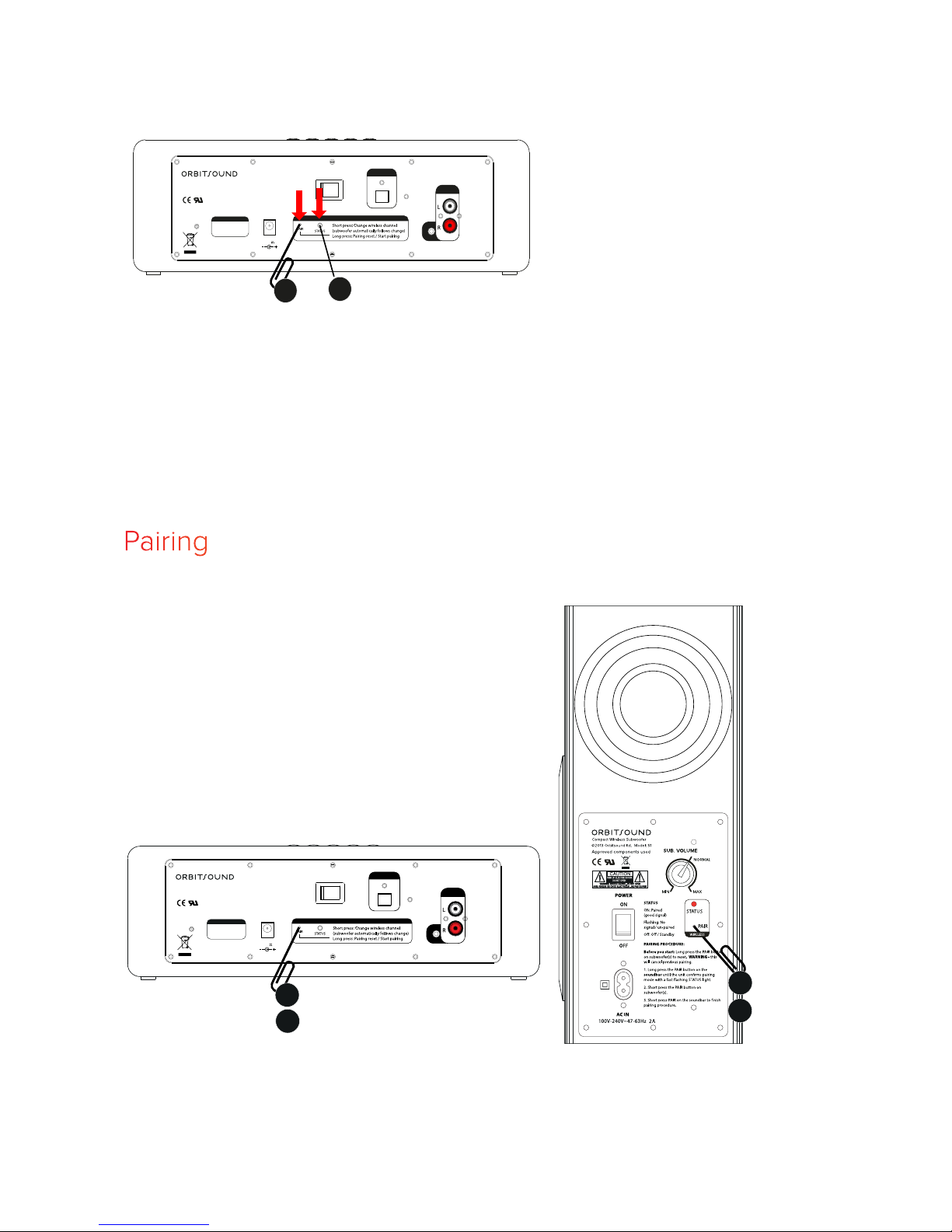
the soundbar, it has to be paired. At the factory, the soundbar and sub-
woofer are paired for you. The soundbar and subwoofer should work
out of the box. Here are some procedures for resetting or changing the
wireless setup:
Channel selection
If you experience interference from a router, computer, or another
soundbar operating on the same frequency, you can change the chan-
nel that the Orbitsound wireless system is running on.
Note: Interference usually sounds like the bass is stopping and starting,
and maybe a ‘popping’ sound. This is easily fixed by changing channel.