Table of Contents 150-319-151-01, Revision 01
iv September 17, 1999 HLU-319 List 5A
TABLE OF CONTENTS
Overview ____________________________________________________________________________ 1
Features.............................................................................................................................................. 1
Product Enhancements........................................................................................................ 1
Standard Features................................................................................................................ 2
Compatibility..................................................................................................................................... 2
Applications....................................................................................................................................... 2
HiGain Doubler Applications ............................................................................................. 3
Personal Communications System Applications ................................................................ 3
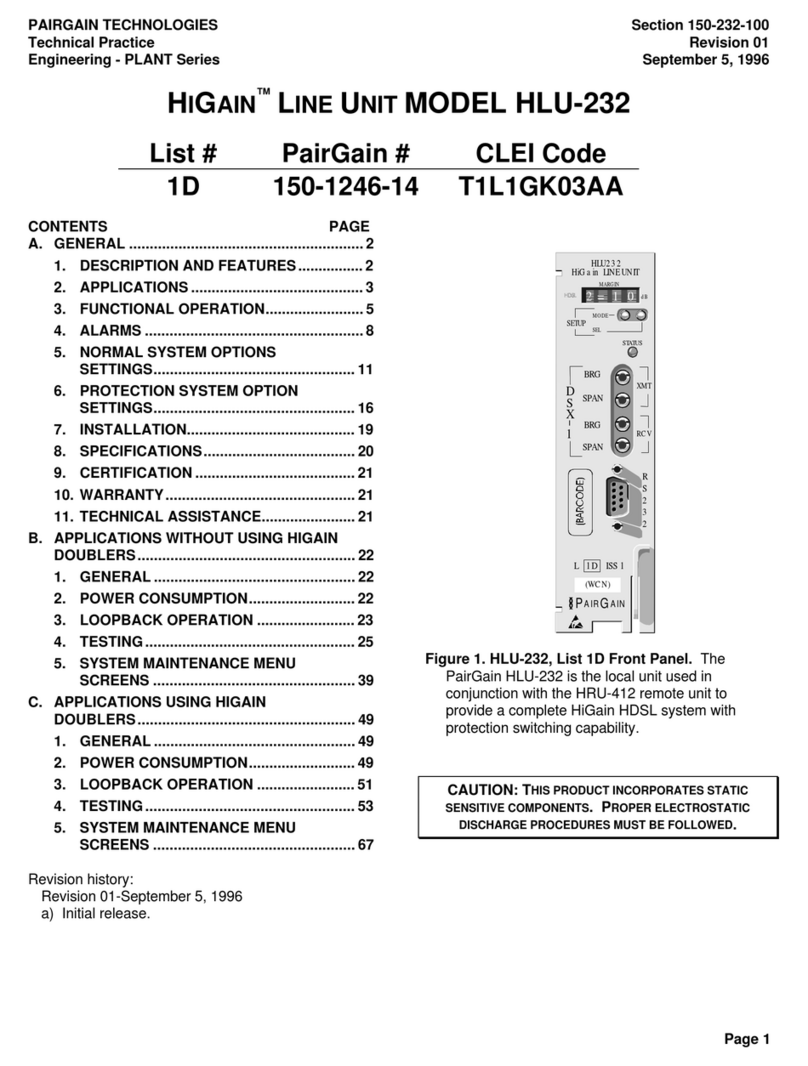
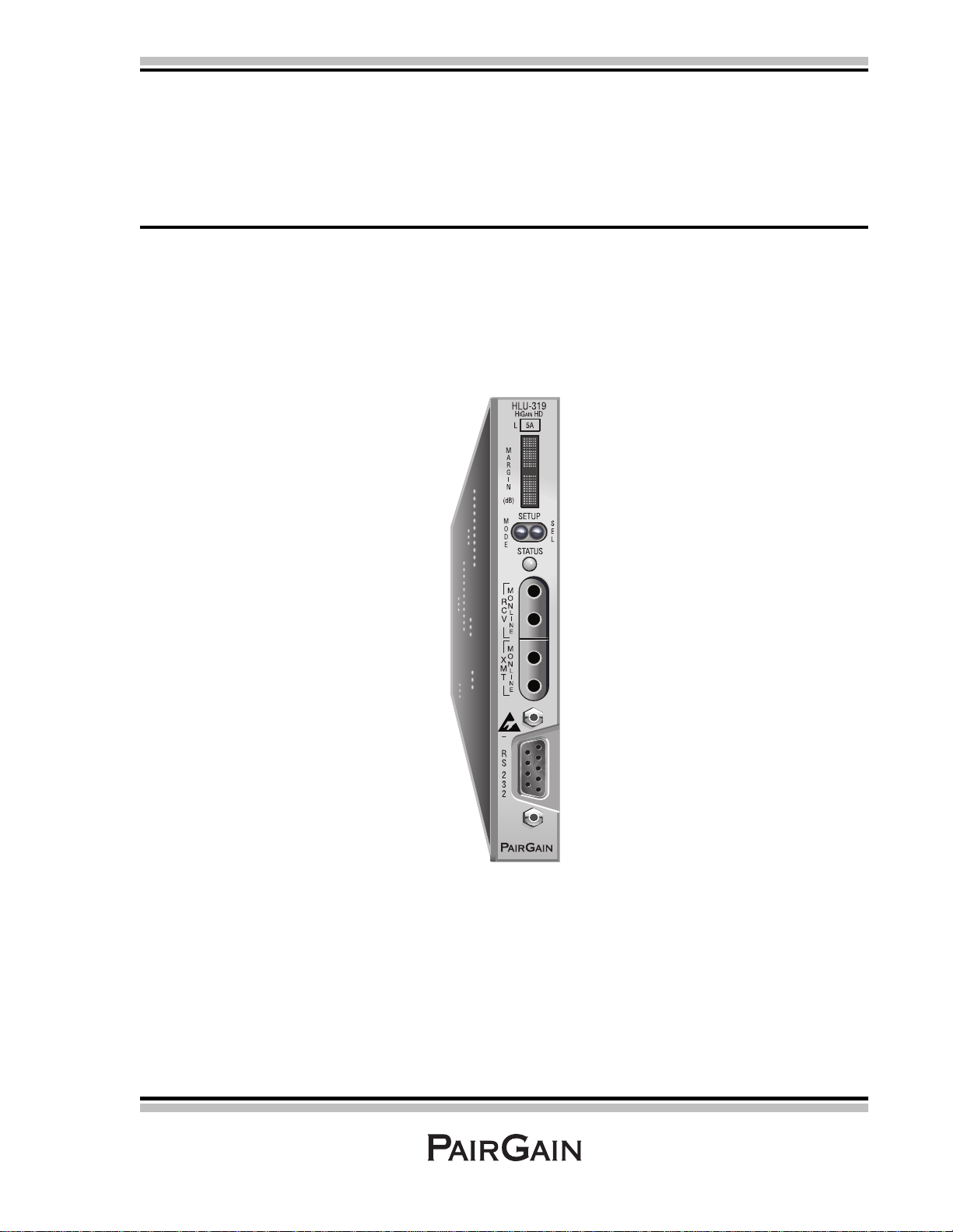
Front Panel __________________________________________________________________________ 4
Installation___________________________________________________________________________ 8
Verification........................................................................................................................................ 9
Verification without a Downstream Device........................................................................ 9
Verification with a Downstream Device............................................................................. 9
Provisioning Requirements ............................................................................................................. 10
Provisioning_________________________________________________________________________ 11
Using the MODE and SEL Buttons................................................................................................. 11
Setting Options through MODE and SEL......................................................................... 11
Resetting to Factory Default Values................................................................................. 12
Displaying System Parameter Settings ............................................................................. 12
Disabling an Alarm........................................................................................................... 12
Loopback Modes............................................................................................................... 12
Using a Maintenance Terminal ....................................................................................................... 13
Connecting to a Maintenance Terminal............................................................................ 13
Accessing the Maintenance Terminal Screens.................................................................. 13
Using the Maintenance Terminal Screens....................................................................................... 15
View Span Status Screen .................................................................................................. 15
Set Clock Screen............................................................................................................... 19
System Settings Screen..................................................................................................... 20
Loopback Mode Screen .................................................................................................... 26
View Performance Data Screen........................................................................................ 29
View Performance History Screen.................................................................................... 31
View Alarm History Screen.............................................................................................. 33
View System Inventory Screen......................................................................................... 35
View Troubleshooting Screen........................................................................................... 37