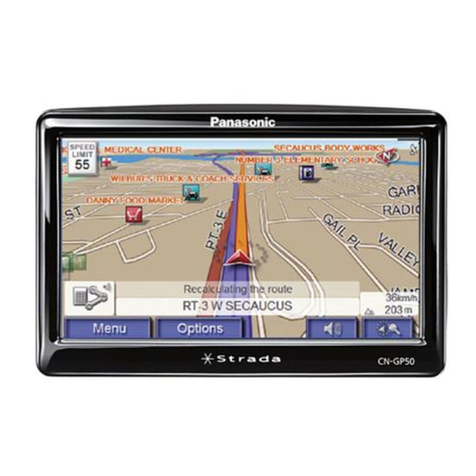
Structure of instructions
English
Deutsch
Français
Nederlands
Svenska
Italiano
Español
Dansk
0OLSKI
EsKY
-AGYAR
Suomi
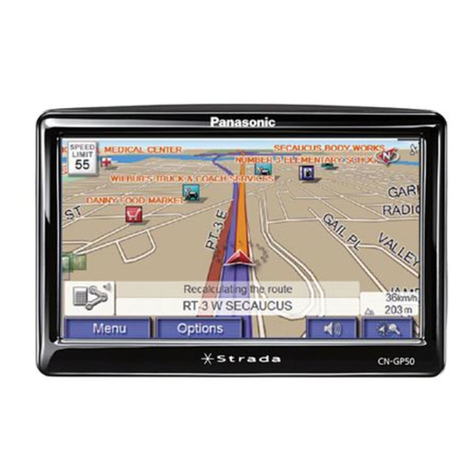
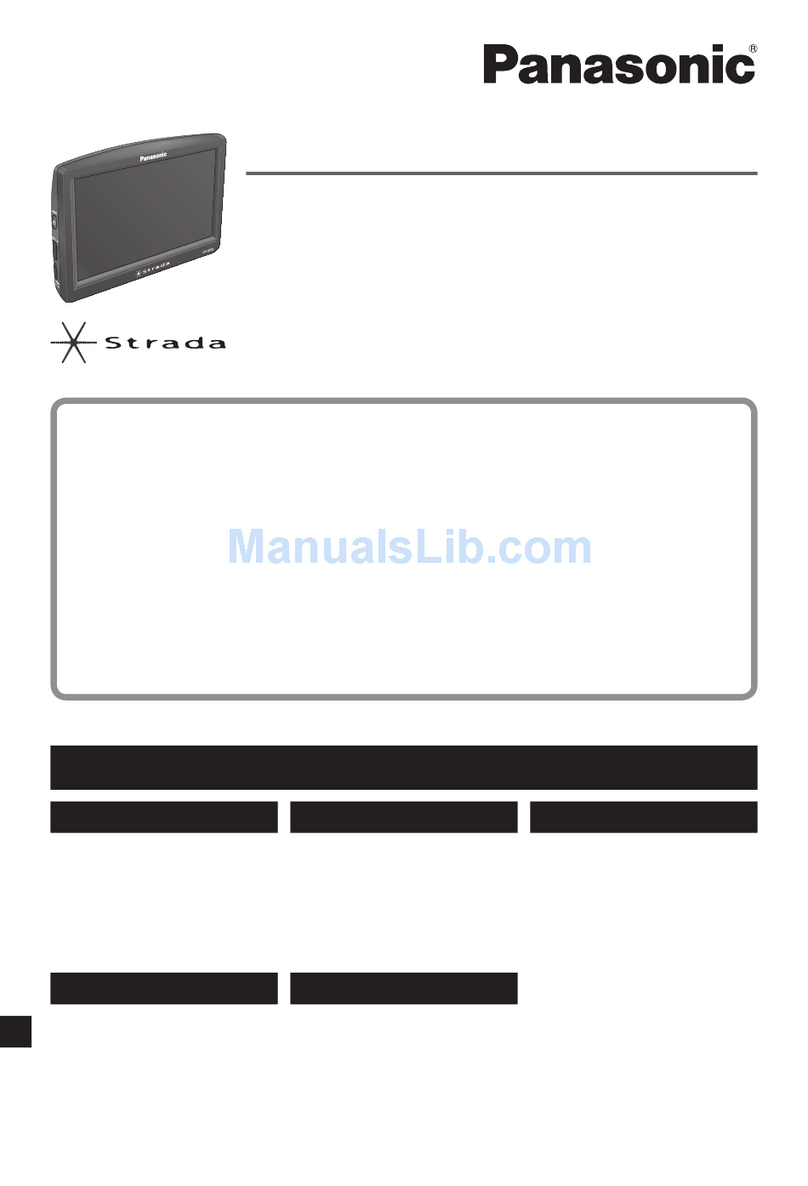
Portable Navigation System
Model:
CN-GP50N
Important Information
Please read these instructions carefully before using this product and
keep this manual for future reference.
Rea d the “S afe ty inf orm atio n” pr esen ted i n this m anu al bef ore
mounting or connecting this product.
Important Information
lSafety information
lNotes on use
lEND USER LICENSE AGREEMENT
lTroubleshooting
lMaintenance
lWhat is a navigation system?
lSpecification
Portable Navigation System
Model:
CN-GP50N
Installation Instructions
Einbauanleitung
Instructions d'installation
Installatie-instructies
Installationsanvisningar
Istruzioni di installazione
Instrucciones de instalación
Installationsvejledning
)NSTRUKCJAMONTAU
0OKYNYKINSTALACI
4ELEPÄTÀSIÑTMUTATÊ
Asennusohjeet
Printed in ChinaYGFM294422 FX0807-0
Matsushita Electric Industrial Co., Ltd.
Web Site: http://panasonic.net
Read the “Safety information” presented in the Important Information before using this product.
Lesen Sie vor Verwendung des Produkts die “Sicherheitshinweise.” in den Wichtigen Hinweisen.
Lire les «Informations relatives à la sécurité» présentées dans Information importante avant d'utiliser ce produit.
Lees alvorens dit product te gebruiken de eerst de “Veiligheidsinformatie” die is opgenomen inde
Belangrijke informatie.
Läs "Säkerhetsinformation" i avsnittet Viktig information innan du använder produkten.
Prima di utilizzarequesto prodotto, leggere le “Informazioni per la sicurezza” presentate nelle Informazioni
importanti.
Antes de utilizar este producto, lea la “Información de seguridad” incluida en Información importante.
Læs “Sikkerhedsoplysninger” fra Vigtig information før dette produkt anvendes.
0RZECZYTAJ`)NFORMACJEDOTYCZCEBEZPIECZEÈSTWAnPRZEDSTAWIONEWSEKCJI`7ANEINFORMACJEnPRZEDROZPOCZÁCIEM
KORZYSTANIAWNINIEJSZEGOPRODUKTU
0ÏEDPOUwITÄMTOHOTOPRODUKTUSIPÏE¿TÃTE`"EZPE¿NOSTNÄPOKYNYmUVEDENÀV¿¸STI$ÐLEwITÀINFORMACE
!TERMÀKHASZN¸LATAELÌTTOLVASSAELA&ONTOSINFORM¸CIÊKCÄMÒRÀSZBENLÀVÌ`"IZTONS¸GITUDNIVALÊKnSZAKASZT
Lue Tärkeitä tietoja -vihkosessa olevat turvallisuustiedot, ennen kuin käytät tätä tuotetta.
Authorized Representative:
Panasonic Testing Centre
Panasonic Services Europe, a Division of
Panasonic Marketing Europe GmbH
Winsbergring 15, 22525 Hamburg, F.R. Germany
Portable Navigation System
Model:
CN-GP50N
Quick Reference Guide
Kurzanleitung
Guide de référence rapide
Quick Reference Guide
Snabbguide
l
Read the “Safety information” presented in the Important Information before using this product.
l
This manual describes the basic operations.
For advanced operations, refer to the instruction manuals on the DVD-ROM.
l
Lesen Sie vor Verwendung des Produkts die “Sicherheitshinweise.” in den Wichtigen Hinweisen.
l
In diesem Handbuch werden die grundlegenden Bedienvorgänge beschrieben.
Hinweise zur fortgeschrittenen Bedienung finden Sie in den Anweisungshandbüchern auf der DVD-ROM.
l
Lire les «Informations relatives à la sécurité» présentées dans Information importante avant d'utiliser ce produit.
l
Ce manuel décrit les opérations de base.
Pour des opérations avancées, référez-vous aux manuels d'instruction sur le DVD-ROM.
l
Leesalvorensdit producttegebruikende eerstde “Veiligheidsinformatie”die isopgenomenin de Belangrijkeinformatie.
l
In deze handleiding worden de basisbedieningen beschreven.
Raadpleeg de instructiehandleiding op de DVD-ROM voor geavanceerde bedieningen.
l
Läs "Säkerhetsinformation" i avsnittet Viktig information innan du använder produkten.
l
Denna bruksanvisning beskriver de grundläggande funktionerna.
Information om mer avancerade funktioner finns i bruksanvisningen på DVD-skivan.
Table of contents / Inhalt / Table des matières / Inhoudsopgave / Innehållsförteckning
English
Names of controls and functions.... 2
Turn on the power...........................4
Basic map operation .......................5
Basic menu operation .....................6
Create a route..................................8
Picture Viewer.................................9
Hands-Free....................................10
Deutsch
Bezeichnungen der
Steuerelemente und Funktionen......2
Gerät einschalten ............................4
Einfacher Kartenbetrieb...................5
Einfacher Menübetrieb ....................6
Route erstellen................................8
Bildbetrachter..................................9
Freisprecheinrichtung ...................10
Français
Noms des commandes et des fonctions
...2
Mettez sous tension........................4
Opération de cartographie de base
....5
Opération des menus de base.........6
Créez une route...............................8
Visionneur de photos......................9
Mains libre ....................................10
Nederlands
Namen van bedieningen en functies
.....2
Inschakelen.....................................4
De basisbediening van de kaart.......5
Basisbediening van het menu .........6
Een route maken............................. 8
Picture Viewer.................................9
Handsfree......................................10
Svenska
Namnpå kontrolleroch funktioner....2
Slå på strömmen ............................4
Grundläggande kartfunktioner ........5
Grundläggande menyfunktioner .....6
Skapa en rutt...................................8
Picture Viewer ................................9
Hands-Free....................................10
Quick Reference Guide
lName of controls and function
lTurn on the power
lBasic map operation
lBasic menu operation
lCreate a route
lPicture Viewer
lHands-Free
The instructions consist of the following items.
First, read “Safety information” in “Important Information”.
Then, read each of the instruction manuals as necessary.
Installation Instructions
lExamples of mounting
lComponents
lMounting the Mounting Bracket
lMounting CN-GP50N
lRemoving
lCigarette Lighter Adapter
connection
lAC Charger connections
lExternal unit connection
DVD ROM
lRestore Applications
lRestore Maps
lInstall Radar Warner
lRead manual
• Navigation device
•Picture Viewer/Phone (Hands-Free)
lLanguage Selection
Operating Environment
lOS:
Windows 2000 (Service Pack 4),
Windows XP (Service Pack 2),
lDVD-ROM drive
lUSB port (USB 1.1)
lSD Memory Card reader/writer
Notes:
lDo not duplicate this disc.
lYou need Acrobat Reader (free) to read the Operating Instructions.
Install Acrobat Reader from this DVD-ROM.
lThis disc is used to recover important information such as the unit’s
programs and maps. Keep it in a safe place.
2