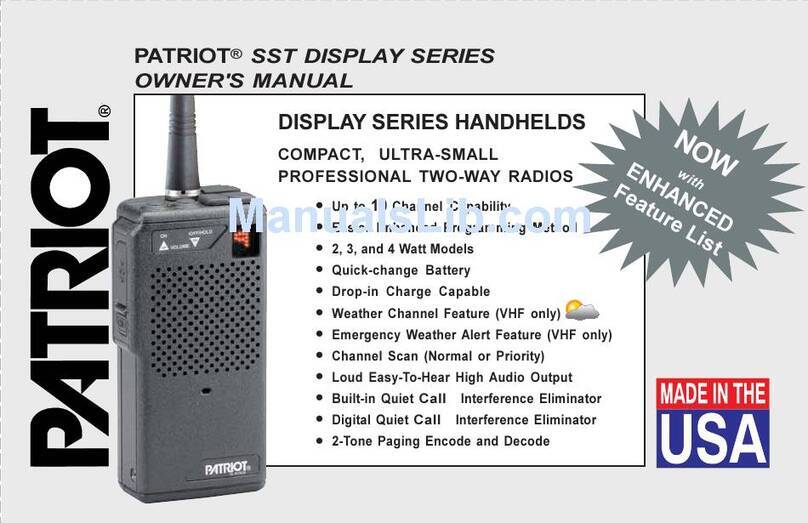
Have questions? Call
800-USA-1-USA
(800-872-1872) or visit our website at www.ritron.com
OPERATION
page 3
ON-OFF / VOLUME ADJUST
To switch on the radio - press the On/Volume Up
button. The radio will sound the Channel beep. If the
radio turns on to the Scan Channel it will sound the
Scan Beep. The radio will turn on to the channel that
was selected when it was last turned off, or can be
programmed to always turn on to channel 1.
To adjust the volume - press the volume up or the
volume down button until you reach the desired level.
You should hear noise or any broadcasts on the
channel.
To turn off the radio - press and hold the Off/Volume
Down button until a two tone "turn-off" beep is heard.
For instant turn-off, press the PTT button while holding
the Off/Volume Down button.
SELECTING CHANNELS
To change channels - press and release the Channel
Selector button. The radio will sound a short Channel
beep, increment the channel, and the Channel Display
will show the new operating channel. If the highest
channel number is selected and you press the Channel
Selector button, the radio resets to channel 1 and the
Channel beep is heard on the speaker.
If the Channel Scan is selected - the radio will sound
the Scan Beep and the Channel Display will rapidly
flash the channel numbers as they are scanned. If a
signal is received the channel display will indicate the
channel number, and when the received signal is
removed the radio will wait briefly, sound the Scan
Beep, then scanning will resume as normal.
If the NOAA Weather Channel is selected - on a VHF
radio the Channel beep will be heard and the display
will light a single segment that indicates which of the
seven NOAA frequencies is monitored. See the
"NOAA Weather Radio" section on page 6 for details.
RECEIVING CALLS
To hear calls from other users - adjust the volume as
desired. The radio can receive broadcasts while the
Push-To-Talk button is not being pressed. Whether or
not you hear these broadcasts depends upon the
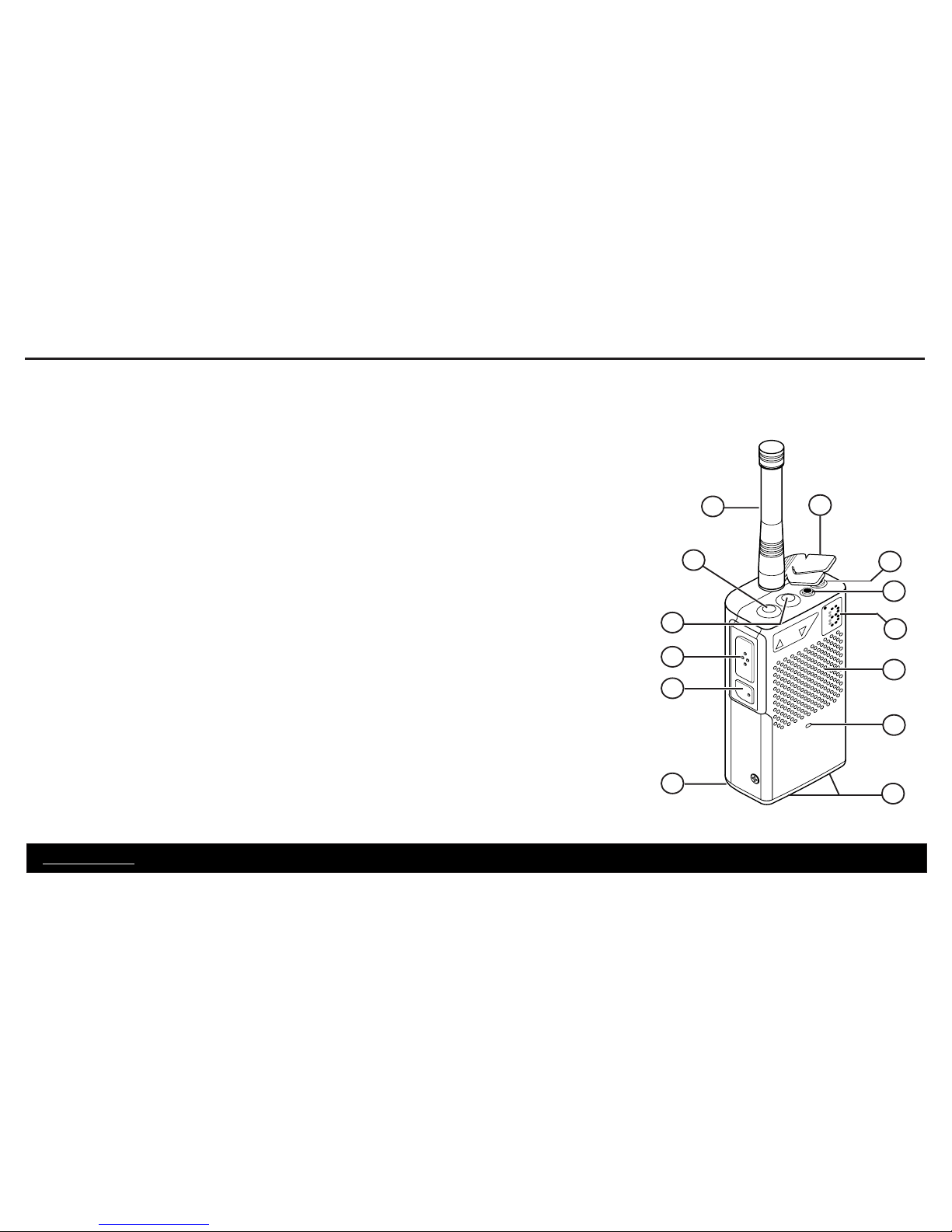
squelch settings. The Transmit/Busy Lamp (see FIG-3
on page 4) will flash indicating that someone else is
transmitting on the channel.
There are four squelch modes that can be used in the
SST "D-Series" portable. Refer to FIG-2 on page 4.
•Carrier squelch lets you hear all broadcasts on
your channel strong enough for the radio to detect,
and silences noise.
•Tone squelch uses one of the QC or DQC “tone
squelch” formats available on the SST. This allows
you to screen out “on-channel” broadcasts that do
not carry the correct code programmed for the
radio.
•No squelch disables all squelch operation and
allows you to hear even the weakest broadcasts
on your channel.
•2-tone paging (Dealer programming required) can
be used in conjunction with either carrier or tone
squelch to block out all calls except those sent
specifically to your radio. When the unique 2-tone
sequence programmed into the radio is decoded,
the radio will sound a series of ring tones similar to
a telephone.
Once a squelch type has been selected by the user,
all channels will operate in that mode. The SST "D-
Series" radio will operate in selective signaling squelch
mode when it is 1st turned on.
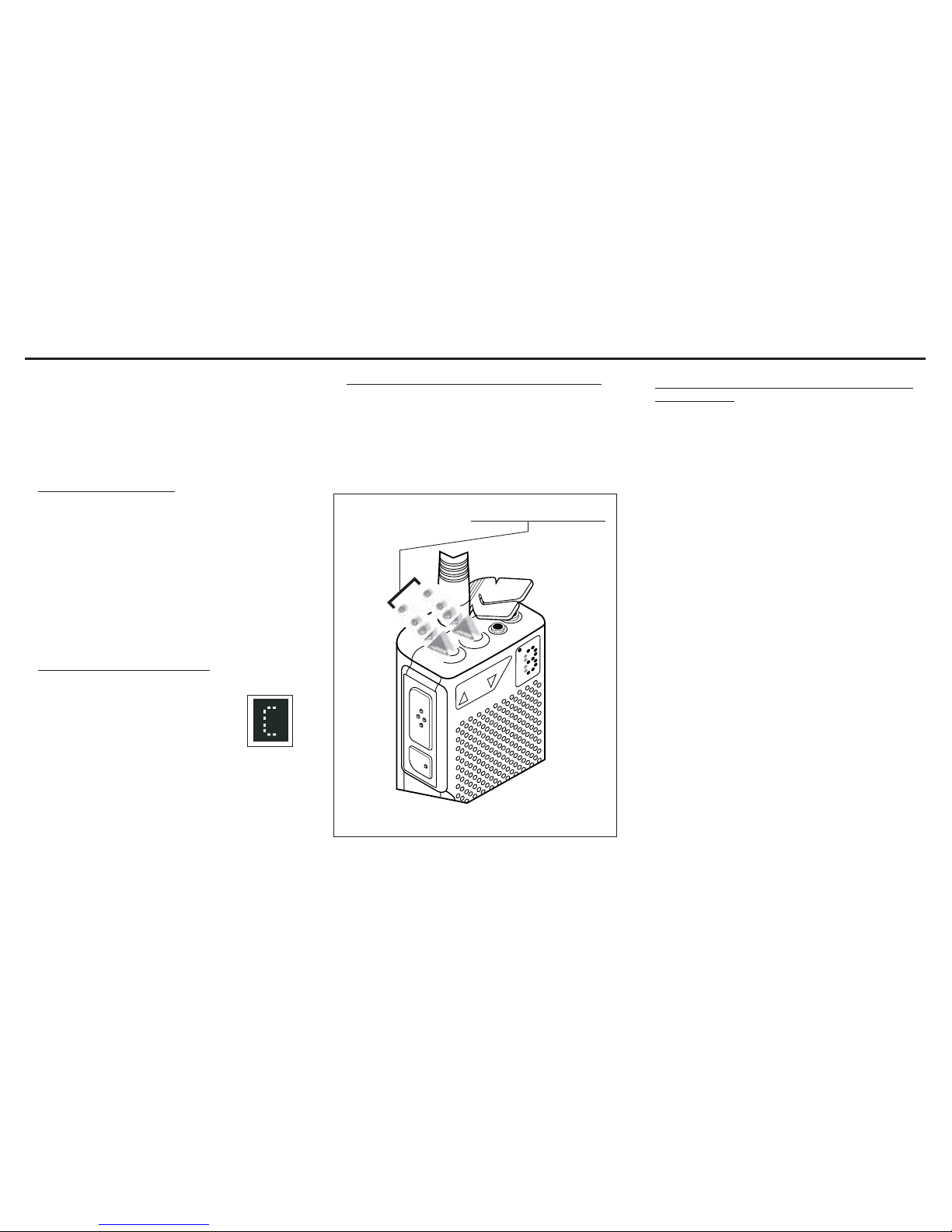
To monitor the channel - press one of the volume
control buttons. When you press the volume up or the
volume down button, squelch turns off and all radio
traffic on the channel (or noise) sounds in the speaker.
To activate carrier squelch - simultaneously press
both of the volume buttons and hold briefly before
releasing. When carrier squelch is on, the radio
sounds a “double beep.” The radio will now let you
hear all broadcasts on your channel.
To activate tone squelch - simultaneously press both
of the volume buttons and hold briefly before
releasing. When tone squelch is turned on, the
handheld sounds one beep. You will only hear
broadcasts that carry the same QC or DQC code
programmed into your radio.
To activate no squelch - simultaneously press both of
the volume buttons and continue to hold them down.
About 3 seconds after the beep (or double beep), the
radio will start beeping repeatedly. This means that
squelch is turned off. Release the buttons. To restore
squelch, press and hold both of the volume buttons
until the radio sounds one beep or a double beep.
QC AND DQC TONE CODES
(Interference Eliminator Codes)
Tone codes filter out static, noise and
reduce unwanted "chatter" on radio
channels. When you operate on a frequency
with a tone code, you screen out most in-
terference. This allows you to communicate
with less interference and to hear only
those users in your radio group.
IMPORTANT! All radios in the talk group
must operate on the same
frequency and tone code.