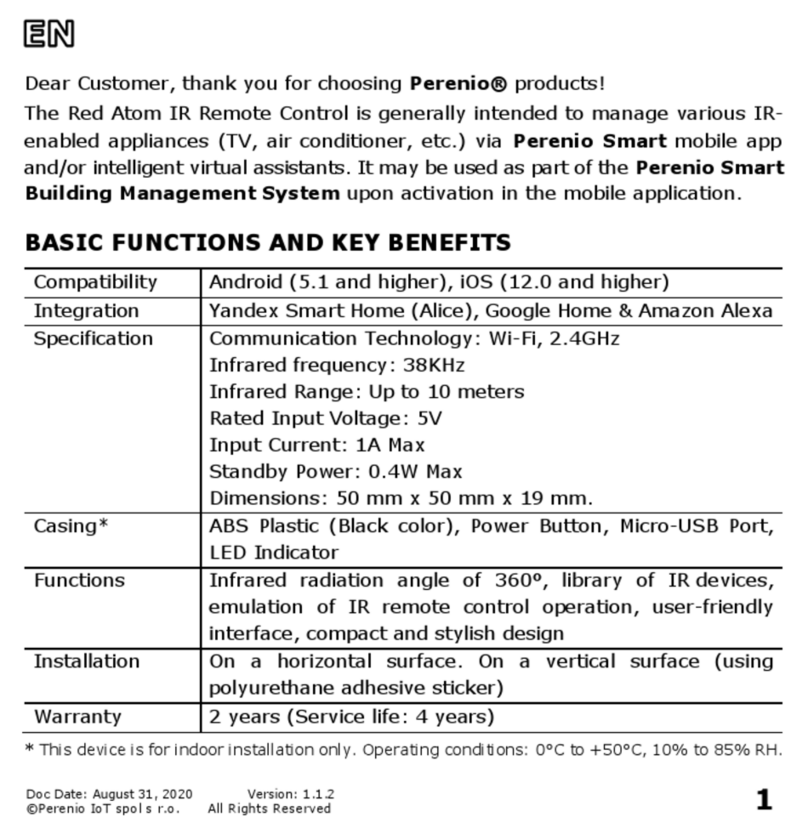
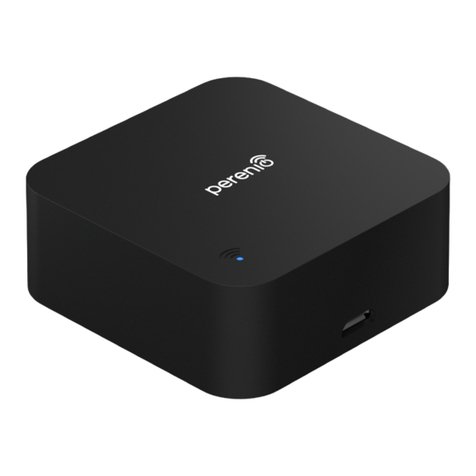
Installation and Operation Manual for the
Perenio® Red Atom IR Remote Control
©Perenio IoT spol s r.o. All Rights Reserved Doc Version: 1.4.1
Page 7of 49
Table of Contents
Introduction ..................................................................................................... 3
Copyrights ....................................................................................................... 3
Responsibility and Technical Support................................................................... 4
Conformance to Standards................................................................................. 5
Table of Contents.............................................................................................. 7
1 General Description and Specifications ........................................................... 10
1.1 Device Purpose....................................................................................... 10
1.2 Technical Specification ............................................................................ 12
1.3 Scope of Delivery.................................................................................... 13
1.4 Packaging and Labelling .......................................................................... 14
1.5 Safe Operation Rules .............................................................................. 14
1.6 The Use of Power Adapters ...................................................................... 15
2 Installation and Setup................................................................................... 19
2.1 Initial Powering On ................................................................................. 20
2.2 Selection of the Mobile App for Control...................................................... 20
2.3 Activation in the Perenio Smart App.......................................................... 20
2.4 Management of Red Atom and Appliances (Perenio Smart) ......................... 27
2.4.1 Red Atom Control Panel ..................................................................... 27
2.4.2 Event History.................................................................................... 27
2.4.3 Additional Settings of the IR Remote Control........................................ 28
2.4.4 Control Panel for Home Appliances...................................................... 29
2.4.5 Additional Settings of the Home Appliance Remote Control .................... 29
2.4.6 Subscriptions.................................................................................... 30
2.4.7 Changing the Room or Location for the Red Atom................................. 32
2.4.8 History and Push Notifications ............................................................ 32
2.5 Activation in the Perenio Lite App ............................................................. 33
2.6 Management of Red Atom and Appliances (Perenio Lite) ............................. 40
2.6.1 Red Atom Control Panel ..................................................................... 40
2.6.2 Additional Settings of the Red Atom .................................................... 40