Before Operation
Please keep the followings to avoid potentially hazardous or damage to the products from mishandled
1. Use supplied authorized battery charger to recharge batteries.
2. Conrm battery polarity when inserting battery case into battery charger.
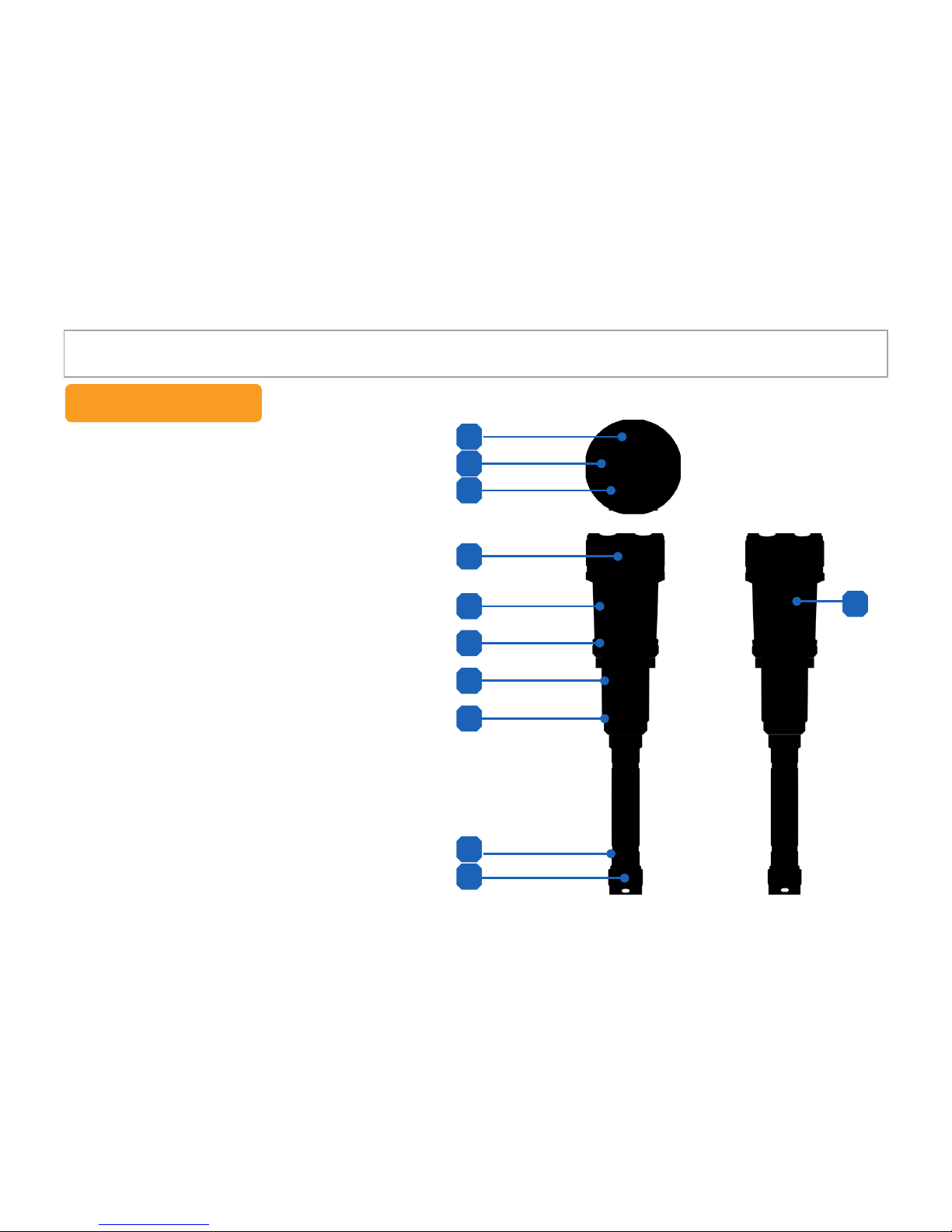
3. Rotate the battery cap open on the body and insert a battery case with correct polarity direction.
4. The LED on the battery charger changes from red to green color when charging is done completely.
5. Do not see the lights directly from the device, it may damage your eye sight.
6. GPS activation takes a little time after power on for searching satellites.
GPS information could not be stored during this searching time.
7. Receive sensitivity of GPS could be different from environment, weather and other factors.
GPS inaccessible area : Inside buildings, Underground parking lots, Complex skyscraper area,
Nasty weather etc.,
8. Once waterproof cap for functional key part is installed, it is not available to receive GPS signal.
9. E-Compass may have deviation in the environment of magnetic eld.
10. Map screen in the PC Viewer is not available without internet access.
11. Rotate the 3 caps (Battery cap, waterproof cap of interface & functional key) to close it completely
while using in underwater. (Waterproof O-ring is consumable so it is needed to be changed periodically.)
12. It may takes a little time to turn on the LCD display.
13. LCD display color could be changed in the low temperature.
( But it is not failure, it comes back soon in the normal temperature)
14. Do not shock the front lens and LCD display part.
15. Use the tweezers when change waterproof ring or pull out Micro SD card.
Directions
- 3 -