2
Contents
Legal Notice............................................................................................................................................................... 3
Contact Support...................................................................................................................................................... 3
Required items for complete configuration............................................................................................... 3
What’s In the Box?.................................................................................................................................................. 4
Recommended Reading List............................................................................................................................. 4
Introduction ............................................................................................................................................................... 5
Step 1: Installing the DJI UAV ............................................................................................................................ 5
Step 2: Configuring the UAV for Communication with the Phase One Camera...................... 6
Step 3: Connecting the iX Camera – DJI Communication Cable..................................................... 7
Step 4: Assembling the Ronin-MX Vibration Absorber......................................................................... 8
Step 5: Assembling the Phase One iX Camera into the Ronin-MX Gimbal ................................ 8
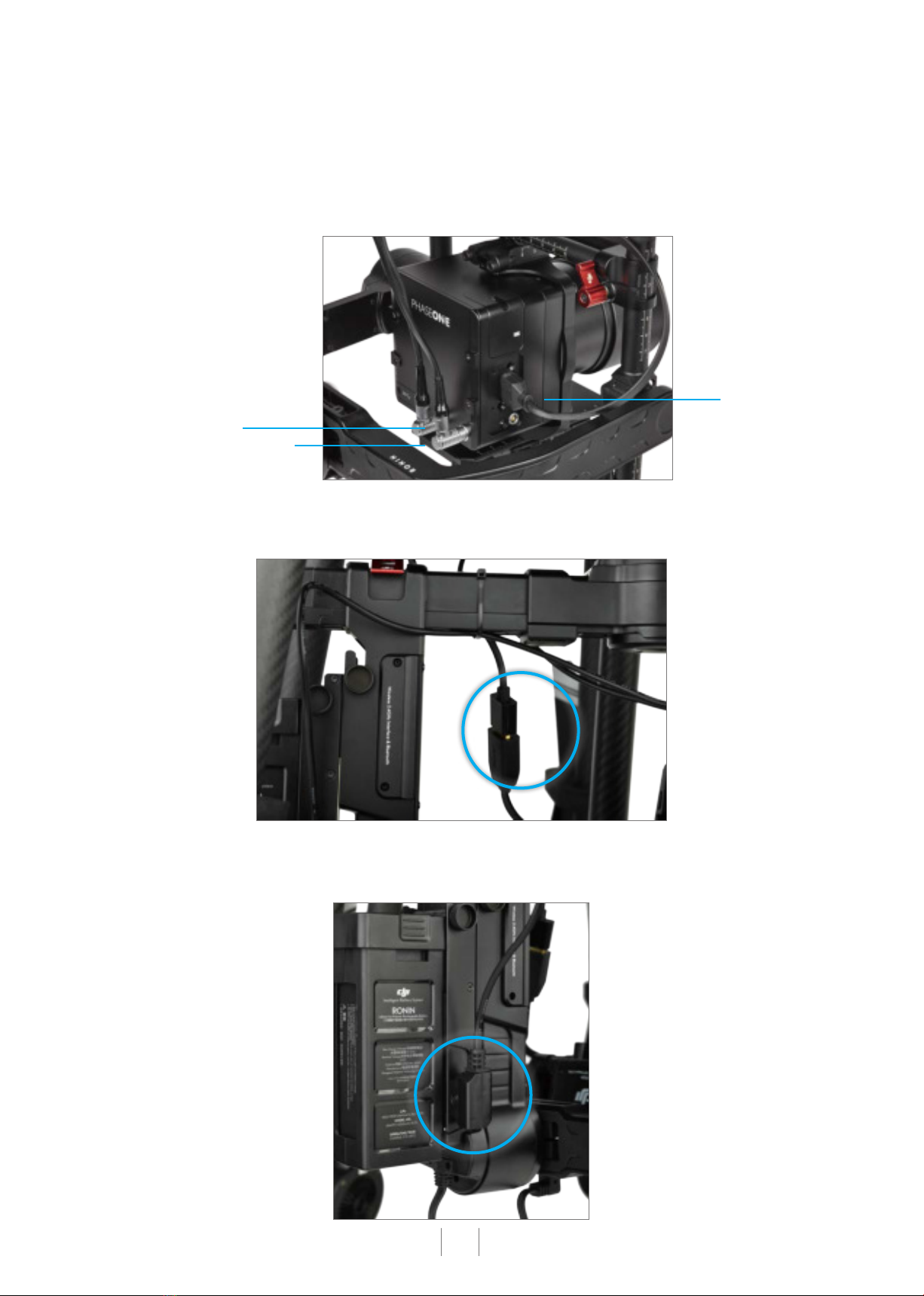
Step 6: Connecting the Cables ..................................................................................................................... 10
Step 7: Assembly Completion with ZipTie ................................................................................................. 11
Step 8: Configuring Phase One iX Camera to work with DJI UAV ................................................. 11
Step 9: Activation process ...............................................................................................................................12
Step 10: Calibrating the Ronin-MX ...............................................................................................................12