3XF Camera System Manual |
Primary parts of the XF Camera System 4
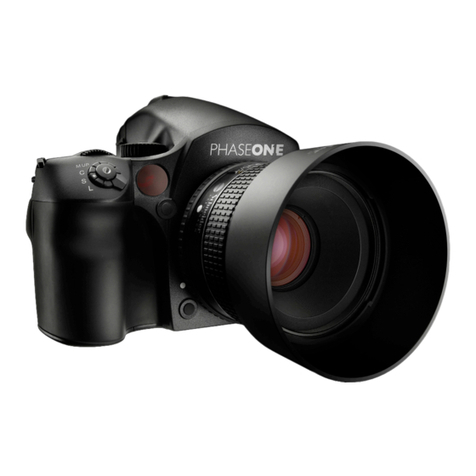
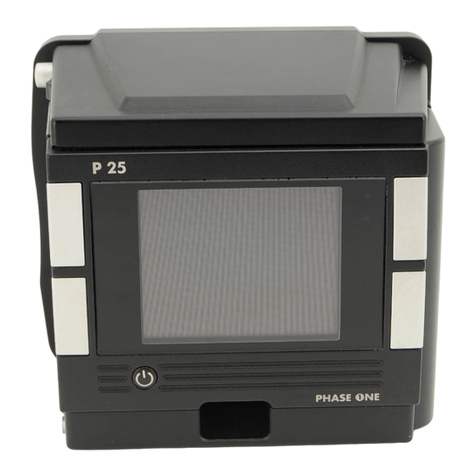
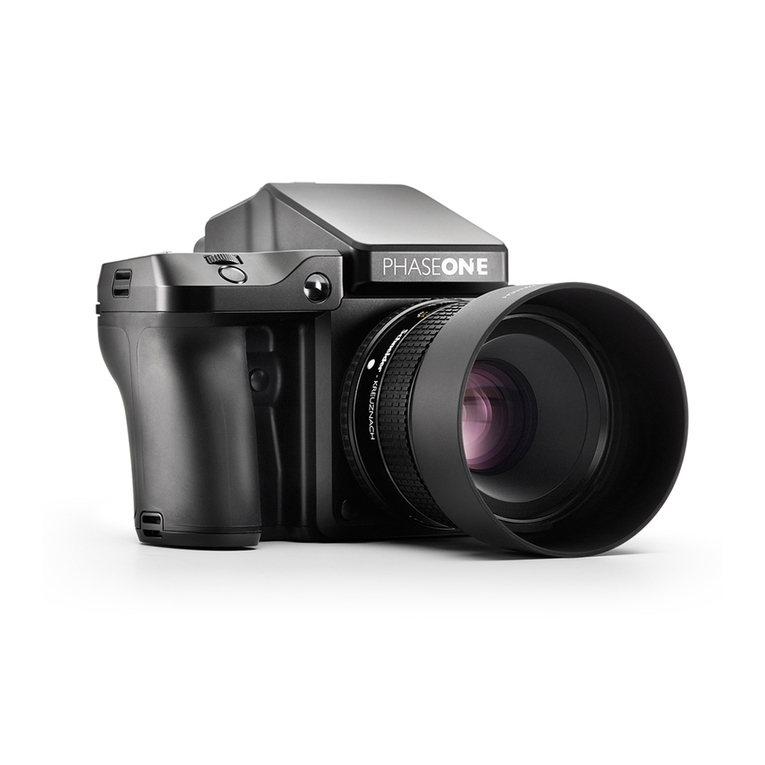
Lens, XF Camera Body, IQ Digital Back 4
Dials, Buttons and Touch Screen Interface 6
Lens, XF Camera Body, IQ Digital Back 6
Assembling the XF Camera System 8
Digital Back and camera body modularity 8
Readying the camera system 10
General advice for using the battery and charger 11
Navigating the XF Camera System 14
XF Camera Body Controls 15
OneTouch User Interface Flow Diagram 18
XF Camera Menu Overview 18
IQ Digital Back Menu Overview 20
OneTouch User Interface Overview 23
XF Camera Body Navigation 23
Top Touch Screen Display 24
Tools on the XF Top screen 25
IQ Digital Back Navigation 26
IQ Digital Back Navigation Shortcuts 27
IQ Digital Back Viewing images 27
IQ Digital Back Contextual Menu 28
Overview of Contextual Menu 28
Tools and settings in View Mode 32
Using the tools and settings in Tool View Mode 32
Prism Viewfinder Display and Functions 36
XF Camera System Settings Overview 38
XF Camera Body basic settings 38
IQ Digital Back Basic Settings 40
Basic settings, and how to restore defaults. 40
Custom White Balance 42
Creating a Custom White Balance 42
HAP-1 AF Focusing system 43
Working with hyperfocal distance 46
XF Camera System Capture Modes 48
XF Camera System Exposure Modes 49
Exposure Compensation 50
Long Exposure 51
Live View 52
Live View on the LCD, Capture One or HDMI monitor 52
XF Camara Body Custom Presets 54
Flash Photography 55
XF Camera System Lenses 56
Capture One Pro 57
The XF Camera System is bundled with Capture One Pro, 57
Capture One Tethered Use 60
Built-In WiFi and Capture Pilot 62
IQ Digital Backs with third party cameras 65
Mounting IQ digital backs on Mamiya RZ67 PRO II/D 66
IQ digital backs for Hasselblad H-series Cameras 67
IQ digital backs for Hasselblad V Cameras 68
IQ digital backs and Technical Cameras 70
System Maintenance 71
Learning More 72
Phase One Information 73
General Conditions 75
Notices 76
Content | XF Camera System Manual
Jump to
specific Section