manuals.online logo
Brands
  1. Home
  2. •
  3. Brands
  4. •
  5. PHS
  6. •
  7. Dryer
  8. •
  9. PHS Warner Howard Airstream Whisper User manual

PHS Warner Howard Airstream Whisper User manual

This manual suits for next models

1

Other PHS Dryer manuals

PHS WARNER HOWARD EL1100W Instruction manual

PHS

PHS WARNER HOWARD EL1100W Instruction manual

Popular Dryer manuals by other brands

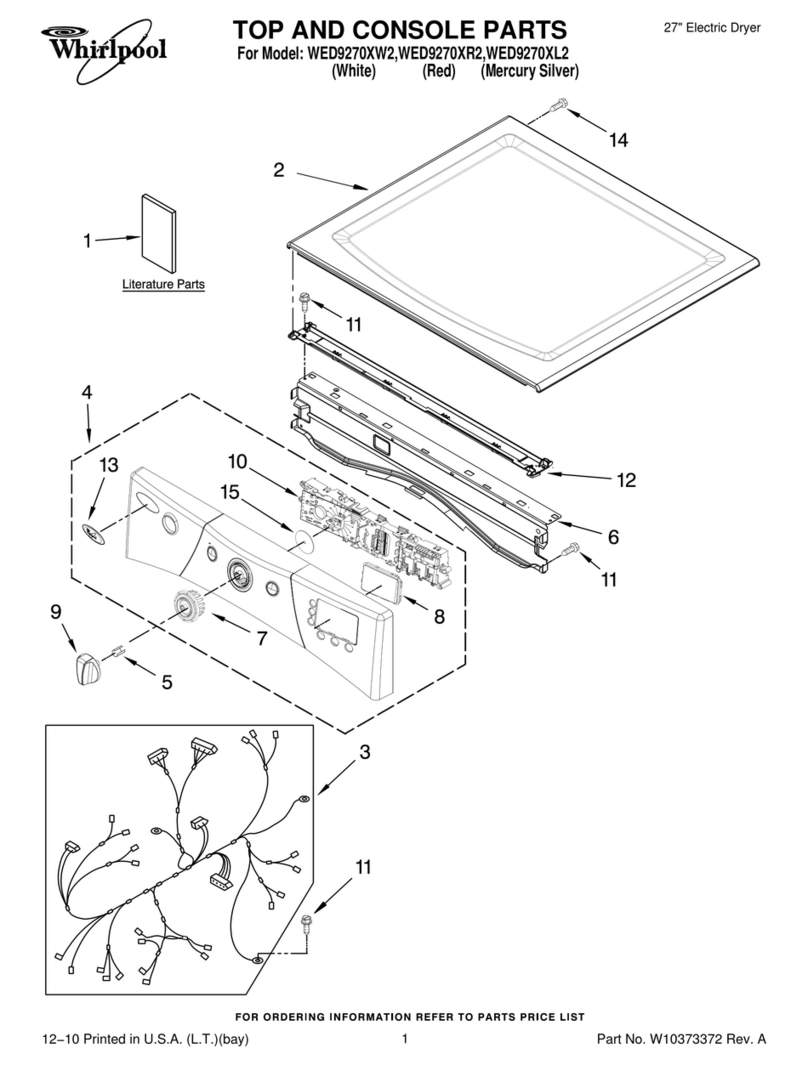
Whirlpool WED9270XL2 parts list

Whirlpool

Whirlpool WED9270XL2 parts list

Kleenmaid KED2000 Repair instructions

Kleenmaid

Kleenmaid KED2000 Repair instructions

SPI Supplies SPI-DRY Operation manual

SPI Supplies

SPI Supplies SPI-DRY Operation manual

Amana NGD5800DW Use & care guide

Amana

Amana NGD5800DW Use & care guide

Bosch WTG86402GB Installation and operating instructions

Bosch

Bosch WTG86402GB Installation and operating instructions

Maytag MED4200BW0 installation instructions

Maytag

Maytag MED4200BW0 installation instructions

ffuuss eos user manual

ffuuss

ffuuss eos user manual

KitchenAid 53-3498 installation instructions

KitchenAid

KitchenAid 53-3498 installation instructions

Schulthess Spirit topLine TW 8340 operating instructions

Schulthess

Schulthess Spirit topLine TW 8340 operating instructions

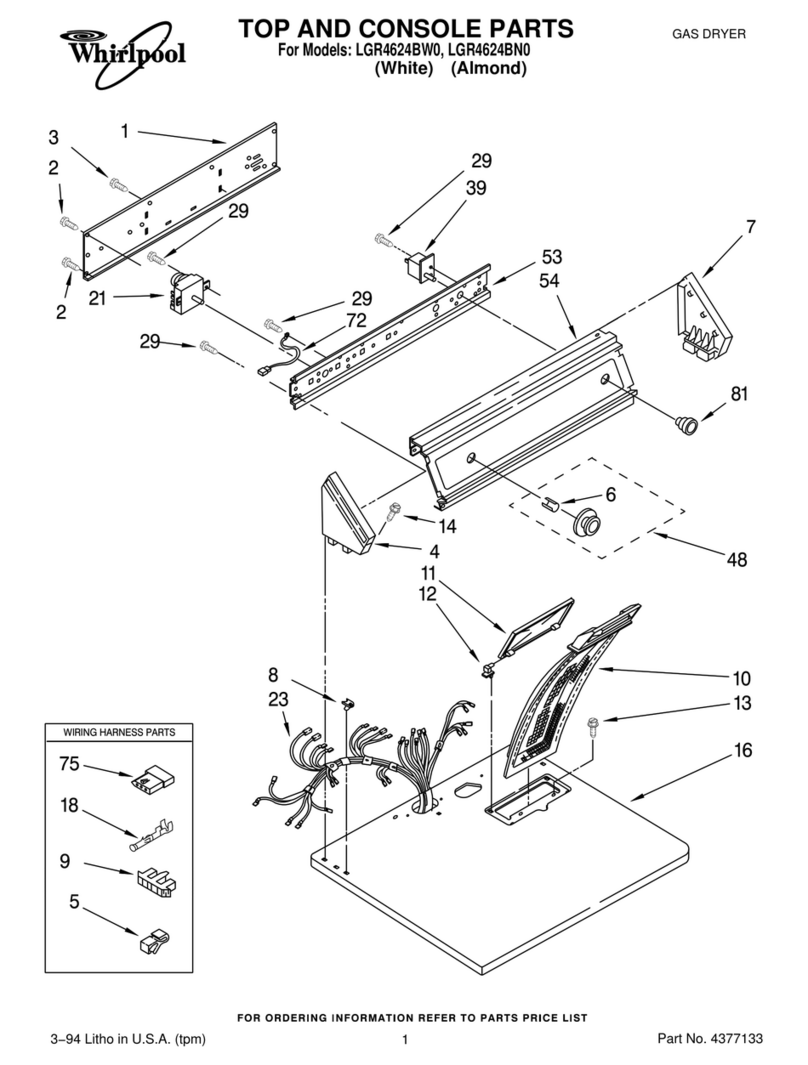
Whirlpool LGR4624BW0 parts list

Whirlpool

Whirlpool LGR4624BW0 parts list

World Dryer AirMax D M5-972A manual

World Dryer

World Dryer AirMax D M5-972A manual

Alliance Laundry Systems ADEE9BSS user guide

Alliance Laundry Systems

Alliance Laundry Systems ADEE9BSS user guide

Miele PDR 910 EL Operating and installation instructions

Miele

Miele PDR 910 EL Operating and installation instructions

Amana NGD5800TQ0 parts list

Amana

Amana NGD5800TQ0 parts list

Bosch WTA79200GB Installation and operating instructions

Bosch

Bosch WTA79200GB Installation and operating instructions

AEG TR838P4OB user manual

AEG

AEG TR838P4OB user manual

Asko T760 user guide

Asko

Asko T760 user guide

Electrolux EW2H328R2 user manual

Electrolux

Electrolux EW2H328R2 user manual

manuals.online logo
manuals.online logoBrands
  • About & Mission
  • Contact us
  • Privacy Policy
  • Terms and Conditions

Copyright 2025 Manuals.Online. All Rights Reserved.

PHS Group,Western Industrial Estate, Caerphilly, Mid Glamorgan, CF83 1XH Tel: 029 2085 1000 Fax: 029 2086 3288 www.phs.co.uk
SERVICING
Periodic cleaningofthe insideofthe dryerisrecommendedto preventabuild-upofdirt andfibres.
With the cover assembly removed asoft brush can be used to dislodge any debris.
An inlet filter is fitted to prevent debris from entering the motor.(Fig.14). This filter can be removed
andreplacedbypullingoutwardsas shown.(Fig.15).Replacementis the reversal ofremoval.
DESCRIPTION:
High speed lownoisewarm airhand dryer delivering 800 Watts ofdryingpower. Driven by
a universal brush motor this hand dryer runs on 230 Volts AC electrical supply. An infrared
sensor is used to automatically turn the dryer on and off. This model is intended for use in
commercial, industrial, office and public facility environments. It is particularly suited to
applications where operating noise is afactor.
SPECIFICATION:
Rating:760Wat 230Vac 50Hz
Construction: ABS
Dimensions (mm): 260x281x152
Weight: 2.80 Kg
IMPORTANT:
This appliancecan beused by childrenaged from 8 years and aboveand persons
withreducedphysical,sensory or mental capabilities or lack of experience and
knowledge if they have been given supervision or instruction concerning use of
the appliance in a safe way and understand the hazards involved.
Children shall not play with the appliance.
Cleaning and user maintenance shall not be made by children without
supervision.
AIRSTREAM WHISPER
Fig.12
Fig.13
PowerPlug
1
2
Fig.14
Fig.15
051291-A
Inlet Filter
Fig.1
Fig.3
SITING:
Avoid positioning above lightly coloured or polished surfaces.
Site carefully to avoid causing obstructions.
INSTALLATION:
Remove the cover assembly using the hex key as shown. (Fig.1) Turn the 2mounting screws fully
clockwise then slide the assembly forward in the direction shown. (Fig.2) The cover assembly can
now be removed from its backplate. (Fig.3)
FIXING
Place the handdryerbase at the desired location. Usingthe backplate as atemplate,mark the
position of the four fixing holes (Fig.4). Note; akeyhole slot is provided to aid installation.
Drillthe wallto acceptthe plugsandscrews provided.Secure the backplate assembly.
POWERCONNECTOR MODULE
The dryer benefits from aquick-connect power supply system which interfaces with the fixed
backplate.The connectormodulepositionisdictatedbythe backplate. Itmustbe positioned and
secured as shown (Fig.5) to ensure correct cover fitment. Make provision for the electrical supply with
reference to the entry requirement of the power connector module.
POWER CONNECTION MODULE-FITTING
Remove the 2screws as shown (Fig.6) to release the outer cover.
Remove the terminal connector by sliding upward as shown (Fig.7). This provides access to
securing holes in the module base component.
Position the base component as described previously (Fig.5) and mark the position of the 3
securing holes.Drill the wall to accept the plugs and screws provided. Fix the module base in
position.Ensure that it is secure.(Fig.8)
The hand dryer must be connected to the supply via a fused, double-pole isolating switch having a
contact separation of at least 3mm in all poles.
Feed the supply cable through the entry hole in the module base as shown. (Fig.9). Connect the
supply conductors as follows:
BROWNwire to the terminalmarkedL
BLUE wire to the terminal marked N
NOTE: This is aclass 2insulated product and does not require earth bonding. The terminal connector
has the facility to ‘park’ an earth conductor if one is present.
Re-fit the terminal connector. This is the reverse of removal in (Fig.7).Secure the cable beneath
the cableclamp(Fig.10)
Replace the outer cover and secure using the 2screws removed previously (Fig.11)
COVER RE-FITTING
Installation can now be completed by making the connection to the power module and replacing the
coverassembly.
Locate the powerplugsituatedinsidethe coverassembly(Fig.12)
Connect to the terminal in the power connection module (Fig.13)
Locate the cover assembly on the backplate and slide downward into position. This is the
reversal of the installation process in Fig’s 1, 2&3.
Secure the coverassemblybyrotatingthe 2mountingscrews anti-clockwise.DO NOT OVER
TIGHTEN.
TESTING
Switch on at the supply. The standby light within the cover should illuminate.
Place hands beneath the dryer. The dryer should start automatically and the light indicator will
change from standby to operating mode.
When the hands are removed the dryer should stop within afew seconds and the standby light
should be visible again.
Fig.2
Fig.4
Fig.5
Fig.6
Fig.7
Fig.8
Fig.9
Fig.10
Fig.11
Cable entry options. Either
from rear of backplate or
through cover access knockout.