BT Function
1. Enter/exit
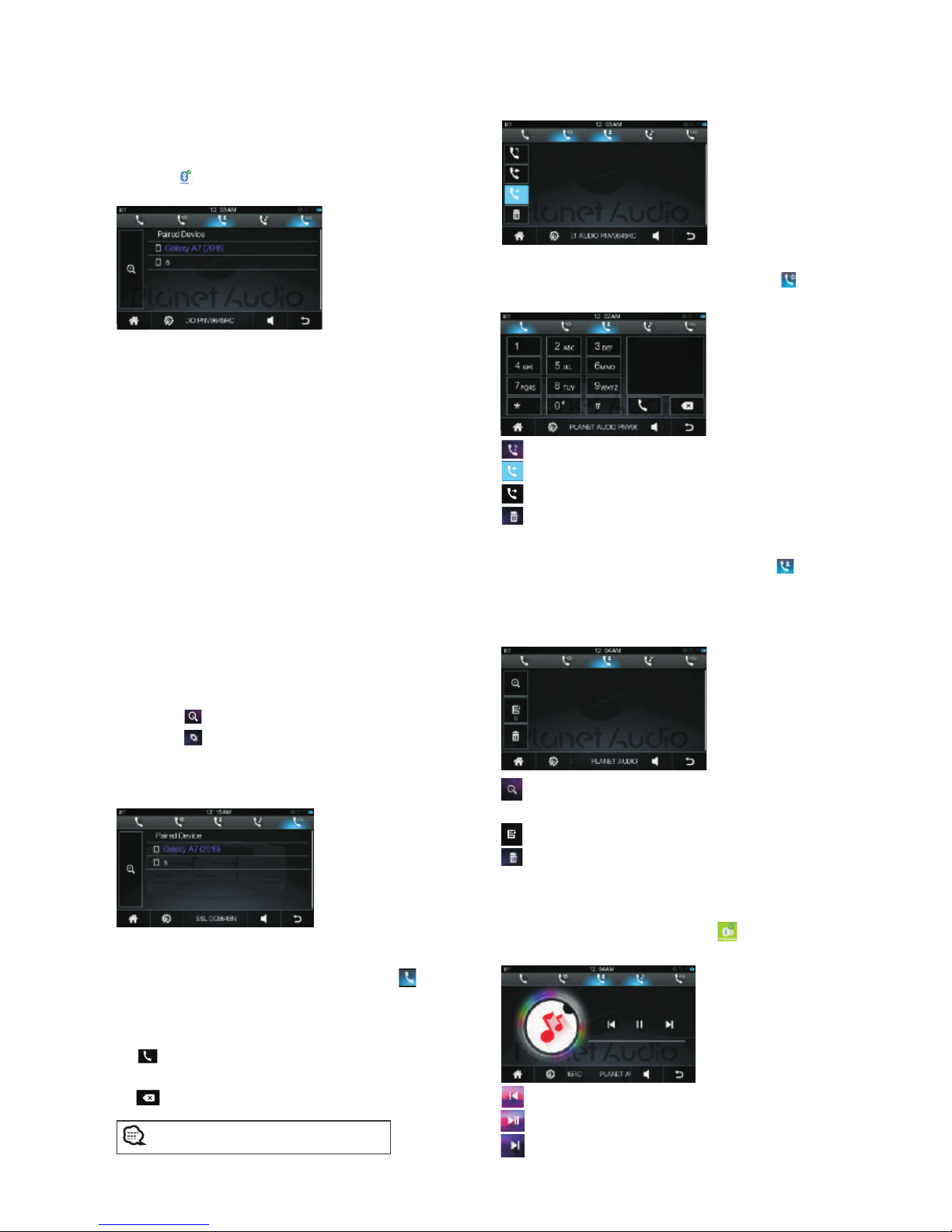
Touch [ ] icon in the main interface to enter
the BT interface.
2. Pair/link
To use BT hand-free function, make connection
first, i.e. match thehost with the BT mobile phone.
Operation methods:
The first to pair mobile phone and car unit, pls
follow below steps:
① open phone's BT
② Scan BT and search for bluetooth pairing
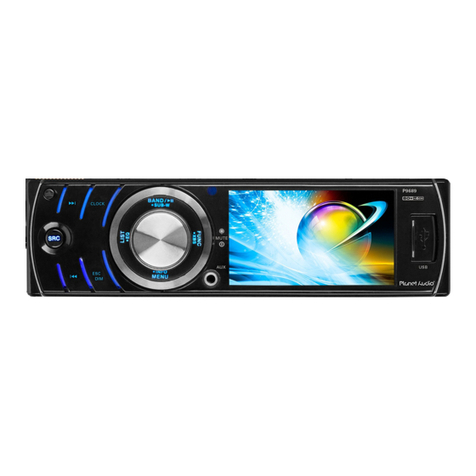
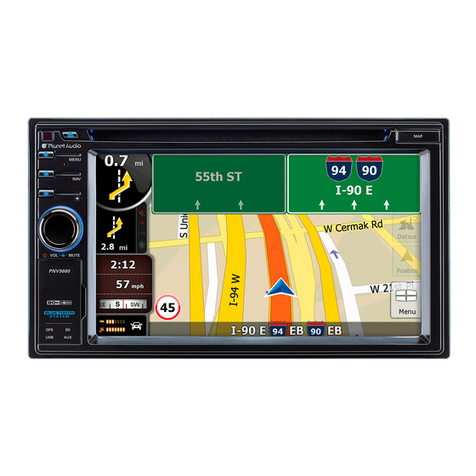
name " Planet Audio PNV9645 ",then connect it.
③ there will be a prompt message on the screen,
then input password “0000”, press OK button to
confirm.
④ after pair finished, the mobile phone's name
will be shown on the screen.
⑤ for wireless connection, if system restarted, car
unit will automatically connect the last
disconnected phone.
3.matching record
Touch【 】 icon can search mobile BT device.
Touch【 】 icon can disconnect current
connection; after disconnection, press again to
re-connect last device; choose one of matching
record, press again can delete it.
4.Dial/Answer/Switch/Hang up
◆Dial phone
In wireless connection menu, touch【 】
icon can enter dial number interface:
When phone and car unit connected successfully,
input number buttons in touch screen, and touch
【 】 icon to dial.
In dialing mode, if input wrong number, click
【 】icon can delete number one by one.
You can dial by mobile directly as well
View missed calls
View answered calls
View dialed calls
Delete one call record
Call record
In wireless connection menu, touch【 】 icon
can enter call record interface.
In wireless connection menu, touch【 】icon
can enter phone book interface.
After phone and car unit paired well, can read
and store phone book's address book in unit.
Phone book
Touch number/letter can search phone book's
telephone number.
Touch icon can download phone book record.
Touch icon can delete one of the numbers.
Phone music
After phone and car unit paired well, in wireless
connection interface, touch【 】 icon can enter
phone music, then can play music in the phone.
Touch icon can play last song.
Touch icon can pause/play.
Touch icon can play next song.
08