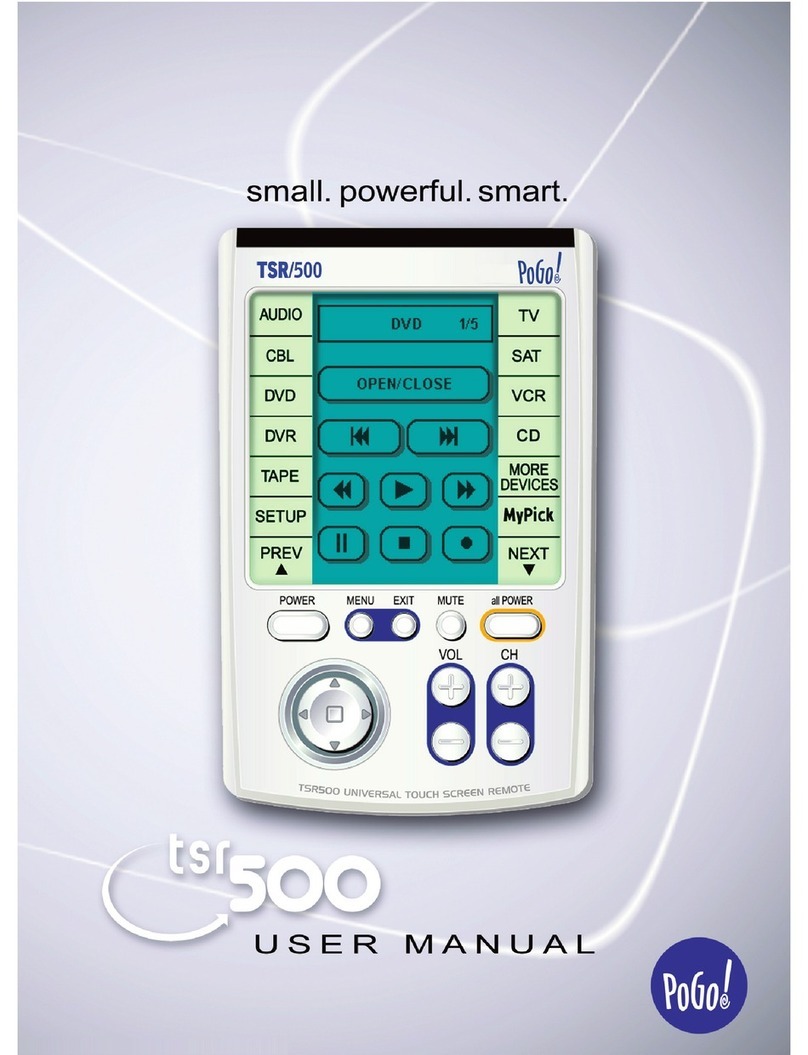
Battery Free
Universal Remote
Operating Manual
ModeI:RH56H00
FJWER
0
0
6
POGO!Products. Inc
590
W
Canlrai
4"s
Su
<e
E
Bna
CASZ821
www.pogoproducts.com
Another Digitnl InnovntionlromPOGO!
PI
1
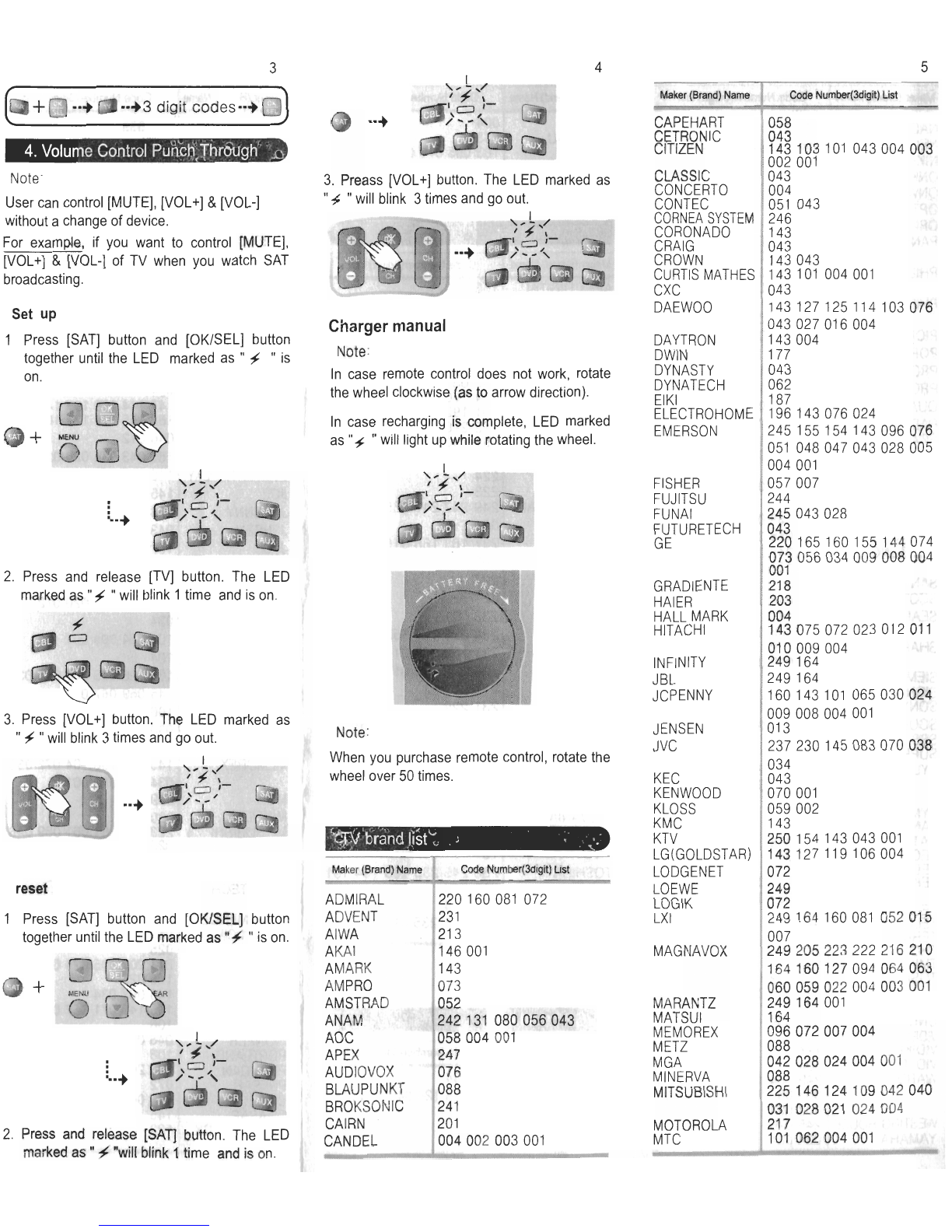
Please fully charge generator at the
beginning
2.
LED markedas
"/
"
will be case recharging
is complete.
3.
Please charge generator on occasions.
1.
The Numbersof times for full rechargingof
generator,30 times.
2.
The ava~lbletimes afler full recharging
:
About 1,000tlmes.
3. The availdays afterfull
recharging
:
About
7
days.
Set
up
TV
1.
Turn on TV.
2.
Press[TV] buttonand [OWSEL] button
togetheruntilthe LED markedas
"
f
"
is on.
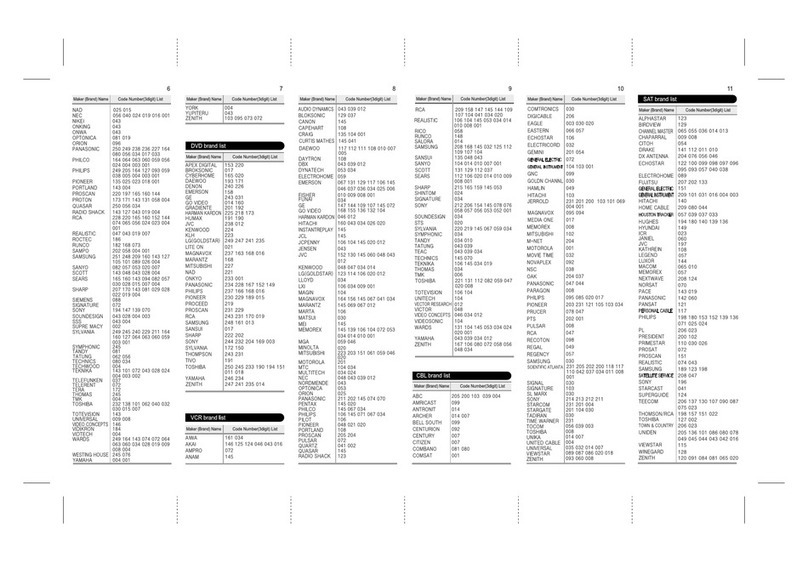
3. Enter the 3 digit codes from brand list
page
4
to
7
(If
TV
does not turn off, enter another
3
digit
codesfrom the same brand.)
For
example,
if
3
digit codes is "052" press
"0"
,"5".
"2"
inturn.
L
4.
IfTV turns off, press [OWSEL] button.
The LED markedas
"4
"will blink
3
times
and go out.
Note:
If TV doesn't work properly, repeat step
1
to
step
4
until all buttonswork properly.
Set
up
DVD,VCR, CBL,
SAT
Note:
It is the same as TV method, press device
button you wish to program and [OKISEL]
buttontogetheruntilthe LED markedas
"/
"
is
on. Then enter the 3 digit codesfrom brand list
page
7
to
11.
If your device turns off, press
[OWSEL]button.
Set
up
AUX
Note:
AUX can be programmedto control a second
TV, VCR or otherdevices.
For
example,
in case of programmingAUX to
controlTV.
1.
Turn on TV.
2.
Press [AUX] buttonand [OKISEL] together
untllthe LED marked as
"f
"ison.
3
Pressand release[TV] button The LED
markedas
"
j
"
will
bllnk 1tlme and
IS
on
4.
Enter the 3 digit codes you w~shto program
from brand list. If
TV
turns off,press[OWSEL]
button.
The LED marked as
"
f
"
will blink 3 times
and go out.