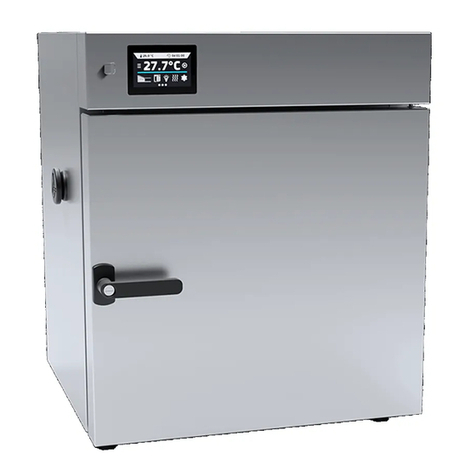
Instruction manual ILP SMART PRO
3
Contents:
1. INTENDED USE AND IMPORTANT INFORMATION FOR THE USER.........................................................6
2. PACKAGE CONTENTS..................................................................................................................................7
3. BEFORE THE FIRST USE..............................................................................................................................7
3.1. Installation of shelves ...........................................................................................................................10
3.2. Condensation in the chamber...............................................................................................................11
3.3. Remarks on the placement of samples.................................................................................................11
3.4. Closing chamber door...........................................................................................................................11
4. DESCRIPTION OF THE DEVICE..................................................................................................................12
4.1. Design of ILP devices...........................................................................................................................12
5. DEVICE EQUIPMENT (standard and optional)..........................................................................................14
5.1. Internal glass door (standard)...............................................................................................................14
5.2. External door with viewing window (optionally).....................................................................................14
5.3. Internal socket (optionally)....................................................................................................................14
5.4. Door lock (standard).............................................................................................................................15
5.5. Access port for external sensor (standard)...........................................................................................15
5.6. Open door alarm (standard) .................................................................................................................15
5.7. Internal LED light (optionally)................................................................................................................16
5.8. USB port (standard)..............................................................................................................................16
5.9. Display battery backup (optionally).......................................................................................................17
6. DEVICE OPERATION...................................................................................................................................17
6.1. External memory (USB flash drive).......................................................................................................17
6.2. First boot...............................................................................................................................................18
6.3. Using the keypad..................................................................................................................................18
6.4. User logging in......................................................................................................................................19
6.5. Main screen.................................................................................................................................19
6.5.1. Information panel..............................................................................................................................20
6.5.2. The meaning of icons and symbols..................................................................................................22
6.5.3. Upper expandable and configurable menu.......................................................................................24
6.5.4. Quick Note –user’s message...........................................................................................................26
6.5.5. Alarm bar..........................................................................................................................................26
6.6. Quick Program......................................................................................................................................26
6.7. Programs.....................................................................................................................................28
6.7.1. Creating / editing a program.............................................................................................................29
6.7.2. Segments edition..............................................................................................................................30
6.7.3. Summary of segments......................................................................................................................32
6.7.4. Protection class................................................................................................................................33
6.7.5. Temperature protection....................................................................................................................33
6.7.6. Priority..............................................................................................................................................33
6.7.7. Loop .................................................................................................................................................33
6.7.8. Defrosting program...........................................................................................................................34